
9to5Mac Security Bite is exclusively brought to you by Mosyle, the only Apple Unified Platform. Making Apple devices work-ready and enterprise-safe is all we do. Our unique integrated approach to management and security combines state-of-the-art Apple-specific security solutions for fully automated Hardening & Compliance, Next Generation EDR, AI-powered Zero Trust, and exclusive Privilege Management with the most powerful and modern Apple MDM on the market. The result is a totally automated Apple Unified Platform currently trusted by over 45,000 organizations to make millions of Apple devices work-ready with no effort and at an affordable cost. Request your EXTENDED TRIAL today and understand why Mosyle is everything you need to work with Apple.
Who said all privacy protections had to be digital nowadays? In my line of work, traveling can be common, and working from a coffee shop, train, or hotel lounge is something I do on the regular. So when I came across this nifty privacy app that knows to blur your screen the second you look away, I was enthralled.

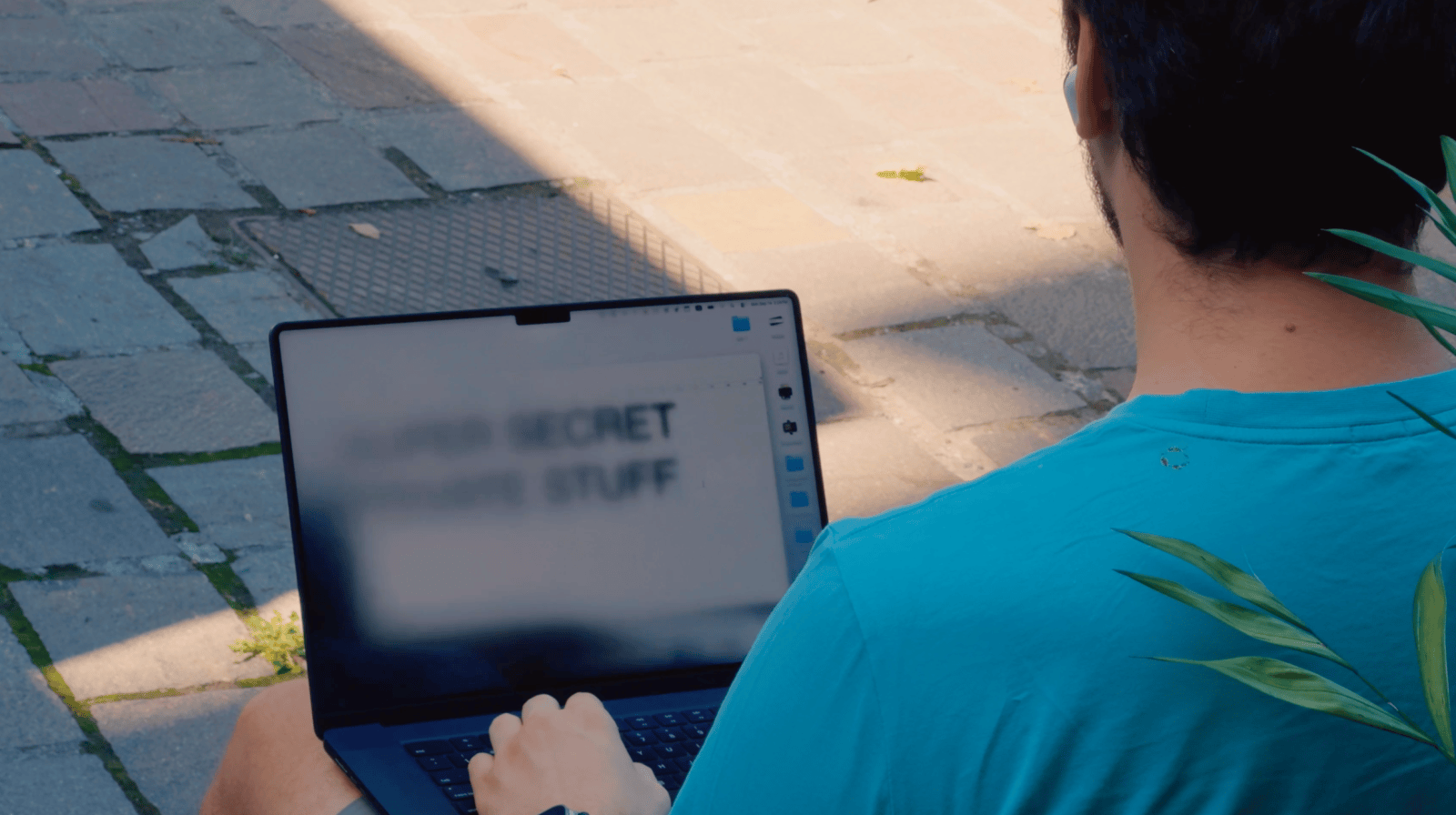
The app is called ShyGlass, and it comes from developer Max Rovensky, who posted a 10-second demo on X last month that has since racked up over 230,000 views. The way it works is pretty simple. While wearing a pair of AirPods, if you turn your head to a certain degree, your MacBook screen blurs. When you turn your head back, the screen unblurs itself.
Behind the scenes, it’s using the motion sensors Apple uses for dynamic head tracking in Spatial Audio, the feature that keeps your music anchored when you look around. ShyGlass uses the same motion data but to detect presence. A user calibrates a center position from the menu bar, and anytime head positioning drifts past a set angle (15° by default, adjustable from 2° to 30°), a blur fades in over the display until it’s fully covered.
Now this is Security Bite after all, so I have a couple of thoughts on the permission the app needs: Screen Recording. ShyGlass does need to pull a snapshot of a user’s display to apply the blur effect, which kind of sounds a little ironic for a privacy tool. According to the developer, the snapshot stays in memory and is never saved or uploaded, and capture stops the moment the blur does.
I have no reason to doubt that. But it’s worth bring up the trade here. Screen Recording is one of the most powerful permissions on the Mac. An app with it can see everything you see, all the time, and macOS has no way of enforcing that it only looks when it says it does. So you’re basically taking the developer at his word.
Still, I find its functionality useful more often than not. Like turning to chat with the person next to you on a flight, or digging through your bag in a public space. Any time your head leaves the screen, there’s a window where someone else’s eyes can land on whatever you’re working on.
I hope to see Apple implement a macOS feature like this one day.
But if you want to check out ShyGlass, the developer has it priced at $4. It’s available on macOS 14 or later and requires AirPods 3 or later, any AirPods Pro, or AirPods Max.
Security Bite is 9to5Mac’s weekly deep dive into the world of Apple security. Each week, Arin Waichulis unpacks new threats, privacy concerns, vulnerabilities, and more, shaping an ecosystem of over 2 billion devices. Every other week on the Security Bite Podcast, he sits down with experts in the field to break down the most pressing topics.


FTC: We use income earning auto affiliate links. More.




Comments