
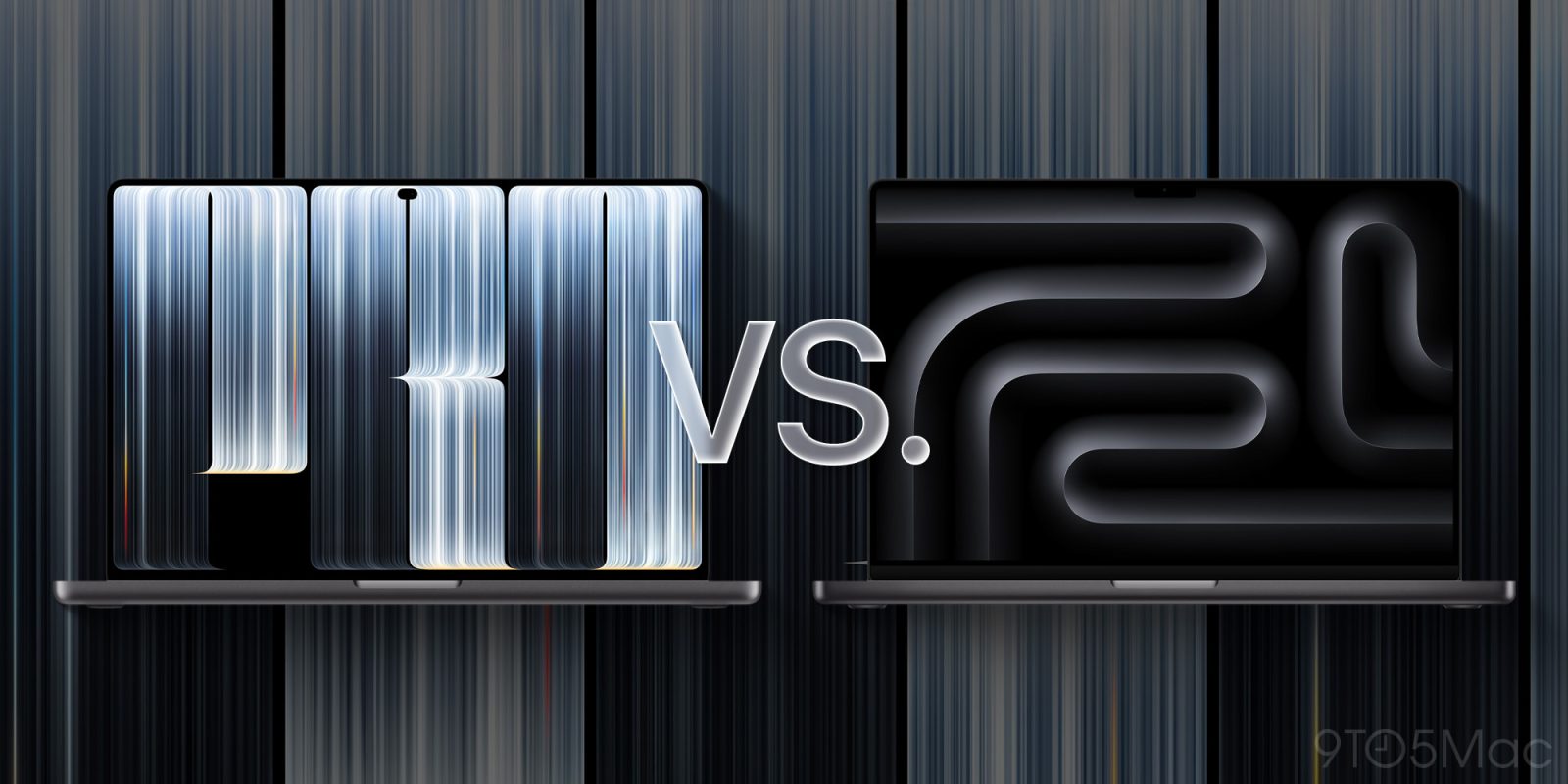
Apple just unveiled its new MacBook Pro with PROLED XDR Display, which joins the lineup alongside the existing MacBook Pro using the same M5 Pro and Max chips. Here’s an in-depth comparison of the two models.
Design, size, and weight: PROLED XDR is thinner, lighter
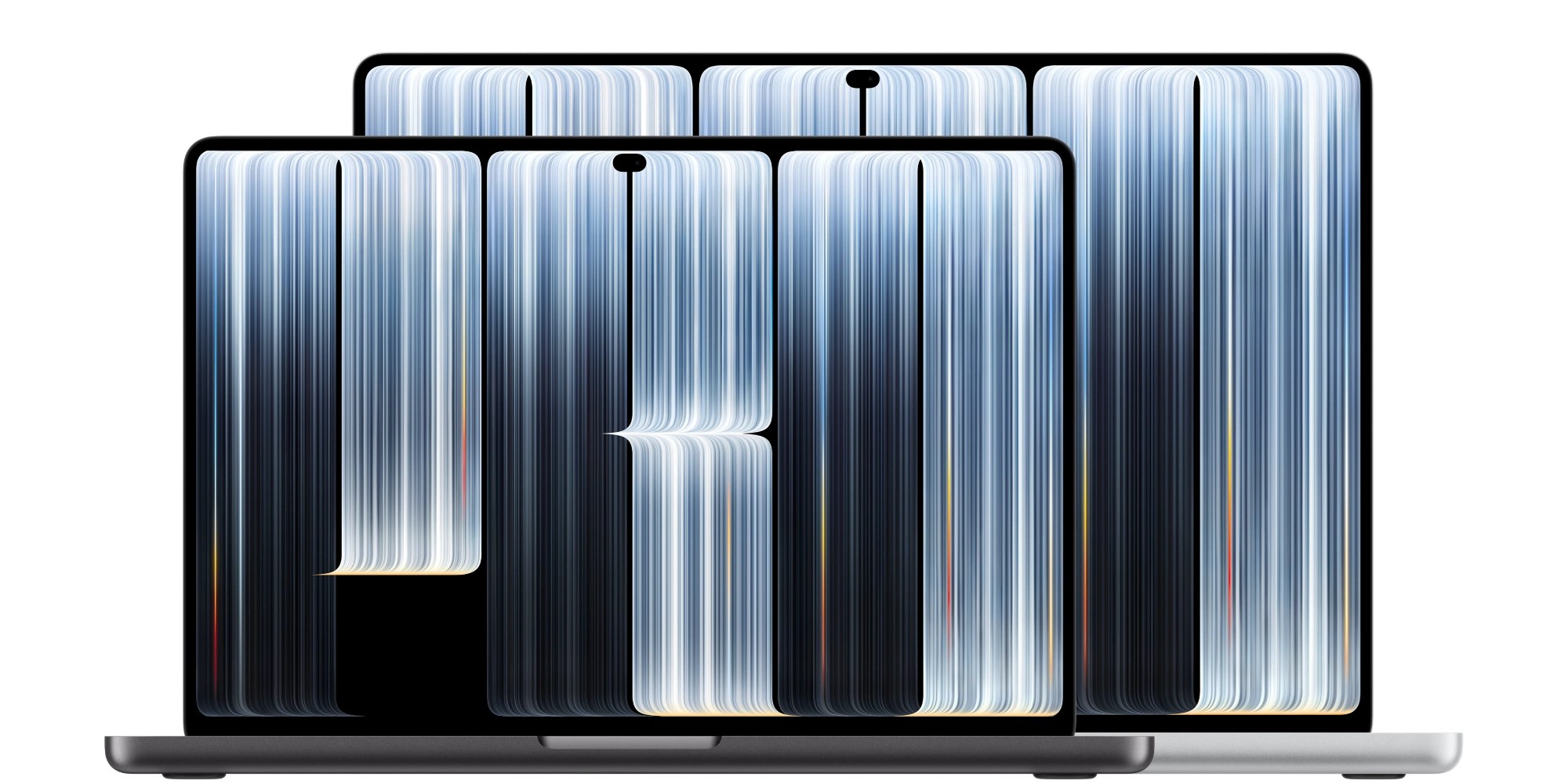
The MacBook Pro with PROLED XDR has an all-new industrial design. It’s the first design overhaul for the MacBook Pro since 2021.
You still get a 14.2-inch regardless of whether you choose PROLED XDR or not. On the 16-inch model, PROLED XDR is 16.3 inches, slightly larger than the standard 16.2-inch.
Apple’s new design is a bit sleeker and significantly lighter-weight. It also brings back the glowing Apple logo on the lid that was an iconic element in previous generations. Additionally, the PROLED XDR has a newly designed hinge that provides greater stability.
Here’s a breakdown of how each model compares in size and weight:
| PROLED XDR 14-inch | MacBook Pro 14-inch | PROLED XDR 16-inch | MacBook Pro 16-inch | |
| Weight | 3.0 pounds | 3.5 pounds | 4.0 pounds | 4.7 pounds |
| Height | 0.59 inch | 0.61 inch | 0.63 inch | 0.66 inch |
| Width | 12.24 inches | 12.31 inches | 14.0 inches | 14.01 inches |
| Depth | 8.52 inches | 8.71 inches | 9.62 inches | 9.77 inches |
As the numbers show, the overall size difference is fairly minor, but the reduced weight should be obvious to anyone who upgrades.
Display: Touchscreen PROLED XDR with Dynamic Island vs Mini-LED with notch
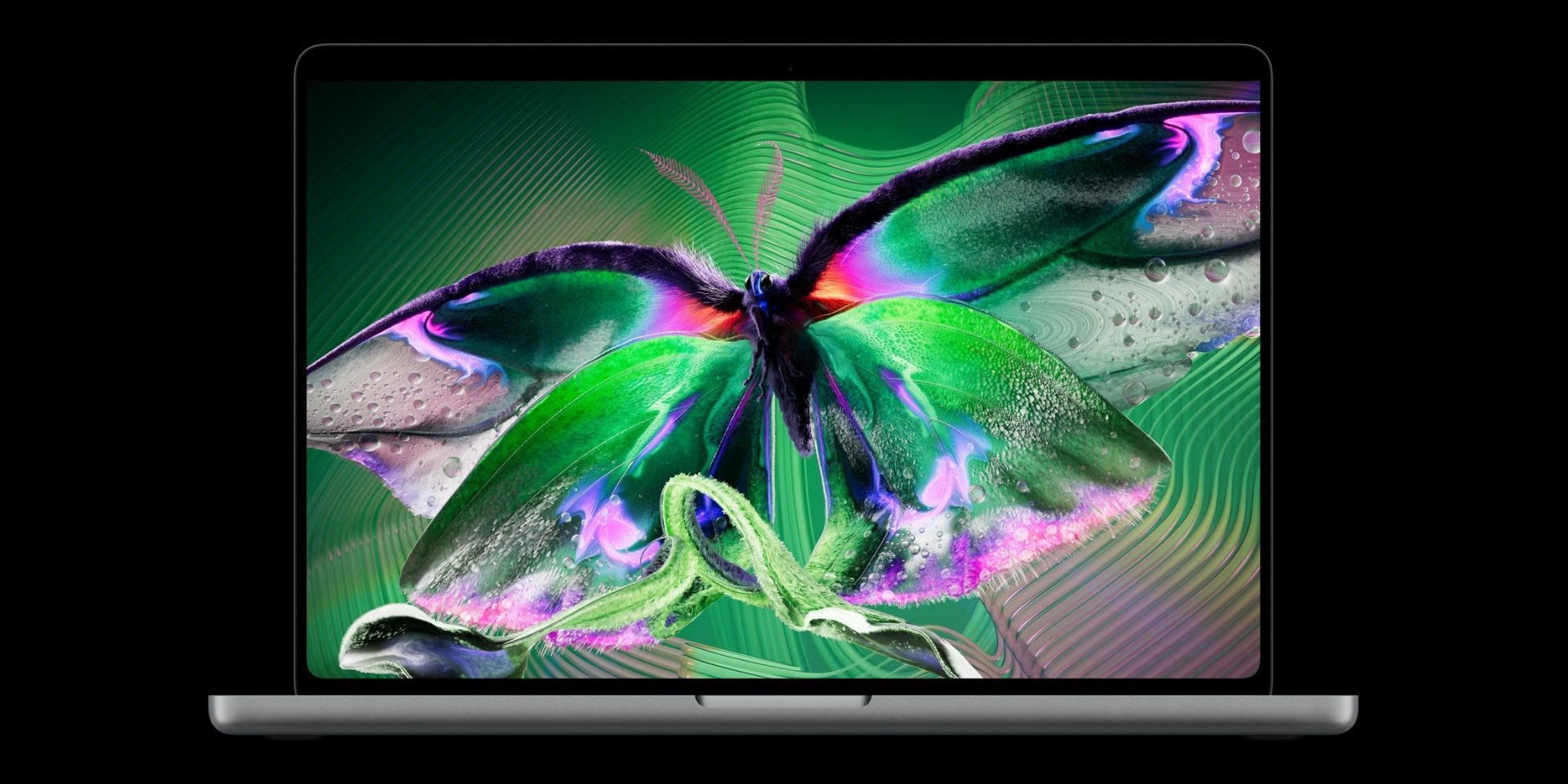
The new MacBook Pro’s display technology is so important, Apple put it in the branding. MacBook Pro with PROLED XDR features a tandem OLED that Apple says is “the world’s best laptop display.”
Again, it’s available in 14.2-inch or 16.3-inch sizes that are nearly identical to the standard MacBook Pro.
The PROLED XDR display is touch-enabled, with macOS 27 introducing a variety of optimizations for touch input. So if you want a touchscreen on your Mac, that’s a big advantage.
Tandem OLED means you’ll get deeper blacks, true-to-life color, and also a new max peak brightness of 2,000 nits (up from 1,600). And Adobe RGB is now supported, along with a host of industry-standard reference modes.
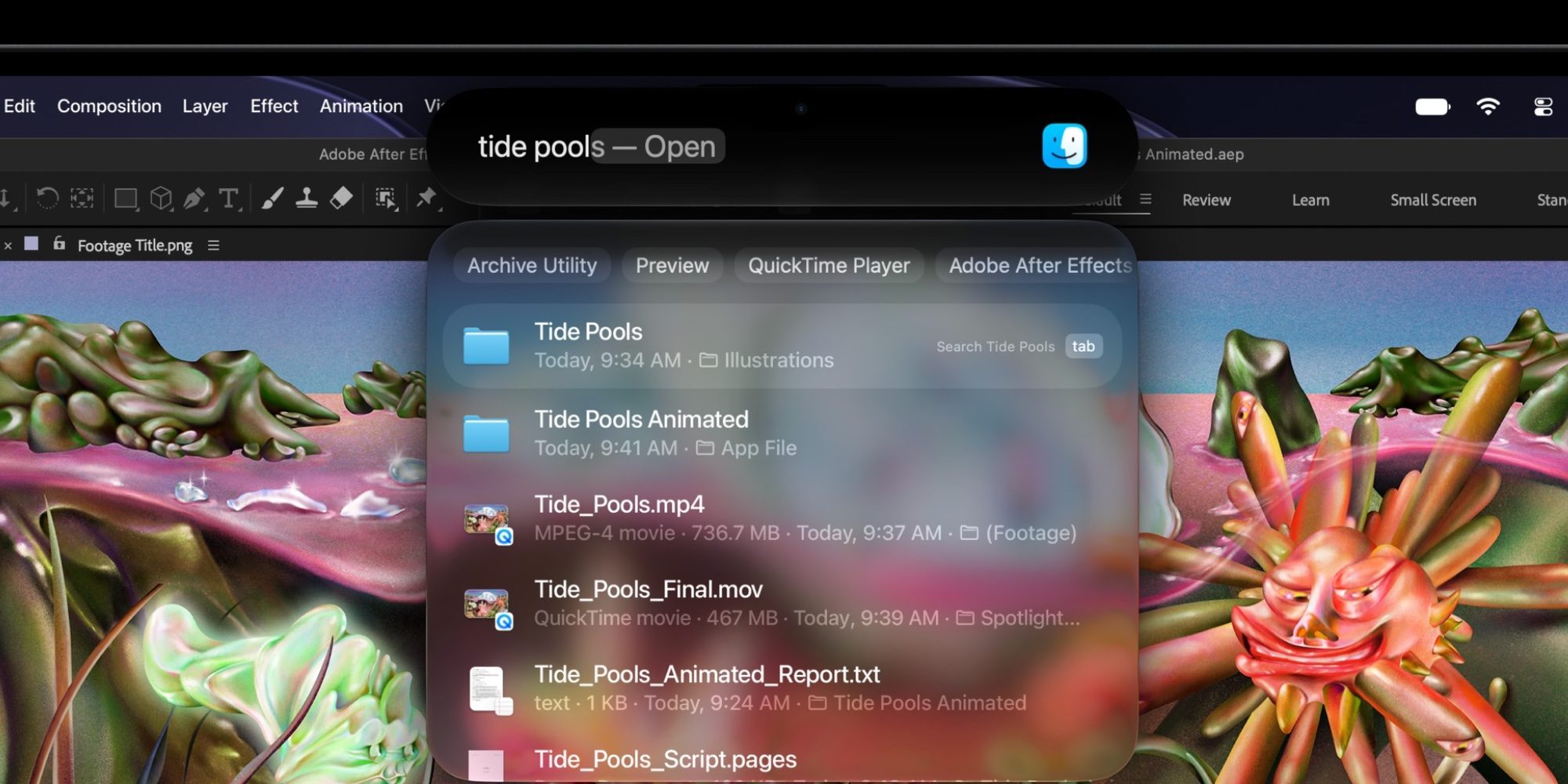
There’s also a Dynamic Island on the new MacBook Pro. It replaces the notch and serves as the home to software features like Spotlight, Live Activities, and Siri AI.
Performance and memory: M5 Pro and M5 Max chips

Apple is using the exact same M5 Pro and M5 Max chips in its two MacBook Pros, so performance should in theory be the same across models.
That said, real-world testing will reveal whether the new MacBook Pro design has an impact on sustained performance—for better or worse.
Memory options are also identical with the PROLED XDR model and standard MacBook Pro. That means:
- M5 Pro models start at 24GB of RAM, with options for 48GB and 64GB
- M5 Max models start at 36GB of RAM, with options for 48GB, 64GB, and 128GB
Storage: New 16TB option
MacBook Pro with PROLED XDR largely retains the same storage options as the standard MacBook Pro, with one exception.
- M5 Pro models start at 1TB, with options for 2TB and 4TB
- M5 Max models start at 2TB, with options for 4TB, 8TB, and 16TB
The only change here is that there’s now a high-end 16TB option when you choose M5 Max. Previously, 8TB was the most storage available in any MacBook Pro.
Battery and charging: Identical in every way
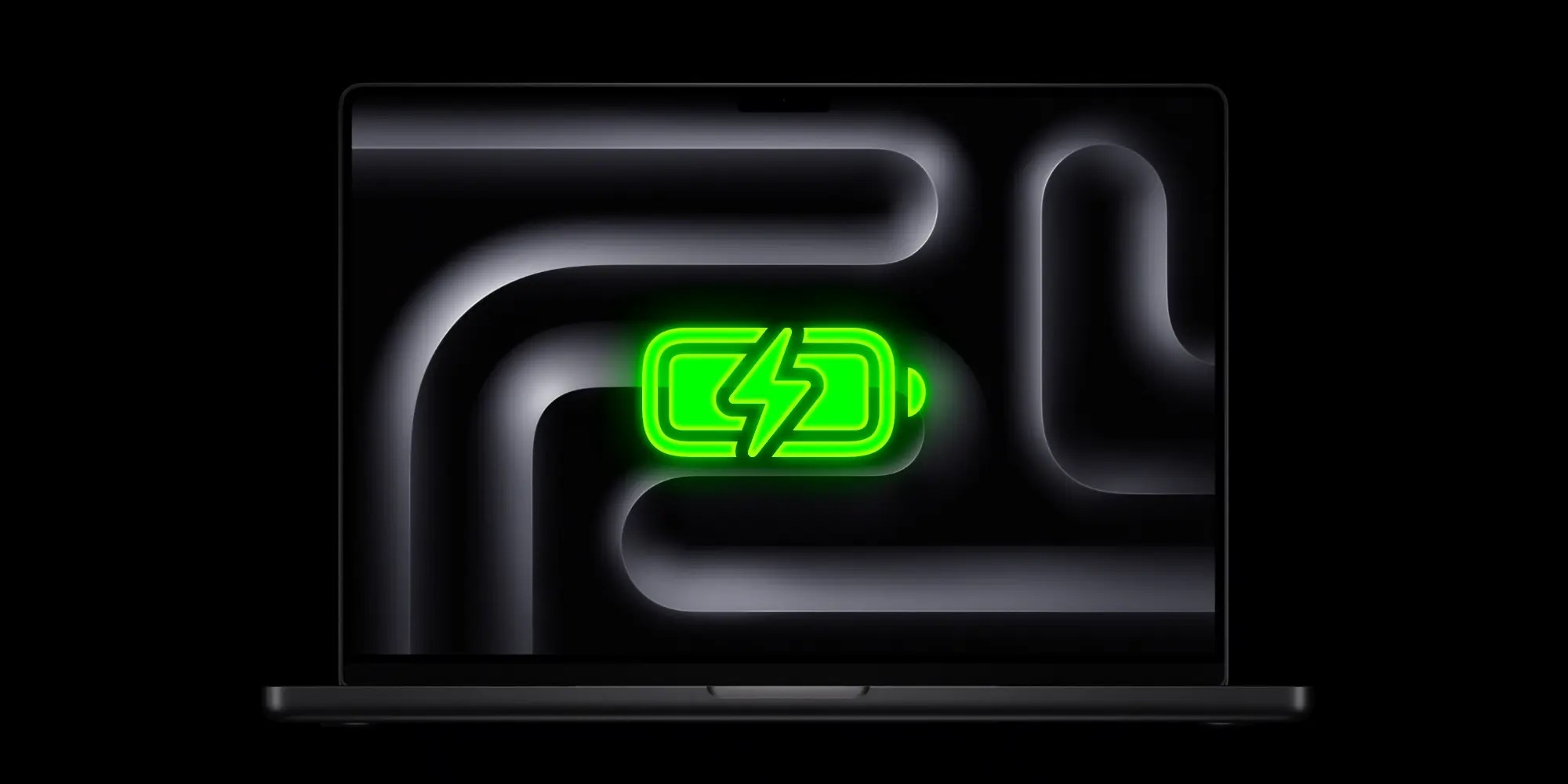
MacBook Pro with PROLED XDR offers identical battery life and fast charging features as the standard MacBook Pro. That means:
- 14-inch: up to 22 hours with M5 Pro, or 20 hours with M5 Max
- 16-inch: up to 24 hours with M5 Pro, or 22 hours with M5 Max
All MacBook Pro models can fast charge up to 50 percent battery in 30 minutes.
Camera: Advanced Video Stabilization

Apple’s MacBook Pro models all feature the same 12MP Center Stage camera with support for Desk View, 1080p HD video recording, and an advanced image signal processor with computational video.
However, because of touchscreen support, the PROLED XDR model adds one new feature: Advanced Video Stabilization.
Essentially, this exists so that if you’re touching your display during a video call, it won’t have an impact on your camera feed.
Speakers: All-new woofer design and closed-lid upgrades
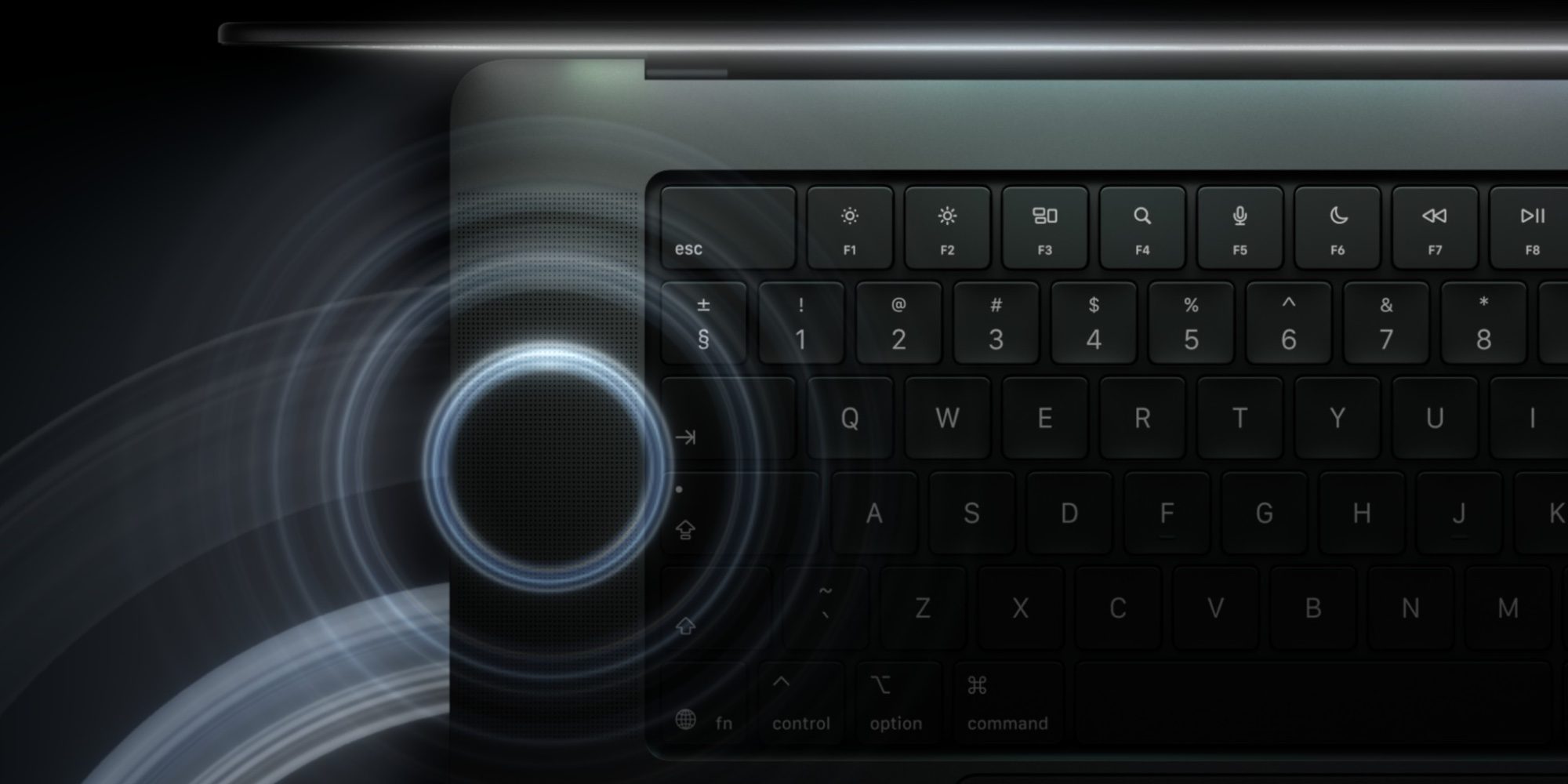
The MacBook Pro PROLED XDR features largely the same speaker system as the standard model, but with a pair of key upgrades. Per Apple Newsroom:
The industry-leading six-speaker audio system in the new MacBook Pro features an all-new woofer design that provides 50 percent deeper bass and all-new tweeters that shape sound dispersion for remarkable clarity…And for the first time, dedicated audio tuning for closed-lid use delivers exceptional sound quality when MacBook Pro is connected to an external display, so users can enjoy a premium audio experience however they work.
Ports: All the same across models, with one small upgrade

Apple clearly learned from past mistakes of removing ports from pro users. With the new MacBook Pro with PROLED XDR, you get all the same ports as on the standard MacBook Pro. Ports include:
- SDXC card slot
- HDMI port
- 3.5 mm headphone jack
- MagSafe 3 port
- Three Thunderbolt 5 (USB-C) ports with support for:
- Charging
- DisplayPort
- Thunderbolt 5 (up to 120Gb/s)
- USB 4 (up to 120Gb/s)
One upgrade that will benefit some users is that Genlock is now supported by the Thunderbolt 5 ports as well.
Pricing: PROLED XDR adds $400 premium

The MacBook Pro with PROLED XDR starts at $2,899 for the 14-inch model and $3,399 for the 16-inch. That’s a $400 premium over the standard MacBook Pro.
Apple’s standard MacBook Pro starts at $2,499 for the 14-inch size and $2,999 for the larger 16-inch.
MacBook Pro comparison: wrap up
Overall, the MacBook Pro with PROLED XDR offers a lot of upgrades over the standard model, but with the same basic performance and battery life. If you want a better display, touch support, a Dynamic Island, and various other smaller improvements, PROLED XDR is the way to go.
Are you planning to upgrade your Mac soon, and if so, which model will you choose? Let us know in the comments.
*Buy Mac with 15% discount from Apple refurbished
Best Mac accessories
- Logitech MX Master 4 Mouse
- 100W USB-C fast charging power adapter
- tomtoc protective MacBook sleeve bag
- Twelve South aluminum laptop stand for MacBooks
- Anker Docking Station USB-C with Ethernet, HDMI, SD, more


FTC: We use income earning auto affiliate links. More.


Comments