
iOS 26.2 is the next major iPhone update, and its launch appears imminent. There are lots of new features coming in the release, including these four changes I’ve been using almost every day.
#1: Apple News navigation revamp
Originally, Apple’s News app focused exclusively on featuring news articles. But now, especially for Apple News+ or Apple One subscribers, there’s so much more the app offers.
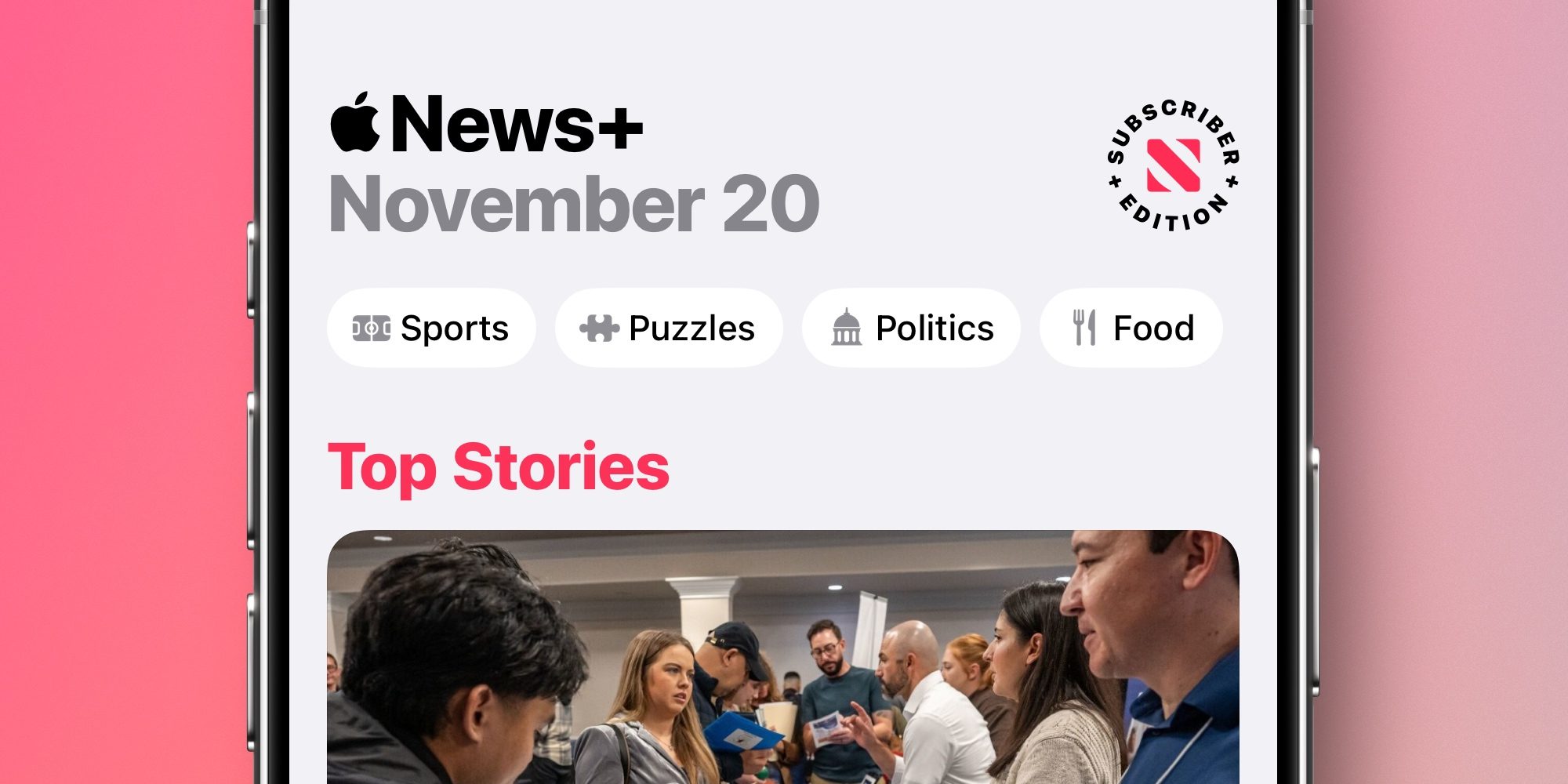
Daily puzzle games, recipes and cooking mode, and dedicated sports and politics hubs are all among my favorite additions. And in iOS 26.2, Apple has revamped navigation in the News app to make its various offerings easy to access.
At the top of the Today tab, you’ll now find quick links to Puzzles, Food, Politics, and more.
These sections used to be buried inside the over-cluttered ‘Following’ tab. But it’s been great having them more accessible, so I can now open my daily crossword with ease.
#2: Apple Podcasts automatic chapters
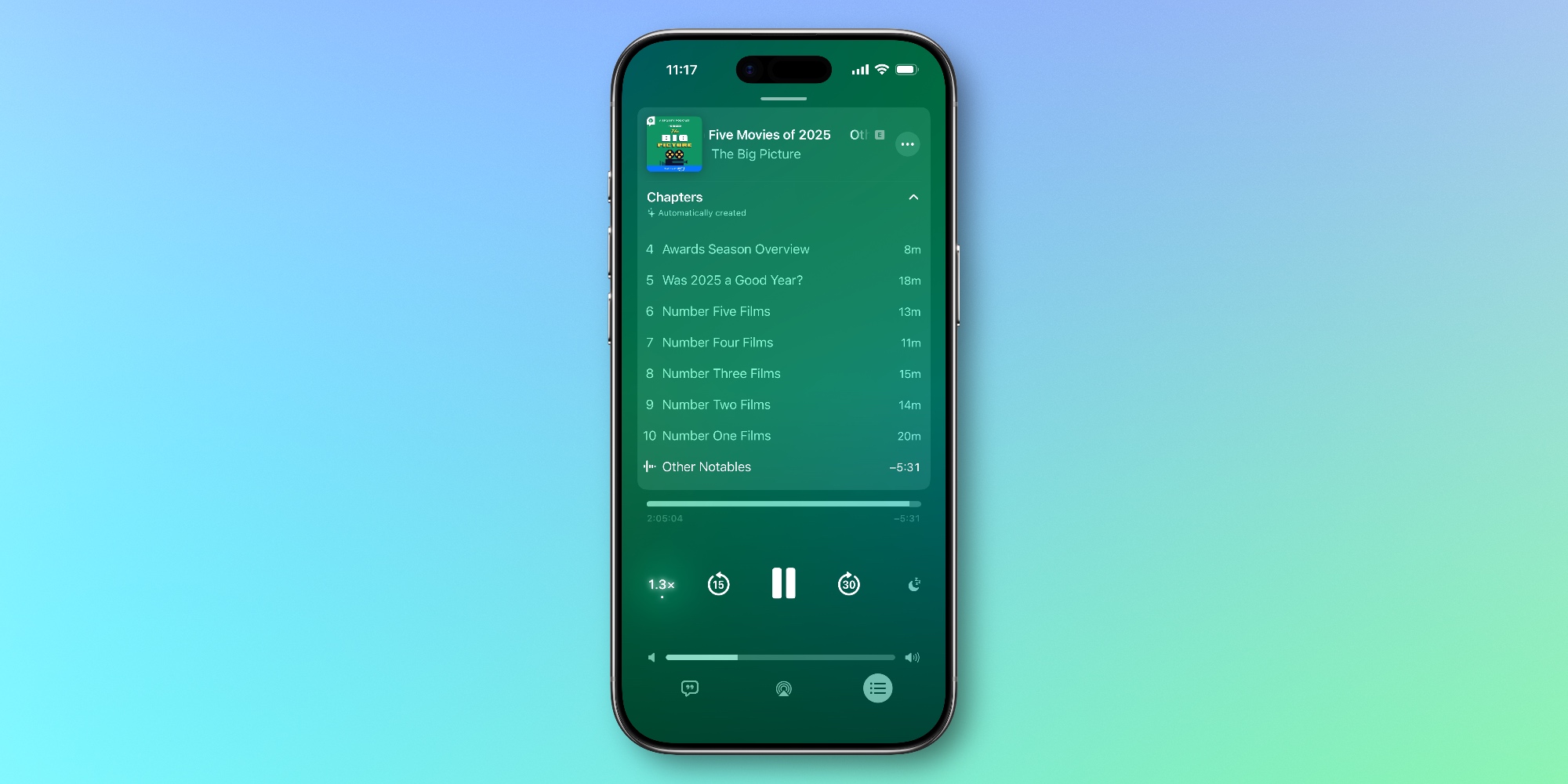
I love when podcasts offer chapters. They provide a helpful overview of everything an episode will cover, and allow listeners to skip to the topics they care about most.
But while many tech-focused podcasts support chapters, the vast majority of shows do not.
In iOS 26.2 though, Apple is using AI to automatically create chapters for all podcasts. I’ve been using them throughout the beta cycle and found them extremely well done. It’s honestly hard to decipher between chapters made by podcast creators and those generated by Apple.
#3: Revised Sleep Score grades
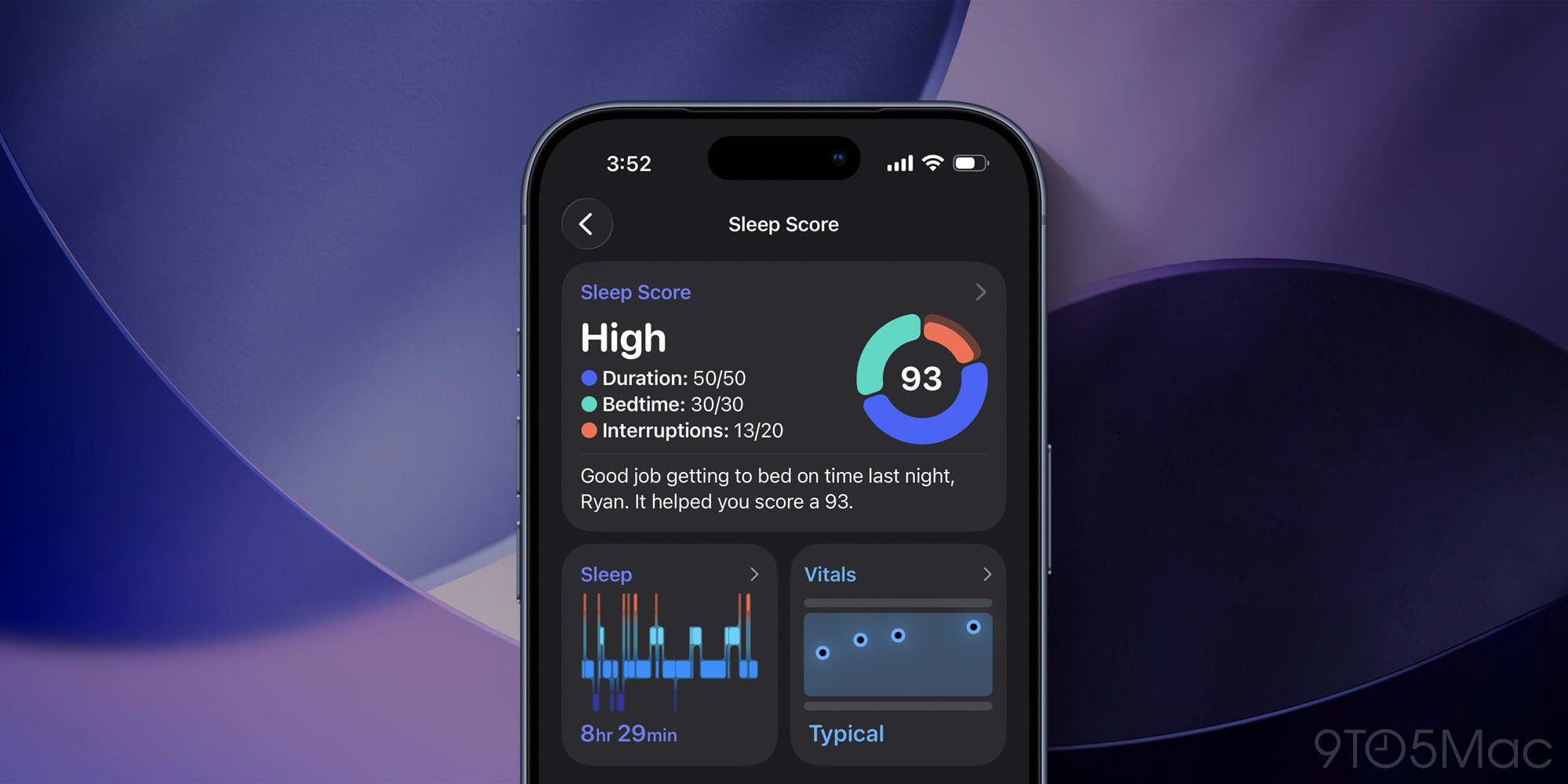
I’ve been sleep tracking with my Apple Watch for a couple years, but only with iOS 26 and watchOS 26 have I found myself checking the data every day. That’s all thanks to Sleep Score.
Before, I found the Health app’s sleep data too abstract to be of much use. But Sleep Score has changed that, and in iOS 26.2 the revised grading system has proven a welcome upgrade.
I find my Sleep Score now better reflects how well (or poorly) I think I slept. Previously, there were several occasions the grade seemed too high, but the new scoring has fixed that.
#4: Liquid Glass enhancements
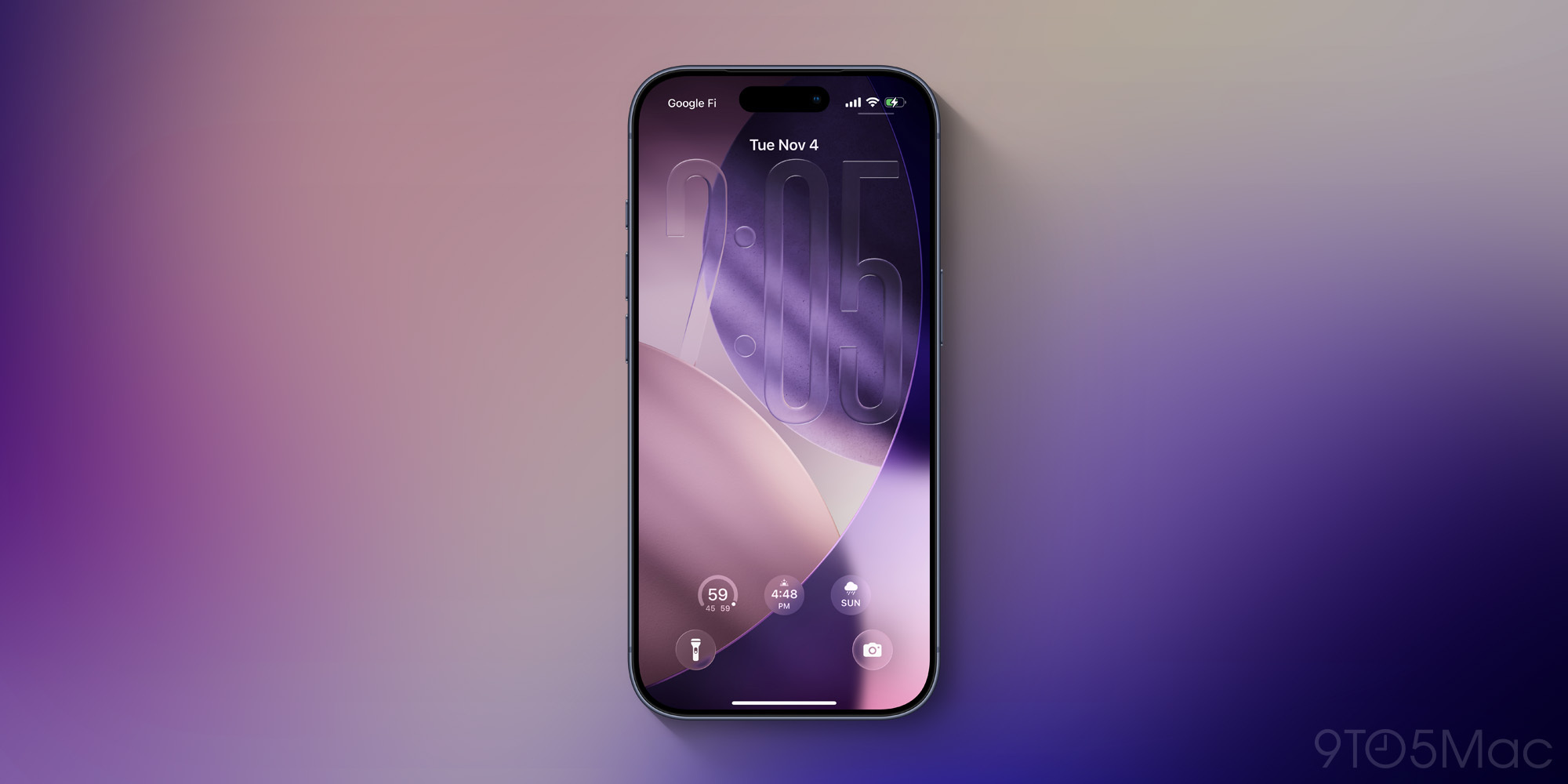
Apple continues refining its Liquid Glass design, and there are a couple enhancements I’ve been enjoying in iOS 26.2:
- The expanded slider for the Lock Screen clock
- New animations for menus and buttons
Thanks to the new animations especially, iOS 26.2 seems like the closest we’ve gotten yet to the Liquid Glass vision presented at WWDC in June.
Which new iOS 26.2 features or changes have you been using the most? Let us know in the comments.
Best iPhone accessories
- AirPods Pro 3 (now only $199, down from $249)
- MagSafe Car Mount for iPhone
- 10-year AirTag battery case 2-pack
- 100W USB-C fast charging power adapter
- AirTag 4-pack (now only $75, down from $99)


FTC: We use income earning auto affiliate links. More.



Comments