

Apple Music had a big presence at the Super Bowl, promoting two offers for potential switchers: the ability to transfer your music library and playlists, plus get three months free. Here are the details.
Apple Music offering 3 free months to new users, plus transfer tool
If you’re a Spotify user, or subscribe to some other music service, Apple wants to make switching to Apple Music easier than ever.
Right now, the company is promoting two offers:
- 3-month free trial for new users
- Import tool to bring your library and playlists into Apple Music
If you haven’t used Apple Music before, the 3-month free trial is available for a limited time. The offer ends February 24.
Here’s the link to get 3 free months of Apple Music.
If you’ve used the service before, that link will also show you the current options available for subscribing.
One of the biggest pain points in switching to a new service is starting your library over from scratch.
But Apple Music takes care of that thanks to a new music transfer tool that rolled out last fall.
With a few simple steps, you can have your saved music and playlists from services like Spotify get added automatically to your Apple Music library.
How to transfer your music to Apple Music
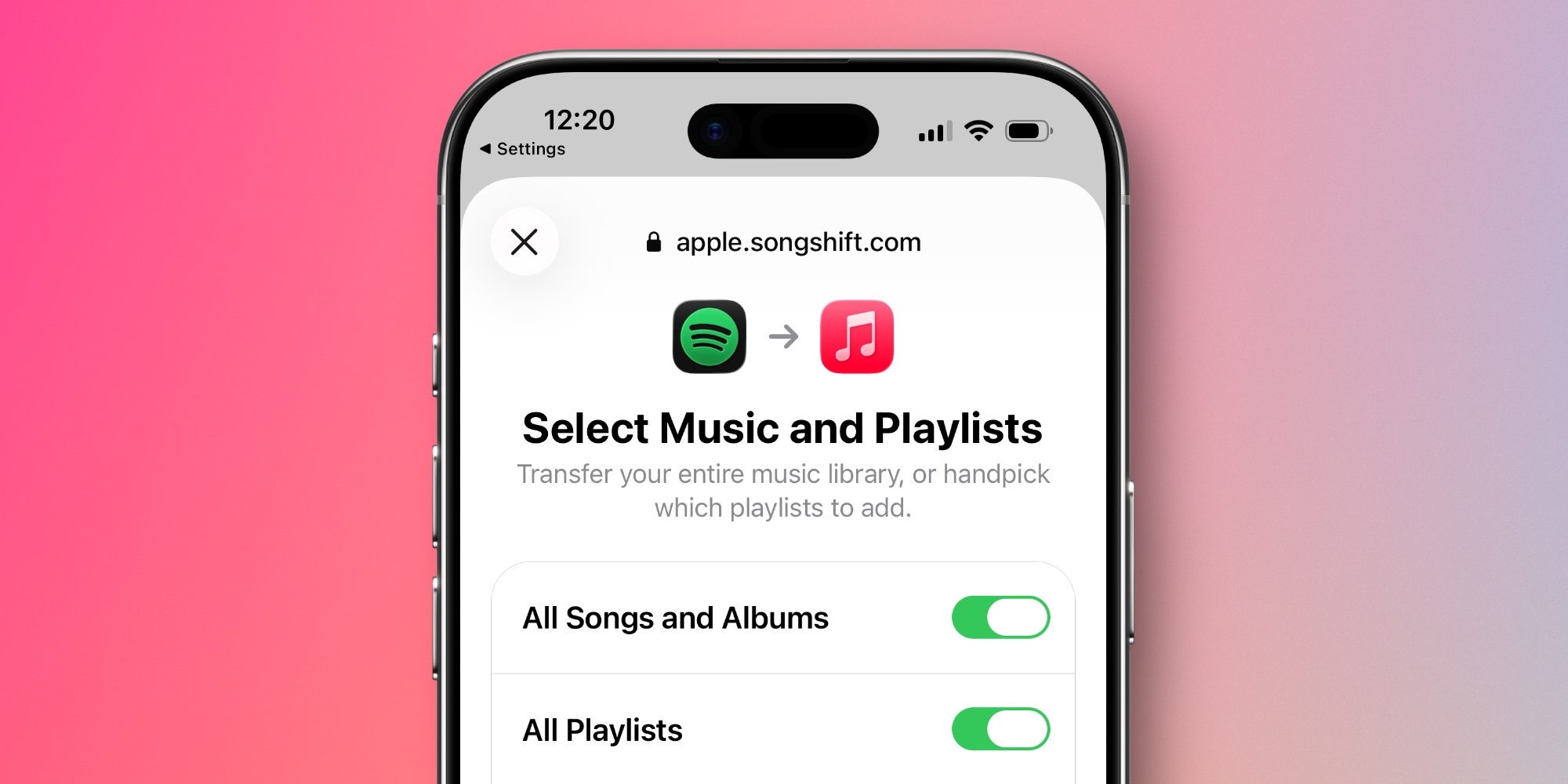
Here are Apple’s step-by-step instructions for transferring your music on an iPhone, iPad, or Android device once you’re subscribed.
- Go to Music Settings:
- On an iPhone or iPad, go to Settings > Apps > Music.
- On an Android device, open the Apple Music app, tap the More button , then tap Settings.
- Tap Transfer Music from Other Music Services.
- Choose from the list of supported music services. Then sign in to the music service.
- Choose what you want to transfer.
- Tap Add to Library.
- Wait for Apple Music to find matches for your music in the Apple Music catalog.
Alternately, you can also perform the transfer on music.apple.com by signing in, clicking your profile image in the top-right, then clicking ‘Transfer Music.’
For troubleshooting, Apple has a detailed support document available here.
Apple Music is available for $10.99/month for individuals, or you can get it as part of the Apple One bundle.
Best iPhone accessories
- Apple’s new AirTag 2 (1-pack / 4-pack)
- AirPods Pro 3 (limited-time $229 price)
- MagSafe Car Mount for iPhone
- 10-year AirTag battery case 2-pack
- 100W USB-C fast charging power adapter


FTC: We use income earning auto affiliate links. More.



Comments