
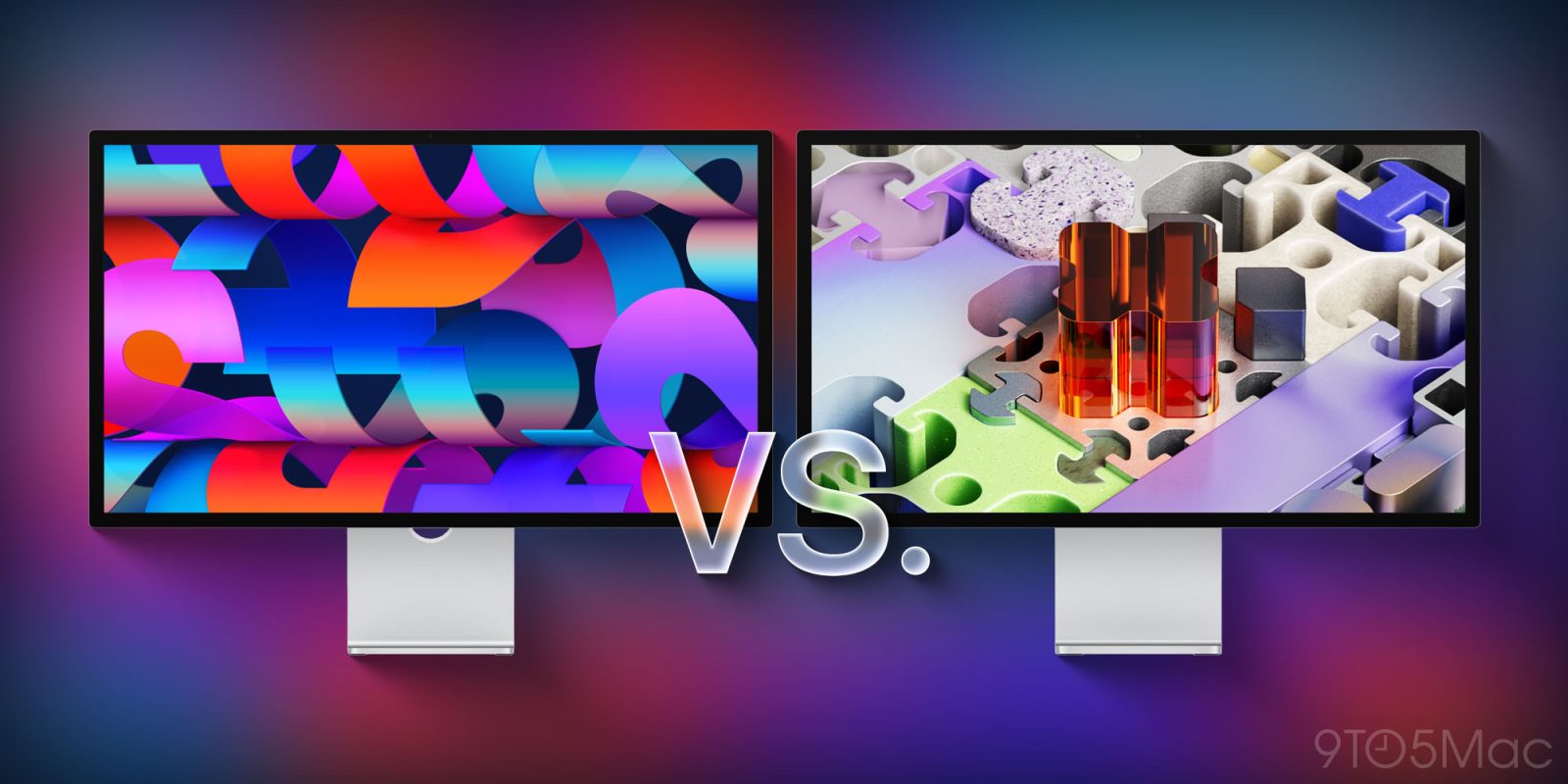
Apple unveiled two Mac displays today: a new Studio Display and a Studio Display XDR. Here’s everything that’s different (and the same) between the two models.
Studio Display vs Studio Display XDR: Features shared in common
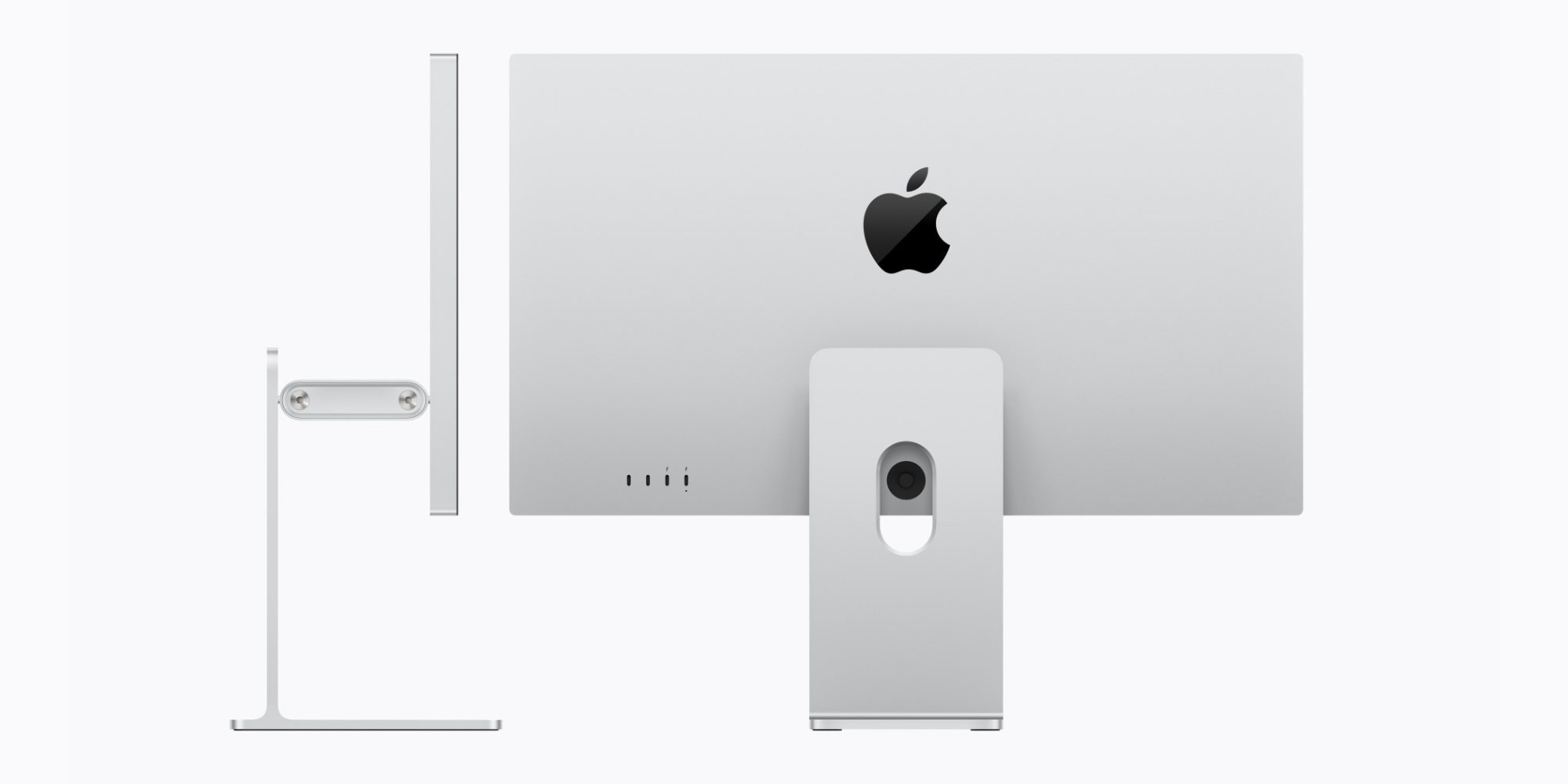
It’s not often that Apple launches a new Mac display, but today we got two of them.
There’s a new Studio Display, which starts at $1,599, and the Studio Display XDR that starts at $3,299.
The latter product serves as a replacement of sorts for the Pro Display XDR, which was discontinued today. The former, meanwhile, offers the next generation of the standard Studio Display that first launched in 2022.
Both displays have a variety of features in common. For example:
- both are 27 inches, with 5K resolution (5120-by-2880) and 218 pixels per inch
- both have a 12MP Center Stage camera with improved image quality and support for Desk View
- both feature “studio‑quality’ three‑mic arrays and six-speaker sound systems with Spatial Audio
- both support Thunderbolt 5 connectivity
- both come with optional nano-texture glass
So what’s actually different between the two? Besides the massive pricing disparity, of course.
It mostly has to do with display technology.
The big differences between Studio Display and Studio Display XDR
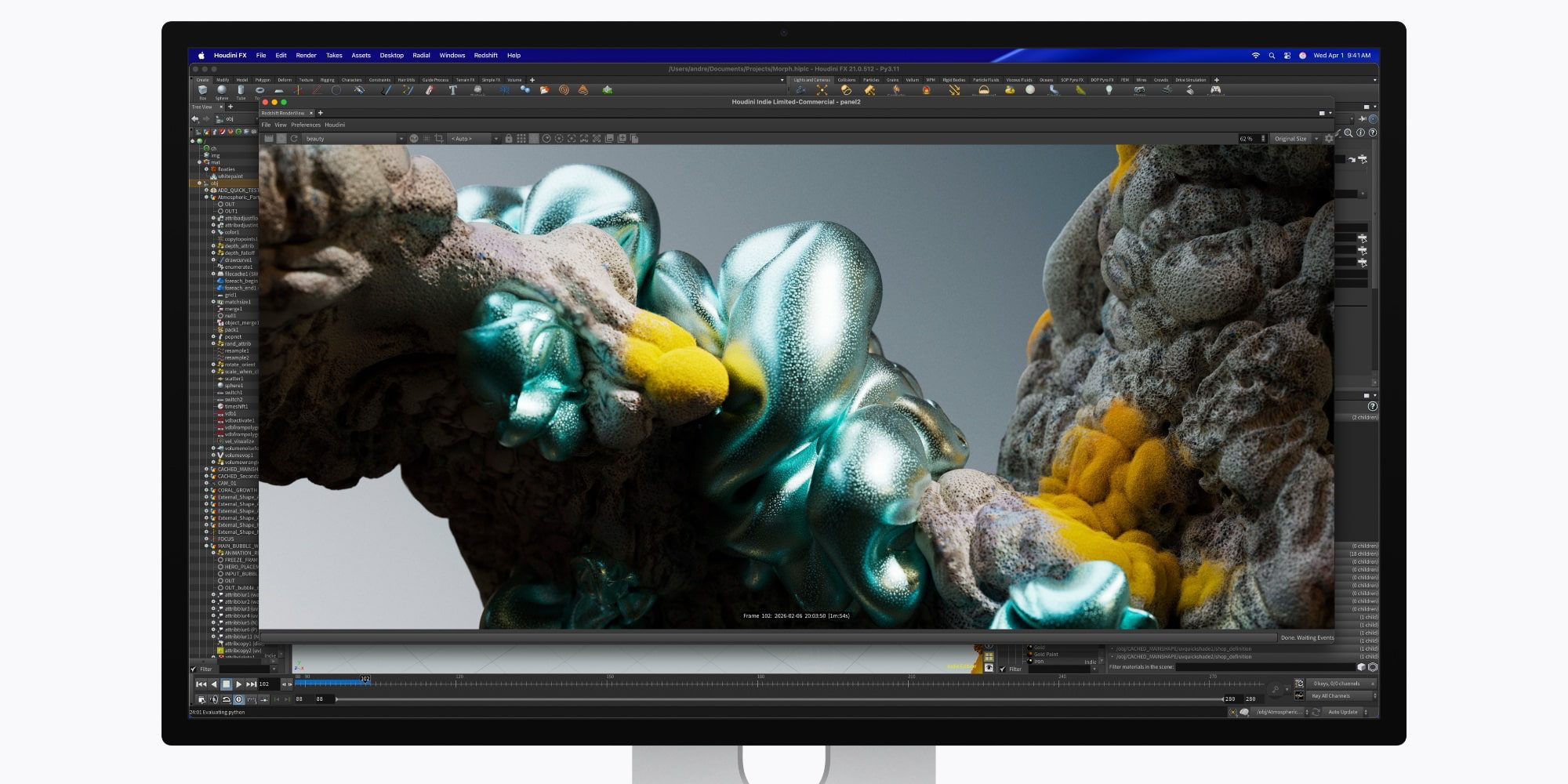
With so many shared features between the two displays, why does Apple charge more than double for the Studio Display XDR?
It all has to do with display technology. Here’s a breakdown of the differences:
| New Studio Display | Studio Display XDR | |
| Backlight | LED | mini-LED w/ 2304 dimming zones |
| Refresh Rate | 60Hz | 120Hz w/ Adaptive Sync |
| Brightness | 600 nits | Up to 1000 nits SDR, 2000 nits HDR |
| Color | P3 | P3 + Adobe RGB |
Apple recommends the Studio Display for “a range of professional workflows — from photo and video editing to coding, music production, and everyday tasks.”
Apple says the Studio Display XDR is “designed for workflows like HDR video editing, 3D rendering, and diagnostic radiology.” It supports new DICOM medical imaging presets in addition to other special reference modes.
More differences between each Studio Display

Outside of the display technology, there are some other smaller differences between each Studio Display.
Though each model includes two Thunderbolt 5 and two USB-C ports, the Studio Display XDR has a more powerful charging port.
Its upstream Thunderbolt 5 port offers 140W host charging, while the Studio Display’s only goes to 96W.
Additionally, Studio Display XDR comes with a tilt- and height-adjustable stand by default.
The Studio Display, meanwhile, starts with only a tilt-adjustable stand, with a $400 up-charge for the height-adjustable feature.
Finally, there are some differences in dimensions.
The Studio Display and Studio Display XDR have the same height and width, but differ in depth and weight.
The new Studio Display is 6.6 inches deep with the default stand, and 8.1 inches with the height-adjustable option. The Studio Display XDR is slightly deeper, at 8.4 inches.
If you opt for the VESA model, the Studio Display is 1.2 inches deep vs 1.3 inches for the Studio Display XDR.
Finally, Studio Display XDR is also heavier. It weighs 18.7 pounds vs the 16.8 pounds of the Studio Display with comparable stand.
New Studio Display vs Studio Display XDR: wrap-up
Top comment by McFarmer
I am actually in the market for a new monitor and had been waiting for Apple's monitor refresh.
Having used my trusty 30" Apple Cinema Display for nearly 17 years now, it is time to upgrade.
But I mean upgrade - not downgrade.
In a weird case of "shrinkflation" Apple now only offers dinky sized monitors in comparison to what they offered 17 years ago. Why?
Once you are used to a 30" monitor at 16:10 aspect ratio, it gets hard to live with a much smaller 27" monitor at a measly 16:9 aspect ratio on top.
The 6K ASUS ProArt 32" Display at 6016 x 3384 looks much more amazing in comparison.
Sorry Apple, you downsized too much and dropped the ball.
Overall, if you’re on the fence about choosing the new Studio Display or the Studio Display XDR, the more affordable model is likely your best bet.
As tempting as mini-LED and 120Hz support is, you’re going to pay a significant premium to get it. With the Studio Display starting at $1,599, the jump to $3,299 is a big one.
Then again, if you want the best possible display that Apple sells, there’s a lot to love about the Studio Display XDR.
Are you planning to buy a new Studio Display or Studio Display XDR? Which model are you leaning toward? Let us know in the comments.
Best Mac accessories
- AirPods Pro 3 (limited-time $219 price)
- 100W USB-C power adapter for fast charging
- tomtoc protective MacBook sleeve bag
- Twelve South aluminum laptop stand for MacBooks
- Anker Docking Station USB-C with Ethernet, HDMI, SD, more


FTC: We use income earning auto affiliate links. More.



Comments