
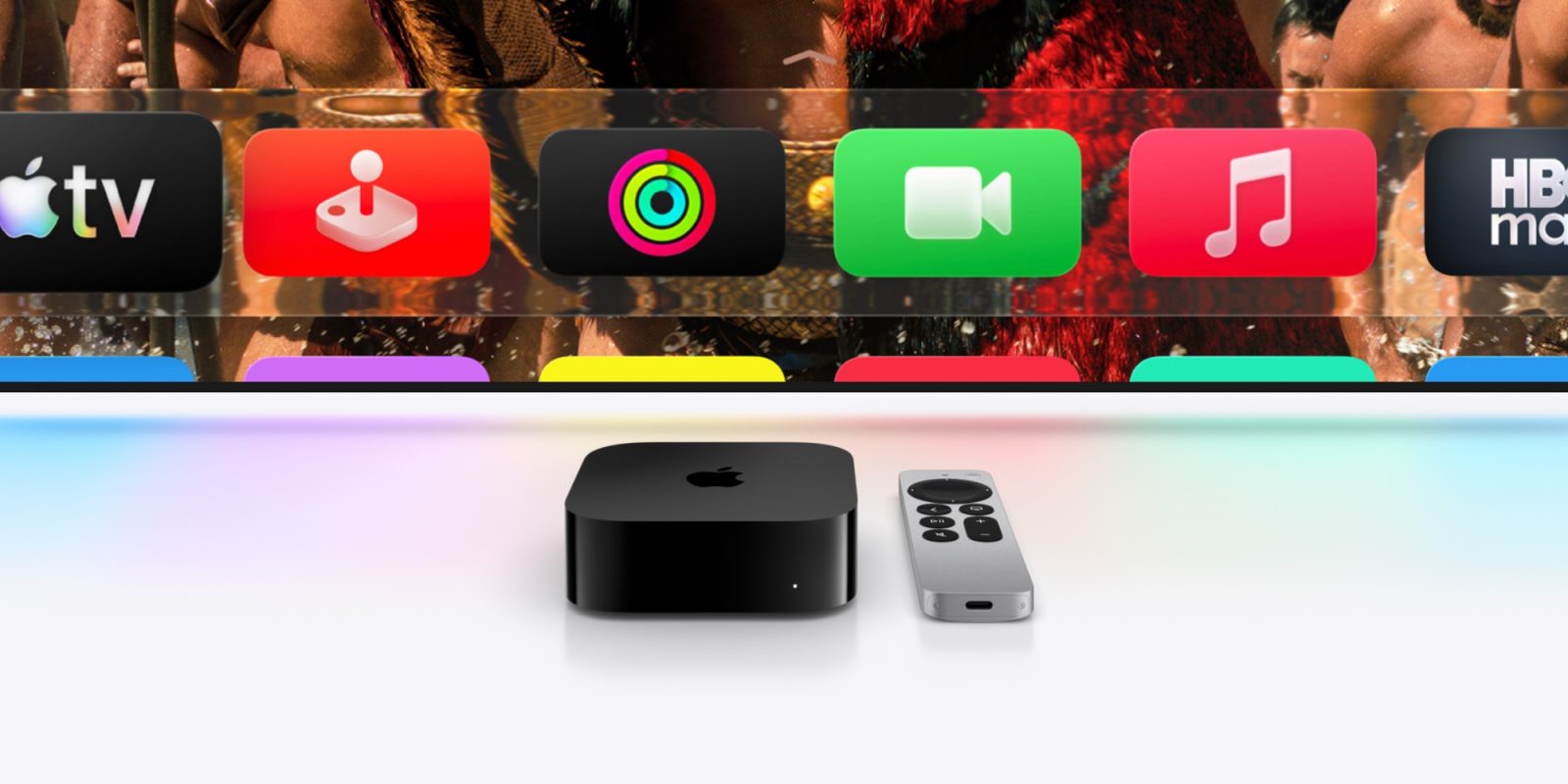
Apple TV 4K and Apple TV HD users, the latest tvOS 26.4 software update is available now with three new features. Here are the details.
#1: ‘Genius Browse’ offers TV and movie recommendations
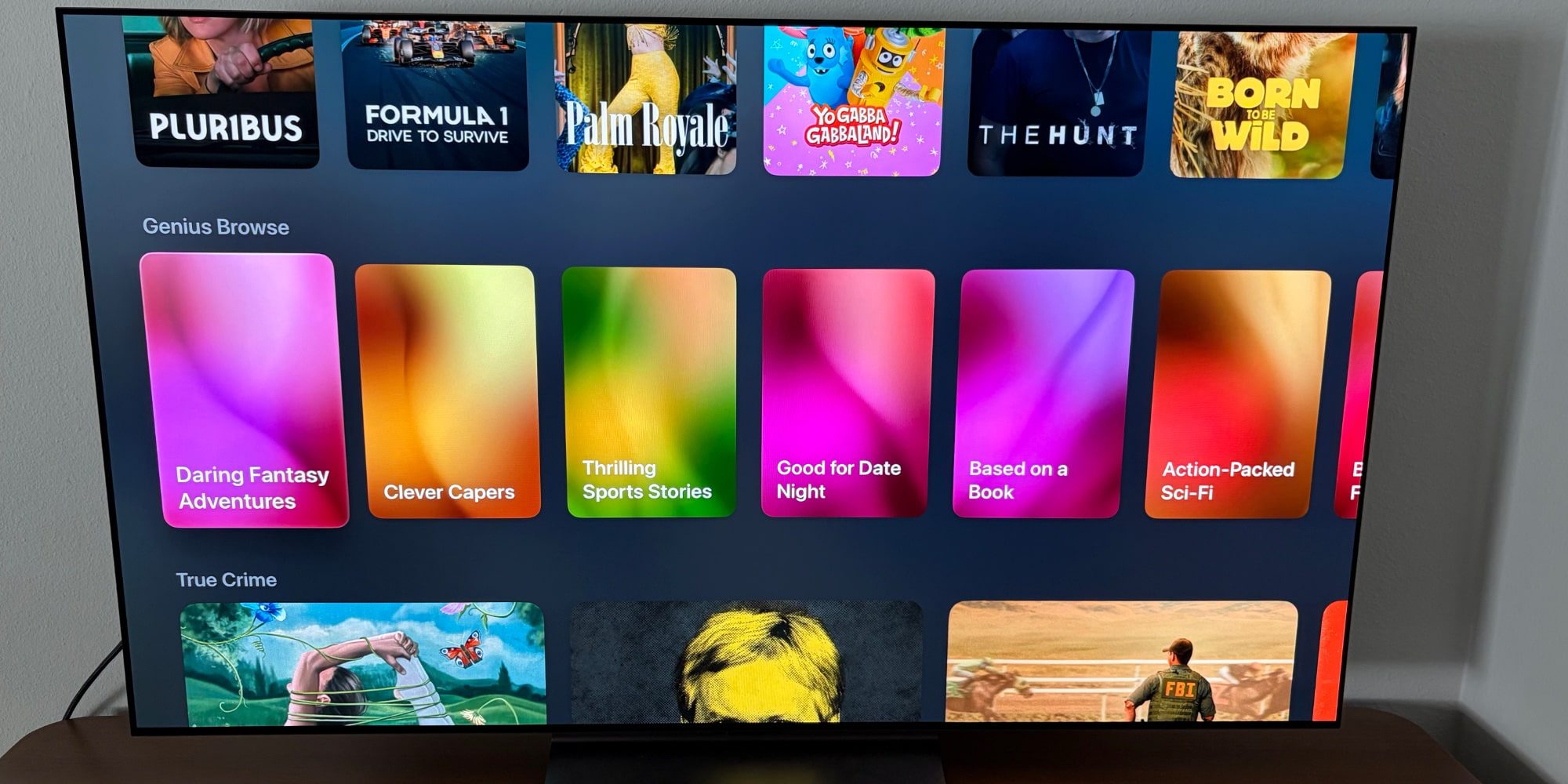
Genius Browse is a new feature exclusive to Apple’s TV app.
In the tradition of iTunes’ old Genius feature, Genius Browse offers TV show and movie recommendations for users. Available by scrolling down the Home tab in the TV app, you’ll see a variety of categories like ‘Good for a Date Night’ or ‘Based on a Book.’ These categories refresh regularly, and each one offers a list of titles to check out.
One nice aspect of Genius Browse is that within each list of recommended titles, you can find additional suggestions that are related to any specific title you select. So there are multiple layers of recommendations waiting for you.
Recommendations span not just Apple’s streaming service, but also other supported streamers like Prime Video, HBO Max, and more. You can customize which user profile the recommendations are for, and even filter by preferred genre.
#2: New audio setting
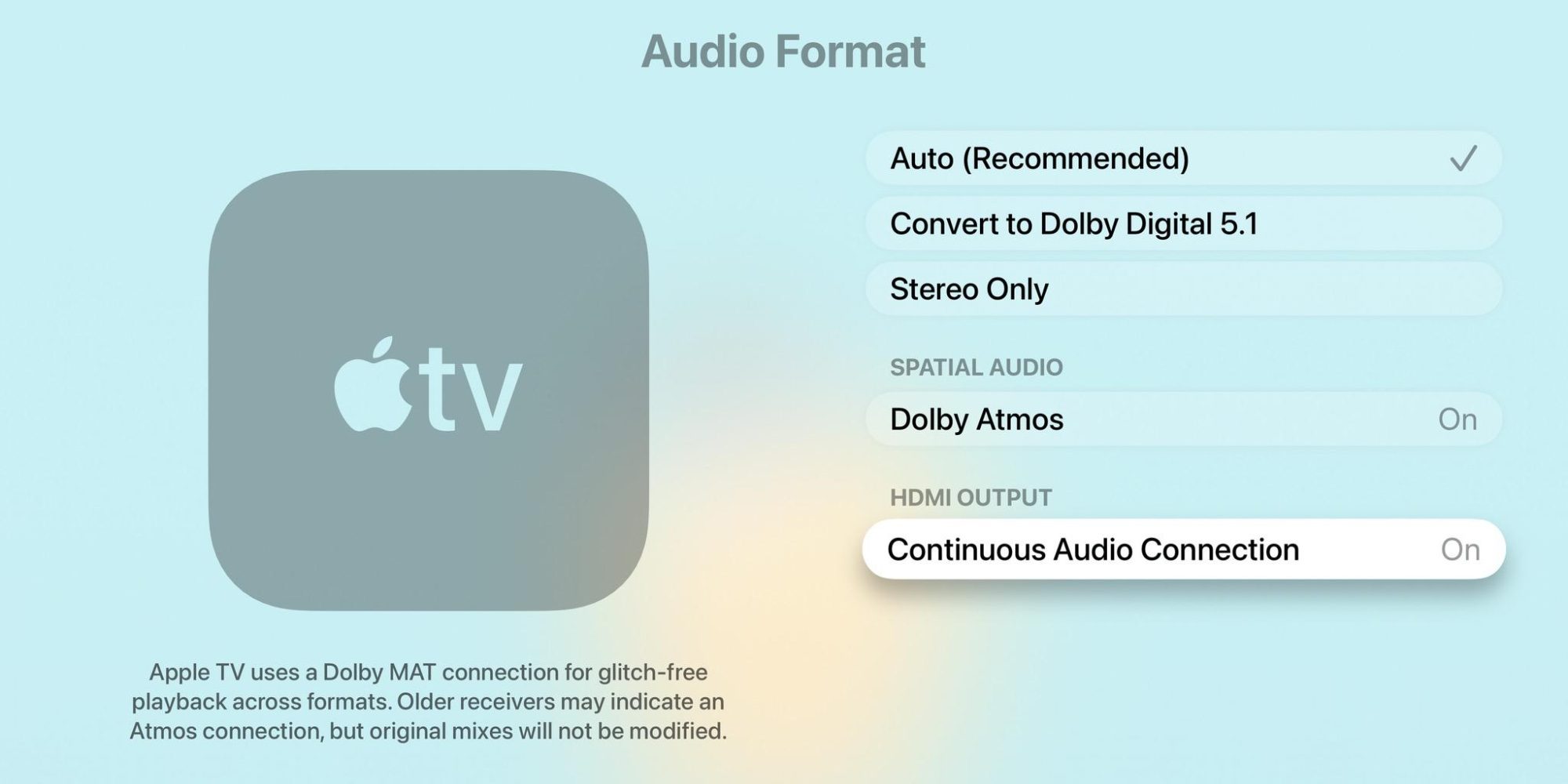
tvOS 26.4 also adds a new ‘Continuous Audio Connection’ feature in Settings.
Here’s how Apple describes the toggle:
Apple TV uses a Dolby MAT connection for seamless transitions across formats. Older receivers might indicate Atmos, but the original audio will play as intended.
Based on feedback during the beta, the setting seems to be tailored to Sonos users. But it likely has broader benefits too. It’s available in Settings ⇾ Video and Audio ⇾ Audio Format ⇾ HDMI Output.
#3: Easily customize subtitles
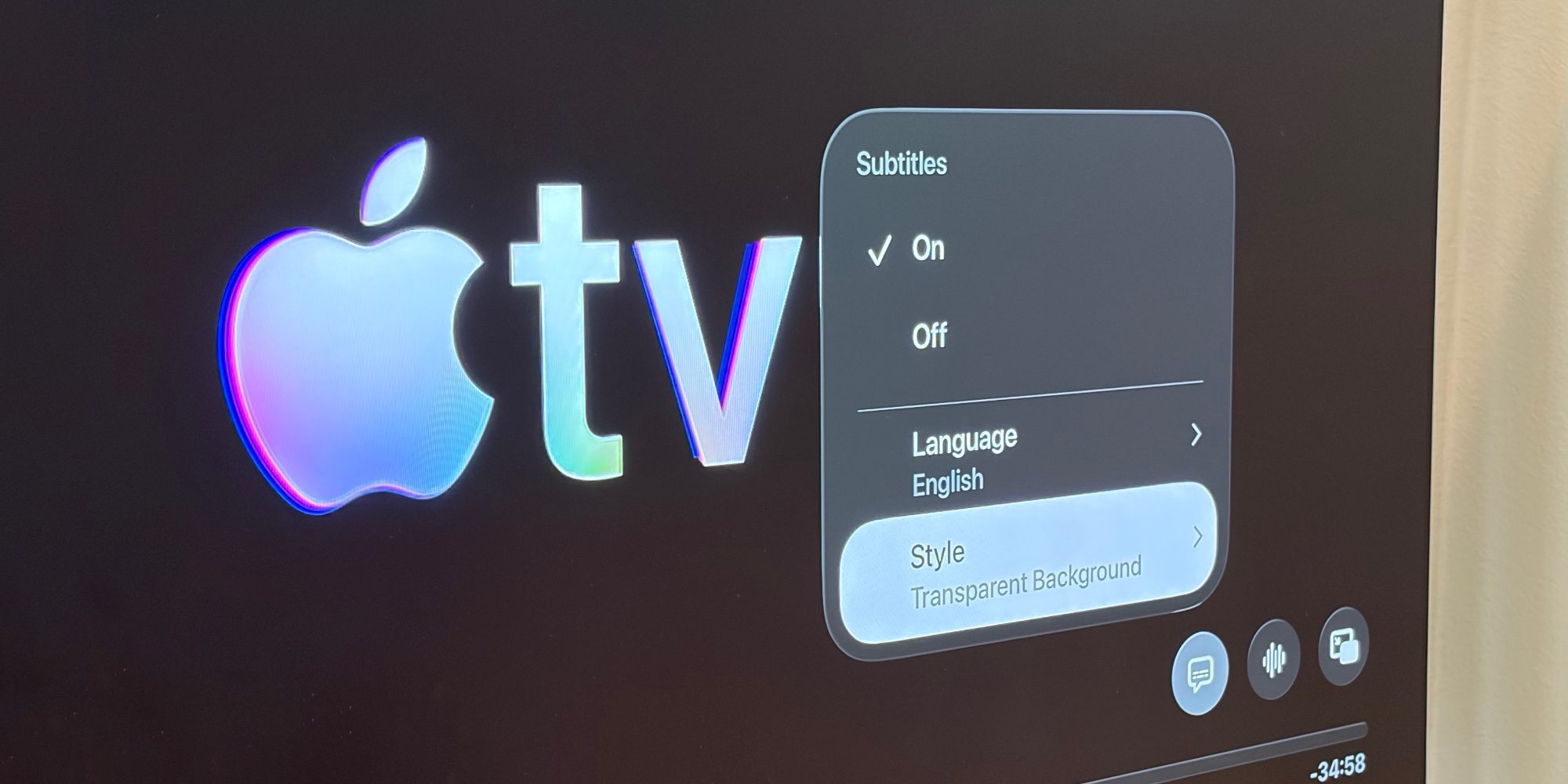
Finally, tvOS 26.4 brings subtitle customization tools to the systemwide video player.
Inside the TV app and any other app using Apple’s default video player, the subtitles menu now offers a ‘Style’ option. You can choose from any of the following styles for subtitles: Classic, Large Text, Outline Text, Transparent Background.
There’s also a Manage Styles button that lets you further tailor the subtitles to your liking. These options used to be buried in Accessibility settings, but now that they’re prominent in the default player, a lot more users should benefit from them.
tvOS 26.4‘s missing apps and wrap-up
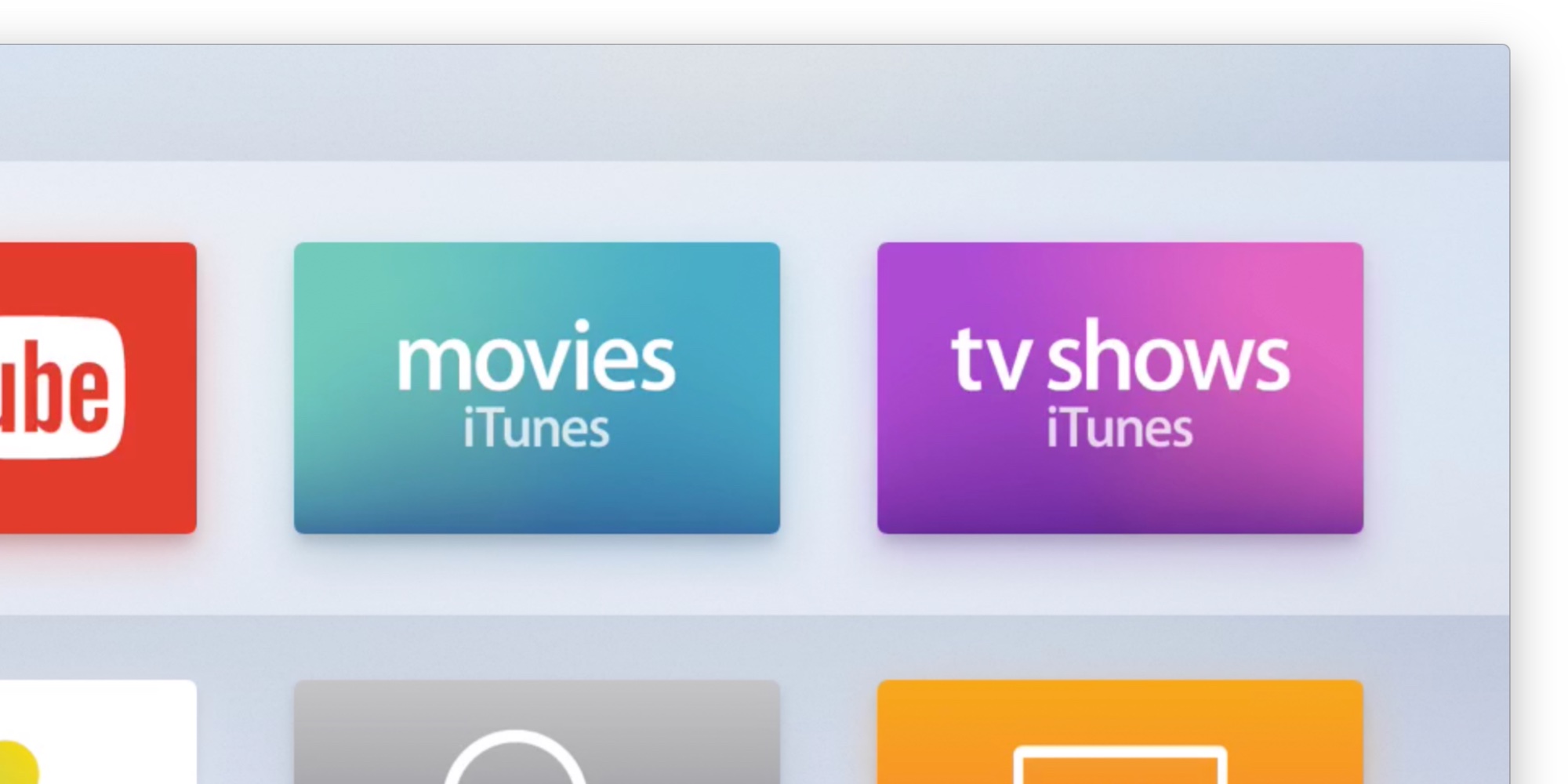
Alongside tvOS 26.4’s new features, the update also removes two legacy apps.
The standalone TV Shows and Movies apps are gone, as their functionality has largely been absorbed into Apple’s TV app. Each app was built for the iTunes Store era of purchasing movies and shows. Now, all of that can still happen in the Store tab of the TV app, alongside access to streaming content from Apple TV.
To install today’s update for Apple TV 4K and Apple TV HD, visit the Software Update screen inside Settings.
Which tvOS 26.4 features are you most excited about? Let us know in the comments.
Best Apple TV 4K accessories
- AirPods Pro 3 (limited-time $199 price)
- Anti-slip silicone case for Siri Remote, AirTag compatible
- TotalMount for mounting Apple TV
- iPhone Continuity Camera mount for Apple TV


FTC: We use income earning auto affiliate links. More.




Comments