
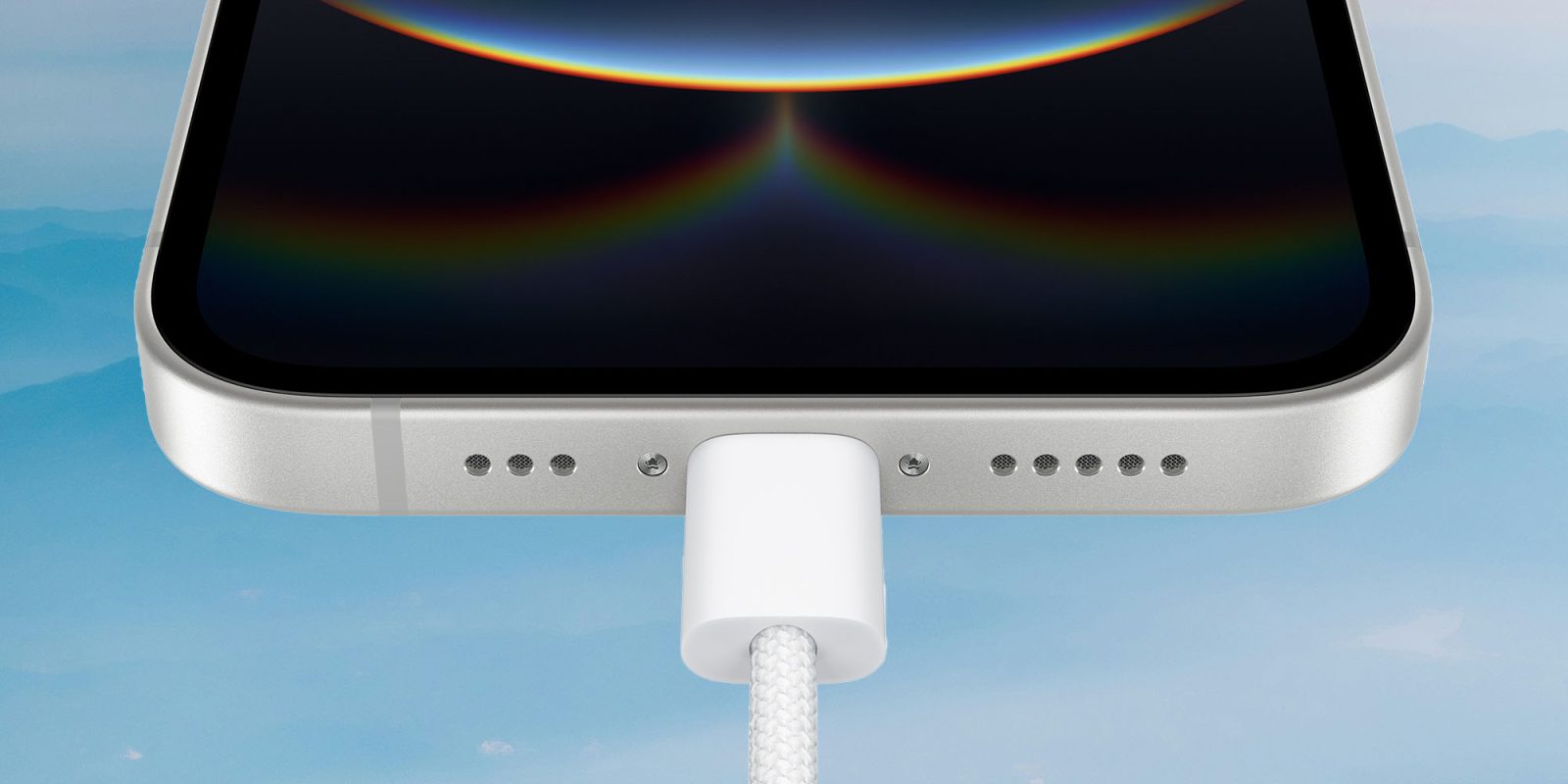
The charging brick that came with your Apple device – or the one recommended by Apple, in the case of iPhones – usually won’t get you the fastest charge. It can be worth spending a bit more money on a more powerful charger.
Conversely, every Apple device has its own maximum charging rate, and buying a charger which exceeds this is just a waste of money …
Most new Apple devices come with a charging brick included, iPhones being the notable exception. However, in most cases, the supplied charger isn’t the optimum one for the device. Typically, Apple saves money by supplying a charging brick with a significantly lower output than the maximum charging rate supported by the device itself.
For example, the M4 13-inch iPad Pro ships with a 20-watt charger, but the iPad can accept a charge of up to 35 watts. Switching to a more powerful charger will literally double the charging speed.
Rands in Repose has collated all of the information you need to buy the optimal charger for each Apple device. The comprehensive tables provide the following information:
- Power of the charger supplied by Apple
- Maximum power the device will accept
- The 0 to 50% charging time for the supplied charger
- The 0 to 50% charging time for the optimal charger
- The percentage increase in charging time
There are a few things to note here.
First, the reason the table focuses on the 0 to 50% charge is that this is where devices will accept the fastest charge. From 50% to 80%. the charging rate will slow even if you are using the most powerful charger accepted. From 80% to 100%, Apple devices are set to switch to a trickle charge in order to protect the battery.
Second, there are those who will suggest that using a more powerful charger stresses the battery more and reduces its longevity. That’s mostly not true these days, as Apple’s built-in battery management adjusts the power draw to suit the battery.
Peak charging only occurs for around the first 15 minutes. Specifically, Apple devices measure the temperature of the battery and reduce the power draw to keep it below the temperatures at which it would be stressed. Rands also addresses a number of other concerns in the small-print.
One interesting note here is that with the latest Apple Watches, the cable matters more than the power adapter.
Apple Watch Series 11, Ultra 2: Fast-charges to 80% in 30–45 min — but only with the Apple USB-C Magnetic Fast Charging Cable and any USB-PD adapter (5W+). Wrong cable? Roughly twice as slow.
Finally, the maximum power draw of AirPods cases is so low that the charging brick is completely irrelevant.
- USB-C chargers
- Official Apple Store on Amazon
- Apple’s iPhone cases: iPhone 17 | iPhone 17 Pro and Pro Max | iPhone Air
- Wireless CarPlay adapter (2026 update)
- AirTag holders and accessories
- Mac Pro-style Mac mini casing
- NordVPN – privacy-first VPN with no logs and independent audits to verify
Image: 9to5Mac collage of images from Apple and Yuriy Kovalev on Unsplash


FTC: We use income earning auto affiliate links. More.





Comments