
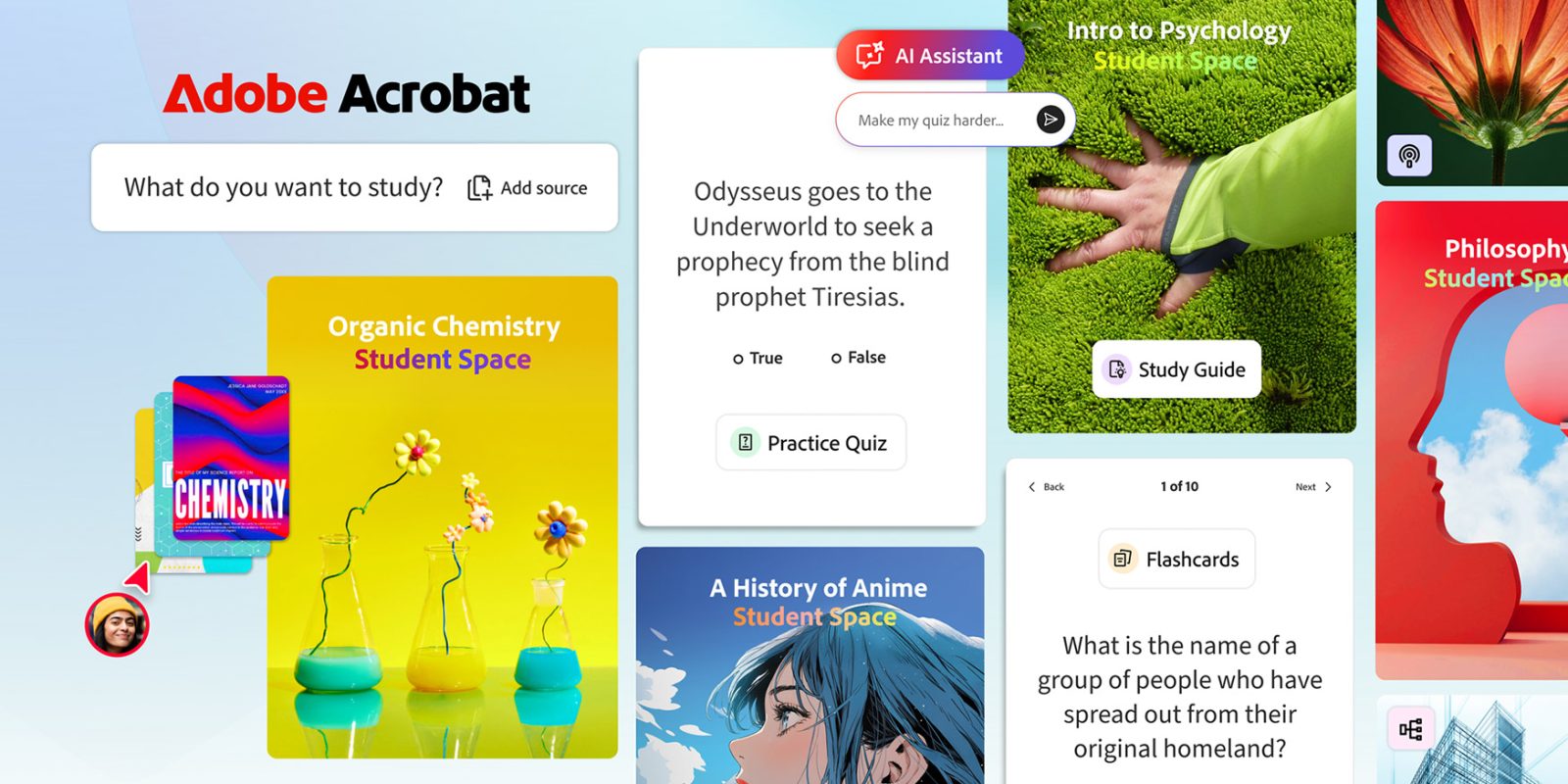
Designed specifically for students, this new free tool generates study guides, mind maps, podcasts, and other AI-powered visual and auditory learning content based on class notes and other uploaded materials. Here are the details.
’Designed to help make studying faster, easier and way more effective’
Today, Adobe is rolling out Acrobat Student Spaces in beta.
This new AI-powered platform was developed in collaboration with students and offers several ways to generate study aids based on uploaded coursework:
- Learning That Sticks: Add class notes, docs and links to quickly generate study guides and mind maps that make studying easier. Test your knowledge with interactive flashcards and quizzes.
- AI Tutor You Can Trust: Struggling with a tough concept? Acrobat’s AI Assistant is like having a tutor available 24/7, breaking down complex topics and providing clear explanations with interactive citations linked directly within your documents so you can verify and trust every answer.
- Listen and Learn: Convert your notes into short audio summaries or deep-dive podcasts so you can study while walking to class or working out.
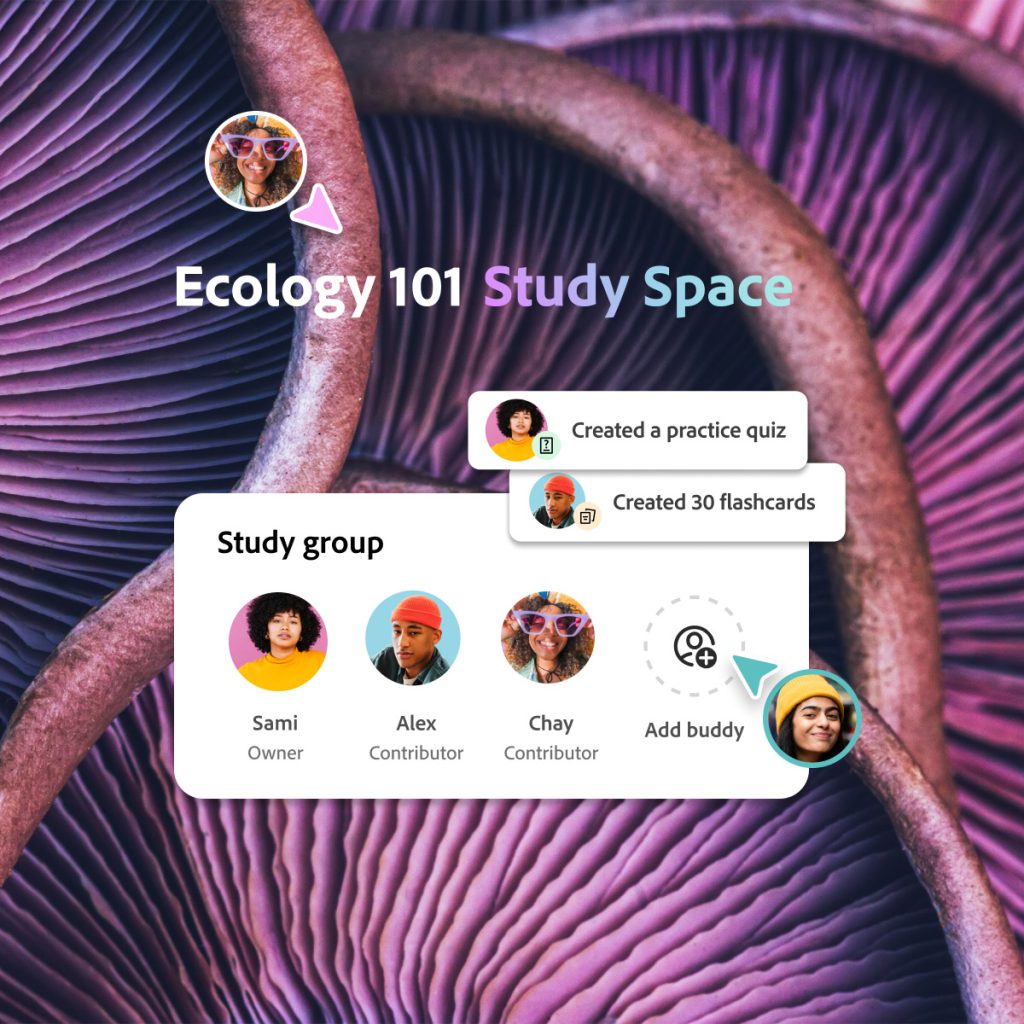
- Study Better Together: Invite your study groups and classmates to collaborate on group projects, share notes, ask questions and quickly create impressive presentations, all in one space.
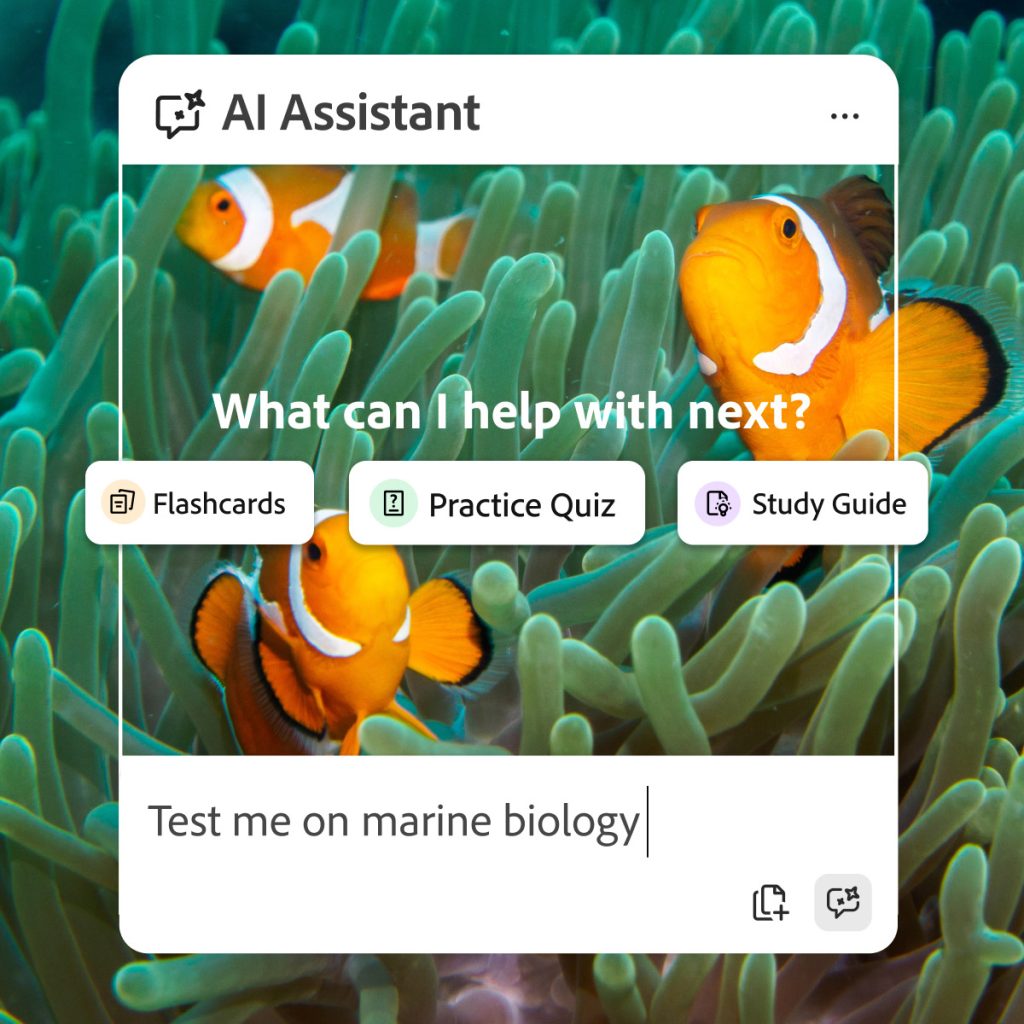
Adobe says Acrobat Student Spaces was designed to support different learning styles, whether users are studying on their own or working with others.
For solo work, in addition to offering an AI tutor, Acrobat Student Spaces also has a focus mode that helps reduce distractions and keep students on track.
And for students working on group projects, the platform lets them invite classmates into shared spaces to exchange notes, ask questions, and build presentations together in real time.
Adobe also says that Acrobat Student Spaces offers a complete set of tools that were tailored for different learning styles:
- Visual: Create mind maps, presentations and videos to visualize complicated information and make slides with images from your notes.
- Auditory: Generate podcasts or audio summaries based on class materials for an engaging experience you can listen to from anywhere.
Here’s Charlie Miller, PhD, Adobe’s Vice President of Education and Document Cloud, on today’s launch:
We partnered with hundreds of student beta testers, hosted dozens of live feedback sessions, and worked side by side with student groups at Berkeley, Brown, Harvard, Marshall, San Jose State, and University of Minnesota to shape the very first version. And we’re just getting started — we’ll keep growing these partnerships to bring even more value to students everywhere.”
To learn more about Acrobat Student Spaces, follow this link.
Worth checking out on Amazon
- David Pogue – ’Apple: The First 50 Years’
- MacBook Neo
- Logitech MX Master 4
- AirPods Pro 3
- AirTag (2nd Generation) – 4 Pack
- Apple Watch Series 11
- Wireless CarPlay adapter


FTC: We use income earning auto affiliate links. More.



Comments