
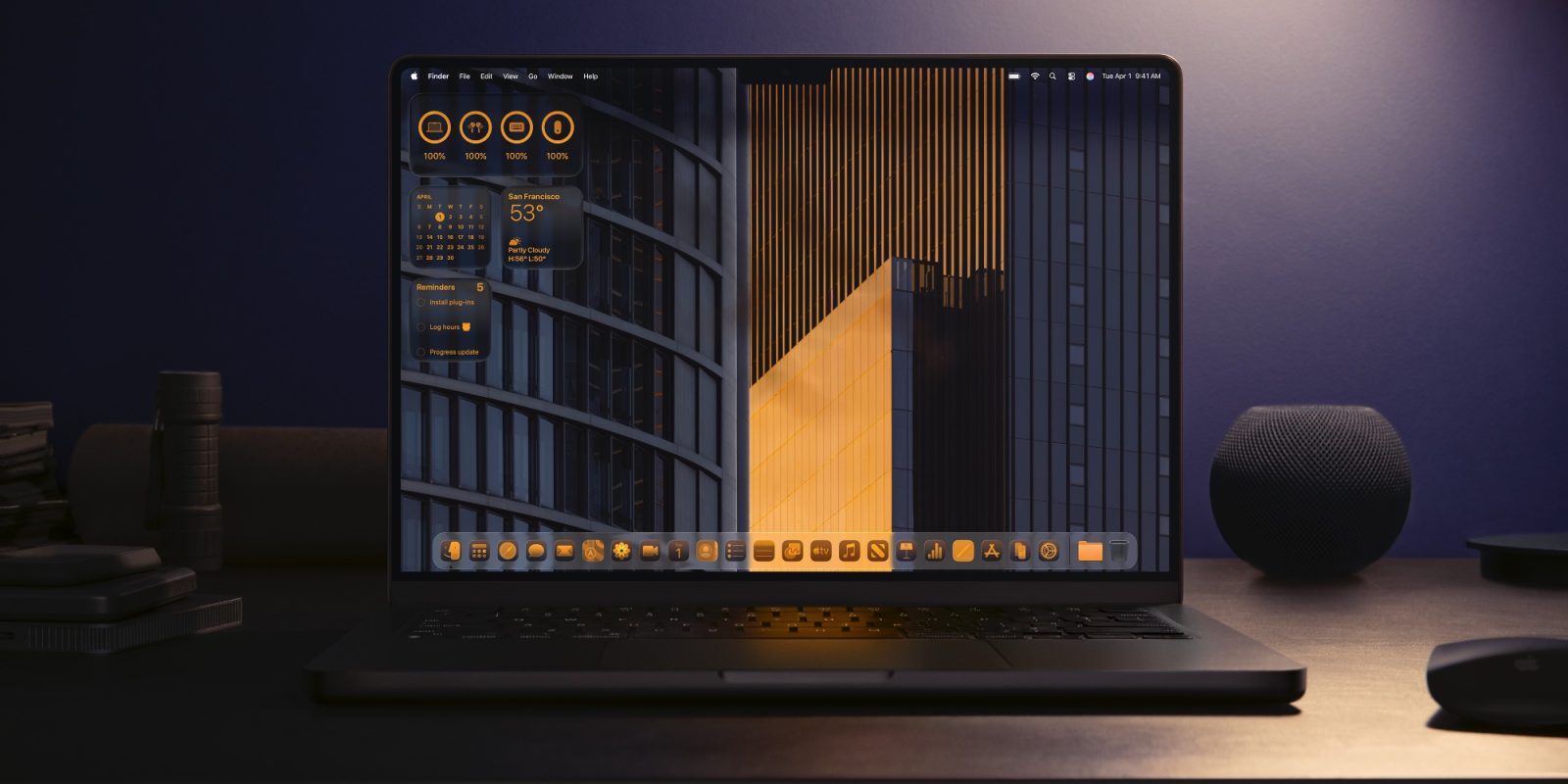
macOS 27’s unveiling is just weeks away, and besides dropping support for four Mac models, rumors indicate the new software version will be packed with AI features and some design updates. Here’s what’s coming.
#1: New Siri
Siri’s AI overhaul is expected to be the tentpole addition to not only iOS 27, but also nearly all of Apple’s software platforms—including macOS 27.
There will be a new Siri app on the Mac that includes a chatbot-style interface, similar to what ChatGPT and Google Gemini offer. And Siri will gain new agentic capabilities to take action across your Mac in response to your requests and whatever you’re seeing onscreen.
Other Siri improvements including LLM-powered world knowledge to answer a lot more questions and perform searches, support for multi-action requests, and a lot more.
#2: ‘Organize Tabs’ in Safari
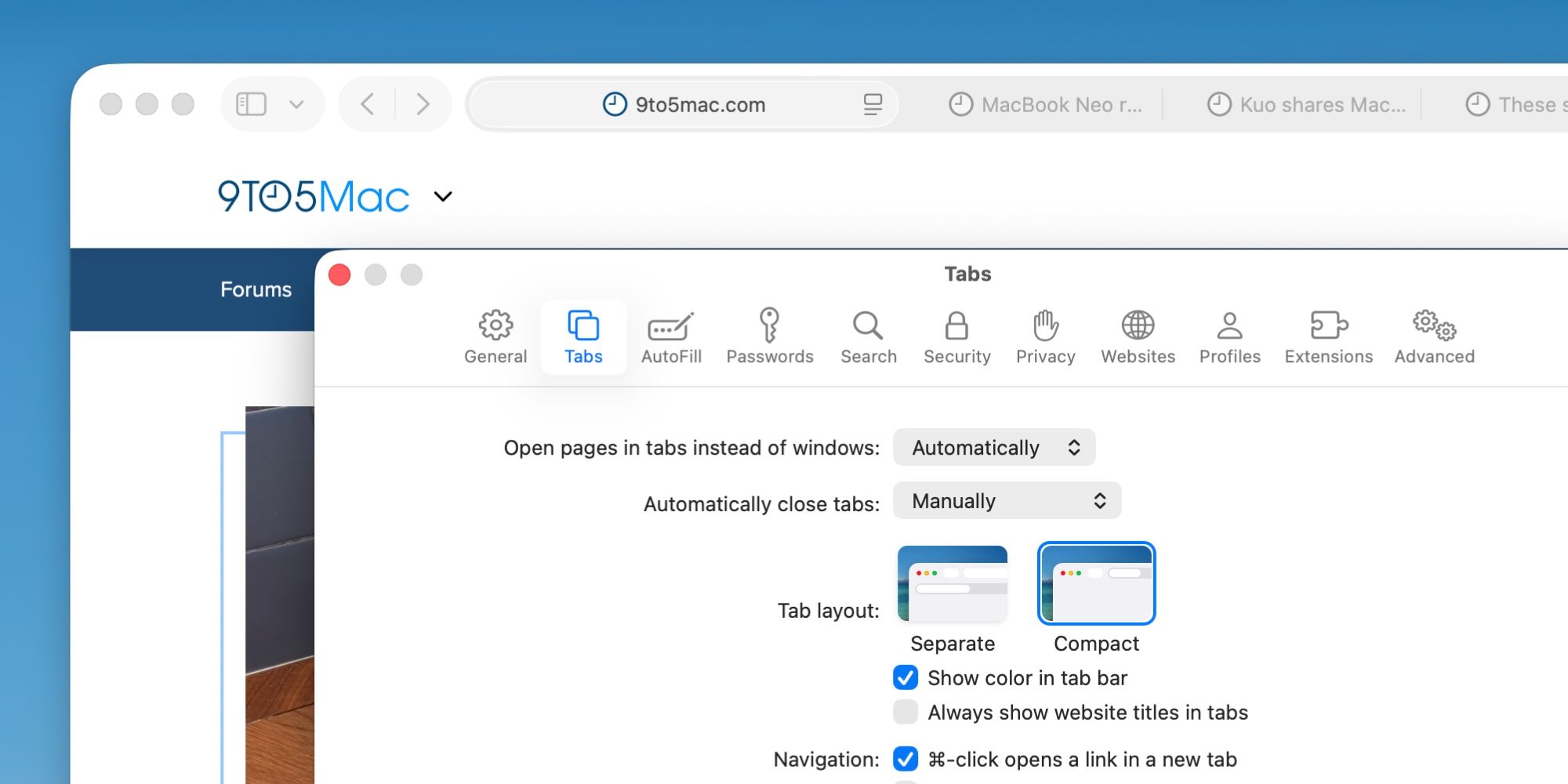
Apple will use AI in macOS 27 to help keep your tabs organized via a new ‘Organize Tabs’ feature.
If your tabs are getting unruly, Safari will reportedly let you hit a new ‘Organize Tabs’ button that can automatically sort your tabs into groups based on common topics.
It won’t be for everyone, but if it works well, the new feature could prove a handy tool for Safari users.
#3: Apple Photos editing features
Apple Intelligence will power three new image editing tools coming in macOS 27 and iOS 27.
Per Mark Gurman, these features will be called Extend, Enhance, and Reframe.
- Extend: “lets users generate additional image content beyond the original frame”
- Enhance: “uses AI to automatically improve color, lighting and overall image quality”
- Reframe: “designed primarily for spatial photos…allows users to shift perspective after the shot is taken”
It’s expected that each new feature will utilize the new Gemini-powered version of Apple Foundation Models.
#4: Shortcut creation with natural language
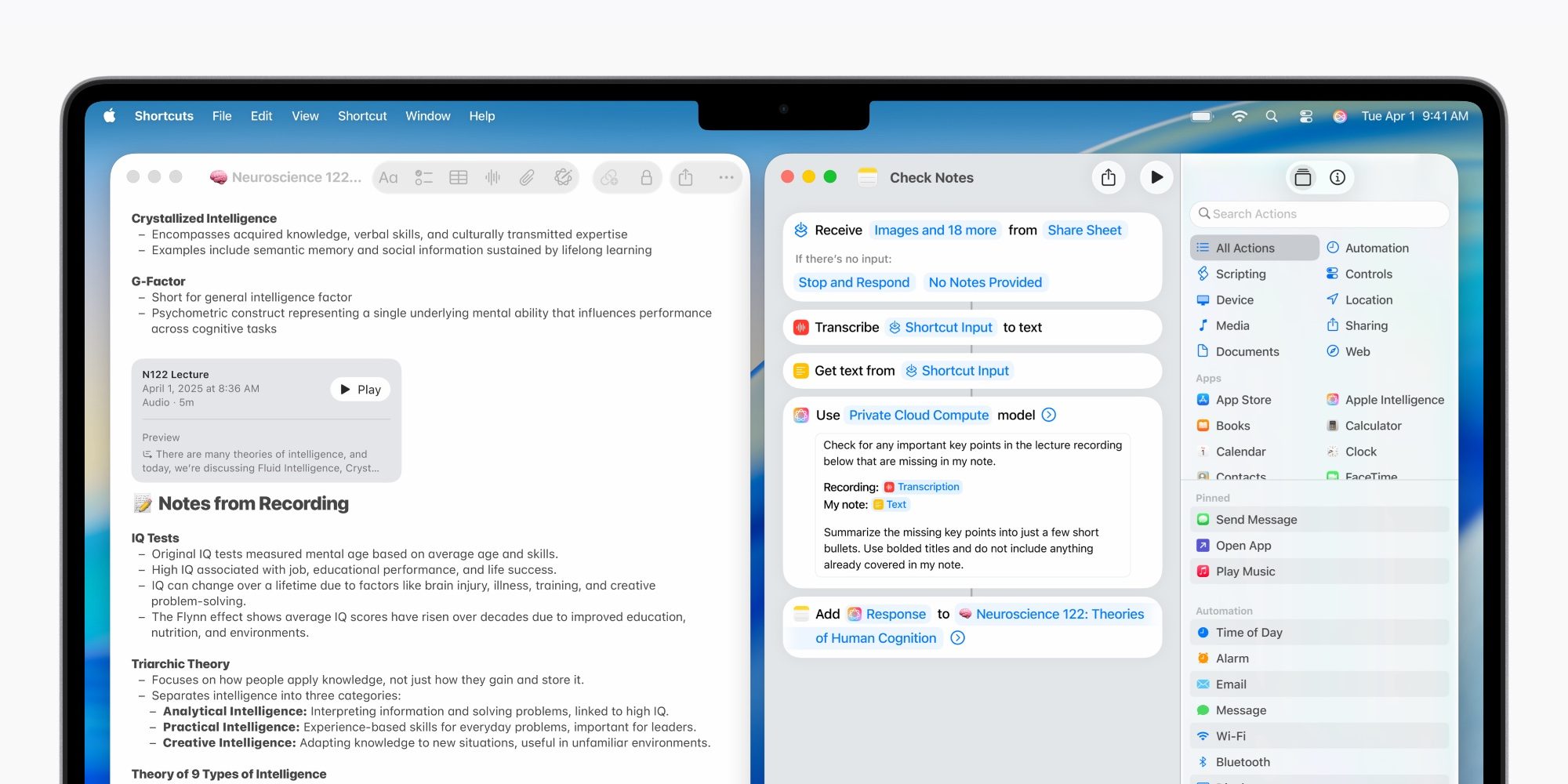
Apple’s Shortcuts app will soon make it easier than ever to create custom shortcuts.
In macOS 27, users will reportedly be able to use natural language to describe the shortcut they want to build—then it will build itself.
Thanks to Apple Intelligence, the Shortcuts app will be able to not only suggest actions, but also create brand new ones to fulfill your shortcut request.
#5: Design changes and touch optimizations
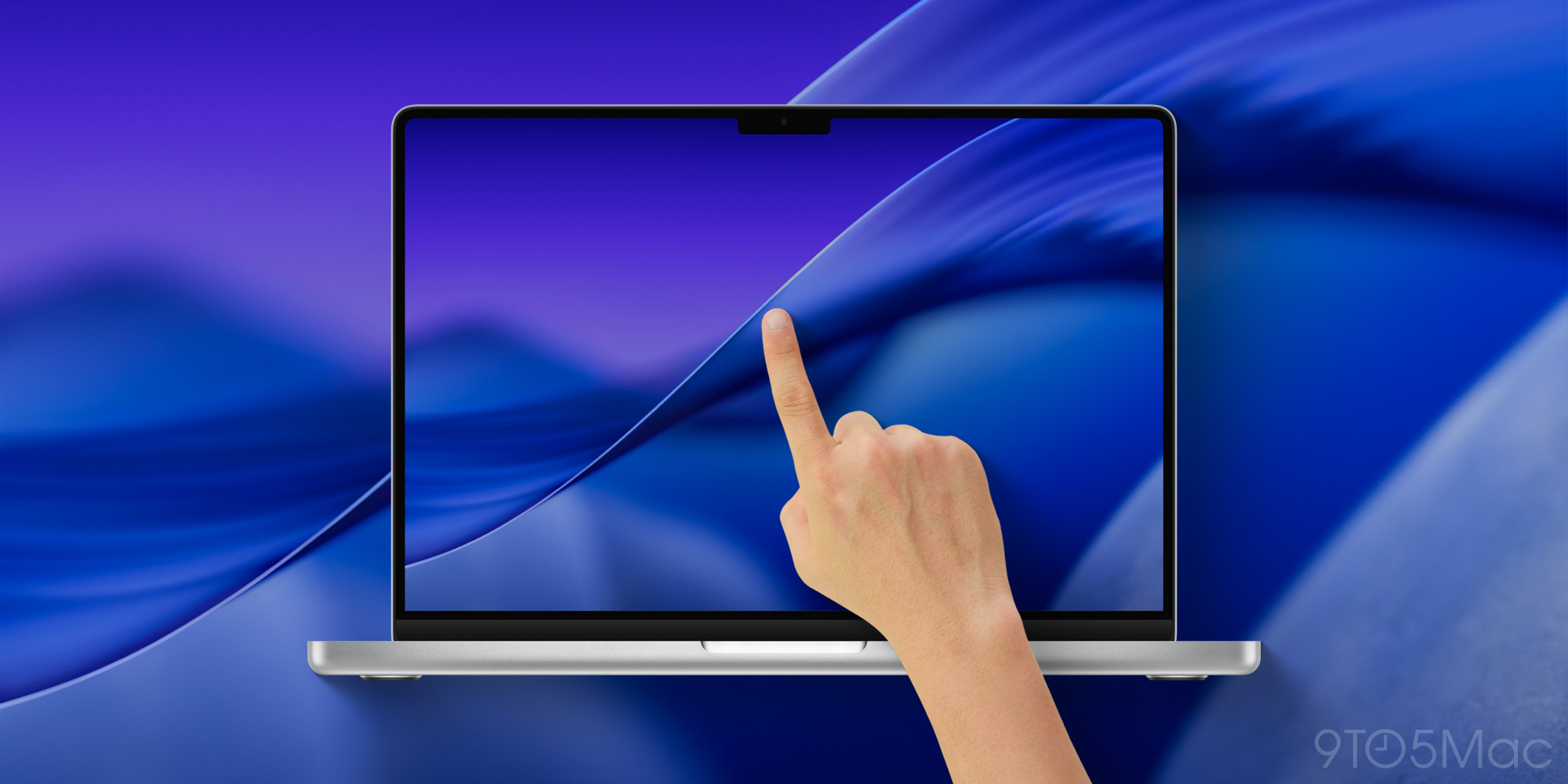
macOS 27 is also rumored to come with design changes, with two areas of emphasis expected:
- Refinements to Liquid Glass design
- Optimizations for future touch support
On the Liquid Glass front, macOS Tahoe has received criticism for not delivering as strong a redesign as iOS 26. But Bloomberg says fixes are coming for common quirks, such as with shadows and transparency.
As for touch optimizations, a new MacBook Ultra is expected to launch later this year as the first touchscreen Mac. For this reason, we’re expecting some minor UI changes to better support touch.
What new features do you hope to see in macOS 27 at WWDC? Let us know in the comments.
Best Mac accessories
- AirPods Pro 3 (limited-time $199 price, down from $249)
- 100W USB-C fast charging power adapter
- tomtoc protective MacBook sleeve bag
- Twelve South aluminum laptop stand for MacBooks
- Anker Docking Station USB-C with Ethernet, HDMI, SD, more


FTC: We use income earning auto affiliate links. More.



Comments