
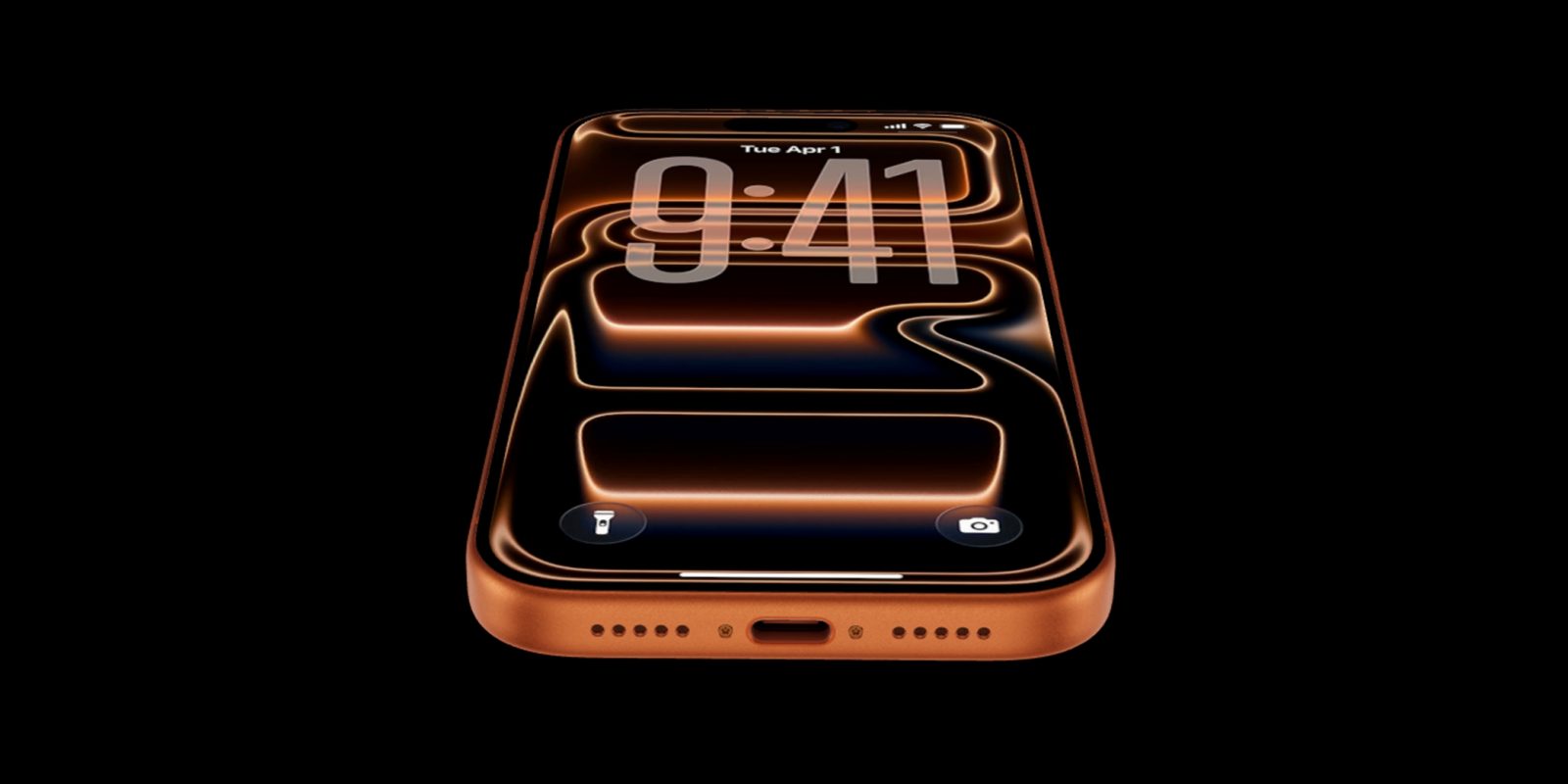
WWDC is still a few weeks away, but earlier today Apple previewed a variety of new accessibility features coming in iOS 27, and one video feature stood out as especially exciting for me: Generated Subtitles.
iOS 27 will let you add subtitles to any video you watch
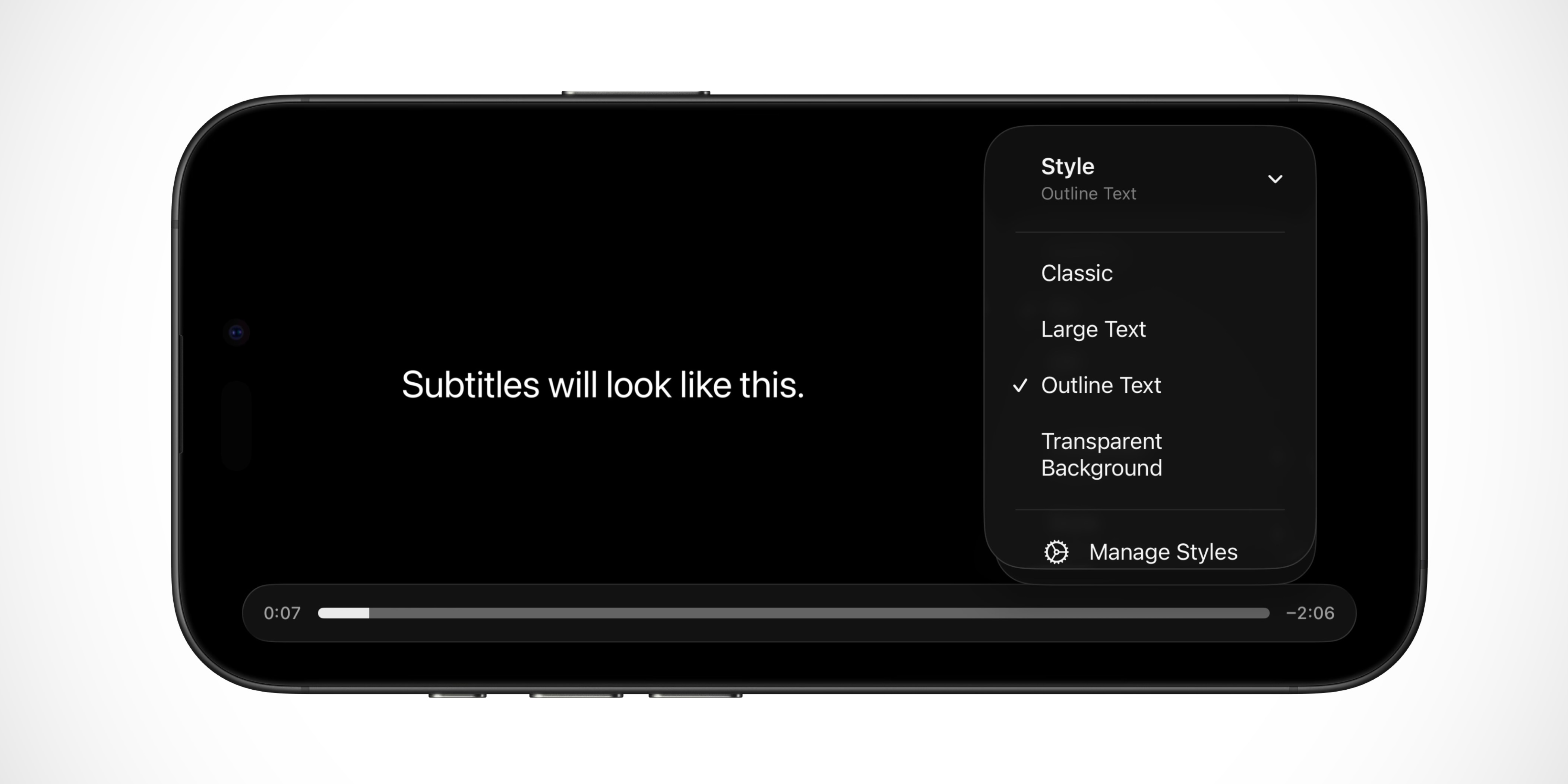
Apple revealed its new accessibility features coming in iOS 27 today, and while most of them aren’t intended for me, there’s one standout addition I’m excited about.
Generated Subtitles will let your iPhone automatically create subtitles for any video you watch. That means subtitles for any video on social media, in the Photos app, in Messages, or anywhere else systemwide.
While captioning solutions are increasingly common for users who are deaf or hard of hearing, subtitles for spoken dialogue are rarely available for personal videos, content shared by friends and family, and other media. With new generated subtitles, videos can display transcriptions of spoken audio automatically when captions or subtitles are not already provided, including in clips recorded on iPhone, received from friends and family, or streamed online. With on-device speech recognition, subtitles are generated privately and appear automatically for uncaptioned videos on iPhone, iPad, Mac, Apple TV, and Apple Vision Pro. The appearance of subtitles can be customized in the video playback menu or in Settings.
There’s one key limitation: Generated Subtitles will only be available in English, and in the U.S. and Canada.
But as with other Apple Intelligence capabilities, I expect the new feature will expand to more languages and territories over time.
Why I’m excited about iOS 27’s ‘Generated Subtitles’ feature

When I come across a short video on social media, I almost always prefer to watch it with subtitles. That’s because I’m either:
- Out in a public space, so I want to keep my volume down
- Or I’m already listening to something else, like a podcast
As Apple says, captioning solutions are being more common across various video platforms. But they’re definitely not universally available.
With this feature, I’ll be able to get subtitles no matter what I’m watching—and fully customize their appearance too.
I’ll be curious to see if Apple provides tools to easily turn off subtitles temporarily in situations I don’t want them. But most of the time, I imagine I’ll keep this feature turned on.
Are you interested in using iOS 27’s new subtitle feature for videos? Let us know in the comments.
Best iPhone accessories
- AirPods Pro 3 (limited-time $199 price, down from $249)
- MagSafe Car Mount for iPhone
- 10-year AirTag battery case 2-pack
- AirTag 2 (1-pack / 4-pack)
- 100W USB-C fast charging power adapter


FTC: We use income earning auto affiliate links. More.


Comments