
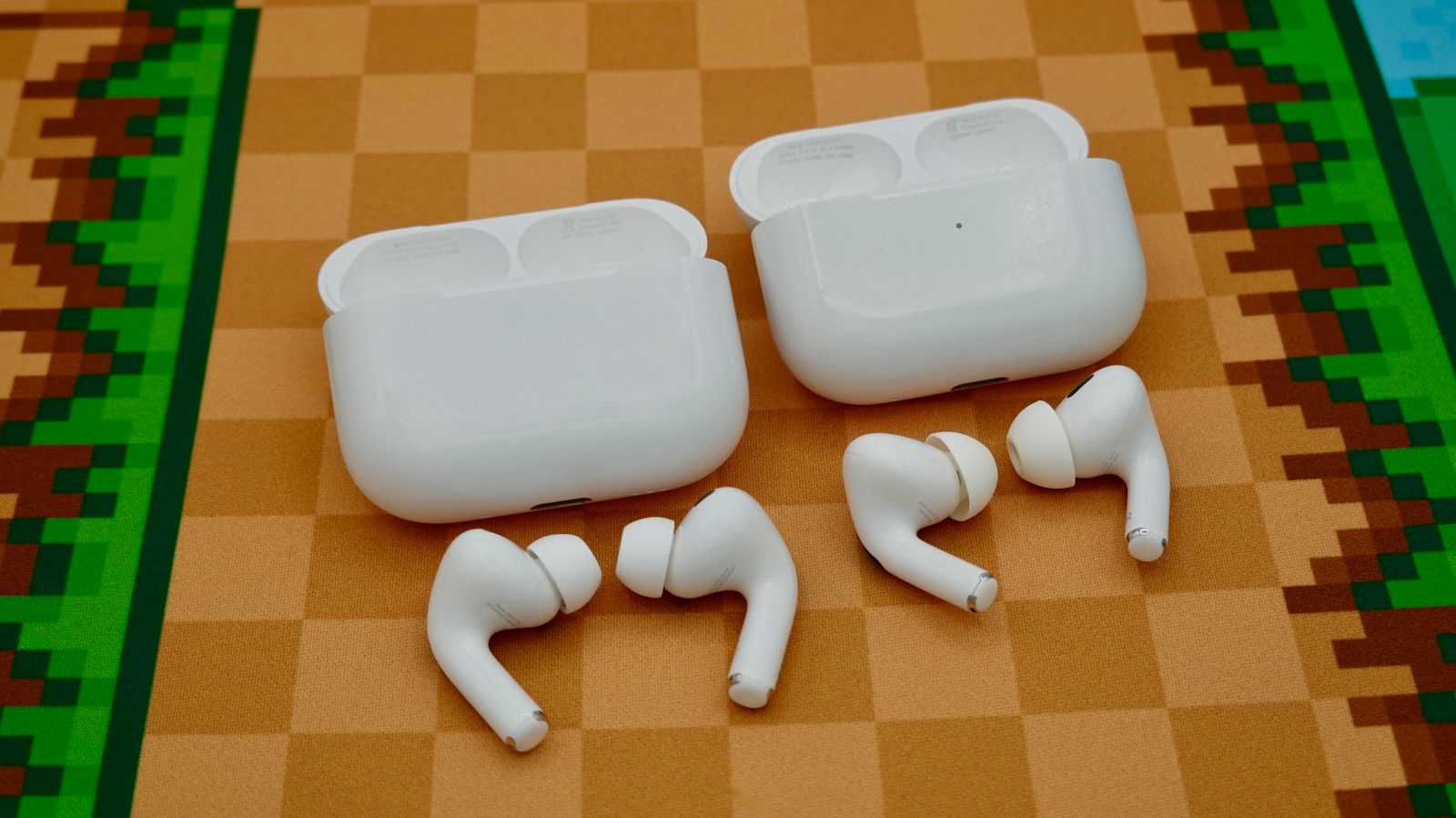
Apple released AirPods Pro 3 last year, bringing several big updates to its in-ear headphones. If you’re currently using AirPods Pro 2, there are three key reasons to consider upgrading, based on my experience using them over the past year.
- Buy AirPods Pro 3: $179 (Reg. $249)
Improved ANC
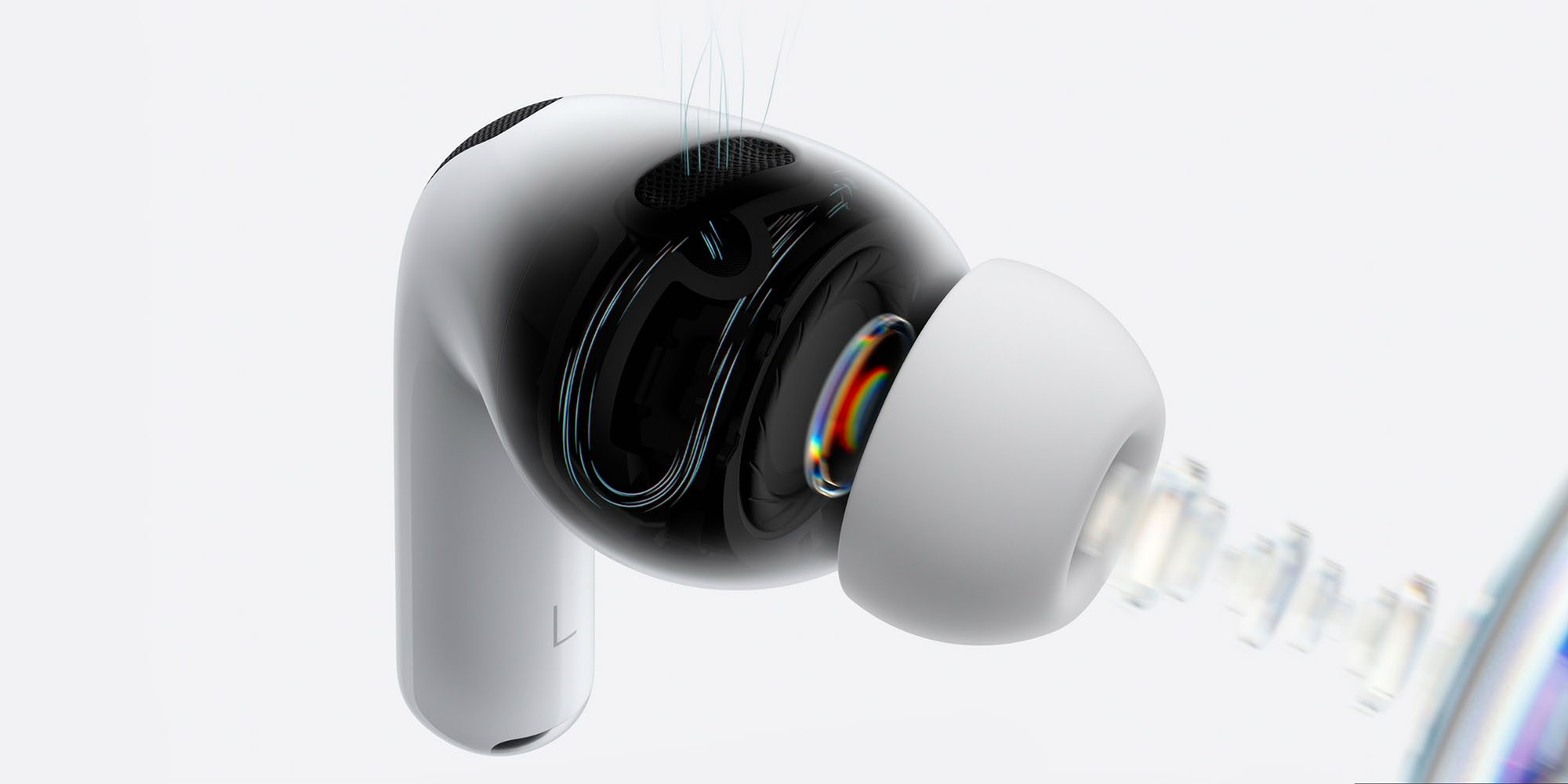
One of the best things about AirPods Pro is Active Noise Cancellation, or ANC. They offer stellar noise cancellation capabilities, blocking out the world around you and creating an immersive listening experience.
Apple says that AirPods Pro 3 offer ANC that is up to 2x more effective than AirPods Pro 2. It’s hard to quantify that claim, but in my review of AirPods Pro 3 last year, I called out the “definitive improvement” in ANC in the real world.
Heart rate monitoring
The other flagship change for AirPods Pro 3 is the addition of a heart rate monitor. During a workout, AirPods Pro 3 can monitor your heart rate and display additional metrics in the Fitness app on your iPhone. You can start more than 50 workout types in the Fitness app, and a Live Activity pops up to help you track that workout.
From a hardware perspective, AirPods Pro 3 feature a heart rate sensor in each earbud. It shines invisible infrared light, pulsed 256 times per second.
This feature improved further in iOS 27, which brought GymKit to the iPhone for the first time. This means you can use your iPhone and AirPods Pro 3 to get an Apple Watch-style workout experience, without actually wearing a watch.
And if you do wear an Apple Watch, AirPods Pro 3 work alongside it to give you the most accurate data possible. For instance, if your Apple Watch shifts into an awkward position on your wrist while lifting weights, the AirPods Pro 3 can step in to ensure your data remains accurate.
Battery life
AirPods Pro 3 offer a notable improvement in battery life over AirPods Pro 2, with up to eight hours of music playback with ANC enabled instead of six.
However, there is an asterisk. AirPods Pro 3 actually offer less overall battery life than AirPods Pro 3.
- AirPods Pro 2, 30 hours total: : 24 hours from the case + 6 hours from the buds
- AirPods Pro 3, 24 hours total: 16 hours from the case + 8 hours from the buds
So, you get more battery life on a single charge from the buds themselves, but you’ll have to recharge the case more often.
One warning though …
If you’re buying AirPods Pro 3, however, it’s important to note that the shape of the earbuds has changed. For me, they are more comfortable than AirPods Pro 2. Some people, however, have found them to be less comfortable:
For this reason, I recommend trying AirPods Pro 3 before buying them, or buying them from somewhere with an easy return process.
Wrap up
If you’re in the market for AirPods Pro 3, they are currently on sale at Amazon … which is perhaps one of the biggest reasons to consider upgrading right now if you’ve been holding out:
- AirPods Pro 3: $179 (Reg. $249)
Have you upgraded to AirPods Pro 3? If so, what do you think? Are you considering updating this year? Let us know in the comments.
My favorite Apple deals right now:
- AirPods Pro 3 $179 (Reg. $249)
- M5 MacBook Air $1,099 (Reg. $1,299)
- Apple Watch Ultra 4 $699.99 (Reg. $799)
- AirTag 2: from $22.25 each (Reg. $29)
- AirPods Max 2 $429 (Reg. $549)
Follow Chance: Threads, X, and Instagram


FTC: We use income earning auto affiliate links. More.




Comments