

Using the iPad Pro with the nano-texture display reaffirmed my preference for anti-glare displays. Naturally, this made me want to nano-texture all the things.
While not all Apple products have nano-texture display options, you can get a lot of the way there with quality anti-glare matte screen protectors for any iPhone, iPad, and MacBook.
Anti-glare iPhone screen protector
I would go wild for a nano-texture iPhone, but the option just doesn’t exist yet.
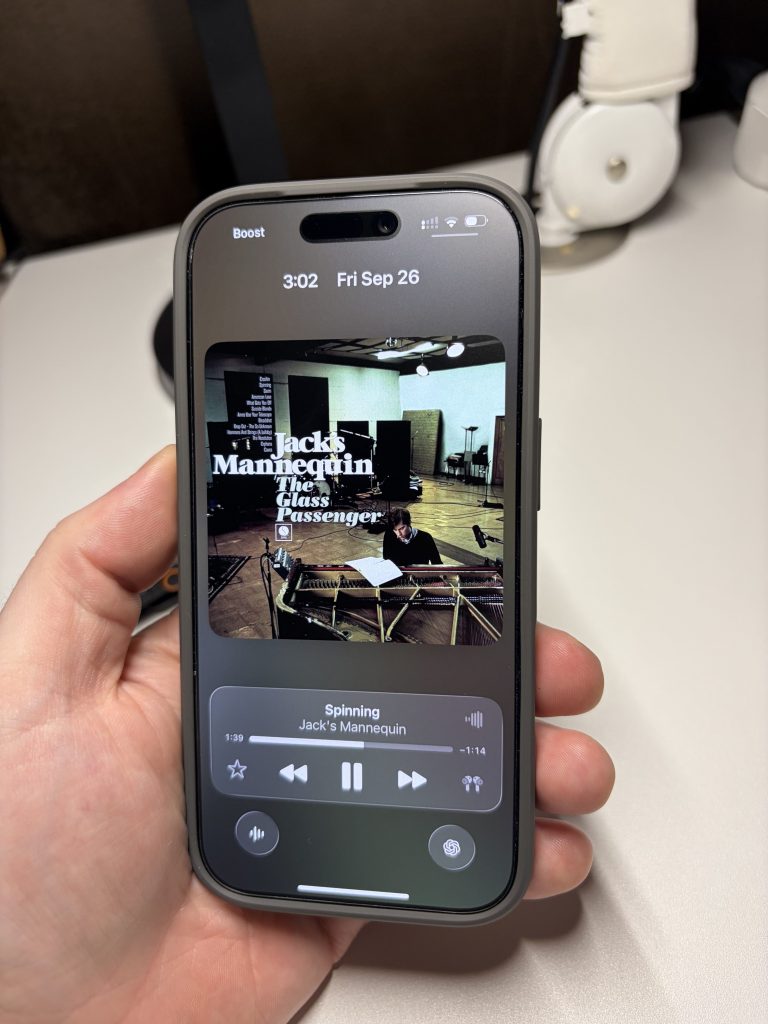
Instead, I’m using the Mothca Matte Series screen protector on my iPhone 17 Pro. Speaking from experience, I recommend the two-pack in case the first installation is a learning process. It retails for under $15.
Matte MacBook Air solution
The anti-glare screen protector that I settled on for my MacBook Air is from ANTOGOO V. I would buy this matte layer again, and it’ll work just as well with an M5 MacBook Air.
A two-pack retails for under $20, and the installation process is surprisingly easy.
My one tip: focus on lining up the notch cutout at the top center when applying the matte screen protector.
If you use your MacBook in bright environments or want a flatter dark mode experience, this is a must-have accessory that comes with the added benefit of no fingerprints or smudges.
Best iPad screen protectors
Apple brought nano-texture to the iPad Pro starting with the M4 version, and it continues to be fantastic with the M5 version.
However, the starting price for a nano-texture iPad is $1699 because Apple only offers the screen choice on 1TB and 2TB storage models.
That’s obviously a lot of money if you just want an anti-glare iPad screen.
Top comment by T.
Hi Zac, like you I am also totally into nano texture or matte screen. I can highly recommend the nanotexture Studio Display and would never go back from using a nano texture screen on my macbook pro. To keep it slightly 'affordable', I bought the Studio Display refurbished at Apple, and for the MacBook Pro it's great that Apple now offers this option on the entry-level model (M4 processor, not a pro or max processor). For my iPhone I never considered using a matte screen protector, but you triggered my interest and I will try one on the short term. To me, matte has far more upside than downside, it makes me wonder why Apple stuck to glossy screens for such a long time. Back in the days (20 years ago) all screens and displays were offered with a matte screen (sometimes as an option).
Fortunately, there’s a great solution: Astropad’s Rock Paper Pencil removable screen protector with Apple Pencil tips.
It’s an awesome solution, especially if you don’t want to commit to always having a matte display.
Have your own favorite matte screen protectors for your products? Leave your picks in the comments! The matte life is a good life.
Do more with your Apple products
AirPods 5 | Apple’s newest wireless headphones
Apple AirTag 2 | Add Find My tracking to keys, bags, bikes, more
AirPods Pro 3 | Apple’s best wireless headphones


FTC: We use income earning auto affiliate links. More.


Comments