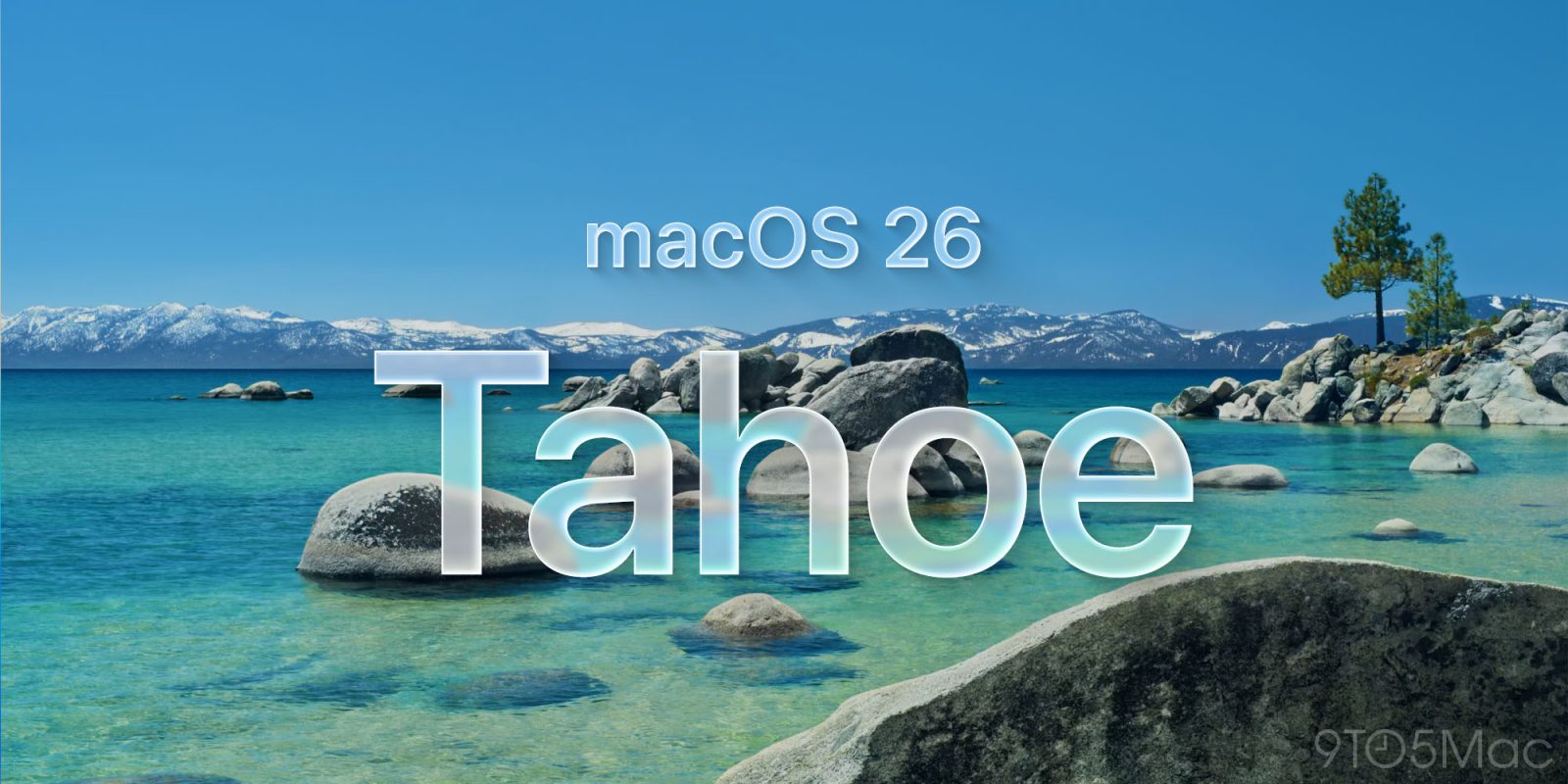
macOS Tahoe

See All Stories

Three new ways to customize your macOS Tahoe 26

9to5Mac is brought to you by CleanMyMac: Tidy up your Mac and iPhone today! Try 7 days free and use our code 9TO5MAC15 for 15% off. Also check out CleanMyPhone for your iPhone!

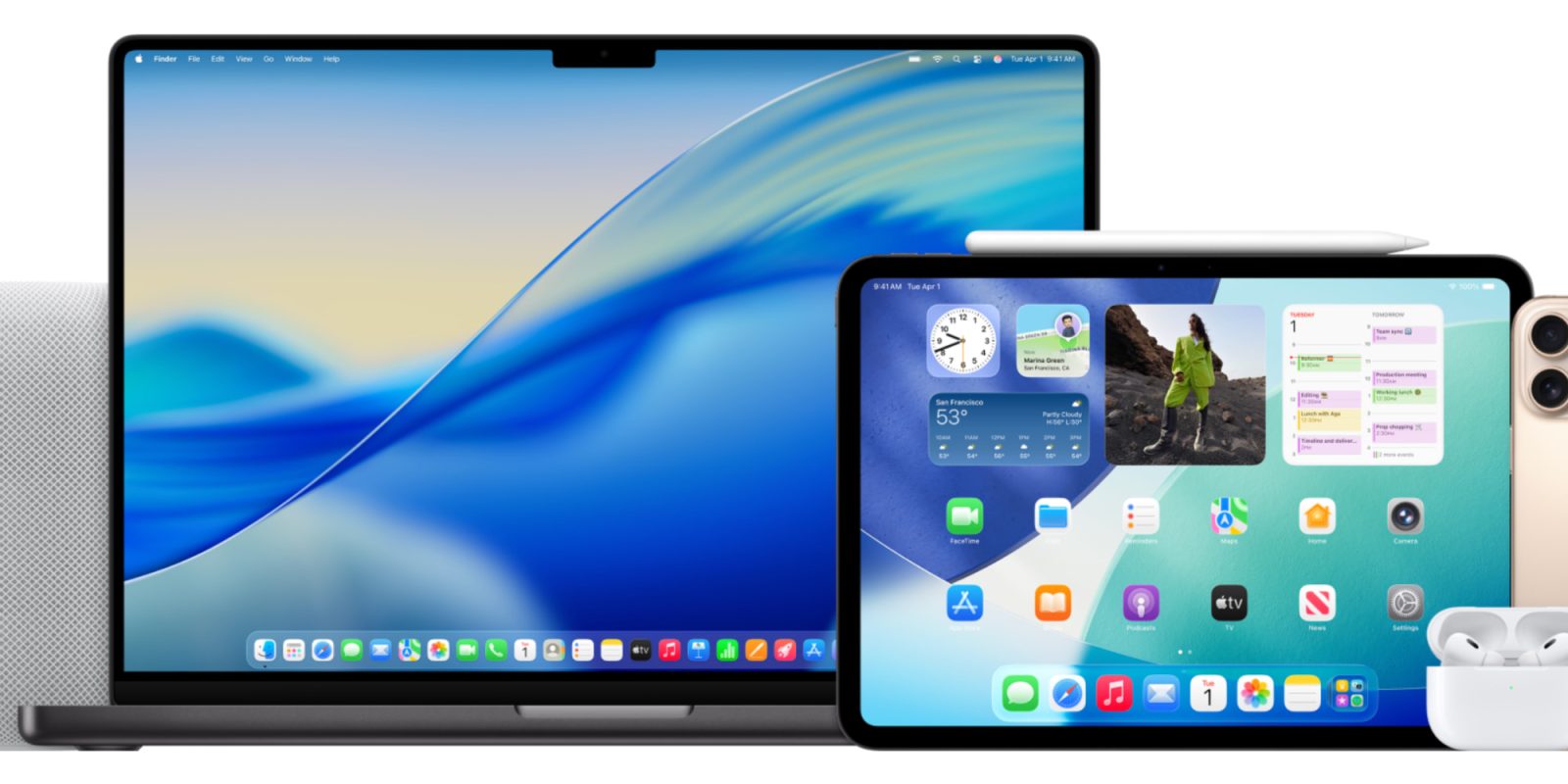
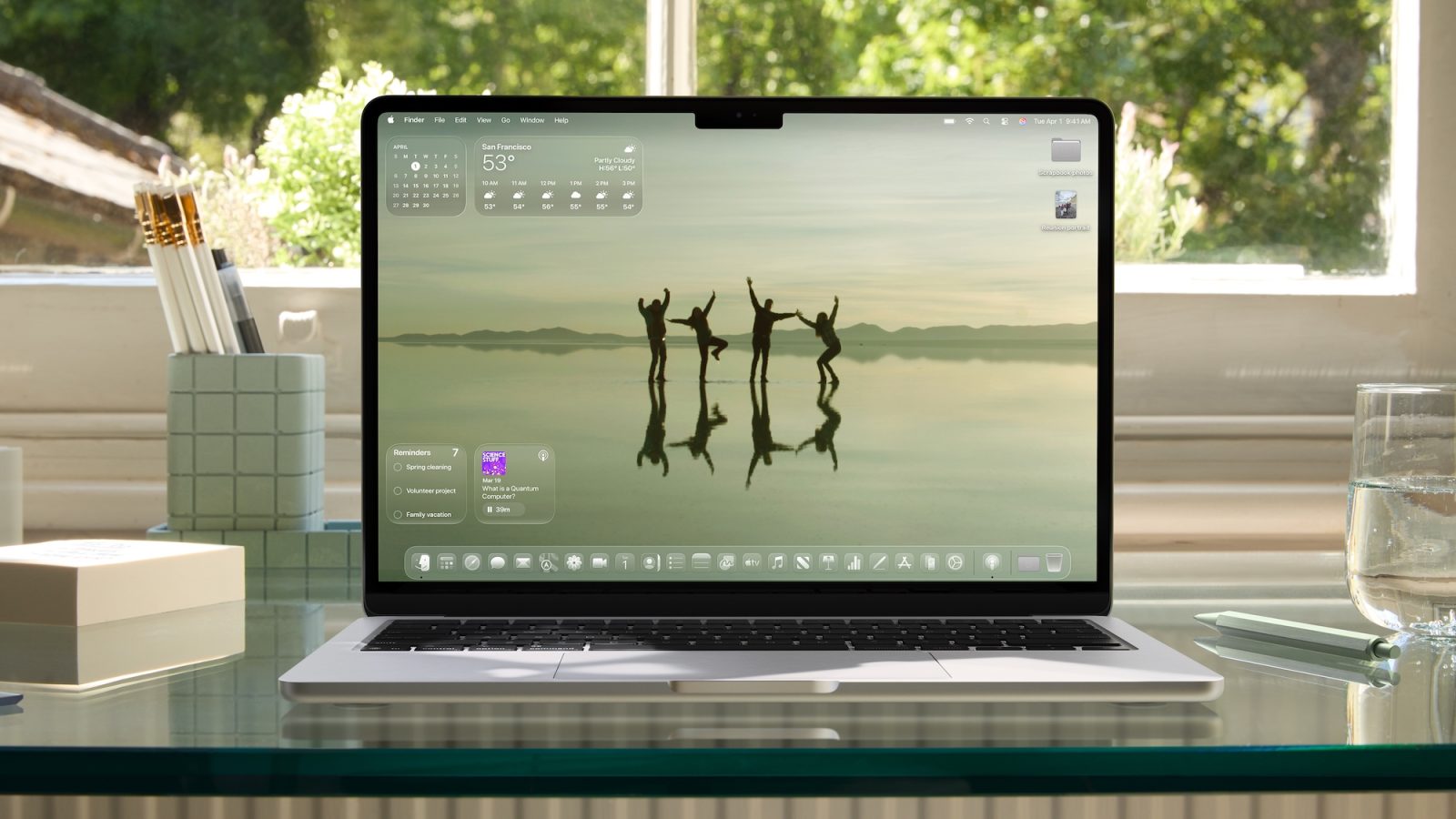
macOS Tahoe 26 gives your Mac a significant redesign, headlined by the new Liquid Glass design language. The update also brings new ways to personalize your Mac, with new icon tinting features, menu bar customization, and more.

Here’s how these new customization options work.

Expand Expanding Close
macOS Tahoe: Reports of FireWire’s death not greatly exaggerated

How dead is FireWire support in macOS Tahoe 26? As dead as the iPod, as far as the Mac is concerned, which is at least a little sad. Stephen Hackett checked.

In classic 512 Pixels fashion, he’s conjured together a real world demonstration using a battle-tested FireWire 800 cable-connected drive, two Thunderbolt adapters including a Thunderbolt 2 to 3 dongle, and a Mac. Woof.

Expand Expanding Close

Apple will end support for Intel Macs next year, macOS 27 will require Apple Silicon

During the Platforms State of the Union at WWDC, Apple just announced that macOS 26 Tahoe will be the last release of macOS that supports Intel. That means from next year, major new versions of Apple’s desktop operating system will only run on Apple Silicon Macs (that is, 2020 M1 models and newer).

Of course, Intel Macs will continue to get critical security updates for some time thereafter. But users should not expect to be able to update to get new features from macOS 27 onwards, as no Intel Mac will be supported on macOS 27.

Expand Expanding Close