
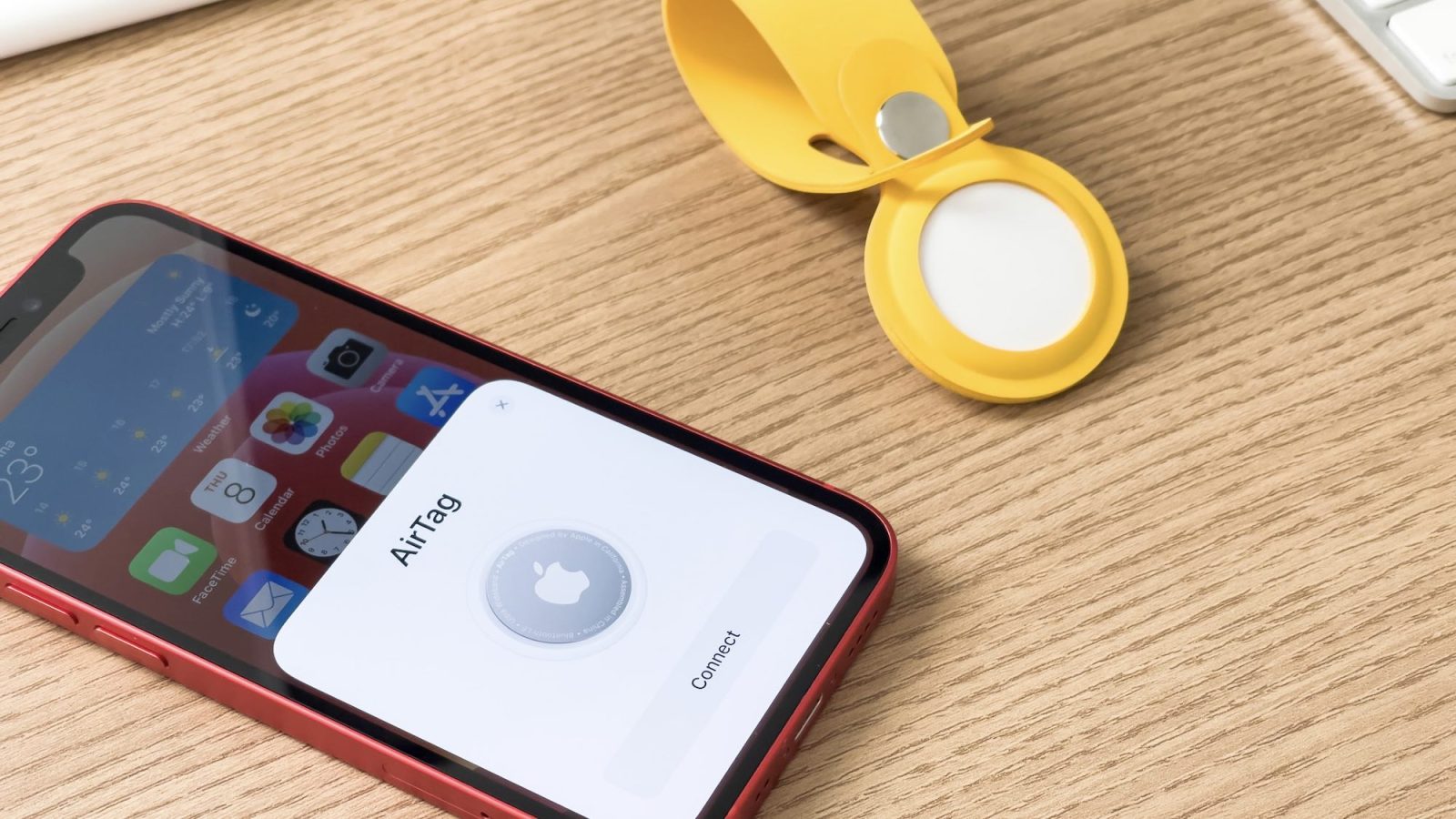
Apple has released two firmware updates for its AirTag item tracker since November. However, the company was yet to detail what has changed with these updates. As noted by some users, Apple has finally shared what’s new with the latest AirTag firmware updates.
Here’s what has changed with AirTag firmware updates 2.0.24 and 2.0.36
In a support article on Apple’s website, the company now details what’s new in AirTag firmware updates 2.0.24 and 2.0.36. Version 2.0.24 of the AirTag firmware, released on November 10, finally lets iPhone users locate an unknown AirTag with Precision Finding.
This feature was announced by Apple earlier this year as part of the company’s measures to prevent people from using AirTag for stalking purposes. When the iPhone detects an unknown AirTag moving with the user, the person can use Precision Finding combined with a sound alert to quickly find and disable that AirTag.
Top comment by charlie
This is one of those products that is impossible to get right. You have people that will simply want to use it to locate their items and those who want to use it to stalk. The existence of the latter makes the intended purpose of the former more difficult to achieve. You obviously prioritize safety but those measures end up being dealbreakers for many. Other trackers have been around for years but we all know that the popularity of Apple's products makes Airtags, and their implementation, ripe for abuse. Hard to see a perfect solution when the intention can change in an instant.
Apple has also enhanced notification alerts for when an AirTag separated from its owner is moving with you. Of course, some of these features require an iPhone 11 or later, as they rely on the U1 chip with Ultra Wideband technology.
As for AirTag firmware update 2.0.36, released on December 12, Apple says it has fixed an issue in which the accelerometer built into the AirTag wasn’t activating in certain scenarios. This sensor is likely used to help the iPhone detect when an AirTag is moving.
Updating an AirTag is not that intuitive
Unfortunately, there’s no intuitive way to update an AirTag. Apple says that the item tracker is automatically updated when it is in range of the iPhone. Another thing to keep in mind is that AirTag firmware updates are rolled out in phases, so not everyone gets them at the same time.
Users can check the firmware version of their AirTags by going to the Find My app and tapping on the AirTag name.


FTC: We use income earning auto affiliate links. More.


Comments