
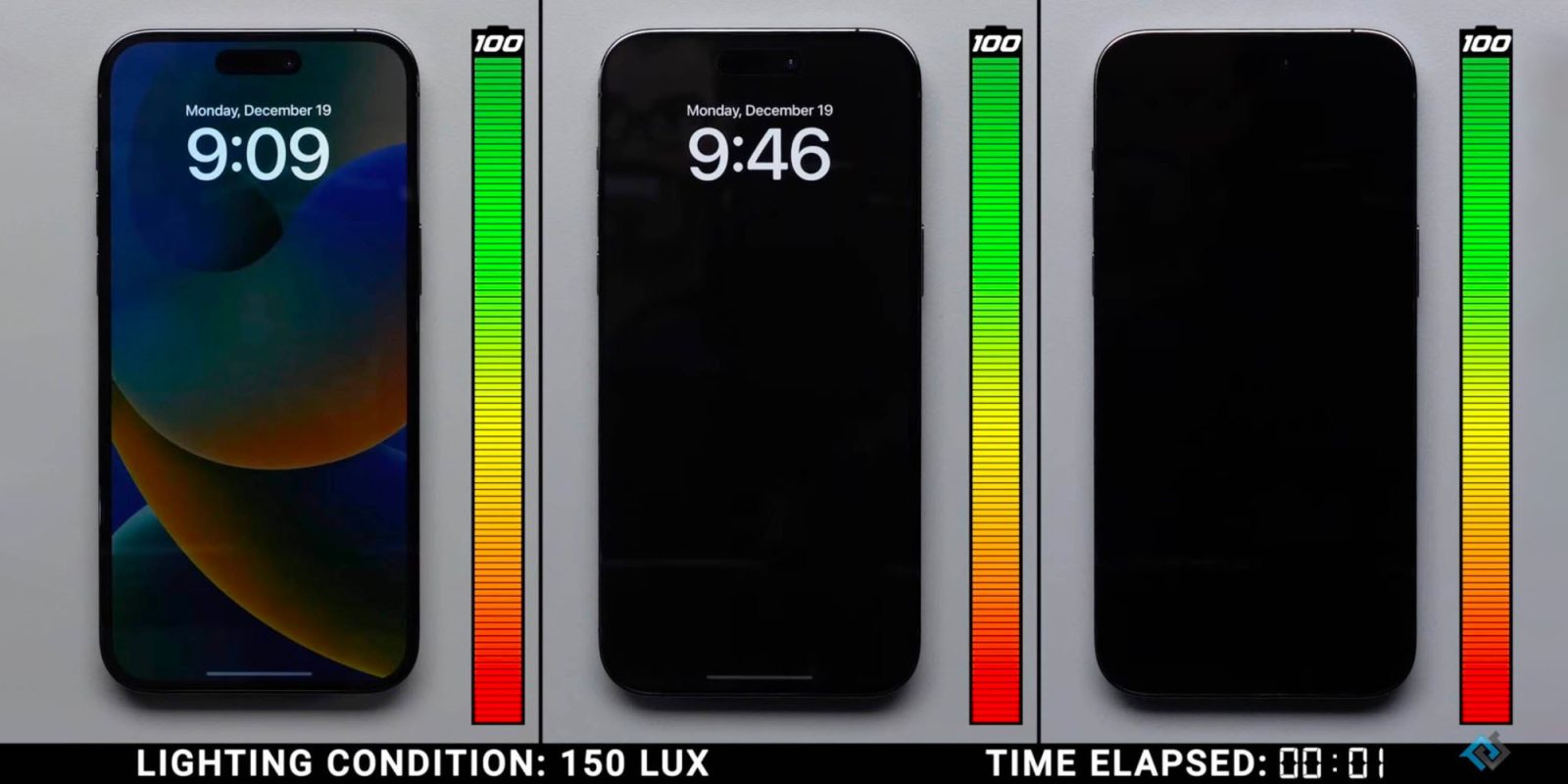
Since Apple’s iPhone 14 Pro landed with the company’s first-ever always-on display, a lingering question has been how much battery the feature drains. In a detailed new test, PhoneBuff has compared how much the iPhone always-on display drains battery with and without a background compared to turning the feature completely off.
Apple originally launched its take on the always-on display for iPhone 14 Pro with colored backgrounds showing up which felt it’s a bit much for some people.
With iOS 16.2, Apple pleased those looking for customization as you can opt to disable the wallpaper and notifications for the always-on display. That results in a more subtle – and Android-like – always-on experience.
- How to customize your iPhone 14 Pro always-on display
- How to improve iPhone 14 battery life: Why your battery is draining and 7 tips to boost it
iPhone 14 Pro always-on battery drain results
Top comment by holdthiscat
I switched to having the AOD without the wallpaper, not because of battery, but because it was too distracting for me. I do think it’s great that we now have more options, when it comes to AOD, than pretty much any other implementation.
As it turns out, after 24 hours of testing, the iPhone 14 Pro always-on really doesn’t use much battery.
- Always-on with wallpaper = 0.8% more battery drain per hour
- Always-on without wallpaper = 0.6% more battery drain per hour
An important detail to remember is that would only be the case if always-on was truly always on, which it isn’t. Your screen goes still goes fully dark when:
- Your iPhone is lying face down
- Your iPhone is in your pocket or bag
- Sleep Focus is on
- Low Power Mode is on
- Your iPhone is connected to CarPlay
- You’re using Continuity Camera
- You haven’t used your iPhone for a while (your iPhone learns your activity patterns and turns the display off and on accordingly, including if you set up an alarm or sleep schedule)
- Your iPhone detects that you moved away from it with a paired Apple Watch (Always-On display will turn on when your Apple Watch is close to your iPhone again)
But in the worst-case scenario, always-on could use up 20% battery in 24 hours if it was on the whole time.
Another interesting comparison was the iPhone 14 Pro vs the Galaxy S22 Ultra for always-on drain and they both ended the 24-hour test with 84% charge after starting with 100%. Check out PhoneBuff’s full video for all the details:


FTC: We use income earning auto affiliate links. More.





Comments