
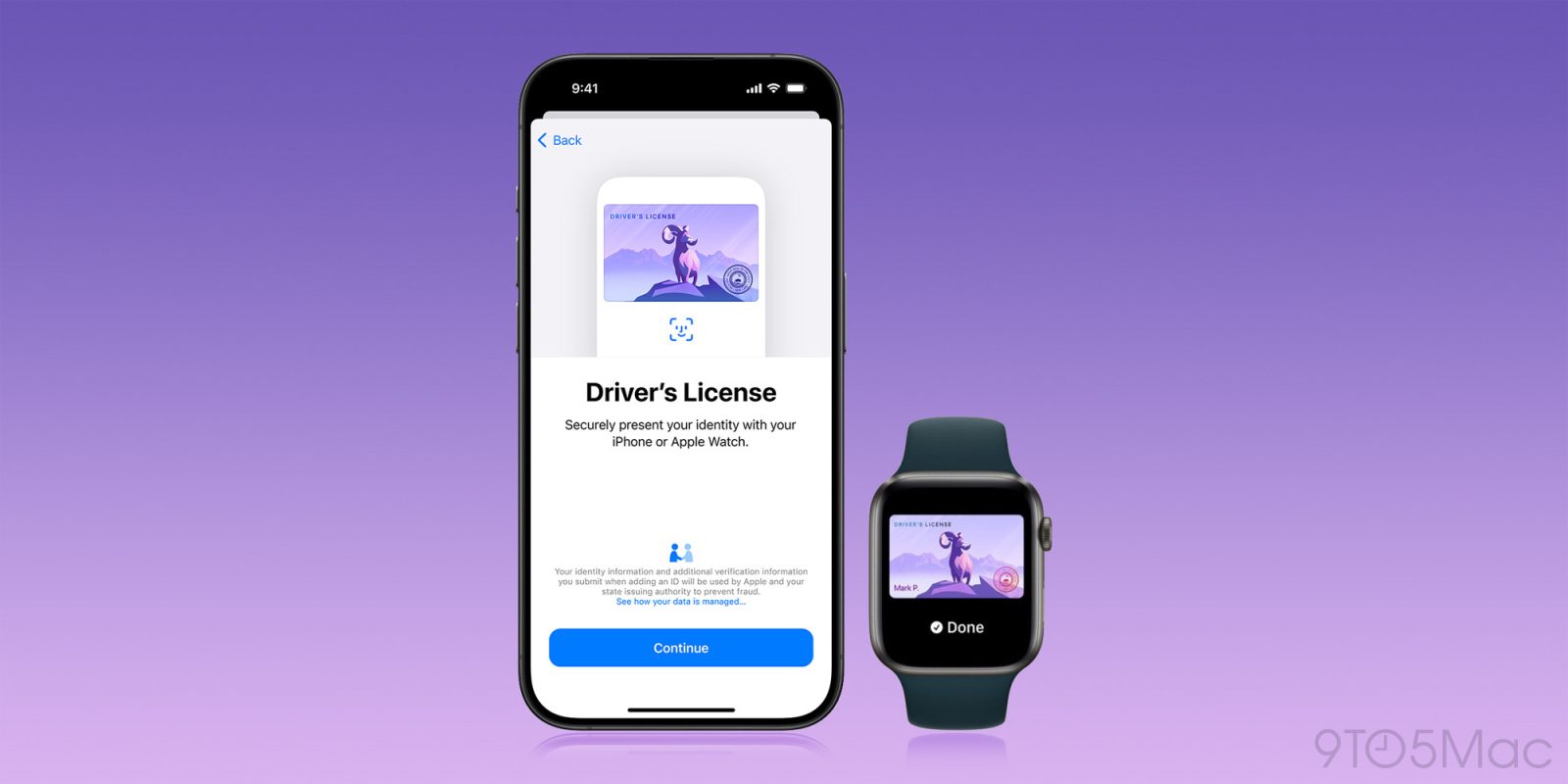
Apple announced plans to let iPhone users add a driver’s license or state ID to Wallet back in 2021. The rollout started slowly, but it has picked up significantly over the past year. Apple also now offers a second option that does not depend on your state at all.
Today, there are two distinct ways to carry an ID in Apple Wallet:
- An eligible driver’s license or state ID issued by a participating state
- A passport-verified Digital ID created from an unexpired U.S. passport
The two options coexist in Wallet, but they have different requirements and are not accepted everywhere. Here’s what each one does, where you can use it, and which states could be next.
Driver’s licenses and state IDs in Apple Wallet
Apple’s current list includes 16 states and Puerto Rico.
The supported states are:
- Arizona
- Arkansas
- California
- Colorado
- Georgia
- Hawaii
- Illinois
- Iowa
- Maryland
- Montana
- New Mexico
- North Dakota
- Ohio
- Oklahoma
- Virginia
- West Virginia
Puerto Rico is the sole supported U.S. territory.
The rollout has accelerated recently. Montana joined in August 2025, followed by North Dakota in September, West Virginia in October, and Illinois in November. Arkansas became the newest addition in May 2026, followed by Virginia in August and Oklahoma in September.
If your state is supported, open Wallet on your iPhone, tap the + button, select Driver’s License or ID Cards, and follow the verification steps. You can choose to add the ID to your iPhone only or to both your iPhone and paired Apple Watch.
At participating locations, you can present an ID in Wallet at eligible TSA checkpoints and select businesses, venues, apps, and websites. Instead of handing over your phone or displaying your entire license, you review the specific information being requested and authorize it with Face ID or Touch ID.
That privacy model is one of the feature’s biggest benefits. A business checking whether you are over 21, for example, may only receive confirmation that you meet the age requirement instead of seeing your exact birthday, home address, and other unrelated information.
There is still an important limitation: an ID in Apple Wallet does not replace your physical driver’s license or state ID everywhere. Acceptance remains inconsistent, so you should continue carrying your physical credential when traveling, driving, or entering a situation where identification may be required.
Outside the United States, Apple Wallet also supports Japan’s My Number Card. That is separate from the count of U.S. states and territories above.
Digital ID: a Wallet ID made with your U.S. passport
Apple launched Digital ID in Wallet with iOS 26.1 in November 2025. Unlike a state-issued driver’s license in Wallet, Digital ID is available regardless of which state you live in.
To create one, you need:
- An authentic, unexpired U.S. passport
- An iPhone 11 or later running iOS 26.1 or later
- Face ID or Touch ID and Bluetooth enabled
- An Apple Account with two-factor authentication
- A stable Wi-Fi or cellular connection
- Your device region set to the United States
The passport holder must also be at least 13 years old.
Digital ID can also be added to an Apple Watch Series 6 or later running watchOS 26.1 or later. Apple provides the full requirements and setup instructions on its support site.
To get started, open Wallet, tap +, choose Driver’s License or ID Cards, and select Digital ID. You will scan the machine-readable portion of your passport’s photo page, use your iPhone to read its embedded chip, and complete a selfie and identity-verification check.
Apple said Digital ID acceptance would begin rolling out in beta at TSA checkpoints at more than 250 U.S. airports. It is intended for identity verification during domestic travel, though support can vary by airport, checkpoint, and even individual lane.
Apple has since expanded Digital ID to certain Apple Account and Apple services age-verification flows, as we reported in May. Apple also supports presenting Digital ID in participating apps and websites.
Digital ID is not a digital copy of your passport. It is an identity credential derived from the information in your passport. It cannot replace a physical passport for international travel, border crossings, or any other function that requires an actual passport.
What about states with their own digital ID apps?
Apple Wallet is not the only way to carry a mobile ID on an iPhone. Several states operate their own mobile driver’s license or digital-ID programs through standalone apps.
These programs should not be treated as interchangeable with Apple Wallet. A state app can have different setup requirements, privacy practices, subscription costs, and acceptance rules. Some work at certain TSA checkpoints or participating local businesses, while others have a much narrower set of uses.
Before relying on any state mobile-ID app, check the issuing authority’s current guidance and continue carrying your physical ID.
Which states could get Apple Wallet support next?
There is no dependable rollout calendar for state IDs in Apple Wallet. Each launch requires coordination between Apple and the issuing authority, and a state’s digital-ID legislation or standalone app does not necessarily mean Wallet support is imminent.
The strongest recent signals point to Utah. As we reported in July, references found in Apple’s backend suggest that work is underway to support both states.
Utah was part of Apple’s original group of announced partners in 2021, while the state continues to describe its Wallet integration as being in the planning process.
Backend references are evidence that implementation work has taken place, but they do not guarantee an imminent release. Neither Apple nor the state has announced a firm launch date.
Kentucky has also said it plans to launch Wallet support. Connecticut, Mississippi, and Oklahoma have previously committed to supporting the feature without announcing release dates. Our broader state-by-state roundup tracks those commitments along with states exploring other forms of mobile identification.
How to use an ID in Wallet at the airport
At an eligible TSA checkpoint, look for signs indicating that digital ID is accepted. Availability may differ between checkpoints or lanes inside the same airport.
When prompted, double-click the side button on your iPhone or Apple Watch, select your ID, and hold the device near the identity reader. Your device will show the information being requested. Review it, then authenticate with Face ID or Touch ID to approve the presentation.
You do not need to unlock your iPhone, display all the information on your license, or hand your device to a TSA officer. Still, an airport offering mobile-ID support does not mean every checkpoint will accept it at all times.
Top comment by Shafnitz
Last time I flew out of PHX, I got all excited to use my iPhone to get through security. I have TSA precheck, and I when I approached the agent desk with phone in hand, I asked her how to use my digital ID. She said, "I need your physical ID." I responded with, "I thought we could use Apple Wallet in this airport?" And she said, "Sometimes. But not today." 🤷♂️
As our guide to Apple Wallet ID acceptance explains, the rollout remains patchwork. Check airport signage and keep a physical ID available as a backup.
Bottom line
State-issued IDs in Apple Wallet remain limited to a minority of the country, but the rollout is moving faster than it did during the feature’s first few years. Digital ID has also made Wallet-based identification available to far more people with U.S. passports, regardless of whether their state supports Wallet.
For now, the most practical approach is to add an eligible credential if you can, use it where accepted, and continue carrying your physical ID. Digital identification is becoming more useful, but it has not yet reached the point where most people can safely leave their physical wallet at home.
Have you used an ID in Apple Wallet or a state mobile-ID app in the real world? Let us know in the comments.
Do more with your Apple products
AirPods 5 | Apple’s newest wireless headphones
Apple AirTag 2 | Add Find My tracking to keys, bags, bikes, more
AirPods Pro 3 | Apple’s best wireless headphones


FTC: We use income earning auto affiliate links. More.



Comments