
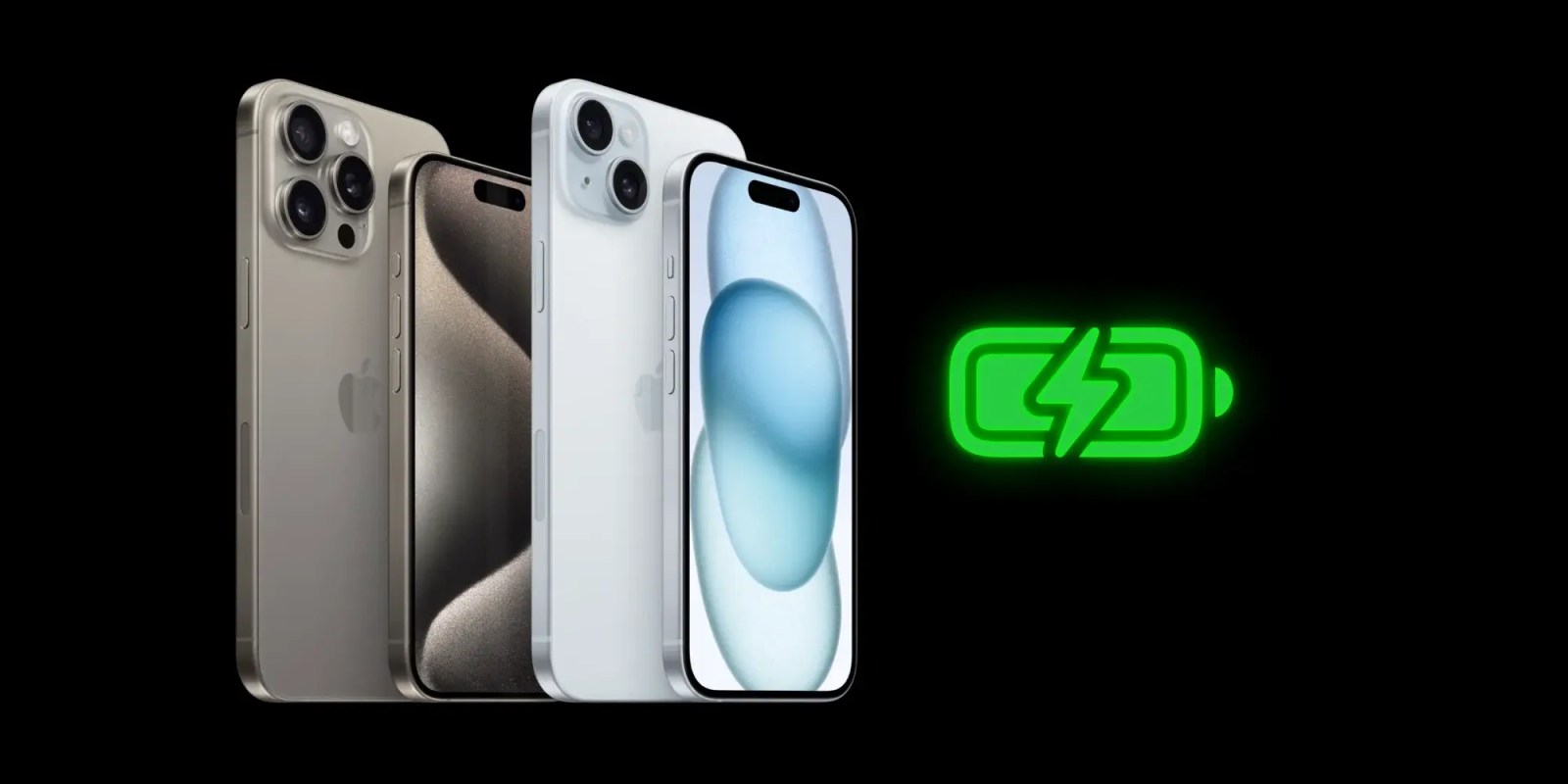
iOS 18 includes a couple of notable changes to iPhone battery health and charging settings. Apple has added more charging limit settings for iPhone 15 users, along with information about when you’re using a slow charger.
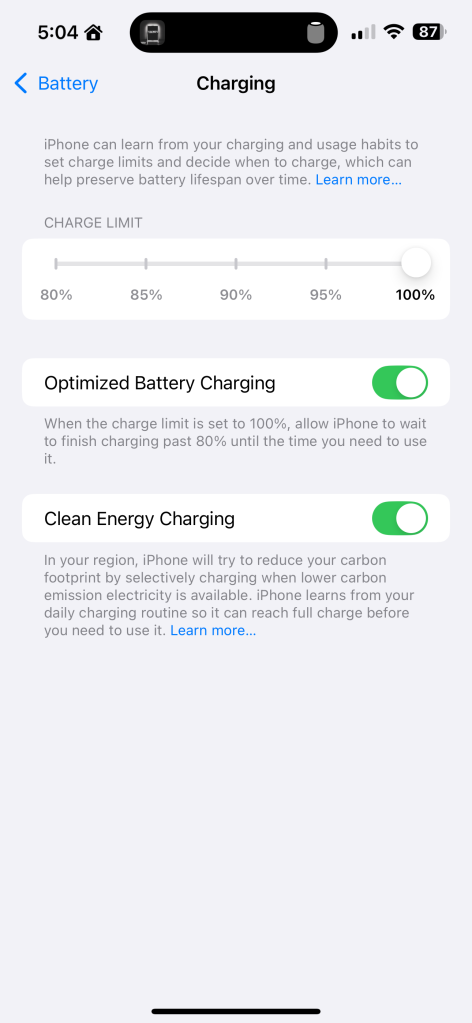
In the Settings app for iOS 18, iPhone 15 users will see several options for setting a charging limit in the “Charging” section of the “Battery” menu. Previously, Apple let you set an 80% charge limit, but Apple has now added more granular options to set charge limits of 85%, 90%, and 95%.
Top comment by Kit Greer
What's wrong with using a slow charger? I always thought a slower one (if you have the time) is better, as it's not causing excess heat and trickle charging was better than fast?
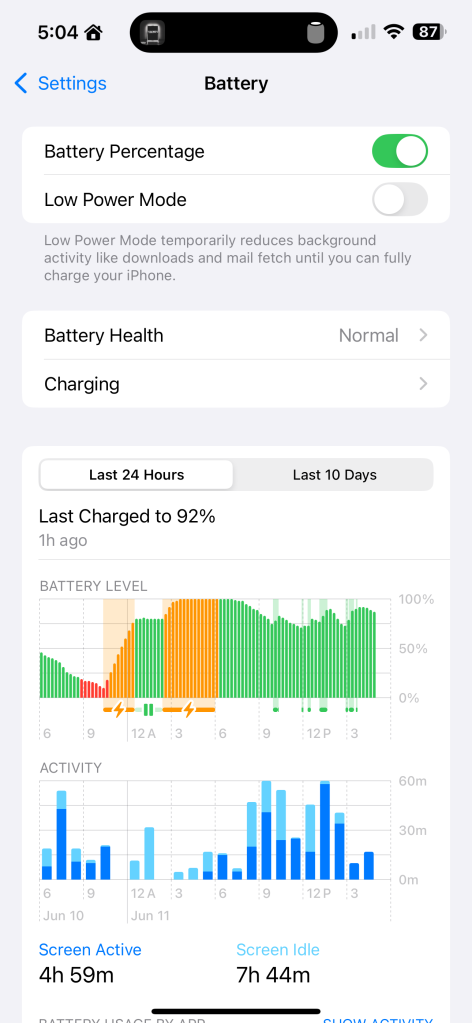
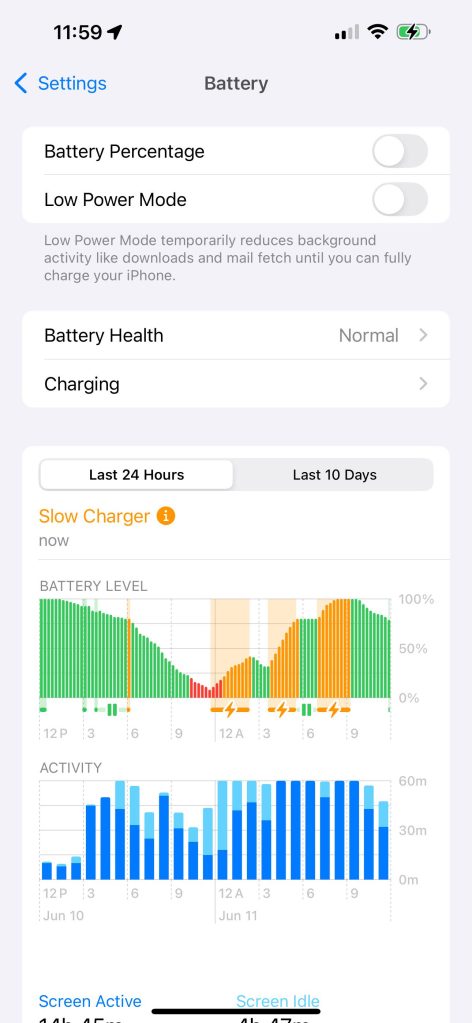
iOS 18 also includes a new feature that can tell you if you’re using a slow charger to recharge your iPhone. In the Settings app, choose the “Battery” menu and look at the Battery Level graph. If you’re actively charging with a slow charger, you’ll see a warning message. The graph itself has also been updated with a new orange color, which indicates use of a slow charger.
As of right now, it’s unclear what charging speed triggers the “Slow Charger” message. Still, it’s useful context to have.
Follow Chance: Threads, Twitter, Instagram, and Mastodon.


FTC: We use income earning auto affiliate links. More.


Comments