
CarPlay is a useful Apple feature that brings communication and entertainment apps from your iPhone to the built-in screen in your car. Install supported apps on your iPhone, then compatible CarPlay apps generally appear on your car display when you’re connected.
We’ve tracked CarPlay app releases for a decade. Below is our list of more than 140 CarPlay apps across over a dozen categories.
Categories
Apple apps
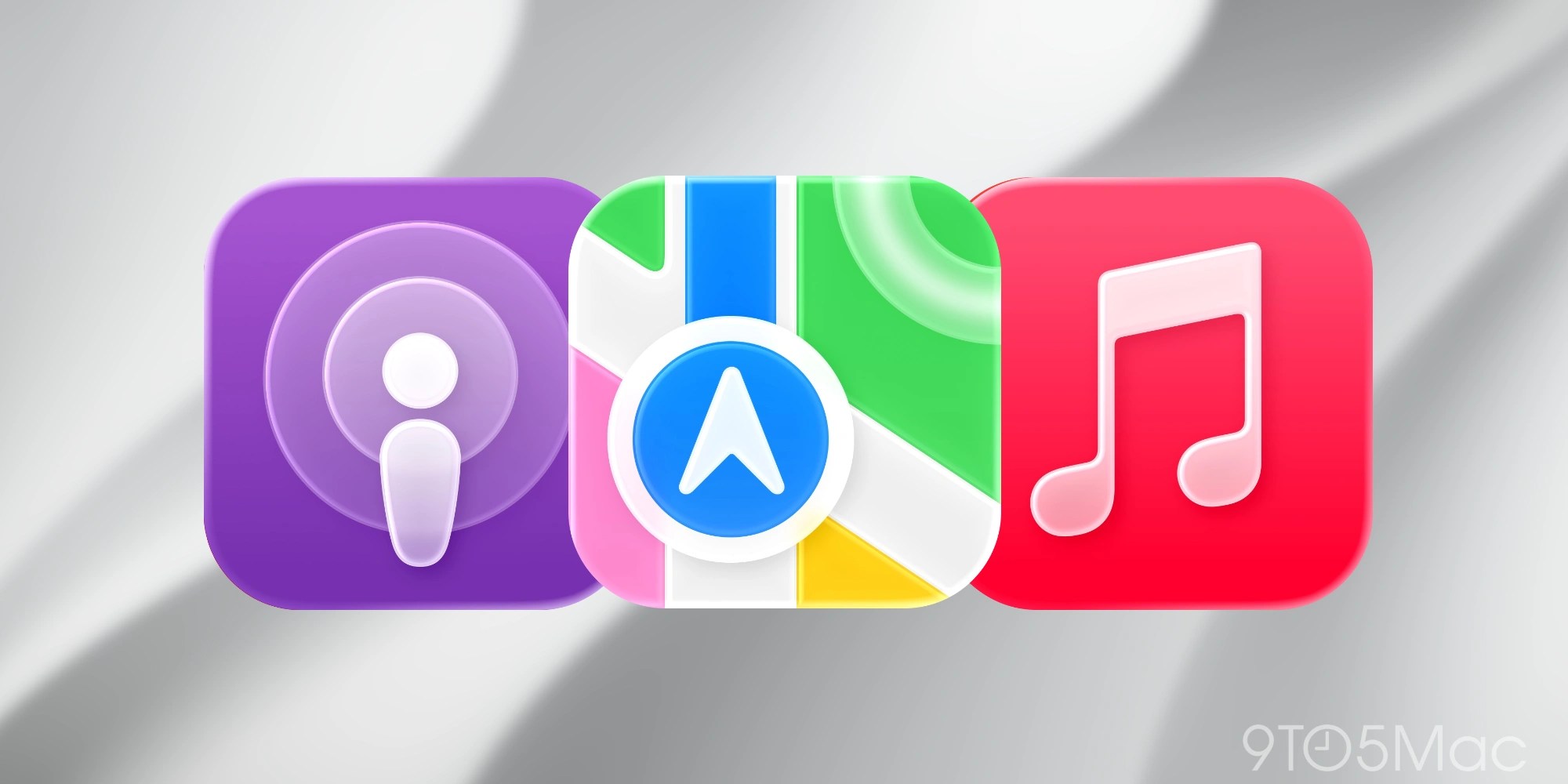
Apple’s built-in CarPlay tools cover the essentials, like navigation, calls, messages, audio, and your schedule. Each uses a simplified interface designed for driving.
- Phone: Make and receive calls, return missed calls, and listen to voicemail. Ask Siri to call someone or open Phone and use your vehicle’s controls.
- Music: Browse or ask Siri for songs, artists, albums, playlists, and radio, then control playback from Music, Now Playing, Dashboard, or your steering wheel. Up Next, shuffle, repeat, and other controls are available.
- Maps: Use Siri or the on-screen controls to find a destination and get turn-by-turn directions, traffic conditions, and an estimated arrival time. You can add a stop, find nearby services, share your ETA, and report road incidents in supported regions.
- Messages: Hear unread messages, dictate a new message or reply, and use Tapbacks without typing. Pinned conversations carry over from iPhone. The interface is built around listening and dictation rather than reading full chats or sending attachments.
- News: News in CarPlay is an audio app, not a browsable news feed. It plays Apple News Today briefings and audio versions of select Apple News+ stories.
- Podcasts: Choose recent, saved, or downloaded episodes and control playback from the display, steering wheel, Now Playing, or Dashboard. CarPlay includes play and pause, a 15-second rewind, a 30-second skip, and playback-speed controls.
- Audiobooks (Apple Books): CarPlay exposes the audiobook side of Apple Books. Select a title from your library and control it from the car, steering wheel, Now Playing, or Dashboard.
- Calendar: See upcoming appointments in a compact agenda or on Dashboard. Selecting an event can offer useful driving actions such as directions to its location or a button to join by phone.
- Settings: Change CarPlay-specific options including wallpaper, appearance, Driving Focus, Dashboard suggestions, album art, and certain Siri or messaging behavior.
- Siri: Starting with iOS 27, Apple includes a built-in Siri app for saving previous conversations and resuming in context.
CarPlay features
Dashboard, Now Playing, Widgets, and Live Activities are system features rather than standalone apps. These are Apple’s CarPlay system features that aren’t apps:
- Now Playing: This is a system-wide playback remote rather than another source of content. It shows the audio currently playing from Apple or third-party apps and exposes the controls that app supports. Basic controls also appear in Dashboard.
- Dashboard: CarPlay’s at-a-glance hub combines compatible navigation, current audio, Siri suggestions, and timely information such as Calendar events and Live Activities. It can use a compatible third-party navigation app and is a curated system view rather than a collection of full apps.
- Widgets: Widgets bring glanceable information from iPhone apps into stacks beside Dashboard, even when an app does not have a full CarPlay interface. Add, remove, or reorder them from iPhone; the number of stacks and whether they are interactive depend on the vehicle’s display.
- Live Activities: Live Activities automatically surface timely progress like directions, live scores, or a delivery estimate in Dashboard or as a notification. They are not full apps and use the same per-app Live Activity settings as iPhone.
AI
AI apps in CarPlay are voice-based conversational tools: you ask a question and hear the answer instead of working through a full chat screen. ChatGPT, Grok, and Perplexity are the major choices here, with visual output intentionally kept to a minimum while you drive.
- ChatGPT (Our coverage)
- Claude (Our coverage)
- Copilot (Our coverage)
- Grok (Our coverage)
- Meta AI (Our coverage)
- Perplexity (Our coverage)
Audiobooks
This category covers full-length audiobooks, short summaries, library loans, and even text-to-speech for saved articles. Audible is the biggest commercial catalog, Libby and Hoopla handle library borrowing, Google Play Books and Kobo cover existing purchases, and Instapaper can read saved articles aloud. Their CarPlay interfaces generally emphasize resuming a title and using simple playback controls.
- Audible
- Audiobooks.com
- Blinkist
- Bookmate
- Everand
- Google Play Books
- Hoopla
- Instapaper (Our coverage)
- Kobo Books
- Libby, the library app
Communication
Communication apps bring a driving-safe subset of calls and messages to CarPlay. No full video meetings, chat histories, or screen sharing. WhatsApp, Teams, Google Meet, Zoom, Webex, and others rely heavily on voice, notifications, and audio, and the exact calling or messaging features vary by app.
- Beeper
- Google Meet
- LINE
- Microsoft Teams
- Telegram Messenger
- Webex Meetings/Webex
- WhatsApp (Our coverage)
- Zoom Workplace
EV charging, fuel, and parking
These apps reduce the need to handle your iPhone while looking for a charger, fuel pump, or parking space. ChargePoint, Chargeway, and PlugShare highlight the EV options; Chevron covers fueling; and EasyPark and SpotHero handle parking. Depending on the app, CarPlay may show nearby locations, availability or reservation details, directions, and a few quick actions, while account and payment setup stays on iPhone.
- ChargePoint
- Chargeway
- Chevron
- EasyPark
- Electrify America
- FLO EV Charging
- PlugShare
- SpotHero
- Texaco
- Walmart Fuel
Food
Food-ordering apps are built for quick, repeatable actions—not browsing a restaurant’s entire menu. Caribou Coffee, Chick-fil-A, Domino’s, and Panera can surface nearby stores, saved or recent orders, pickup details, or order status depending on the app. More complicated customization and account setup remain on iPhone.
Music
Music is CarPlay’s broadest app category beyond the built-in Music app, spanning subscription services, internet radio, local-file players, and more specialized audio. Spotify, Amazon Music, YouTube Music, and SiriusXM cover familiar choices, while Apple Music Classical and VLC show how specialized the category can get. Each app decides which parts of its library, recommendations, and playback controls appear.
- Amazon Music
- Apple Music Classical (Our coverage)
- Audiomack
- Bandcamp
- Berliner Philharmoniker
- Blankie
- Broadcasts
- Deezer Music
- Doppler
- LITT Live Radio
- LiveOne Music
- Mixcloud
- myTuner Radio
- Nintendo Music (Our coverage)
- Pandora (Our coverage)
- Plexamp
- Qobuz (Our coverage)
- Radio Deejay
- SiriusXM Radio (Our coverage)
- SongCapsule
- SoundCloud (Our coverage)
- Spotify
- Suno
- Tidal (Our coverage)
- VLC (Our coverage)
- VOX
- YouTube Music
- Zeno Radio
Navigation
Navigation apps can replace Apple Maps for turn-by-turn guidance and can occupy CarPlay Dashboard while in use. Google Maps and Waze are the familiar all-purpose options; ABRP specializes in EV trips; Trucker Path serves commercial drivers; and onX Offroad and Rever cover off-road and motorcycle travel. Features can vary by region, vehicle, and subscription.
- ABRP (A Better Routeplanner)
- ETA
- Google Maps (Our coverage)
- HERE WeGo Maps & Navigation
- inRoute
- Lyft Driver
- MapQuest
- My Porsche (Our coverage)
- NAVER Map
- No Roads
- onX Backroad: Trail GPS
- onX Fish: Midwest Fishing Maps
- onX Hunt: GPS Hunting Maps
- onX Offroad: Trail Maps and GPS
- Radarbot
- Rever Motorcycle GPS & Rides
- Roads by Porsche
- Sygic GPS Navigation & Maps
- TomTom GO Expert (Our coverage)
- TroutRoutes: Fly Fishing Maps
- Trucker Path
- Uber Driver
- Waze (Our coverage)
News & Sports
News and sports apps treat CarPlay primarily as a listening surface, not a place to read articles. Audacy and TuneIn aggregate live radio, NPR and publications such as Bloomberg, The Economist, and The New York Times provide spoken news, and league and team apps focus on sports audio and updates. The exact live feeds and subscriber content available vary by app.
- Audacy
- Buffalo Bills
- Bloomberg
- CNBC
- Chicago Bears
- FOX News
- MLB (Our coverage)
- NBA
- NHL
- NPR (Our coverage)
- New Orleans Saints
- New York Times
- Police Scanner Radio & Fire
- The Economist
- TuneIn Radio (Our coverage)
- Washington Post
Weather
Weather apps bring current conditions and route awareness to a glanceable CarPlay interface. CARROT Weather focuses on forecasts and alerts, MyRadar adds radar and hazard context, while Weather Navigation for Car and Weather on the Way specialize in conditions along a trip. They complement navigation apps rather than reproduce every chart and setting from their iPhone versions.
- CARROT Weather
- MyRadar Weather Radar (Our coverage)
- RadarScope (Our coverage)
- Storm Radar (Our coverage)
- Weather Navigation for Car!
- Weather on the Way
- Weatherology
- WeatherWise
Podcasts
Dedicated podcast apps make queues, libraries, playback speed, and skip controls easier to reach in the car. Overcast, Pocket Casts, and Castro are focused podcast players, while iHeartRadio combines podcasts with other audio. The library and playback controls exposed in CarPlay vary by app.
Video
Third-party video browsing requires iOS 27, a compatible app, and a supported vehicle. Video is available only while parked.
- Apple TV
- Third-party video app support in CarPlay requires iOS 27
Smart home, vehicle, and utility apps
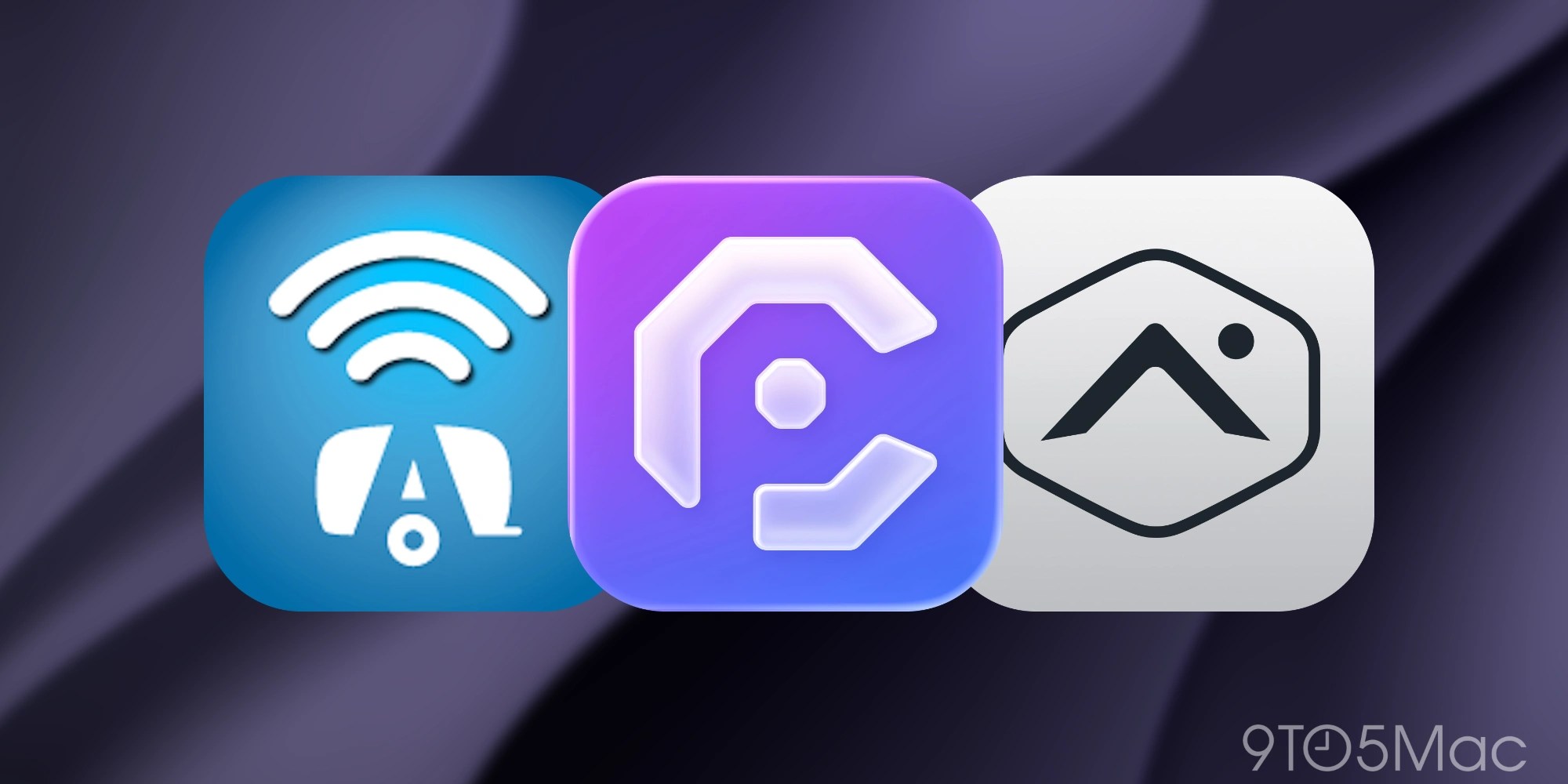
This catch-all category shows how far CarPlay has expanded beyond maps and media. Airstream brings connected-RV functions to CarPlay; Alarm.com and Kwikset provide quick access to home and lock controls; and CardPointers recommends which card to use at nearby businesses. OBD Fusion adds vehicle diagnostics. Each experience concentrates on a few context-specific actions instead of recreating the whole iPhone app.
- Airstream RV (Our coverage)
- Alarm.com
- CardPointers
- Home Assistant
- HomeButtons for HomeKit
- HomeLink
- Kwikset (Our coverage)
- OBD Fusion
- Target (Our coverage)
CarPlay apps FAQ
How do I install, add, or rearrange CarPlay apps?
Download a compatible app from the App Store on iPhone, and it should appear the next time you connect. While parked, go to Settings > General > CarPlay > your vehicle > Customize to add an app back, hide a removable app, or change the icon order. Some built-in apps cannot be removed.
Why isn’t an app appearing in CarPlay?
Confirm that the app is installed and updated on iPhone and has not been removed in CarPlay’s Customize screen. Only apps built to support CarPlay receive a normal app icon; some apps provide only a widget or Live Activity.
What is the difference between a CarPlay app, widget, and Live Activity?
A CarPlay app has an icon and a driving-focused interface. A widget adds glanceable information beside Dashboard and may support a simple tap on touchscreen vehicles. A Live Activity automatically shows a timely update such as trip progress, a score, or a delivery estimate. Widgets and Live Activities can appear even when the iPhone app has no traditional CarPlay app.
Can I watch Apple TV or other video apps in CarPlay?
Only in a car that supports Apple’s video-in-car feature, and only while the vehicle is parked.
Save this page and check back often as we update the list!
Last verified October 2026. We regularly verify App Store availability, current app names, and confirmed CarPlay support.
Do more with your Apple products
AirPods 5 | Apple’s newest wireless headphones
Apple AirTag 2 | Add Find My tracking to keys, bags, bikes, more
AirPods Pro 3 | Apple’s best wireless headphones


FTC: We use income earning auto affiliate links. More.




Comments