
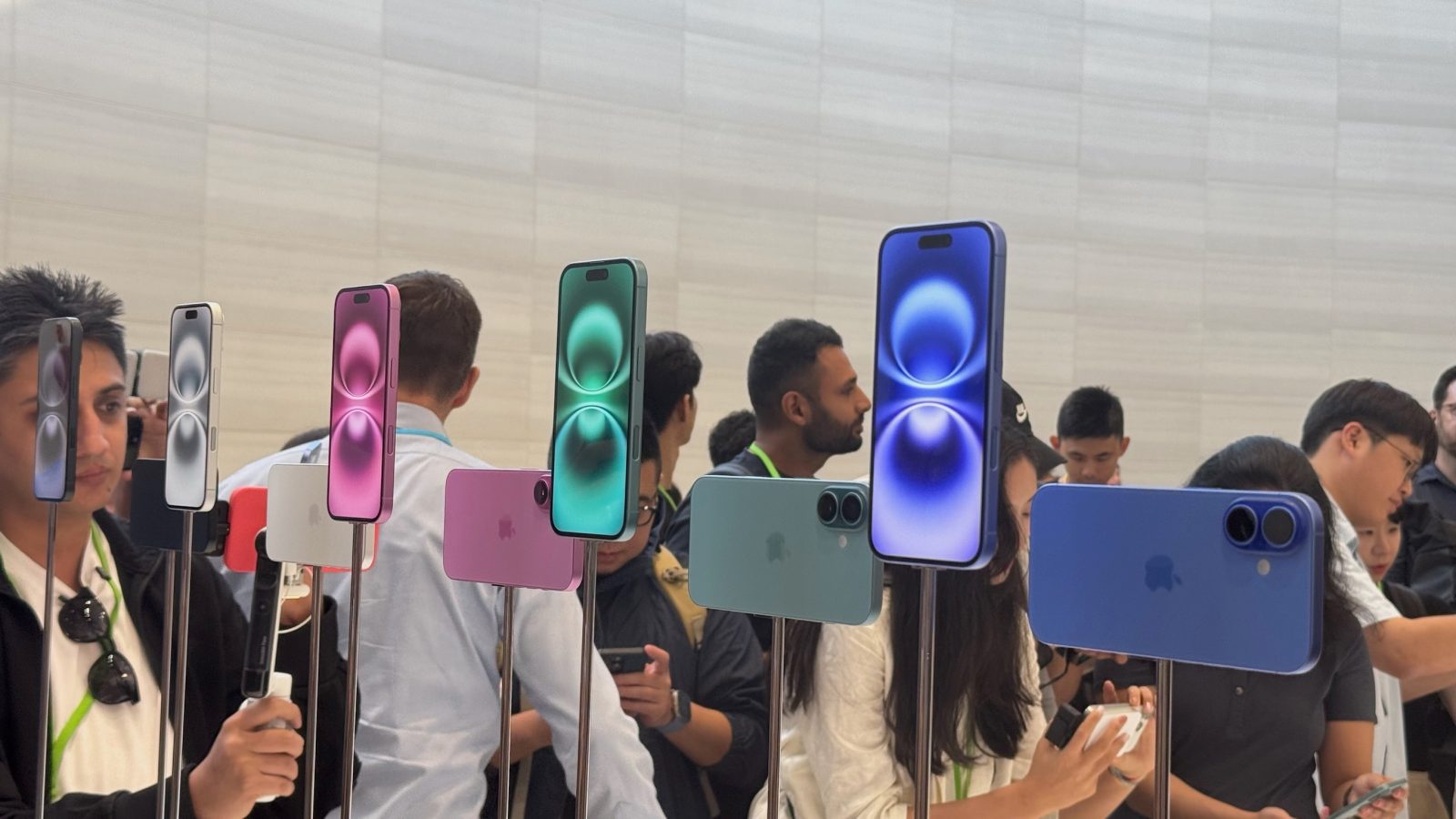
Apple officially unveiled the iPhone 16 and iPhone 16 Pro today, packing new A18 chips, the Camera Control button, and much more. Head below as we round up some iPhone 16 and iPhone 16 Pro hands-on content from today’s “It’s Glowtime” special event at Apple Park.
As a refresher, here’s are the highlights of what’s new with the iPhone 16:
- New Camera Control button
- Action button
- Spatial photos and videos support
- Upgraded 48MP Ultra Wide camera
- A18 chip
- Apple Intelligence support
- New colors: black, white, pink, teal, and ultramarine
And for the iPhone 16 Pro and iPhone 16 Pro Max:
- Larger 6.3-inch and 6.9-inch displays, respectively
- A18 Pro chip
- Upgraded 48MP Ultra Wide camera
- New Camera Control button
- 4K at 120 frames-per-second video
- 5x telephoto comes to iPhone 16 Pro for the first time
- New colors: darker black titanium, lighter white titanium, natural titanium, desert titanium
Here’s what Jason Snell at Six Colors had to say about Camera Control button after spending time with it today:
The button itself feels really good. It’s a real button—if you push it all the way down, you can feel it depress with a pleasing tactile response. But it’s also a touch- and pressure-sensitive button that lets you “push halfway” to bring up another set of options, for things like zooming in or switching between photographic styles. If you keep your finger on the button and half-push twice in quick succession, you’ll be taken up one level in the hierarchy and can swipe to different commands. Then half-push once to enter whatever controls you want, and you’re back to swiping. It takes a few minutes to get used to the right set of gestures, but it’s a potentially powerful feature—and at its base, it’s still very simple: push to bring up the camera, push to shoot, and push and hold to shoot video.
Top comment by Karel
I’m not sure how good idea is selected location on the phone body for the photo button - regarding the hold and grip in hand. Also it will be complication for cases developers.
And more from The Verge’s Nilay Patel:
The reason it’s not just a shutter button is that it’s also a multifunctional capacitive control surface. The physical button itself is ultrasensitive, so pressing it ever so lightly brings up swipe-to-zoom controls, and double-pressing it lightly brings up additional controls you can swipe between, like lens selection, exposure, and the new photo styles available on the Pro. It took me a second to determine how hard to press, but it wasn’t hard to figure out. Apple says that as part of a software update later this year, the button will get a two-stage shutter function that will allow you to lock focus and exposure.
Cherlynn Low at Engadget on the bigger screen sizes of the iPhone 16 Pro and iPhone 16 Pro Max:
Part of the reason I found the iPhone 16 Pro slightly sleeker than its predecessor is likely to do with its display. It’s 6.9 inches large now, compared to its predecessor’s 6.7-inch screen. However, Apple has managed to keep the handset at the same size as before, shaving the bezels down even further to do so. It’s not something you’ll notice without putting the two devices side by side and really scrutinizing the borders, but it makes a small difference in making this year’s Pro Max feel new.
Kerry Wan at ZDNet on the iPhone 16 colors:
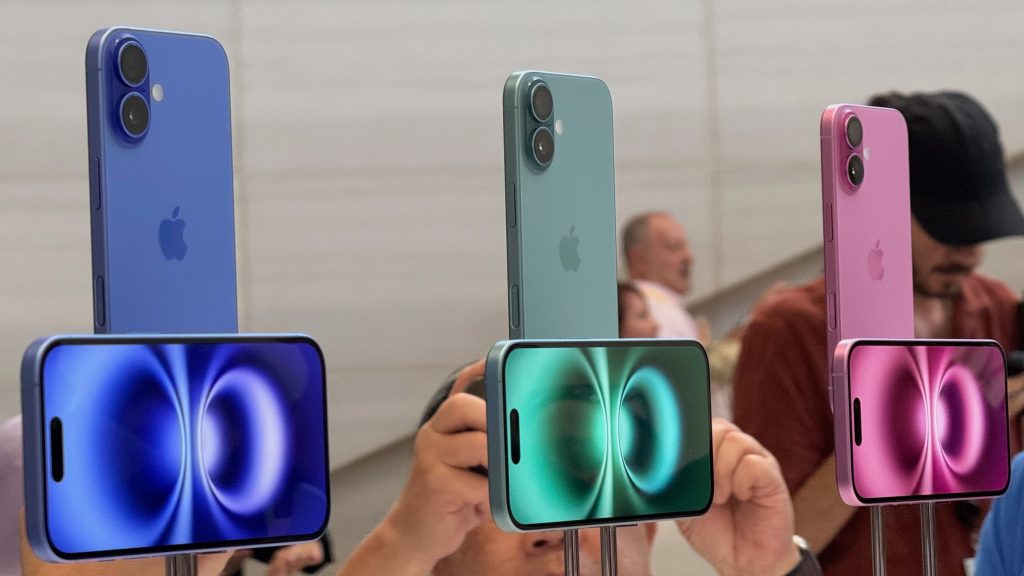
The iPhone 16 and iPhone 16 Plus come in five bold, color-infused glass finishes: blue, green, pink, white, and black. They’re much more saturated than iPhone colors of recent years — especially the blue — and remind me of when Apple first launched the iPhone XR. That means no matter which of the new colors you choose, it’ll look unique, have a lot of character, and won’t be as easily mistaken for one another as it does the iPhone 15.
Be sure to follow along with all of the iPhone 16 and Apple event announcements in our dedicated news hub.
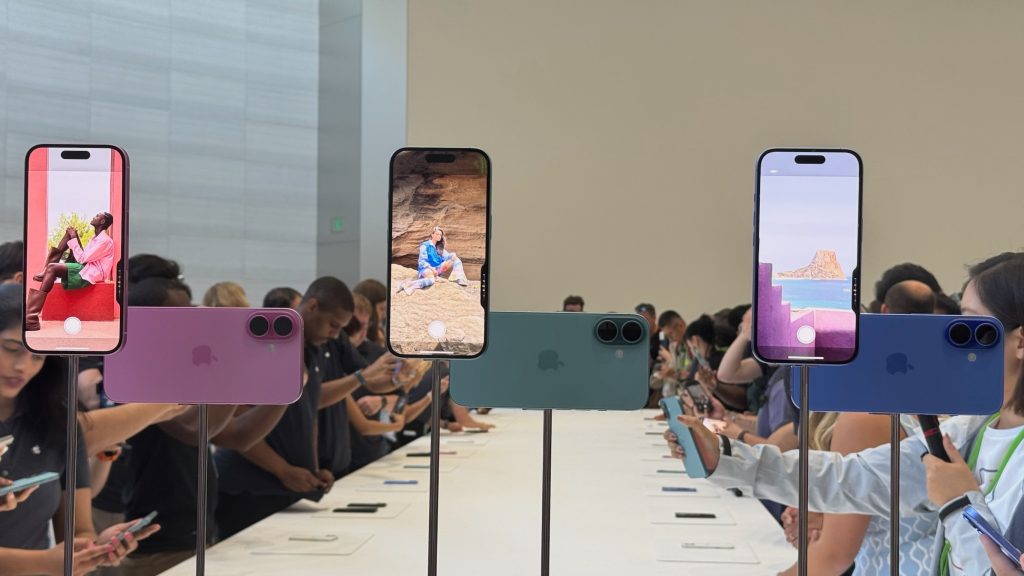
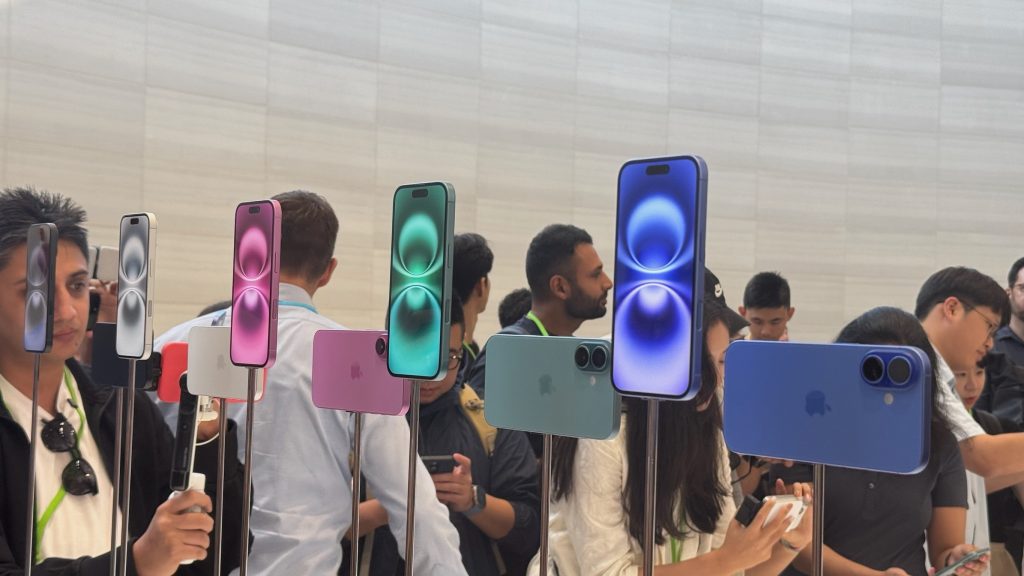
9to5Mac iPhone 16 hands-on images
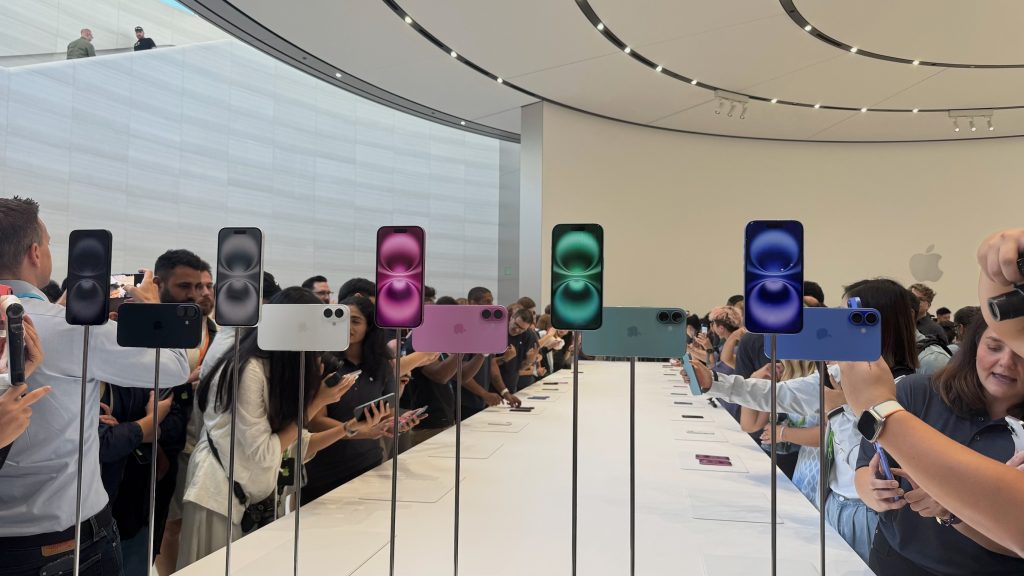
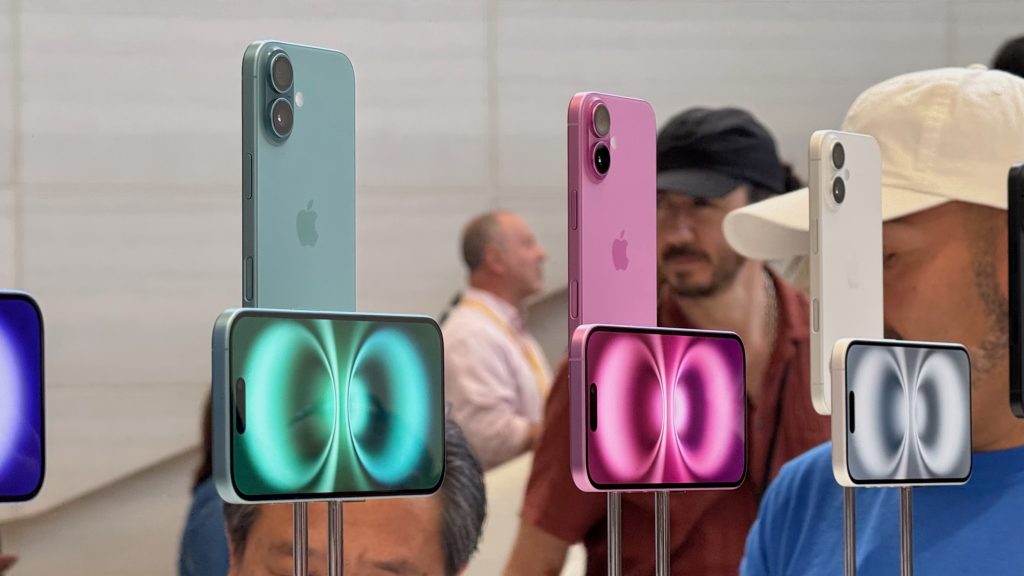
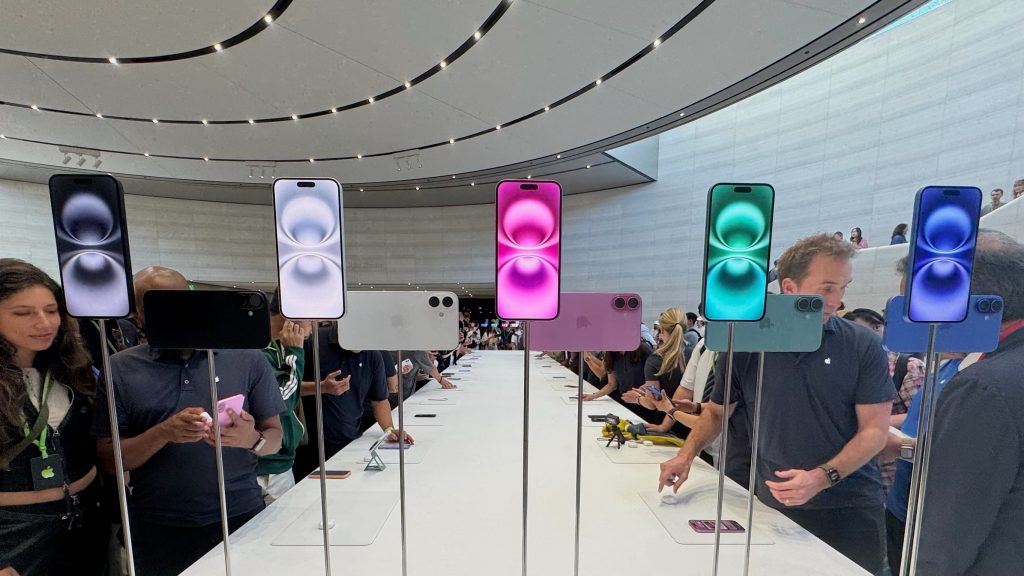
Hands-on videos


FTC: We use income earning auto affiliate links. More.



Comments