
iOS 26 is a major release for the Wallet app, with several new features available now and upgrades on the way for car keys and passports. Among the new improvements, Apple Wallet’s most neglected feature—order tracking—has gotten the fix it always needed with iOS 26.
Apple Wallet order tracking was a great idea that never took off
I suspect the Wallet app may elicit complicated feelings from the team responsible for its development inside Apple.
Why? Because many new Wallet features have depended heavily on getting outside partners signed on. And without those partners, the features aren’t worth much.
Digital IDs, for example, have rolled out slowly over several years as US states have been in no hurry to support the feature.
It’s a similar story for car keys, with automakers not willing to yield control to Apple.
A few years ago, iOS 16 added another Wallet feature you may have never even heard of: order tracking.
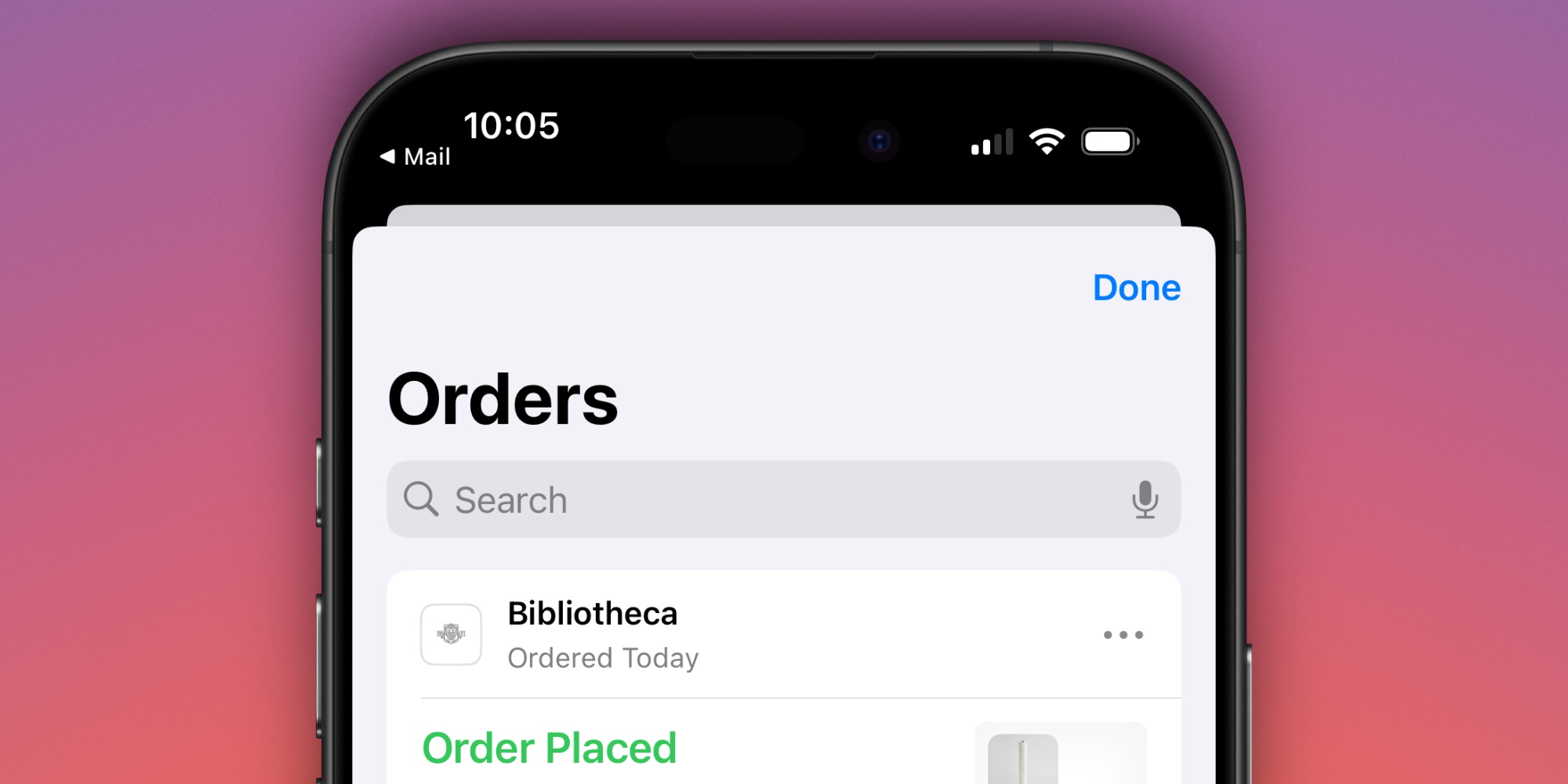
Order tracking sought to consolidate key info about your online purchases from various merchants inside Apple Wallet.
The problem? Not many merchants have supported the feature.
Despite being available for years, I just received my first order inside the Wallet app this past December.
As great as the idea of a one-stop order tracking hub is, for most users it simply hasn’t worked.
Fortunately, iOS 26 has implemented a key change that absolutely fixes that.
Apple Intelligence fixes Wallet order tracking in iOS 26
Apple Wallet can now identify and summarize order tracking details from emails sent from merchants or delivery carriers. This works across all of a user’s orders, giving them the ability to see their full order details, progress notifications, and more, all in one place.
Sounds great, right?
One thing that nearly all online purchases have in common, regardless of merchant, is that they elicit a confirmation email.
In hindsight, of course, it seems like Apple should have taken this approach from the very beginning.
But it couldn’t. Why? Because the new iOS 26 enhancement requires Apple Intelligence.
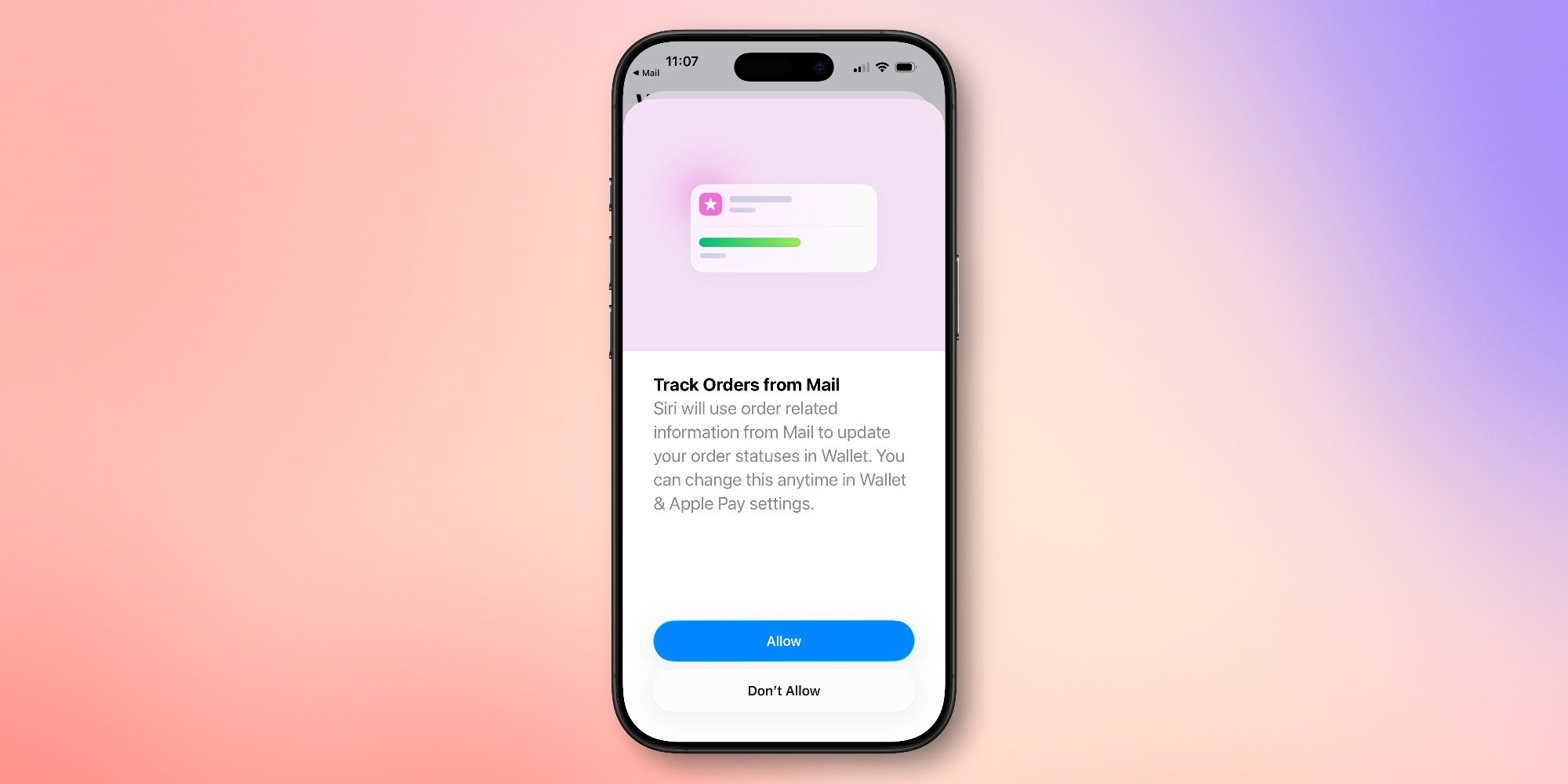
AI is being used by Apple to extract the important order tracking info from emails.
That means you’ll need an iPhone 17 or iPhone Air, iPhone 16, or iPhone 15 Pro to get the upgraded order tracking experience.
When Apple first announced the new AI enhancement, I was concerned about how well it would work.
Fortunately, my fears were unfounded. Over the last few months of beta use, improved order tracking has been a major highlight of the new and improved Wallet app for me.
It took a few years, but iOS 26 has finally helped Apple enable the dream of the Wallet app being a one-stop hub for purchases.
What do you think of iOS 26’s order tracking upgrade for the Wallet app? Let us know in the comments.
Best iPhone accessories
- AirPods Pro 3
- MagSafe Car Mount for iPhone
- HomeKit smart plug 4-pack
- 10-year AirTag battery case 2-pack
- 100W USB-C fast charging power adapter


FTC: We use income earning auto affiliate links. More.



Comments