
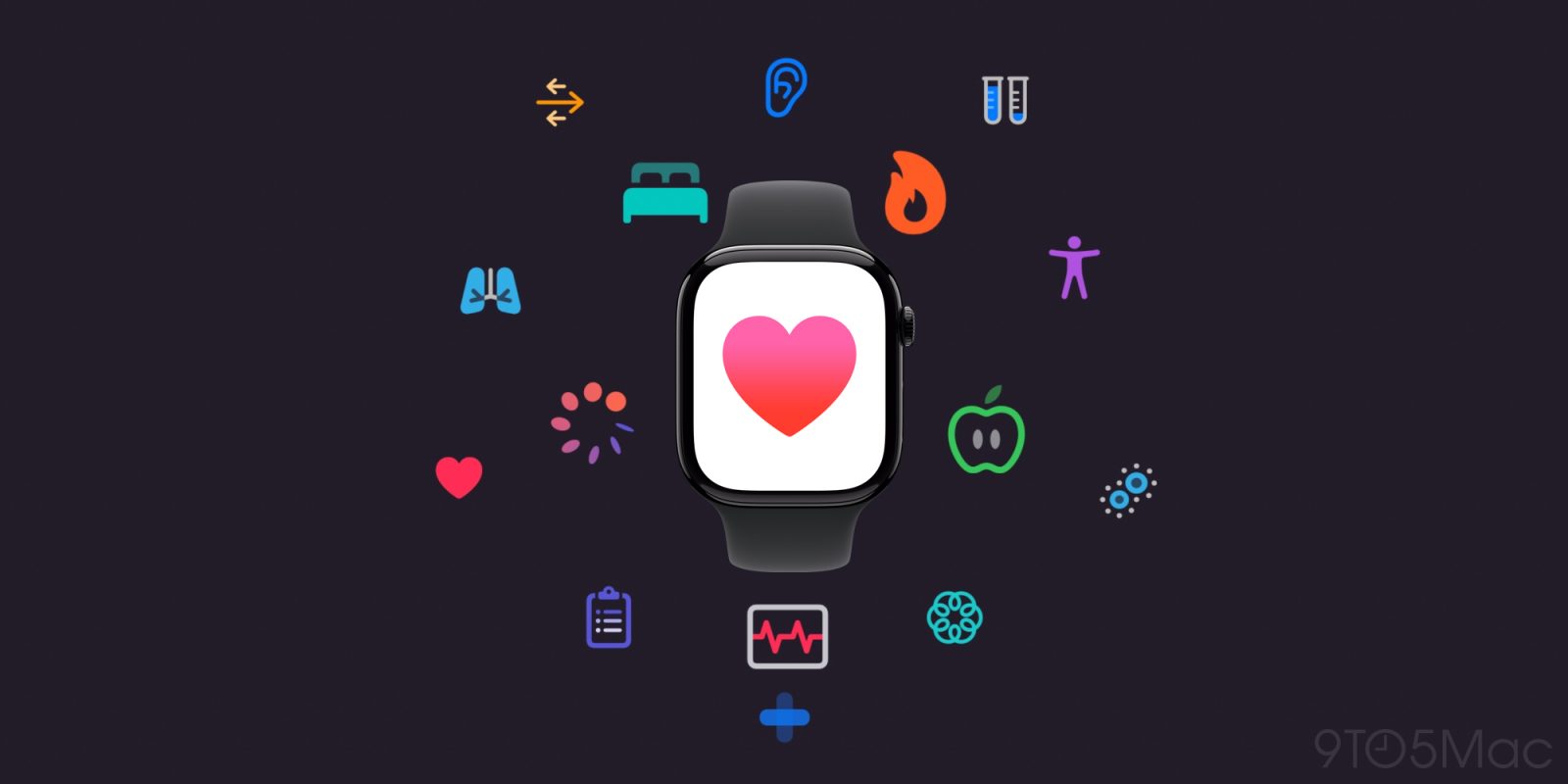
watchOS 26 launched this fall, and two of the biggest Apple Watch additions are brand new health features: hypertension notifications and sleep score. Here are the details.
Hypertension notifications
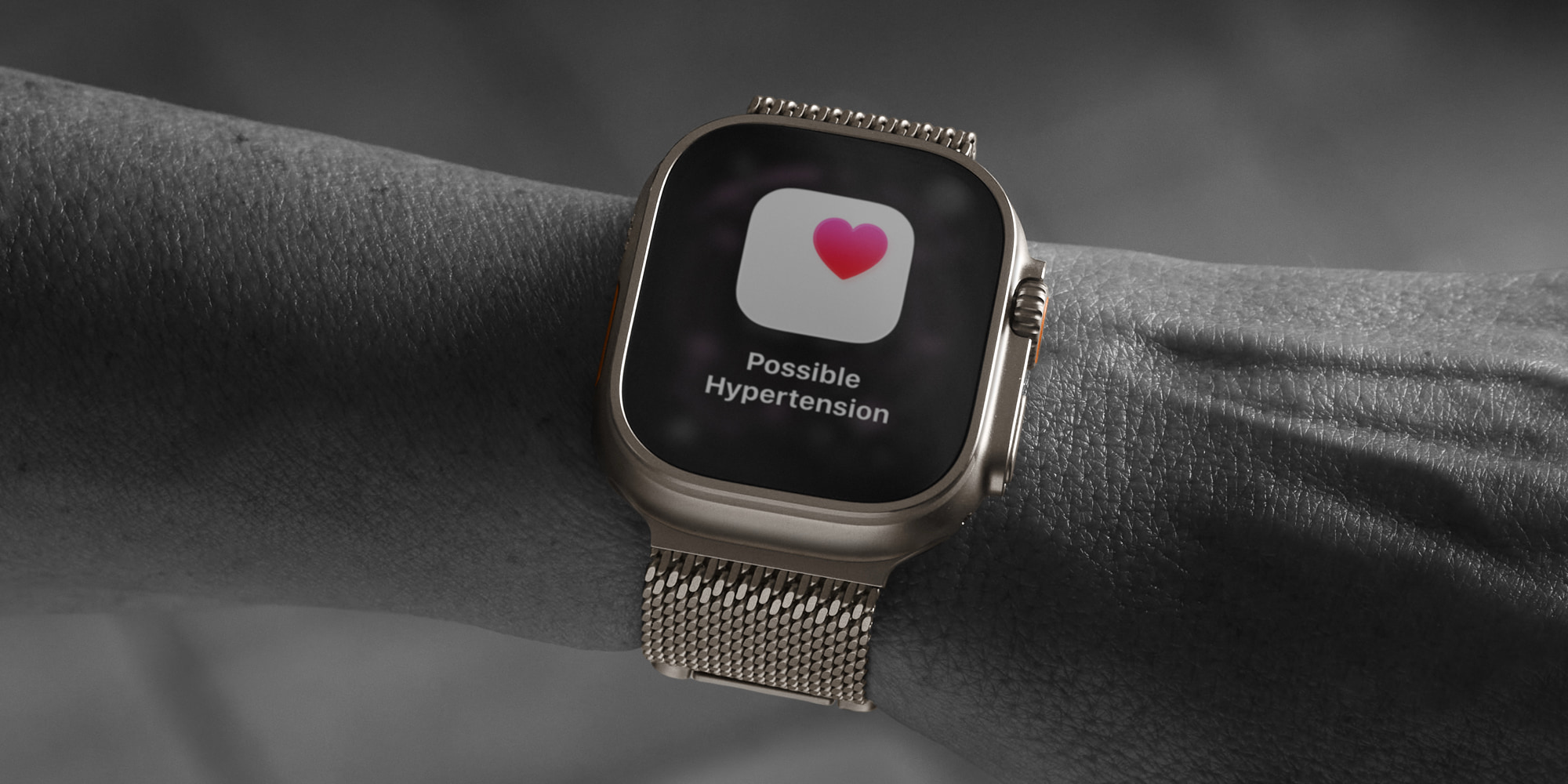
Apple says that hypertension impacts approximately 1.3 billion adults globally, yet it’s frequently undiagnosed. By remaining undetected, hypertension can lead to severe health threats like heart attack, stroke, and kidney disease.
That’s why the new hypertension notifications in watchOS 26 could prove one of the Apple Watch’s most important features of all time.
Here’s how the feature works, per Apple:
Hypertension notifications on Apple Watch use data from the optical heart sensor to analyze how a user’s blood vessels respond to the beats of the heart. The algorithm works passively in the background reviewing data over 30-day periods, and will notify users if it detects consistent signs of hypertension.
Apple’s hope is that by identifying possible hypertension early, Watch users can make potentially lifesaving behavioral changes or get treatment that will reduce the risk of more serious health events.
To ensure you’ve enabled hypertension alerts in watchOS 26, go to the Health app, tap your profile icon in the top-right corner, then tap Health Checklist followed by Hypertension Notifications.
Note: hypertension notifications require Apple Watch Series 9, 10, or 11, or Apple Watch Ultra 2 or 3.
Sleep score
Sleep tracking has become a more important part of the Apple Watch’s health offerings in recent years, thanks to additions like sleep apnea detection.
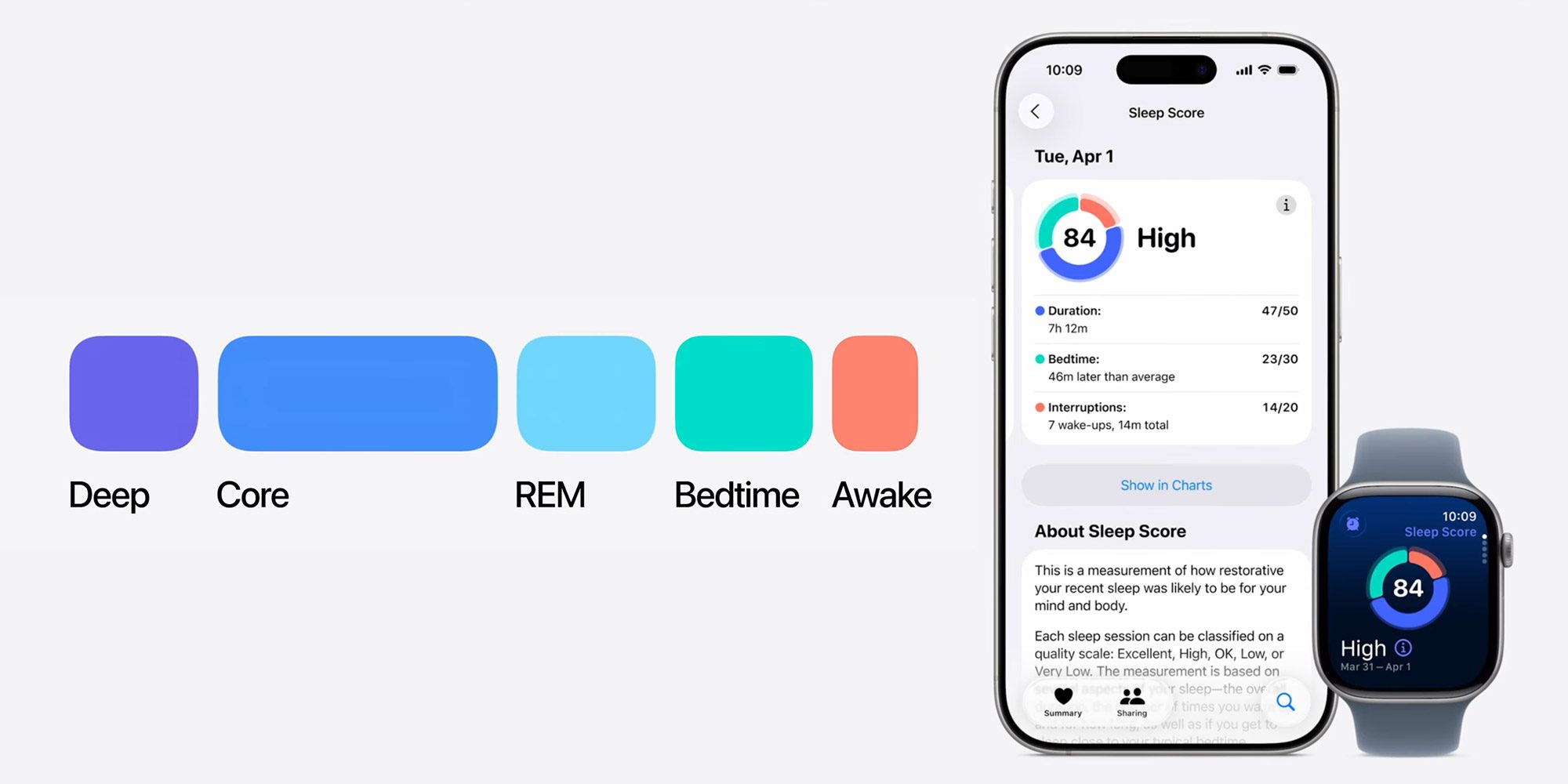
While the Apple Watch has long offered sleep health data, watchOS 26 introduces a new sleep score feature that makes that data far easier to understand.
Sleep score measures three key metrics:
- Duration
- Bedtime
- Interruptions
Each of these has a numeric value assigned to it. So for duration, you can score up to 50 points, while bedtime goes up to 30, and interruptions only 20.
A theoretical max score, then, is a perfect 100. But based on how well your sleep ranks in each of these categories, your Apple Watch will assign a total score and tell you whether it’s ‘Excellent,’ ‘High,’ ‘OK,’ or ‘Low.’ And soon in watchOS 26.2, the grades are getting updated.
You can view your sleep score inside the Sleep app in watchOS 26, or the iPhone’s Health app in iOS 26.
Best iPhone accessories
- AirPods Pro 3 (now only $219, down from $249)
- 10-year AirTag battery case 2-pack
- MagSafe Car Mount for iPhone
- 100W USB-C fast charging power adapter
- AirTag 4-pack (now only $65, down from $99)


FTC: We use income earning auto affiliate links. More.




Comments