
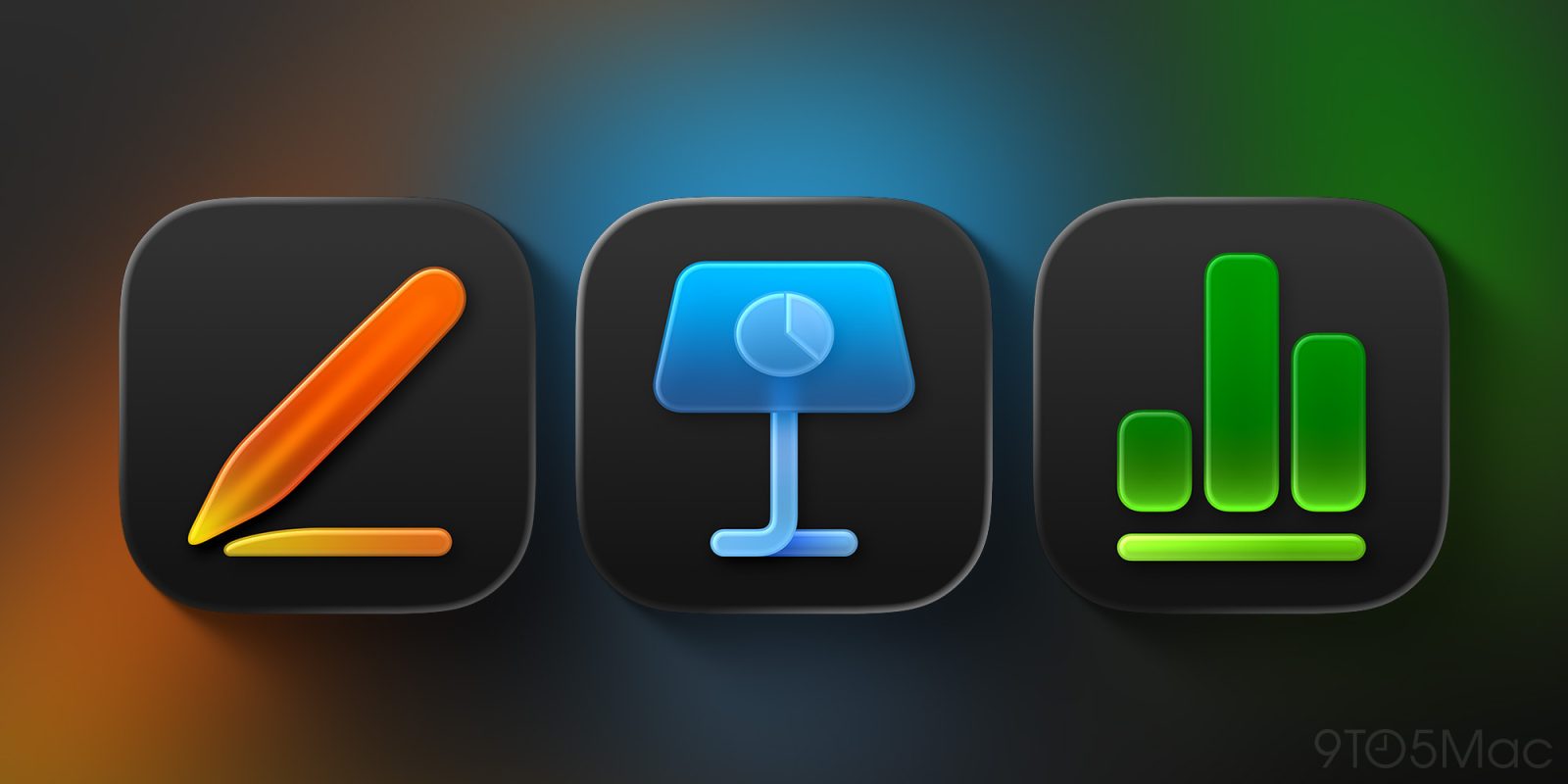
Pages, Keynote, and Numbers have just been updated for iOS 26, iPadOS 26, and macOS Tahoe. The updates adopt a Liquid Glass design and add new features, including many that are exclusive to Apple Creator Studio.
What’s new in Pages, Keynote, and Numbers
Today alongside the launch of Apple Creator Studio, Apple has released version 15.1 updates for Pages, Numbers, and Keynote apps.
Many of the new features and changes are exclusive to Apple Creator Studio subscribers. However, there are three updates highlighted in the release notes for all users:
- Liquid Glass design
- New editable shapes
- Menu bar support in iPadOS 26
On iOS and iPadOS, the new iWork apps arrive as updates to the existing apps.
However, on the Mac the updates are entirely separate app downloads for Apple Creator Studio. So you can keep the non-Creator Studio versions installed if you’d like.
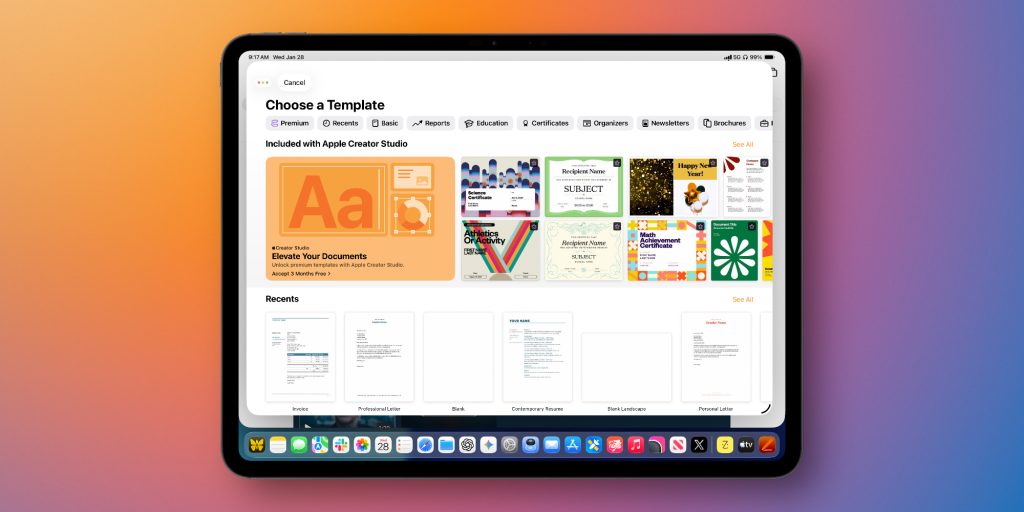
Outside of the new Liquid Glass design, the majority of new features for Pages, Numbers, and Keynote are exclusive to Apple Creator Studio.
For Apple Creator Studio Subscribers:
- Make your work stand out with an exclusive new collection of professionally-designed templates
- Explore high-quality photos, graphics, and illustrations for your document in the all-new Content Hub
- Find inspiration faster with collections of new Apple-curated content in the Content Hub
- Create stunning images and graphics right in your document, apply quick edits, or adjust the style using Al
- Increase the clarity and detail of existing images and graphics using Super Resolution
- Use Auto Crop to generate suggestions for how to frame your image
- Collaborate on larger files shared via iCloud-now up to 4GB
- [Numbers only]: Use Magic Fill to suggest data or generate formulas based on pattern recognition
Additionally, Keynote has the following beta features for subscribers:
- Transform a text outline into a first draft of slides for a new or existing presentation (beta)
- Automatically generate presenter notes based on context from your presentation (beta)
- Quickly clean up your slide’s layout, spacing, alignment, and typography (beta)
What do you think of iWork’s Liquid Glass updates? Do you plan to subscribe to Apple Creator Studio? Let us know in the comments.
Best iPhone accessories
- AirPods Pro 3 (now only $199, down from $249)
- 10-year AirTag battery case 2-pack
- MagSafe Car Mount for iPhone
- HomeKit Garage Door Opener
- 100W USB-C fast charging power adapter


FTC: We use income earning auto affiliate links. More.



Comments