
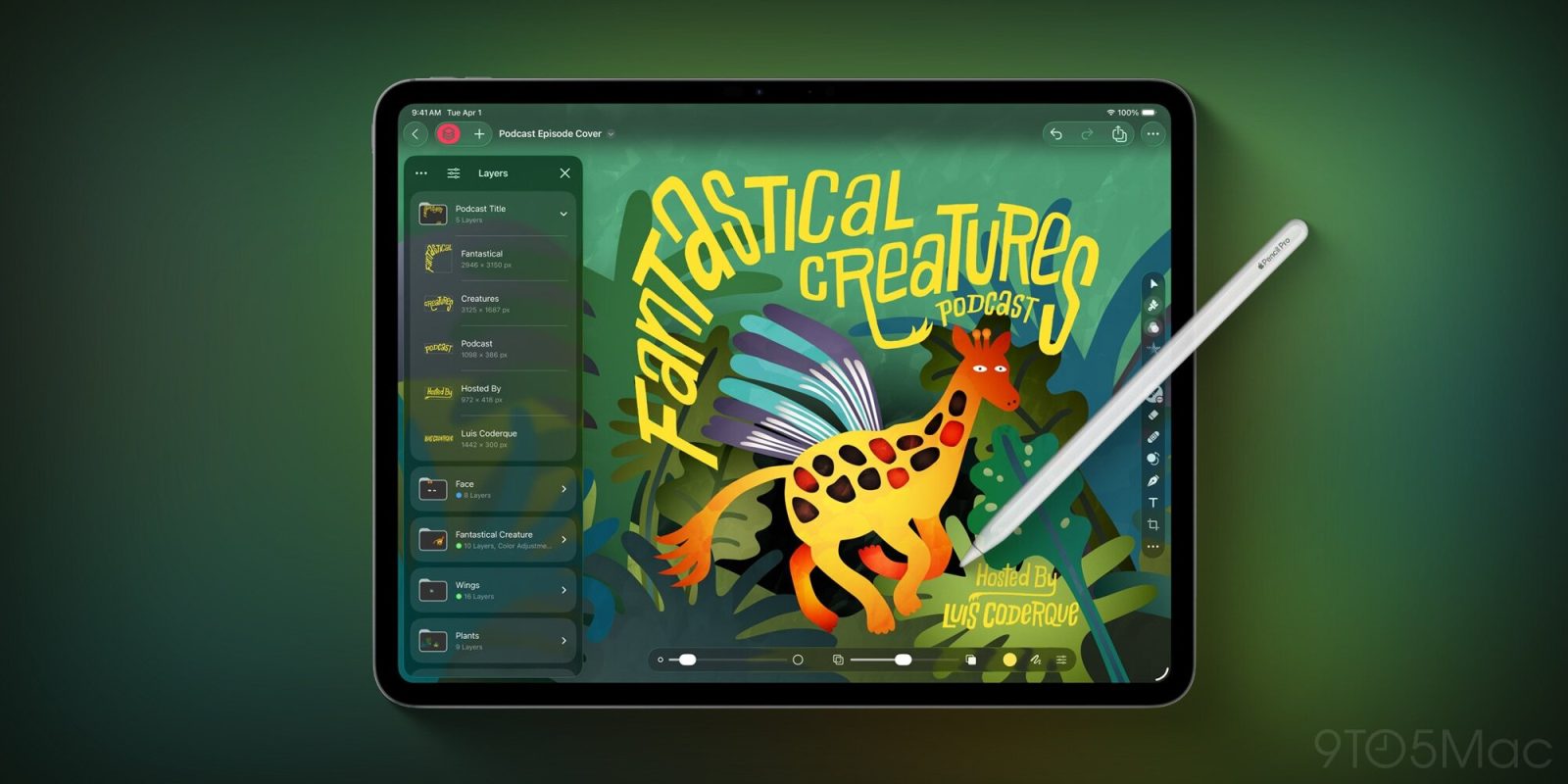
Today Pixelmator Pro has launched on iPad for the first time, exclusive to Apple Creator Studio. Here’s what the long-awaited iPad version of Pixelmator Pro can do.
First impressions of Pixelmator Pro on iPad
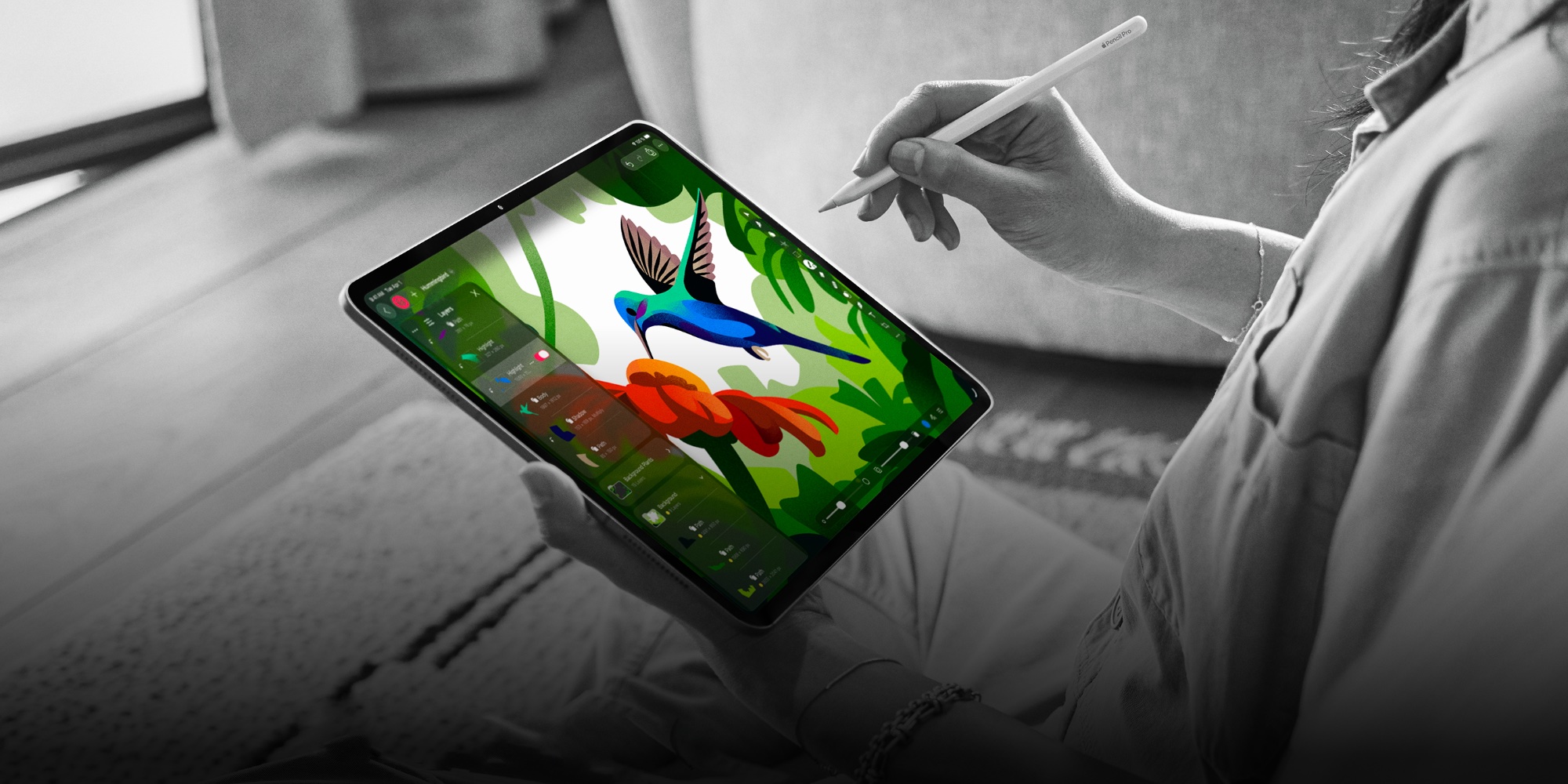
Today Apple Creator Studio debuted, and with it the first version of Pixelmator Pro for iPad.
The Mac app is still available as a standalone purchase. Pixelmator Pro on iPad, however, is exclusive to Apple Creator Studio subscribers.
As a longtime Pixelmator user, I’ve been taking advantage of a surprise 3-month free trial for Creator Studio to give Pixelmator Pro a try.
Some initial impressions are that the new app seems well suited for iPadOS 26’s tentpole features. Pixelmator Pro has a Liquid Glass design, its UI resizes well to fit your preferred window setup, and it offers a robust array of menu bar options. I’ve been enjoying the wealth of keyboard shortcuts too.
It seems like Apple’s teams truly took care in adapting Pixelmator Pro for iPad, and that’s encouraging to see.
Overall, I’m excited to finally get the app on iPad, especially since the original Pixelmator app is no longer getting updates. But I do wish there was a standalone purchase or subscription option rather than requiring Creator Studio.
Here are Apple’s official release notes covering everything Pixelmator Pro for iPad can do.
Pixelmator Pro: Full iPad release notes
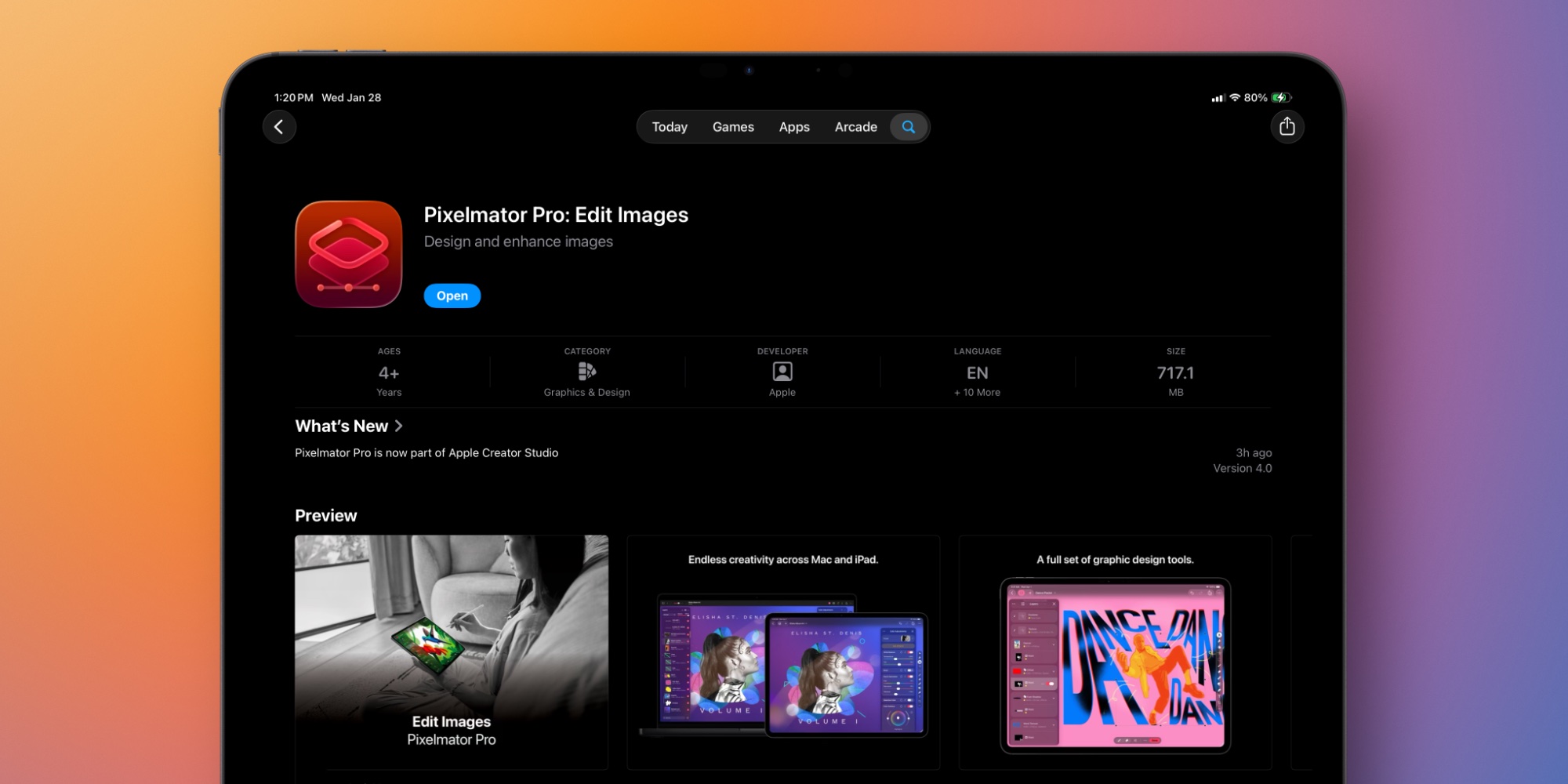
Pixelmator Pro for iPad
- Enjoy a completely reimagined editing experience, with Pixelmator Pro tools for design, photography, painting, and illustration now fully optimized for touch
- Design and paint with pixel-perfect precision using Apple Pencil, with full support for hover, squeeze, double-tap, and palm rejection
- Insert photos to your compositions directly from your iPad camera as new layers
- Easily roundtrip between Pixelmator Profor iPad and Mac, syncing edits through Cloud, and pick up projects wherever you left off
Warp Tool and Mockups
- Use the all-new Warp tool to twist and bend images, shapes, text, and even video layers by pushing and pulling individual points on a warp grid
- Automatically warp layers into common shapes like cylinder, arc, flag, and more with 12 smart warp presets, or quickly split layers into 3×3, 4×4, or 5×5 warp grids
- Explore 2 new collections of premium product and apparel mockups that make the most of the new warp functionality to quickly showcase your designs on t-shirts, mugs, and more
Overview
Pixelmator Pro has everything you need to create designs, edit photos, draw illustrations, paint digital art, and be creative in just about any way you can imagine.
Edit and Enhance
- Adjust the colors in your photos and even videos in any way you want using a powerful collection of pro-grade color adjustments
- Use machine learning-powered tools to automatically remove image background, enhance colors, increase resolution, and more
- Quickly make good-looking shots spectacular with over 40 color adjustment presets and combine any of over 70 versatile effects to develop any artistic or special looks you can imagine
- Enjoy full support for RAW photos from over 750 of the most popular digital cameras
Create Stunning Designs
- Harness the full power of layer-based editing with support for vector shapes, typography features, and even video to design posters, webpages, or apps from scratch
- Customize the look of layers using layer styles, such as Fill, Stroke, Drop Shadow, and Inner Shadow
- Create beautiful designs in moments with a vast collection of beautiful templates and premium, fully customizable mockups
Draw and Illustrate
- Design vector graphics using a full set of vector tools, including Pen and Freeform Pen tools
- Speed up creating illustrations with stunning shapes including categories like arches, plants, and organic shapes
- Add customizable Smart Shapes to quickly create your custom shapes
Sketch and Paint
- Paint naturally with a collection of beautiful, handcrafted dual-texture brushes
- Take advantage of full support for Apple Pencil on iPad and graphics tablets on Mac to paint with pressure and tilt sensitivity
- Enjoy incredibly fast and responsive painting thanks to a cutting-edge painting engine powered by Metal graphics technology
Compatibility
- Open files in popular image and video formats, including JPEG, TIFF, PNG, PSD, HEIF, SVG, Al, Illustrator EPS, PDF, GIF, BMP, TGA, WebP, JPEG-2000, AVIF, MP4, MOV, HDR images, videos, and more
- Share your images or videos to Photos, Mail, AirDrop, and other locations
Have you tried Pixelmator Pro for iPad, and what are your first impressions? Let us know in the comments.
Best iPad accessories
- AirPods Pro 3 (now only $199, down from $249)
- Apple Pencil Pro (now only $95, down from $129)
- 100W USB-C power adapter for fast charging
- tomtoc Tablet sleeve bag for protection and style
- Baseus 10ft USB-C cable for extended reach


FTC: We use income earning auto affiliate links. More.




Comments