
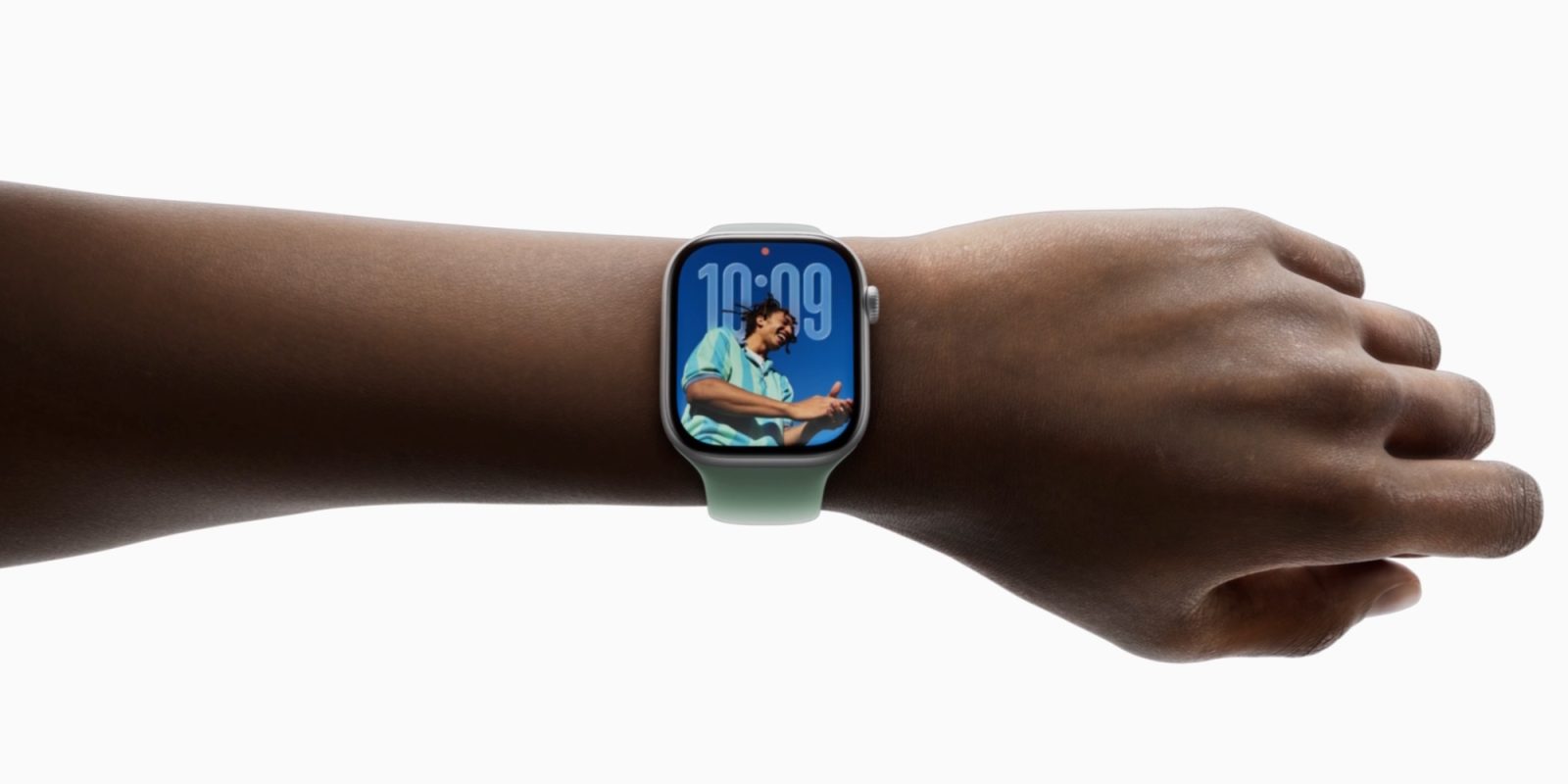
Apple Watch certainly feels like a rather mature platform at this point. Software wise, there isn’t usually a ton I’d like to see – though there probably is a lot of potential for the Apple Watch to serve as an AI wearable. Nonetheless, there is one nifty software upgrade I’d really like to see them add to the Apple Watch.
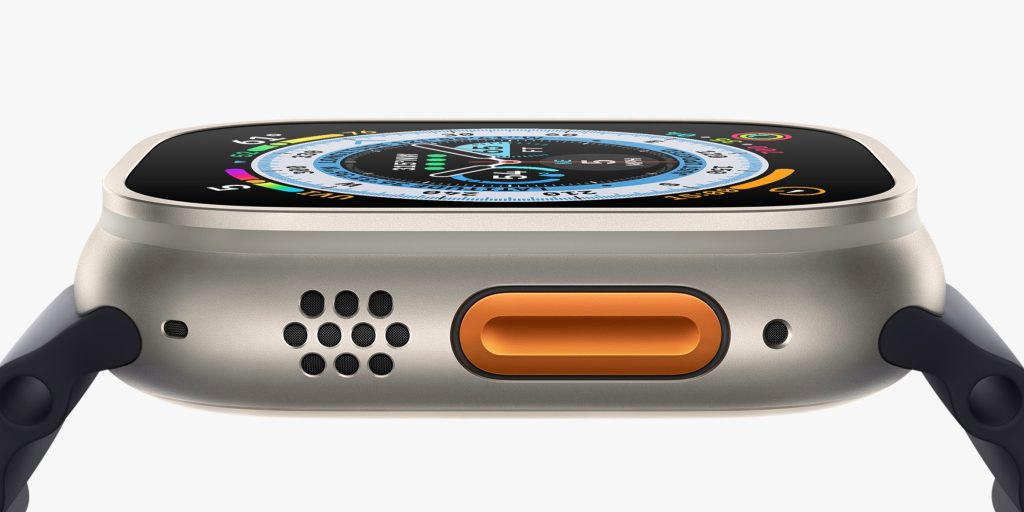
Apple Watch Ultra has an Action Button
One of the standout features about the Apple Watch Ultra is the fact that it has an Action Button. I really appreciate having it, mainly to open the workouts app in a pinch.
I’m not much of an Apple Watch power user. I do wear one every day to track my activity and check the time, but I don’t really interact with apps or even really check notifications on it. So, when I do actually interact with my Apple Watch, its often to open the workouts app, which is what I have my Action Button set to.
However, other Apple Watch models don’t have that same parallel.
It makes sense, to be clear. Apple Watch Ultra is a lot bigger and bulkier, so there’s clearly room to include an additional button. On the sleek Series 11, I wouldn’t expect Apple to add a second button. However, they could easily work around it with software.
watchOS 27 request
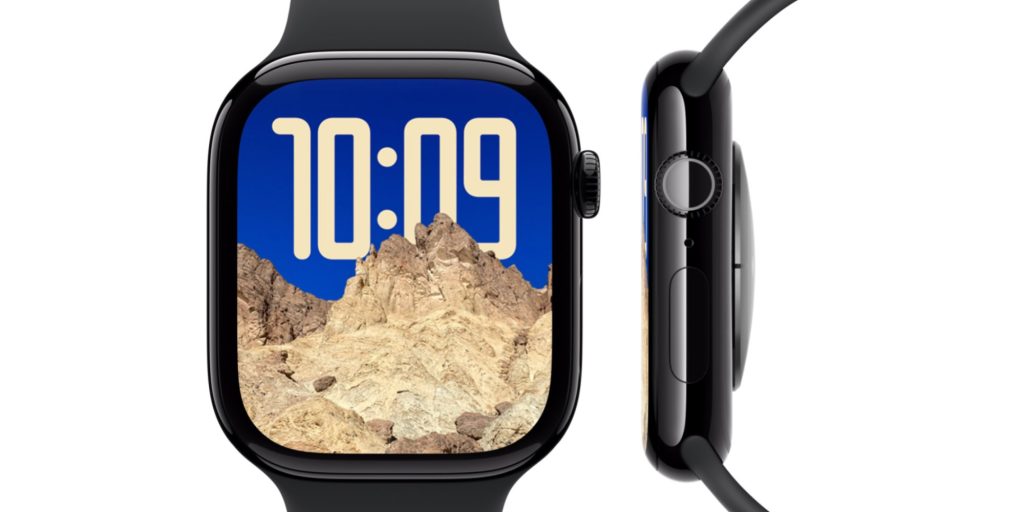
With Apple Watch, there’s really two buttons to work with. There’s the click functionality on the digital crown, and then there’s the side button.
Clicking the digital crown goes to the app launcher, double clicking it opens the app switcher, and holding it launches Siri. So, there isn’t much room to work with there.
As for the side button, clicking it once opens Control Center, double clicking it opens Apple Pay, and holding it goes to the power off menu.
I think theres an opportunity to take advantage of the holding action on the side button.
Think about it. On iPhone, holding the side button hasn’t opened a power menu in ages. Since iPhone X, that’s been mapped to Siri. Instead, to turn off your iPhone, you have to hold volume up and the side button.
I think that same parallel could be brought to Apple Watch, where power off is accessed by holding both the side button and the digital crown. Right now, 10 seconds of that will cause a force reset, but they could simply extend that window to 20 seconds so the button combination could be used for powering off.
Then, once power off is squared away, the action of simply holding the side button could be used to serve as an Action Button of sorts. This would be available on all Apple Watch models, including Apple Watch Ultra – so those users would have a second customizable button.
Wrap up
Top comment by Kwyjibo
The problem is it's not just the "power off" menu, it also allows Emergency SOS. Additionally, the author forgot that hold side button is already used to trigger Emergency SOS directly.
Now you can argue to remap those features somehow, but the whole feature was mandated by law, at least for phones, in India as a women's safety feature, so there's limited options.
Perhaps my suggestion is a bit too convoluted for some Apple Watch users. As an alternative, Apple could also consider allowing the double click side button action to be remapped to something custom – and keep everything else the same. I’ve never really used Apple Pay on my Watch much (other than occasionally express transit), so I’d be okay with that compromise too.
Ultimately, I just think it’d be cool if every Apple Watch user had the ability to have a customizable button, just like Apple Watch Ultra.
My favorite Apple accessory recommendations:
- Anker Ultra-Slim MagSafe Battery Pack
- AirPods Pro 3 (2x ANC vs AirPods Pro 2!)
- Anker Nano 45W Fast Charger with Smart Display
- Anker Prime 3-in-1 25W Compact MagSafe Charger
- Logitech MX Master 4 Mouse for Mac
- AirTag 2 4-pack (50% improved Precision Finding!)
- Belkin MagSafe 3-in-1 Charging Stand for iPhone
- MOFT MagSafe Kickstand Wallet for iPhone
Follow Michael: X/Twitter, Bluesky, Instagram


FTC: We use income earning auto affiliate links. More.





Comments