
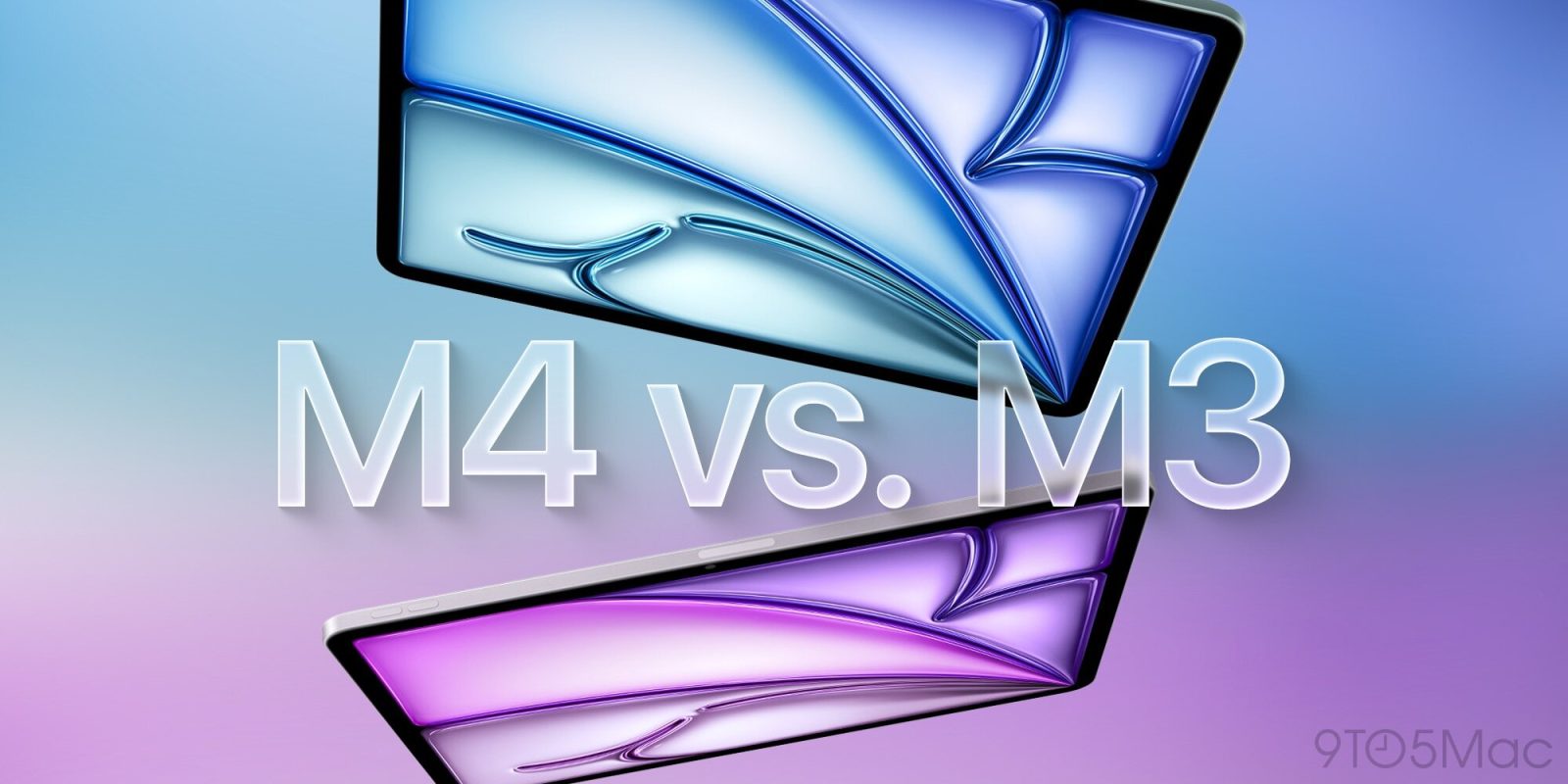
Apple launched a new iPad Air today featuring an M4 chip. It has a lot in common with its predecessor, but some key upgrades too. Here’s everything new with the M4 iPad Air compared to last year’s M3 iPad Air.
#1: M4 chip
This is the headlining new feature. Apple’s latest iPad Air bumps the main processor up from an M3 chip to the M4.
How much difference will the M4 chip make? Apple says the new model “is up to 30 percent faster than iPad Air with M3.”
Small chip bump updates can sometimes be hard to measure. iPadOS 26 certainly makes having a more powerful chip worthwhile though, since its new capabilities are a lot more demanding than iPadOS 18 was.
That said, this M4 model isn’t intended for M3 upgraders, but rather users of older iPads. Apple says the new model is “up to 2.3x faster than iPad Air with M1” and its Neural Engine is 3x faster than M1.
#2: 12GB of RAM
A key component of the M4 chip is a 50% increase in unified memory over the M3.
Apple’s new M4 iPad Air has 12GB of RAM vs 8GB on the previous generation M3 model.
Additionally, memory bandwidth has increased to 120GB/s, which could help local AI models run faster.
Before iPadOS 26 and AI, the iPad ran plenty fast with 8GB of RAM. But 12GB is a nice upgrade that should better match modern computing’s demands.
#3: C1X modem with better battery life on cellular

If you buy a cellular model, the M4 iPad Air includes Apple’s latest in-house modem: the C1X.
C1X first debuted in iPhone Air, then it came to the M5 iPad Pro too. By replacing the third-party modem found in M3, Apple provides users a couple main benefits. From Apple’s press release:
Cellular models of iPad Air also feature C1X, a cellular modem designed by Apple that offers up to 50 percent faster cellular data performance — and for active cellular users, C1X offers up to 30 percent less modem energy usage than iPad Air with M3.
Faster performance and better battery life is a winning combo. Apple still quotes the same official battery life between the M4 and M3 iPad Airs, but as someone who upgraded from an M4 to M5 iPad Pro, I can say with firsthand experience that C1X definitely boosts battery if you use cellular often.
#4: N1 wireless chip for Wi-Fi 7, Bluetooth 6, more
Finally, another Apple silicon addition is the new N1 wireless chip.
N1 launched last fall in the iPhone 17 line, replacing existing solutions for Wi-Fi, Bluetooth, and Thread.
By adding N1 to the new iPad Air, Apple isn’t just providing an in-house chip, it’s also upgrading the capabilities of key wireless functions.
N1 enables:
- Wi-Fi 7 support in the M4 iPad Air vs Wi-Fi 6E in the M3 model
- Bluetooth 6 in the M4 iPad Air vs Bluetooth 5.3 in the M3
Apple also says that N1 “brings better performance when connected to 5GHz Wi-Fi networks, and improves the overall performance and reliability of features like Personal Hotspot and AirDrop.”
M4 iPad Air vs M3 iPad Air: wrap-up
Apart from the four upgrades above, the M4 iPad Air is largely identical to its predecessor. It has the same design, sizes, color options, and pricing.
The new M4 iPad Air isn’t intended for M3 upgraders, but by transitioning more components to Apple silicon, it’s a great future-proof model for users with older iPads.
Are you considering upgrading to an M4 iPad Air? What model do you have now? Let us know in the comments.
Best iPad accessories
- AirPods Pro 3 (limited-time $219 price)
- 100W USB-C power adapter for fast charging
- tomtoc Tablet sleeve bag for protection and style
- Baseus 10ft USB-C cable for extended reach
- Apple Pencil Pro (now only $95, down from $129)


FTC: We use income earning auto affiliate links. More.



Comments