
Apple Maps in iOS 26 benefits from several new features, but the personal standout for me—Visited Places—has become a favorite for an unexpected reason.
Visited Places in Apple Maps provides location history, but I especially love it for improving search
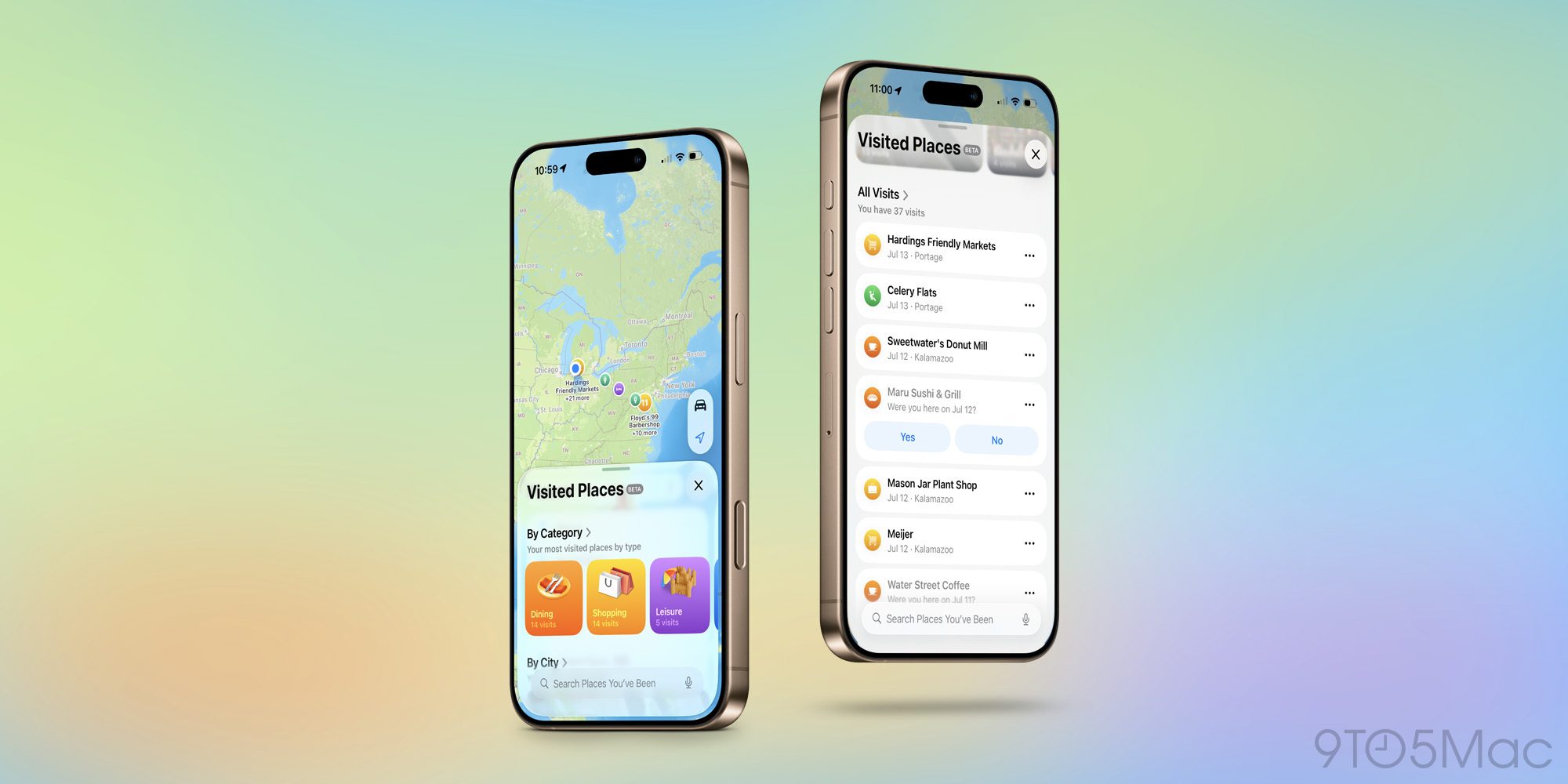
In iOS 26, Apple gave the Maps app a new ‘Visited Places’ feature that is opt-in.
Even though the feature is built with strong user privacy protections, some users understandably will want to leave it disabled.
Here’s how the feature works, per Apple:
With Visited Places, users can allow iPhone to intelligently detect the places they visit and spend time in — like restaurants or shops — and they’ll automatically be saved to Maps. Users can search for places they’ve visited, and easily share them with family and friends. Visited Places are built with privacy in mind; they’re protected with end-to-end encryption, cannot be accessed by Apple, and can be easily removed with just a swipe.
I felt comfortable with those privacy assurances, so I turned on ‘Visited Places’ right away last summer during the iOS 26 beta.
While I assumed it would be convenient to have a record of my location history, the biggest reason I love the feature was unexpected.
By using Visited Places, my search results in Apple Maps are now far more useful than ever.
It’s pretty common that when I’m performing a Maps search, I want to navigate somewhere that has multiple locations. It could be Target, Starbucks, or even some smaller, local-owned businesses with multiple locations. And in those cases, it’s not always obvious from search results which location is which.
But thanks to Visited Places, Apple now marks every place I’ve previously been to as ‘Visited’ right inside the search result.
Thanks to this enhancement, I no longer have to try to remember which specific street a location is on, or tap in and out of several wrong options.
Instead, when revisiting a place I’ve been before, I can just enter my search query, see which result is marked ‘Visited,’ and I know immediately that’s the one I want.
Have you been using Visited Places in Apple Maps? How is it working for you? Let us know in the comments.
Best iPhone accessories
- AirPods Pro 3 (now only $199, down from $249)
- 10-year AirTag battery case 2-pack
- MagSafe Car Mount for iPhone
- Apple’s new AirTag 2 (1-pack / 4-pack)
- 100W USB-C fast charging power adapter


FTC: We use income earning auto affiliate links. More.



Comments