
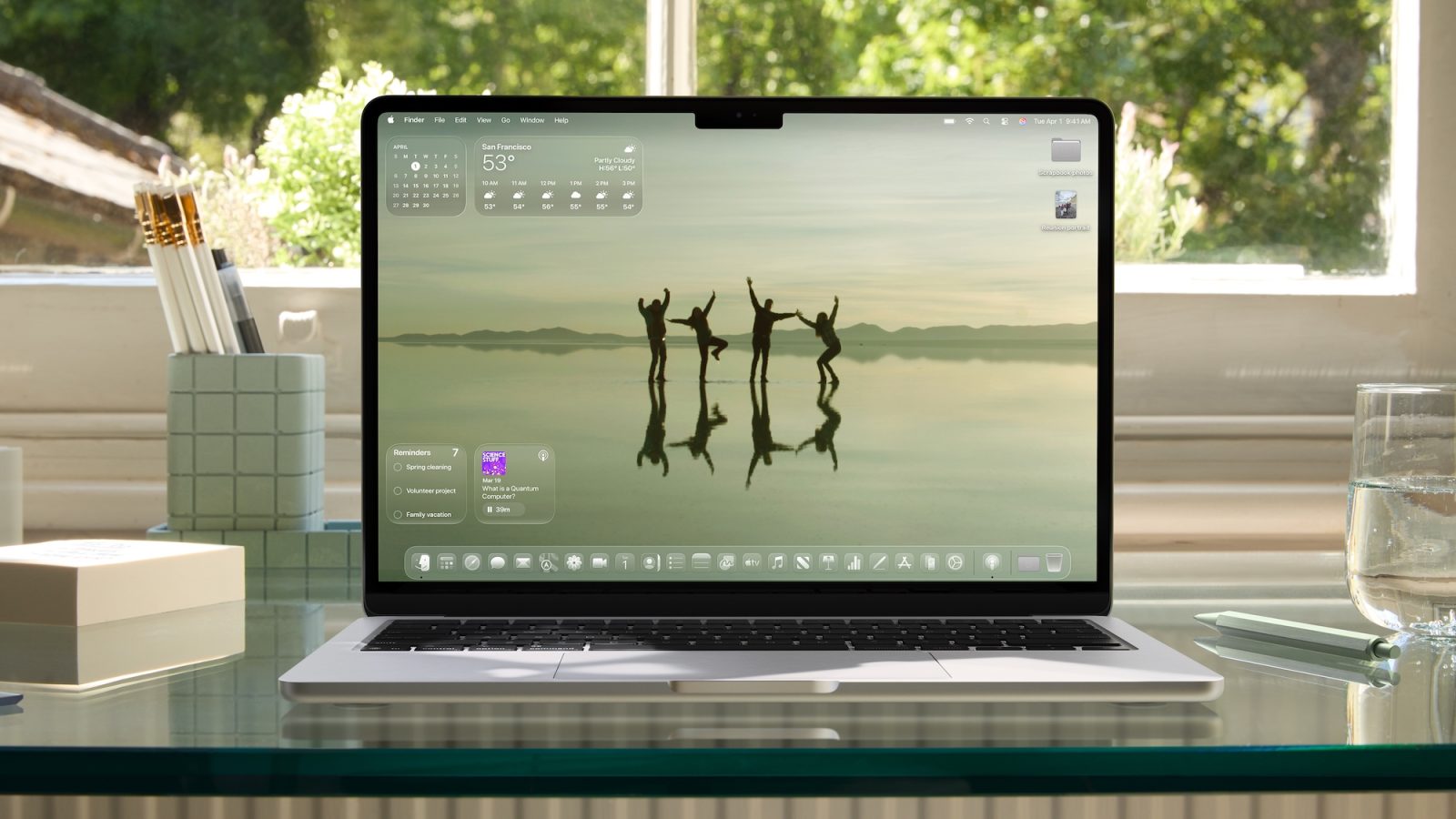
There’s a section on Apple’s macOS 26 Tahoe site that reads “Calm in the brainstorm.” The tagline introduces the revamped version of Spotlight, but there’s another Mac experience that it’s even more applicable to for me.
From iPhone-only to every Apple device
Rewind the clock to December 2023 when Apple shipped iOS 17.2 with the brand new Journal app. iPhone users were somewhat critical of the new app due to its basic features single device availability.
Six months later, Apple shipped a significant set of new features in iOS 18. However, the experience was still limited to the iPhone.
One year after that, Apple announced that iPadOS 26 and macOS 26 Tahoe would include the Journal app at last.
Years ago, Day One was my off-and-on digital journal of choice. Day One has always been multi-device with a rich set of features. I didn’t stick to journaling enough to keep the subscription going over time, though.
When the M4 iPad Pro introduced a nano-texture display option, I moved to a handwritten journal using Apple Pencil Pro and the Notes app. I liked the “analog” feel with the benefits of digital backup and sync, but the iPad was my only input device. This limited my journaling habit to very intentional windows of time.
Then the Mac made it click
Since July 2025, I’ve been actively using Apple’s Journal app with great satisfaction.
The trick for me was having Journal on the Mac. I’m already working on the Mac, typing away throughout the day, so it’s a super natural fit.
Since I started really using the Journal app on my Mac, I’ve logged more than 86,000 words across 166 days.
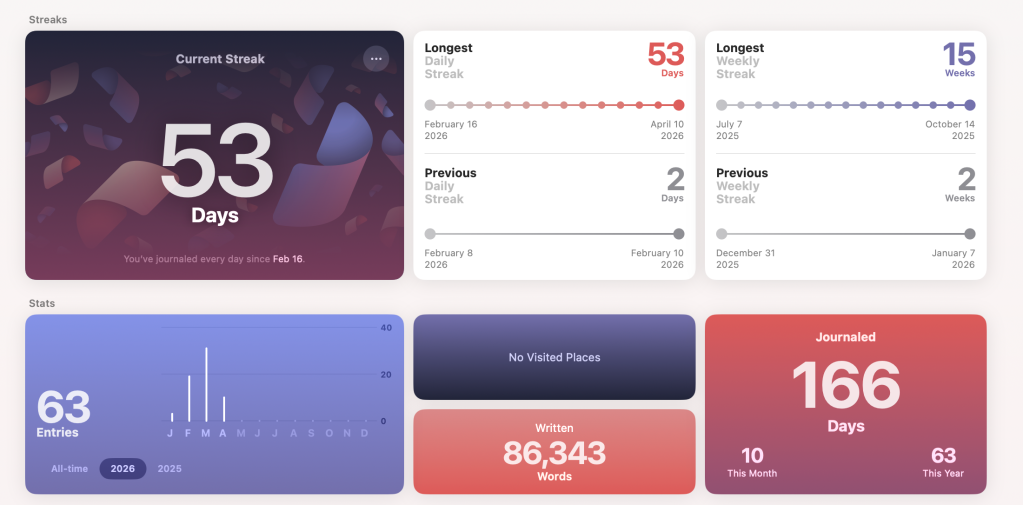
Now back to that “calm in the brainstorm” tagline: the biggest impact for me has been having a built-in, secure place to brain-dump throughout the day. I’m actively on my Mac more than any other Apple product. It’s the place I write the most.
Initially, I wasn’t sure that switching from a handwritten, full-screen app to a Mac app surrounded by other apps would have the same effect.
But the Journal app on the Mac has been wonderful. It’s both a tool for reflection and a place to log my stream of consciousness thoughts with rapid pace. Plus it syncs with the iPhone and iPad version.
If I’m not at my Mac and I feel the urge to log a thought, I love that it’s on the device I have with me.
iPhone still has advantages
Journal on iPhone is the most feature-rich version still. Features like photo suggestions and recent workout data appear on the iPhone, but the Mac version lacks a lot of it.
My workaround has been occasionally sprucing up an entry with data suggestions from the iPhone app. The changes sync between devices.
Speaking of sync, that’s one area that could be improved in the future. Changes aren’t always up-to-date between devices, but they catch up eventually.
You can enable entry notifications, automatically attach location, manually add photos, and opt for the date as the title instead of needing to name each entry. Adding media like photos feels a lot like using Apple’s old iWeb or Photo Journals in iCloud experiences. I really like it.
Instead of posting on the web, of course, you’re writing for an audience of one (you) and everything is secured behind Touch ID or Face ID. The app lets you adjust the time between unlocking and automatically locking again.
I’ve gone into overdrive with journaling thanks to the new Mac app. Next, I can’t wait to see what macOS 27 does for the experience.
Do more with your Apple products
Apple AirTag 2 | Add Find My tracking to keys, bags, bikes, more
AirPods 4 | Apple’s newest wireless headphones
AirPods Pro 3 | Apple’s best wireless headphones
Beats USB-A to USB-C Cable | The official CarPlay cable


FTC: We use income earning auto affiliate links. More.



Comments