
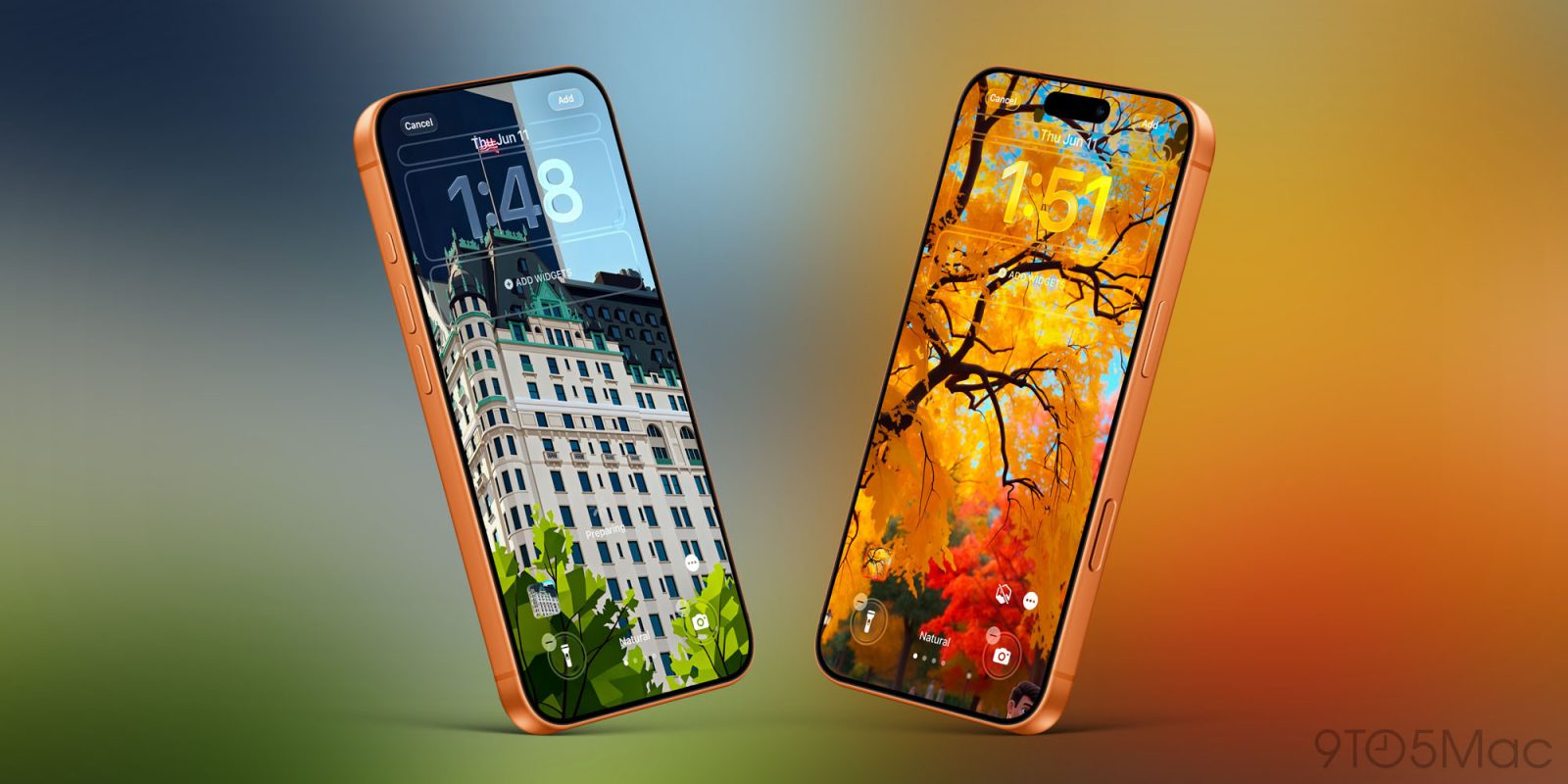
Apple introduces new iPhone wallpapers every year, and you can download iOS 27’s additions here. But iOS 27 also adds the ability to create your own custom wallpapers. Here’s how.
Here’s how you can create custom wallpapers in iOS 27
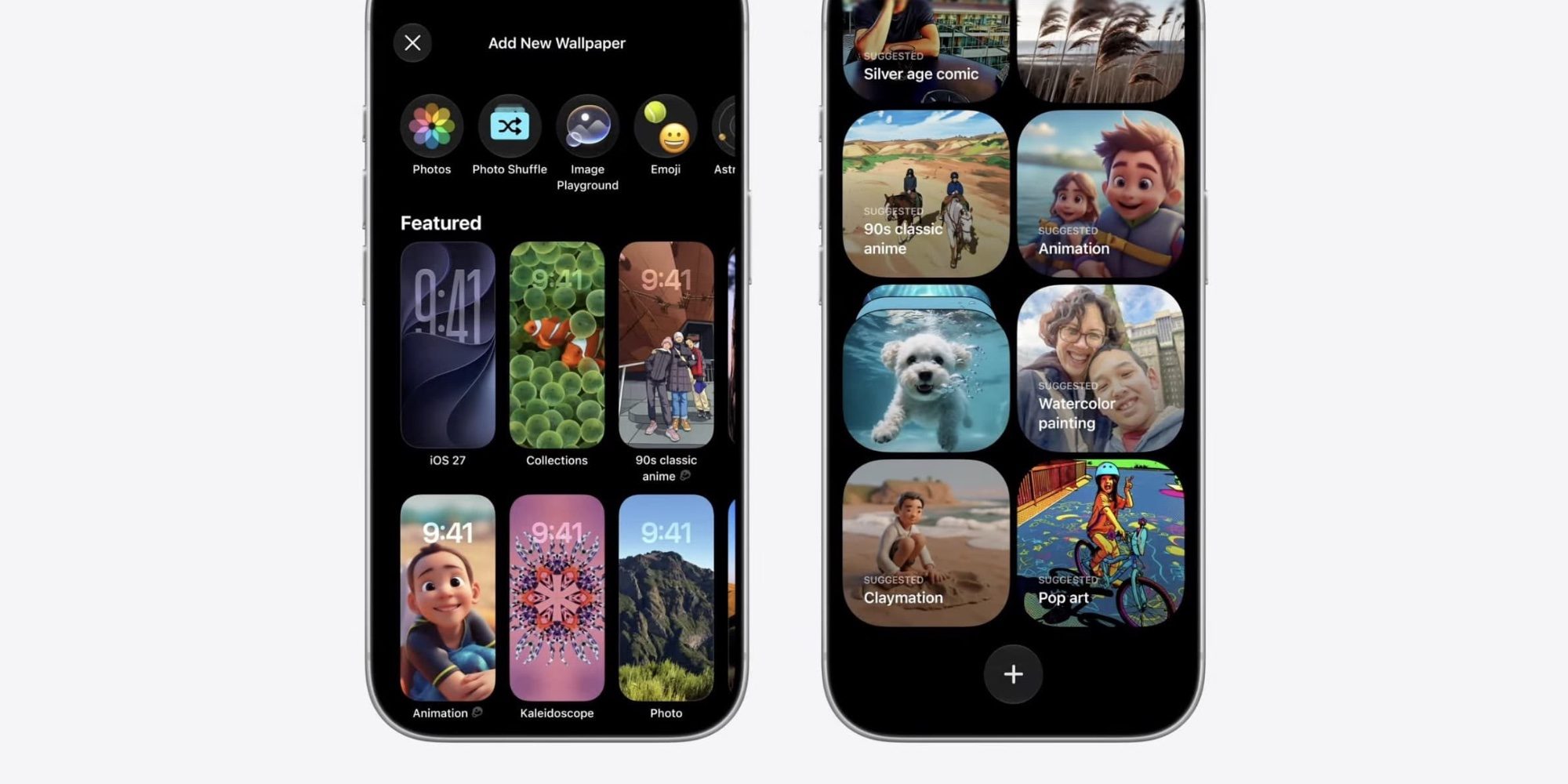
This year as part of iOS 27’s overall theme of major AI improvements, Apple has given its Image Playground app an overhaul.
Image Playground now offers more powerful image generation capabilities and far fewer restrictions than before. It even lets you create images that are the perfect wallpaper size.
But you don’t even need to open the Image Playground app to create wallpapers.
iOS 27 lets you create your own iPhone wallpapers right from the wallpaper picker.
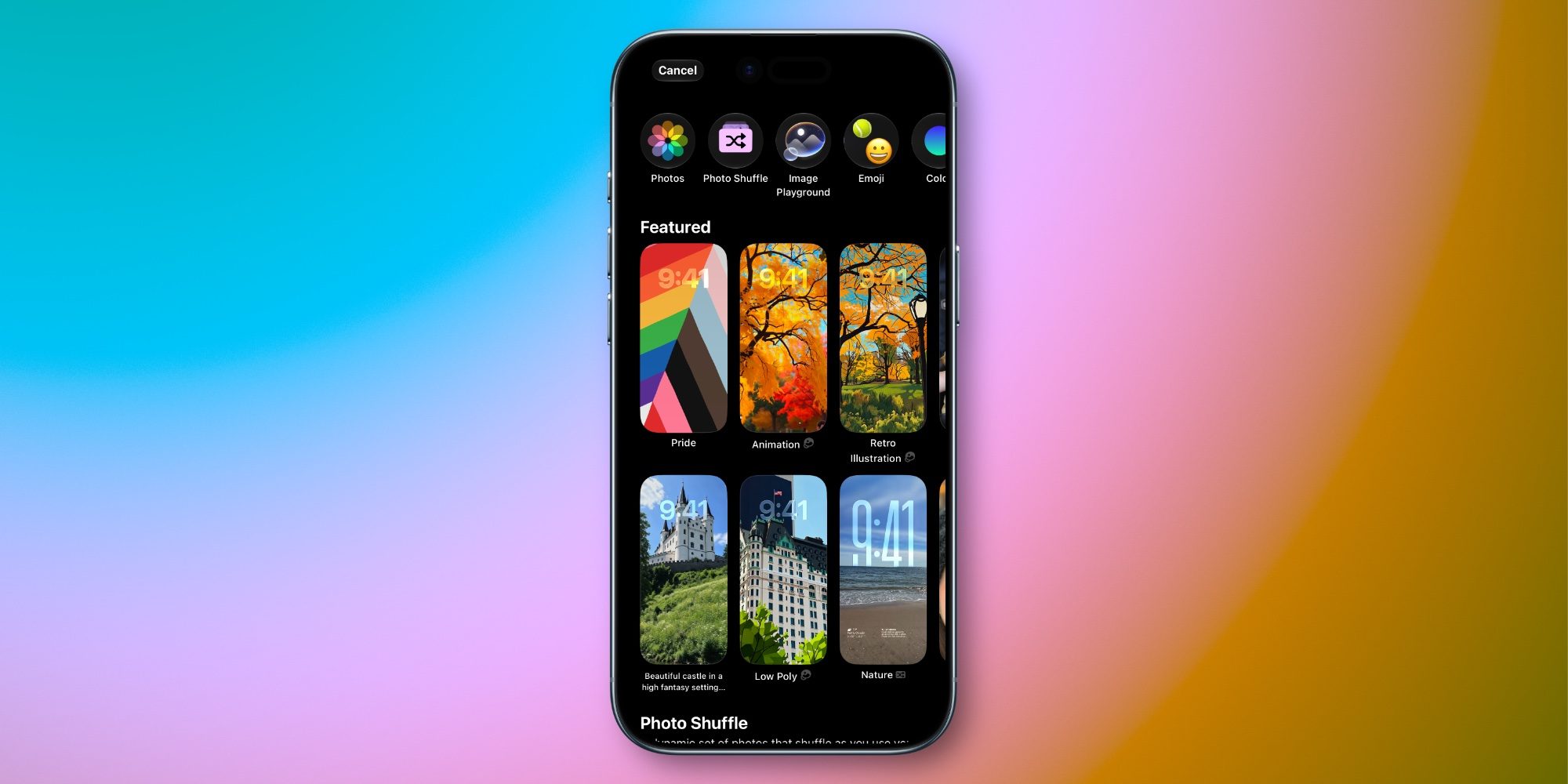
Go to Settings ⇾ Wallpaper ⇾ Add New Wallpaper or long-press your Lock Screen and hit the ‘+’ button to open iOS 27’s wallpaper gallery.
New in the gallery this year, you’ll see Image Playground as an option in the top row. iOS 27 also automatically adds some AI-generated images to the Featured wallpaper section.
For example, you’ll see suggested wallpapers that are based on your own photos, but in a new style.
In my testing of iOS 27, with no effort on my part, my iPhone prepared beautifully stylized versions of some of my favorite photos that look great as wallpapers.
Wherever you see an AI-generated wallpaper in the gallery, Apple’s new Image Playground icon appears next to it. That way, it’s always clear where the image came from.
If you like one of Apple’s suggested AI wallpapers, you can choose it and be all set.
But iOS 27 also lets you create fully custom wallpapers by hitting the Image Playground button in the top row. Image Playground will ask you to describe your image, and let you optionally choose a style or base it on an existing photo or person.
When the image is created, it’s automatically the perfect size for an iPhone wallpaper.
Have you tried iOS 27’s new wallpaper creation tool? Let us know in the comments.
Best iPhone accessories
- AirPods Pro 3 (now only $199, down from $249)
- MagSafe Car Mount for iPhone
- 10-year AirTag battery case
- AirTag 2 (1-pack / 4-pack)
- 100W USB-C fast charging power adapter


FTC: We use income earning auto affiliate links. More.



Comments