
After three rounds of developer betas, Apple is now rolling out the first public beta of macOS 27. Here’s how to install it.
Installing macOS 27 public beta
As most 9to5Mac readers know, running test versions of Apple’s operating systems means having to live with the possibility of running into bugs that range from mild inconveniences to completely device-breaking issues.
That said, macOS 27 betas have been mostly solid, with occasional performance and memory issues with Safari, and some under-the-hood work that has been affecting the reliability of the Spaces feature.
Additionally, as the beta cycle progresses, something that works in one release may stop working in the next, as Apple continues to make significant under-the-hood changes. Stability and reliability can vary considerably from beta to beta, so install with extreme caution.
Here’s how to install the macOS 27 Golden Gate public beta 1:
- Enroll your Mac on the public beta program on https://beta.apple.com
- Go to System Settings ⇾ General Software ⇾ Update
- Click the ‘i’ button next to Beta Updates
- From the dropdown menu in the top-right, select the macOS 27 Golden Gate Public Beta
- Hit ‘Done’
What’s new with macOS 27 Golden Gate
The headlining feature on this year’s updates across all of Apple’s operating systems is the new Siri app, and the new Siri AI experience. After indexing your content from Messages, Mail, and other apps, Siri can answer questions, act on requests and more.
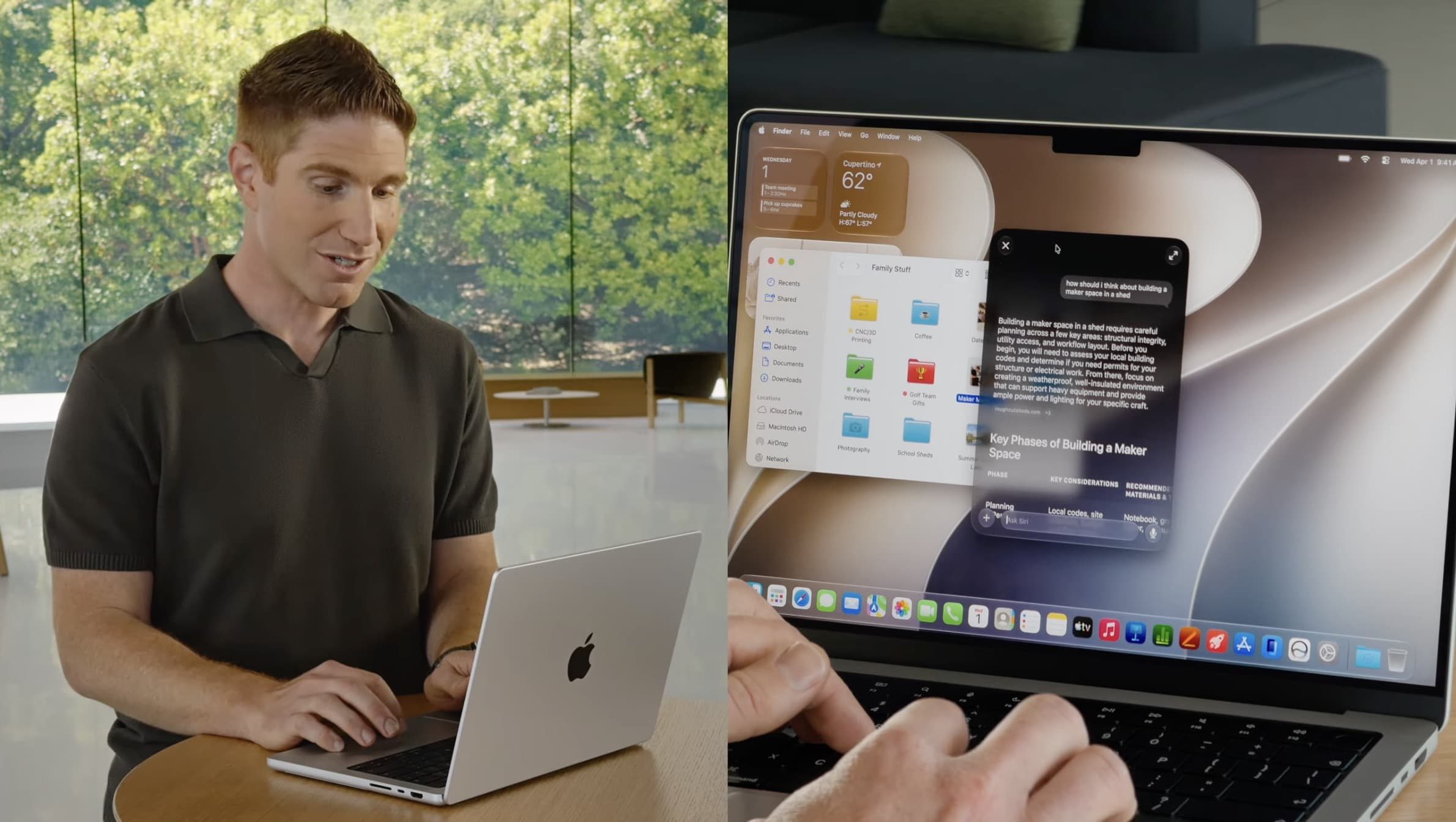
macOS 27 Golden Gate also greatly improves Search, as part of the under-the-hood overhaul Apple made to prepare for Siri AI. Spotlight search became quite unreliable on macOS Tahoe 26, but the issue seems mostly fixed with macOS 27 Golden Gate. Of course, your mileage may vary during beta season.
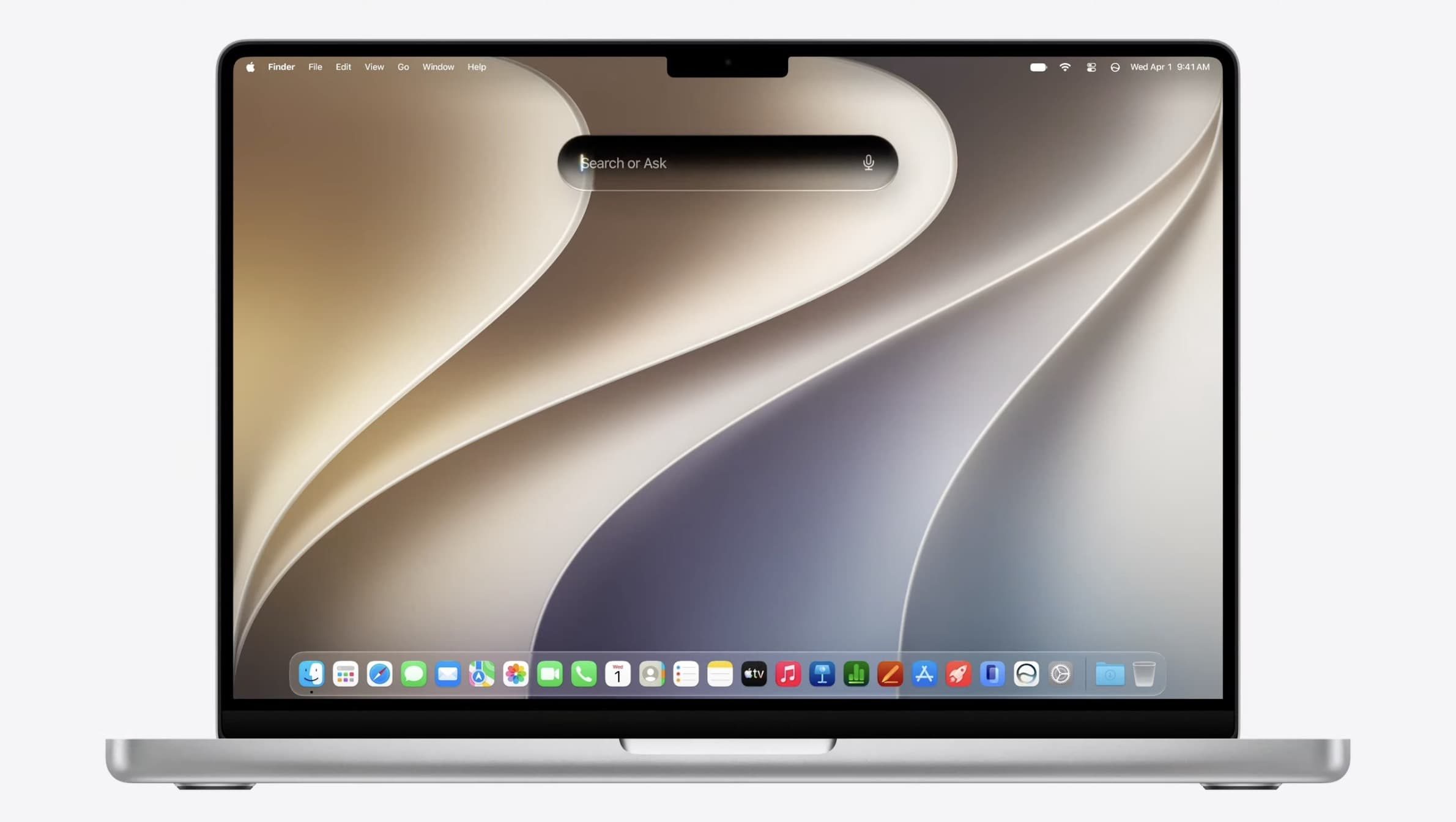
Additionally, macOS 27 Golden Gate tweaks the Liquid Glass effect, which many found lacking on macOS Tahoe 26. It also adopts a unified corner radius for windows and apps, which means that they will no longer have varying radii depending on the contents and UI elements of the menu.
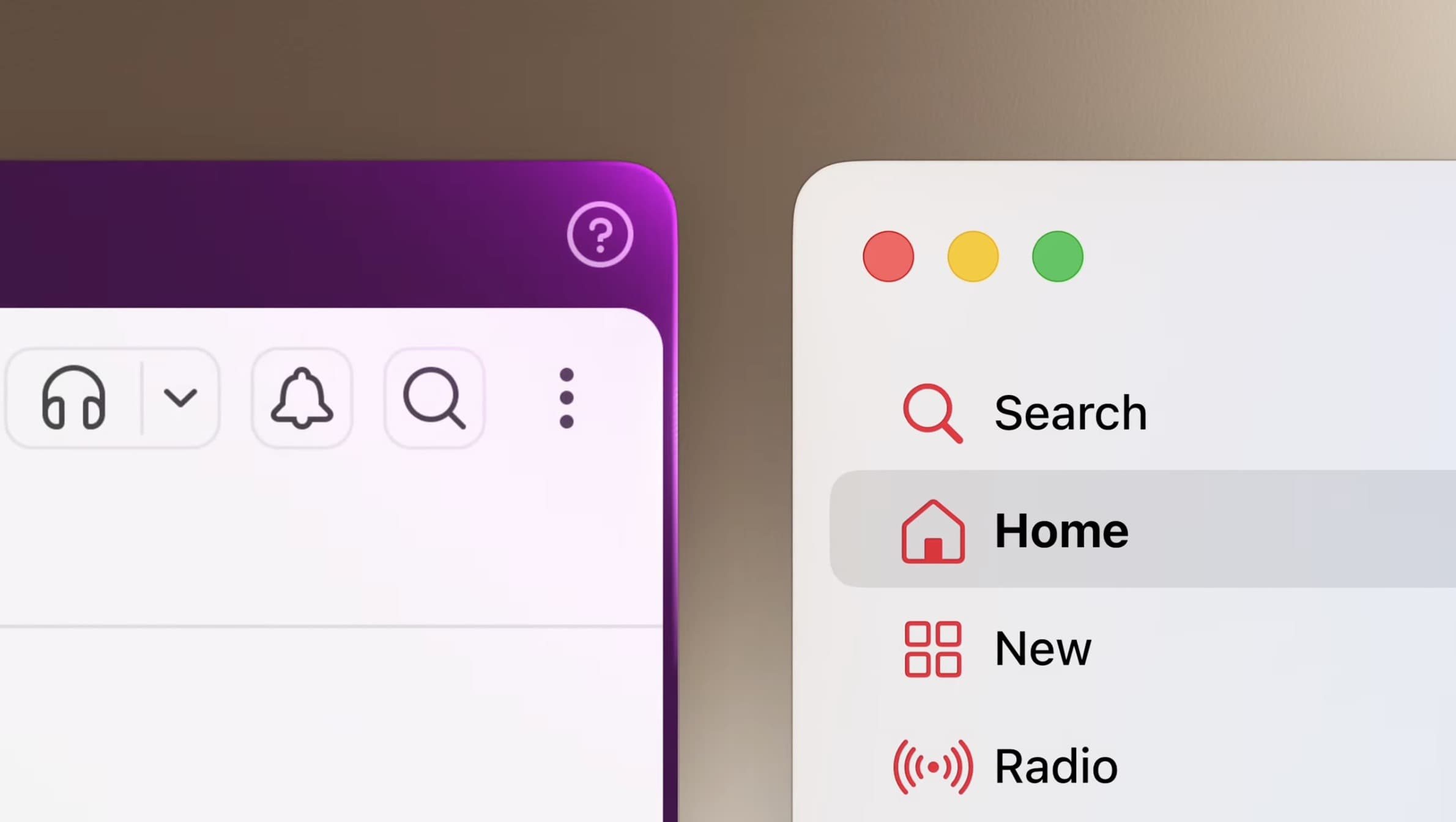
Apple Intelligence features also get a boost on macOS 27 Golden Gate. That includes a redesigned and more efficient set of writing tools, better Visual Intelligence features, and a new Safari extension builder that creates extensions from natural-language commands.
Shortcuts also get a similar feature on macOS 27 Golden Gate, allowing users to create shortcuts from prompts, rather than the manual step-by-step shortcut-building experience, which can be intimidating to some.
For iPhone Mirroring users, the app now supports more flexible aspect ratios, which many see as Apple’s first steps toward preparing iOS apps for the upcoming foldable iPhone.
To learn more about what’s new with macOS 27 Golden Gate, follow this link.
Worth checking out on Amazon
- Geoffrey Cain – ‘Steve Jobs in Exile’
- David Pogue – ’Apple: The First 50 Years’
- MacBook Neo
- Logitech MX Master 4
- AirPods Pro 3
- AirTag (2nd Generation) – 4 Pack
- Apple Watch Series 11
- Wireless CarPlay adapter


FTC: We use income earning auto affiliate links. More.


Comments