
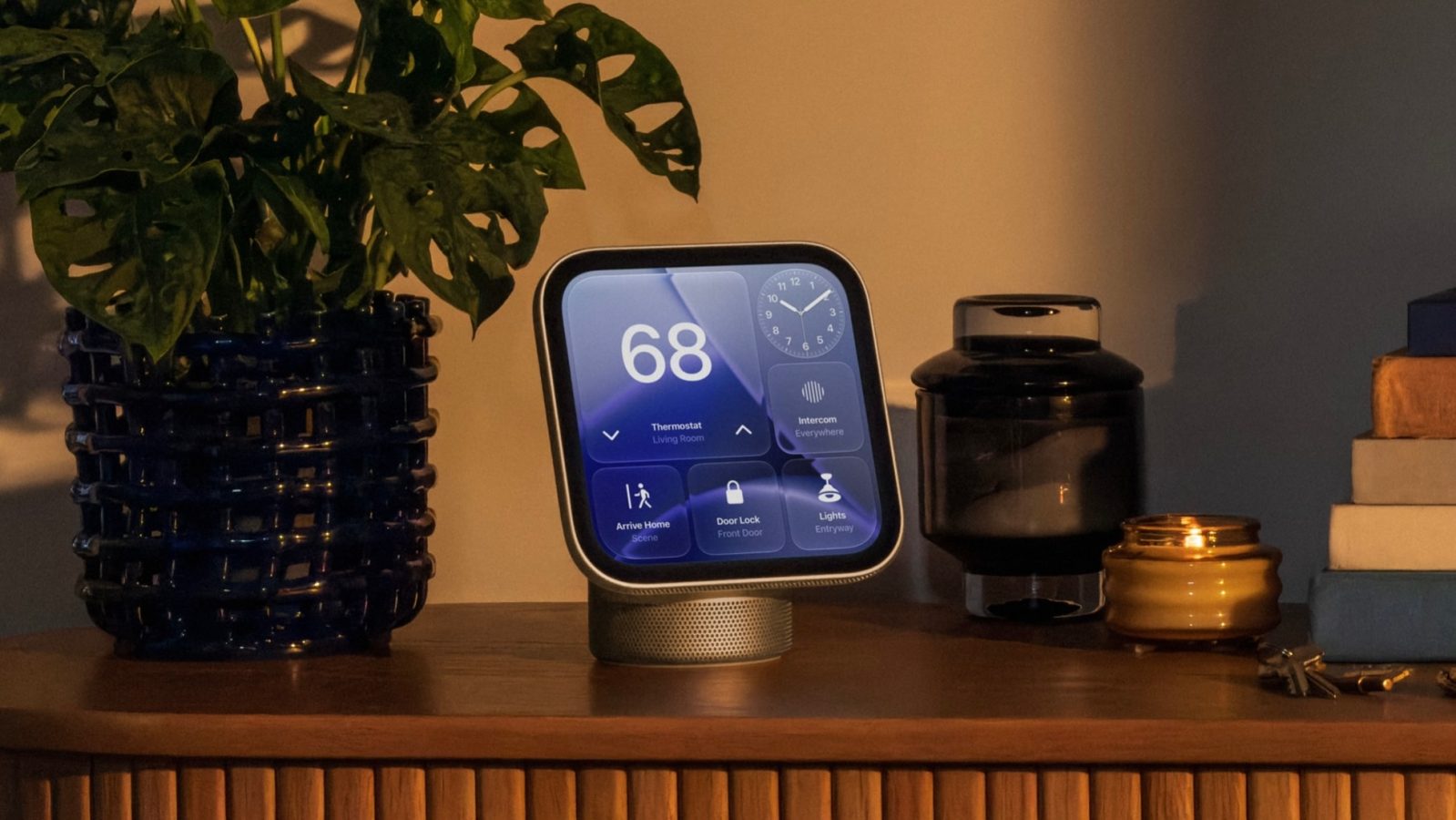
Apple announced its HomeView smart display this morning. Apple says HomeView can recognize up to six different people to deliver a “personalized experience” for each user.
John Gruber at Daring Fireball has more details on how HomeView’s facial recognition feature works.
HomeView’s face recognition support
According to Gruber, a user must have a “registered personal device” with Apple Intelligence support in order to be “recognized” by HomeView. That device must be on the home’s Wi-Fi network and have been “recently unlocked.”
Your first question might be how this facial recognition to identify users works, using a Center Stage camera alone, when other products (like, notably, the iPhone Duo) don’t let you unlock using the camera alone. HomeView does not have FaceID. I asked about this and Apple reps said that first, your home is (reasonably!) presumed to be a safe space. But in order for users to be recognized — by voice or face — they must have a “registered personal device” that supports Apple Intelligence and Siri AI, that device must be present on the home’s Wi-Fi network, and it must have been recently unlocked.
Gruber also points to a footnote from the HomeView press release, which reads:
Personal context requests require a paired Apple Intelligence-enabled iPhone or iPad running the latest software version with Siri AI turned on and set to a supported language.
This means the Apple Watch does not count as a “registered personal device” for facial recognition on HomeView.
HomeView is available to pre-order today for $299 and will be released on November 13.
Chance’s favorites:
- Twelve South Airfly Drive: Bring wireless CarPlay to any car
- AirPods Pro 3: $199 (Reg. $249)
- Logitech MX Master 4
- Belkin 3-in-1 MagSafe Charger
- Beats Woven USB-C Charging Cables
- Twelve South Butterfly 2-in-1 Charger
Follow Chance: Threads, X, and Instagram


FTC: We use income earning auto affiliate links. More.


Comments