

Following last week’s official release of macOS Tahoe 26, Apple is rolling out the first developer beta of macOS 26.1. Here’s what to expect.
Bug fixes expected, rather than new features
The build rolling out to developers right now is 25B5042k.
Given that this is the first macOS beta version following the official release of macOS 26, it is likely to contain multiple low-hanging fruit bug fixes, rather than multiple new features.
On the other hand, Apple has been known to include previously unannounced features following a major release, so we are on the lookout and will report back if we find anything new.
How to install the new betas
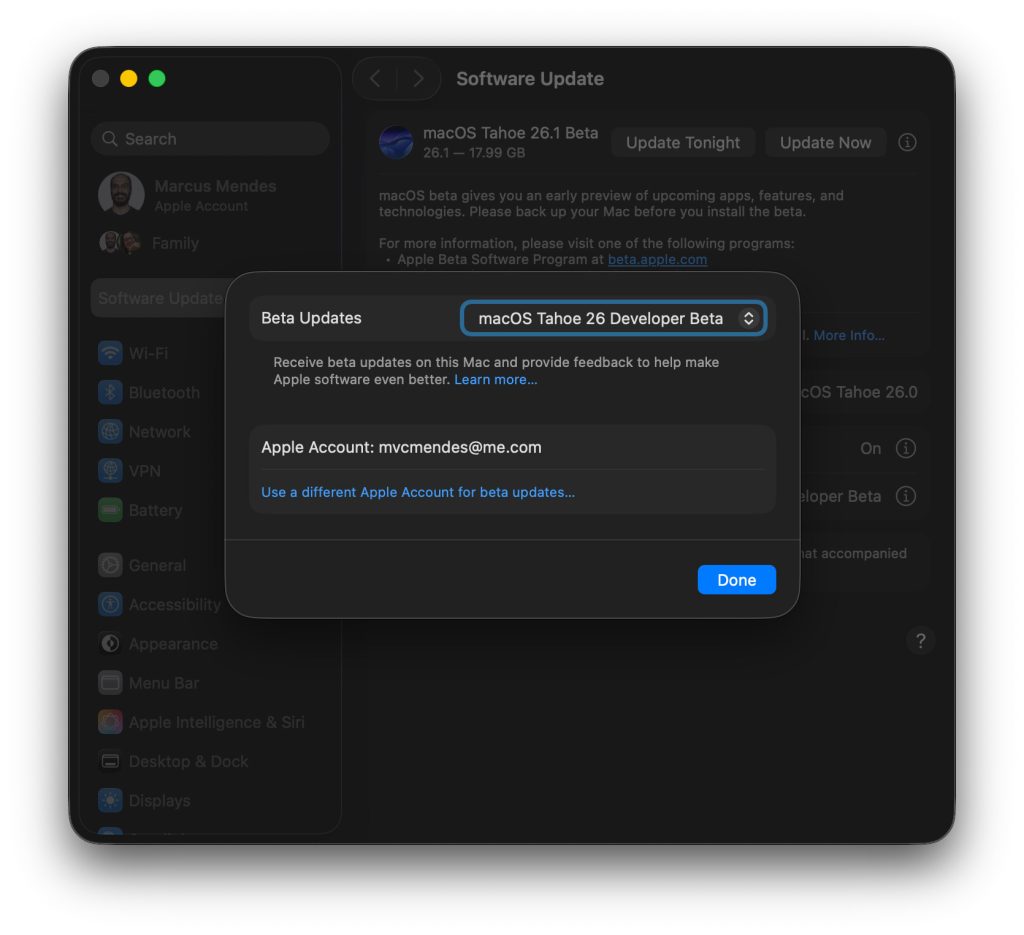
Here’s how to install the macOS Tahoe 26.1 developer beta 1:
- Backup your Mac
- Open System Settings
- Go to General ⇾ Software Update
- Click the ‘i’ icon next to Beta Updates
- From the dropdown menu in the top-right, select the macOS Developer Tahoe Beta
- Hit ‘Done’
Did you spot any changes in today’s betas? Let us know in the comments.
Accessory deals on Amazon
- AirPods Pro 3
- Apple AirTag 4 Pack
- Apple AirTag
- Beats USB-C to USB-C Woven Short Cable
- Wireless CarPlay adapter


FTC: We use income earning auto affiliate links. More.



Comments