
Update, 2:09 p.m. ET: Speechify also launched a ChatGPT integration today. See new details below.
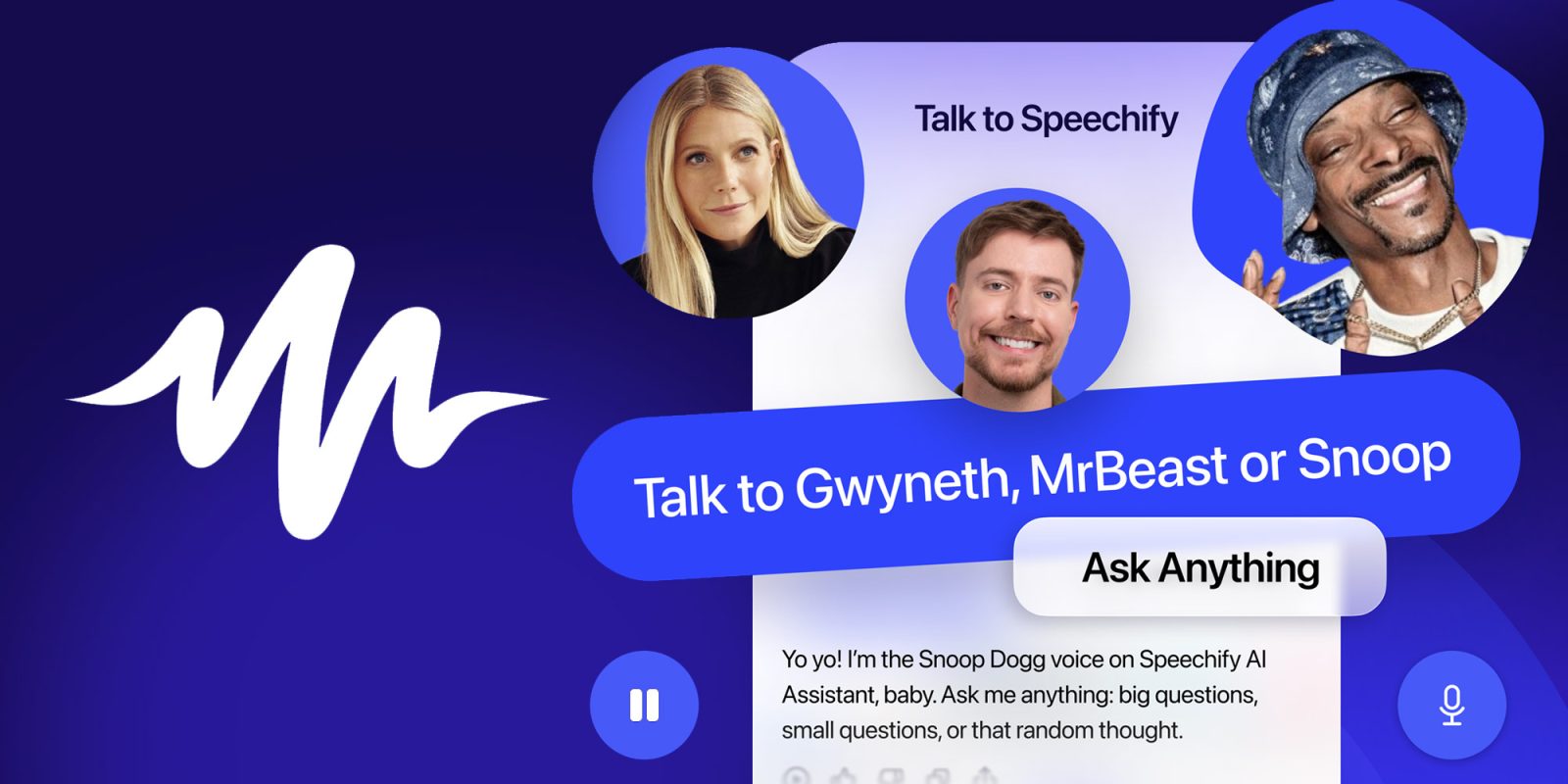
Speechify’s AI Voice Assistant can now sound like celebrities, including Snoop Dogg, Gwyneth Paltrow, and MrBeast. Here are the details.
Speechify doubles down on AI assistant customization
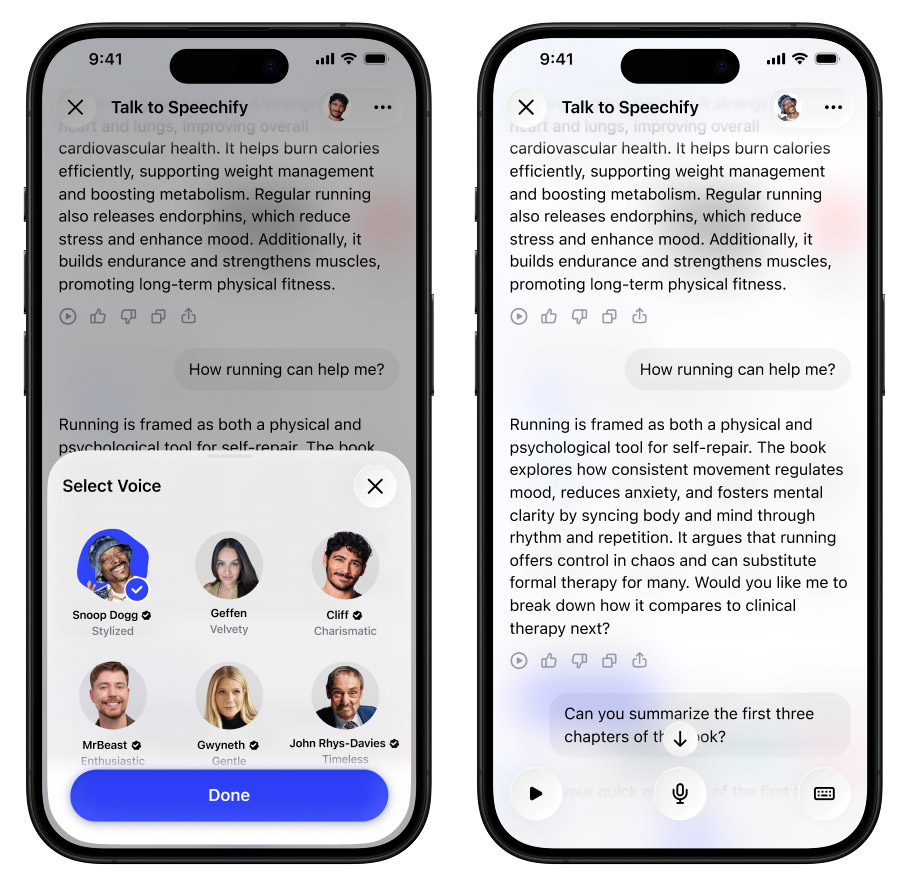
A few weeks ago, Speechify launched its Voice AI Assistant on iOS. With it, users can leverage a combination of third-party models, as well as Speechify’s own AI models to talk to documents, search the web by voice, and generate summaries, podcasts, and even lectures through multi-turn conversations right from their iPhones.
Now, Speechify is taking another step in its push to become a voice-first alternative to platforms like ChatGPT, Gemini, and Siri by adding celebrity voices.
Starting today, users will be able to set Snoop Dogg, MrBeast, or Gwyneth Paltrow as the voice of their AI assistant, which puts the platform one step ahead of its competition when it comes to customization.
Speechify’s CFO, Pankaj Agarwal, says that the company “is currently a Top 4 AI Assistant in the App Store alongside Gemini, ChatGPT, and Grok,” and that it’s “excited to give users an experience they’ve never had with AI Assistants through our partnerships with some of the most recognizable voices in the world.”
Today’s news adds to the growing focus among AI labs and productivity platforms on bringing voice-first interactions into everyday workflows, spanning everything from accessibility use cases to hands-free productivity.
If you’d like to give Speechify’s AI Voice Assistant a try and check how Snoop Dogg, MrBeast, or Gwyneth Paltrow can help with your own workflows, follow this link.
Update, 2:09 p.m. ET: In addition to this morning’s news, Speechify also rolled out an official app for ChatGPT. With it, users can now listen to ChatGPT responses using Speechify’s premium voices, complete with word highlighting and adjustable playback speeds.
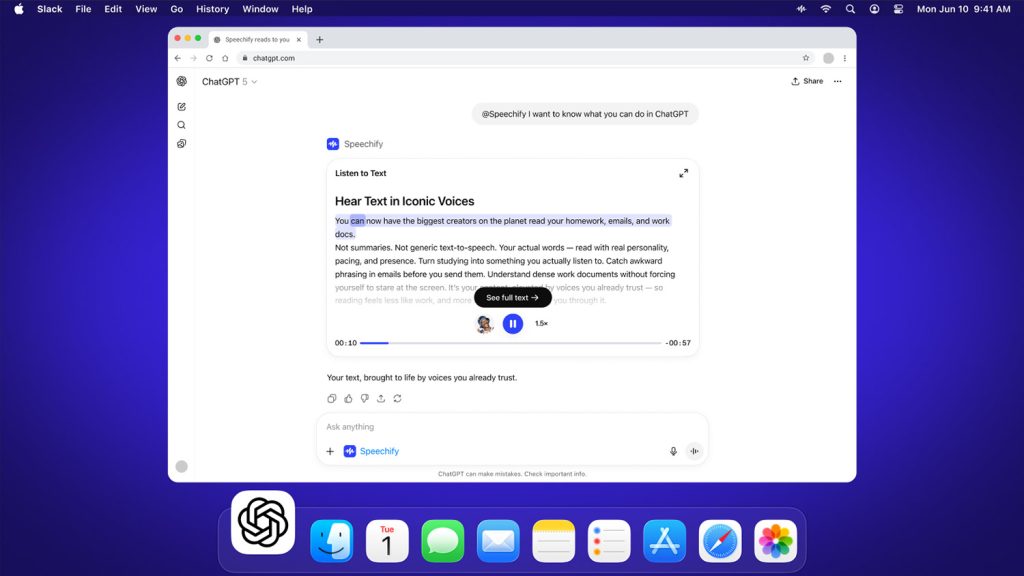
To give it a try, open ChatGPT, click Apps in the left sidebar, and add the Speechify app. Once that’s done, just type @Speechify after any response to bring up the app.
Accessory deals on Amazon
- AirPods Pro 3
- Beats USB-C to USB-C Woven Short Cable
- Wireless CarPlay adapter
- Logitech MX Master 4
- Apple AirTag 4 Pack


FTC: We use income earning auto affiliate links. More.



Comments