
It’s time to get your Halloween decorations out and automate them because the gear you buy for October is the same gear you’ll use in December. Set it up once now, and all you’ll do in November is swap what’s plugged into your gear. My first real Apple Home project years ago was automating Christmas lights, and it’s still the easiest win in your entire smart home, and it’s really one of the most useful things you can do.
HomeKit Weekly is a series focused on smart home accessories, automation tips and tricks, and everything to do with Apple’s smart home framework.
Start with a home hub
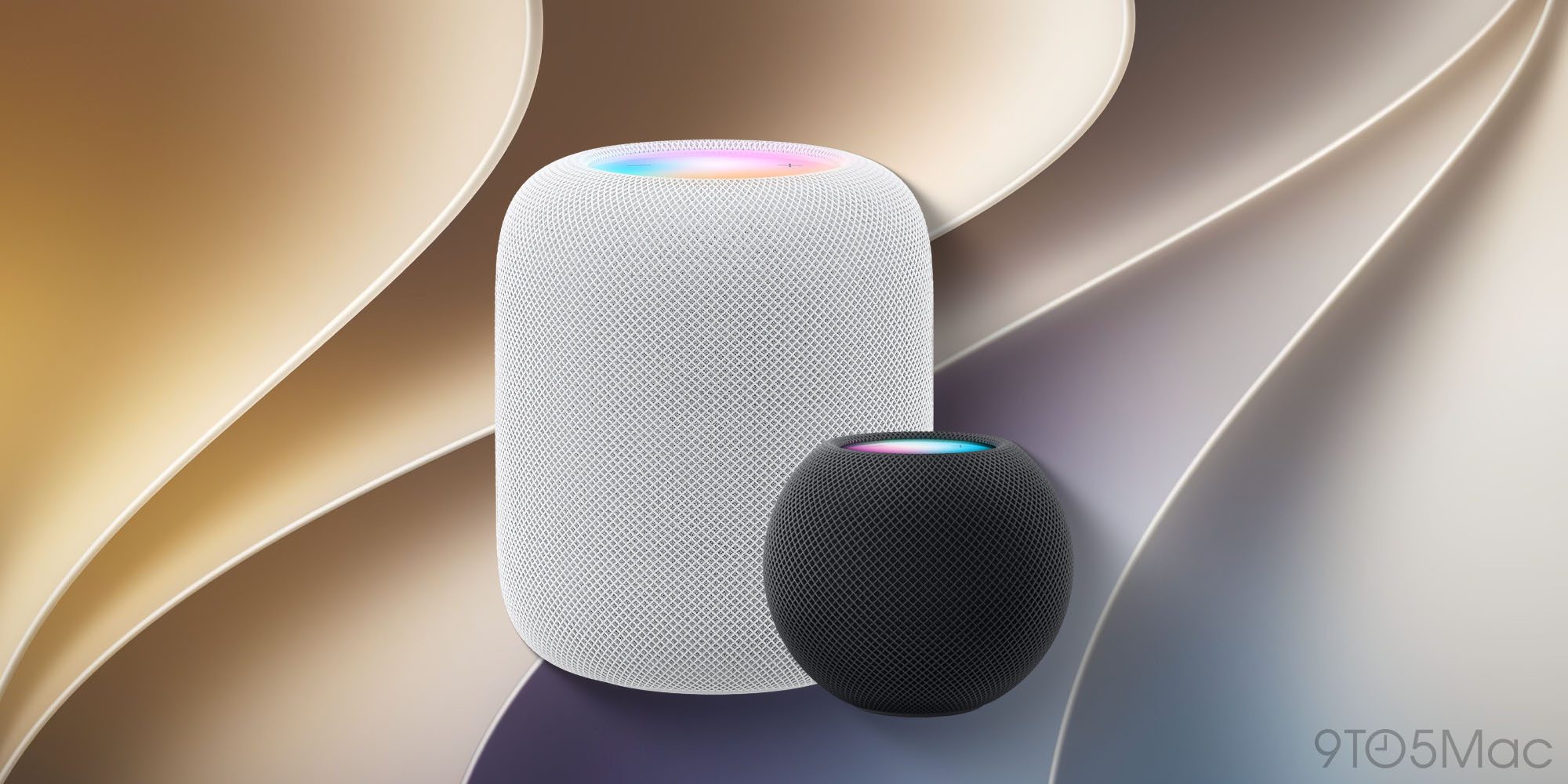
Before buying anything else, make sure you have a device that can serve as a home hub. That means having an Apple TV, a HomePod, or a HomePod mini signed into your iCloud. Without one, you can’t run automations or control anything while you’re away from your local, which defeats most of the purpose here. It isn’t technically required for Apple Home, but for holiday automations, it may as well be.
Outdoor plugs are the real purchase
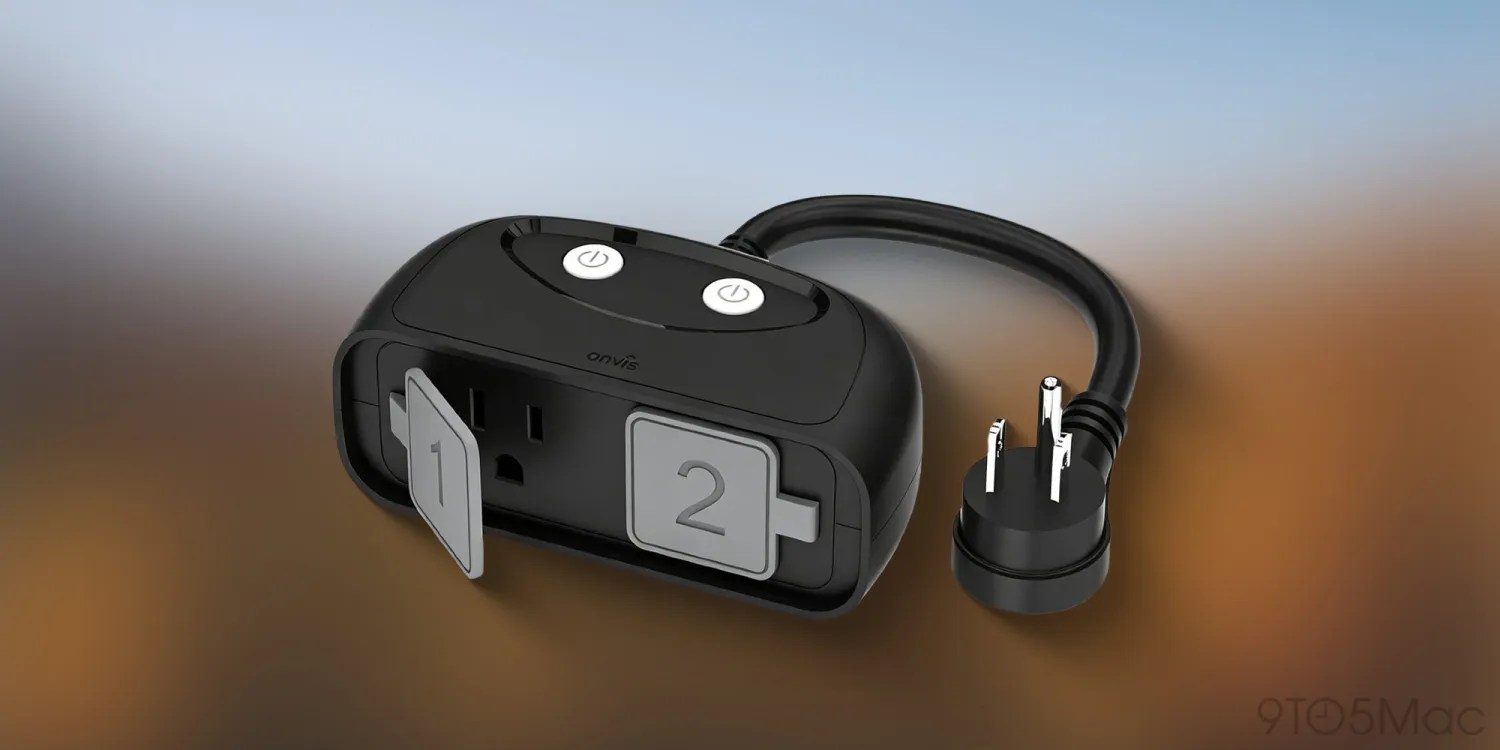
This is the part that lets you use your system both holidays. In October, Halloween inflatables, projectors, and pathway lights make the perfect Apple Home setup for Christmas lights and yard decorations in December, all running off the same outlet you set up once. Buy outdoor-rated plugs, not indoor ones, and run an extension cord out a window. Indoor plugs aren’t built for cold, moisture, or rain, and you’ll be dealing with both by the time December arrives.
- Onvis Outdoor Smart Plug
- Meross Outdoor HomeKit Plug
- Kasa Apple HomeKit Outdoor Smart Plug
- Lutron Caseta Weatherproof+ Outdoor Smart Plug
- Minoston Outdoor Smart Plug Outlet
Most of these plugs have two independently controlled outlets, which matters more than you’d think if you don’t set them up. One side runs your inflatable, the other can run a light, and you can put them on different schedules. I have one out year-round on my back porch for lamps
Indoors, a single smart plug turns your Christmas tree into an Apple Home automation, and the same plug handles a Halloween window display or a fog machine in October.
Eve Energy costs more than some others, but it supports Thread.
Halloween setup
Halloween is when Apple Home motion sensors are especially useful. If you put a sensor near the walkway, you can trigger a light when someone approaches the door. It’s the one holiday where having a reactive automation beats a scheduled one.
Bulbs that can change color on the porch are the other easy win. If you swap your normal porch bulb for a color-capable one, set it to orange or deep purple for October, then back to warm white in November. The Linkind Smart Light Stick would be an interesting option to have as well.
Christmas setup
Your Christmas tree is the obvious one to automate. Plug it into an Apple Home/Matter smart plug, name it something Siri will easily understand, and you’re set: “Hey Siri, turn on the Christmas tree.” That single automation is the one my family uses most, and it costs about $20 to set up. You can also simply automate using the tips below.
Building the automations
Once your devices are in the Home app, go to the Automations tab, tap the + button, choose Add Automation, and pick A Time of Day Occurs. Sunset is the setting you want for almost everything holiday-related, since it shifts automatically as the days get shorter. The step a lot of people can forget about: create a second automation to turn everything off. Sunrise works, but a fixed time like 11 PM is usually better in my experience.
Here’s a tip that I’ve learned from years of smart home use: name your devices very simple. Call the outdoor plug “Front Yard Lights” instead of “Christmas Lights,” and you won’t have to touch anything or rename devices when the season changes. The automation you built for Halloween keeps working in December. In fact, I’ve gotten to the point where I leave mine plugged in all year just so I don’t have to remove, reset, and re-add.
Wrap up
The best thing about Apple Home is that you can start with a single outdoor plug and an inflatable ghost, or with a Christmas tree, and build it out from there over time. The hardware is really inexpensive, the automations take about five minutes each, and doing it in early October means you’re not standing outside in the cold in December trying to pair a plug to your network. Set it up once in the fall, then run it for both Halloween and Christmas.


FTC: We use income earning auto affiliate links. More.


Comments