
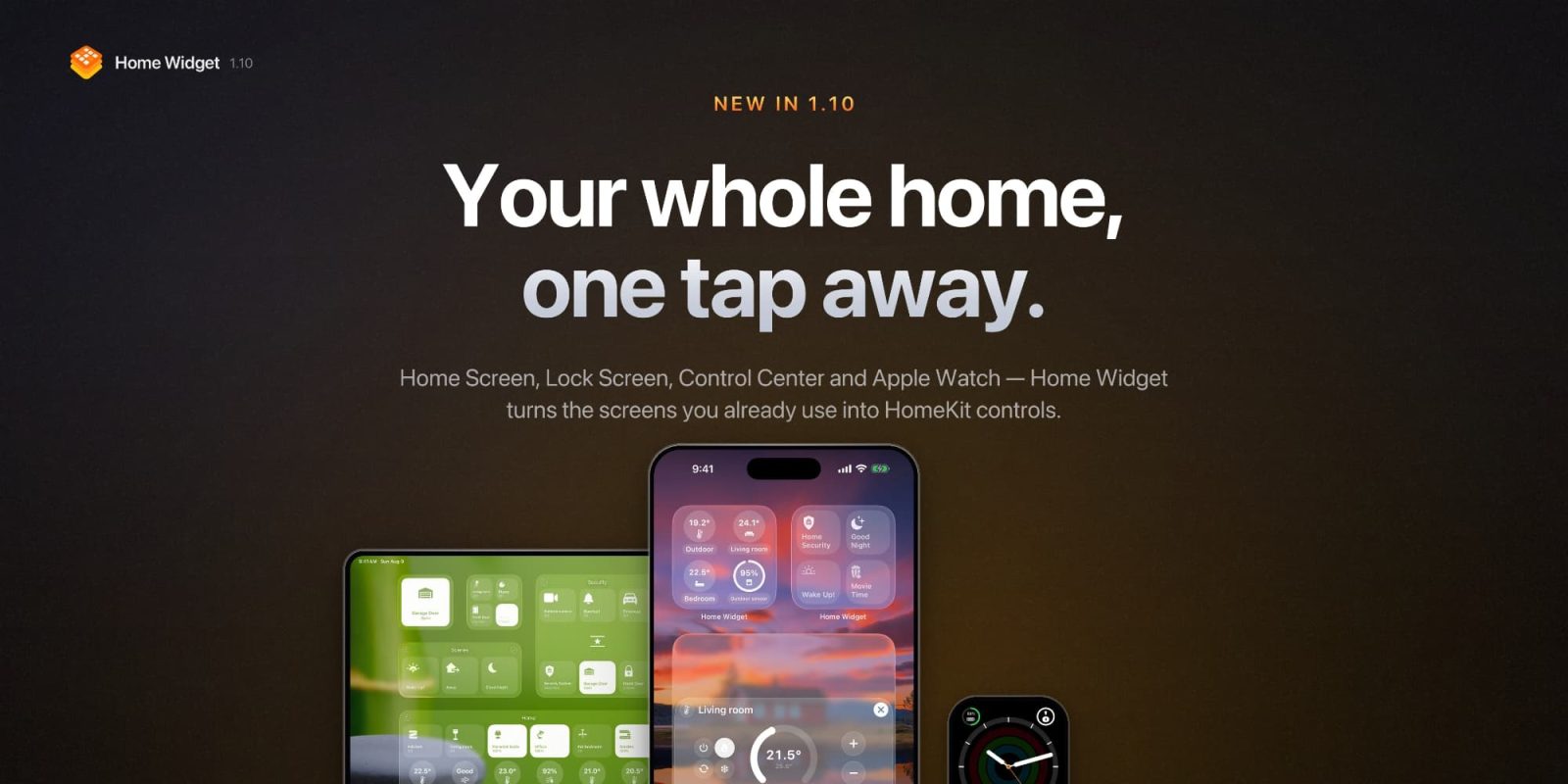
The Home app is a great place to configure your smart home, but it can be slow to control. The tab structure and room hierarchy make sense when you’re setting things up, but they add steps to everything you want to do fifty times a day. Home Widget builds the control panel that Apple didn’t.
HomeKit Weekly is a series focused on smart home accessories, automation tips and tricks, and everything to do with Apple’s smart home framework.
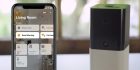
Home Widget lets you build your own HomeKit control panels and place them on your home screen, lock screen, and more. Each panel is made up of tiles you configure yourself, with the icon, name, color, and size you choose, and each tile reflects the accessory’s current state meaning the lights are bright when they’re on and dim when they’re off.
Your sensors will show their readings, and thermostats show the current temperature, all without opening the app. Panels sync across your devices through iCloud, and the app works entirely with what you’ve already set up in Apple’s Home app. It doesn’t replace anything; it just gives you a faster surface for your everyday tasks.
What’s new in 1.10
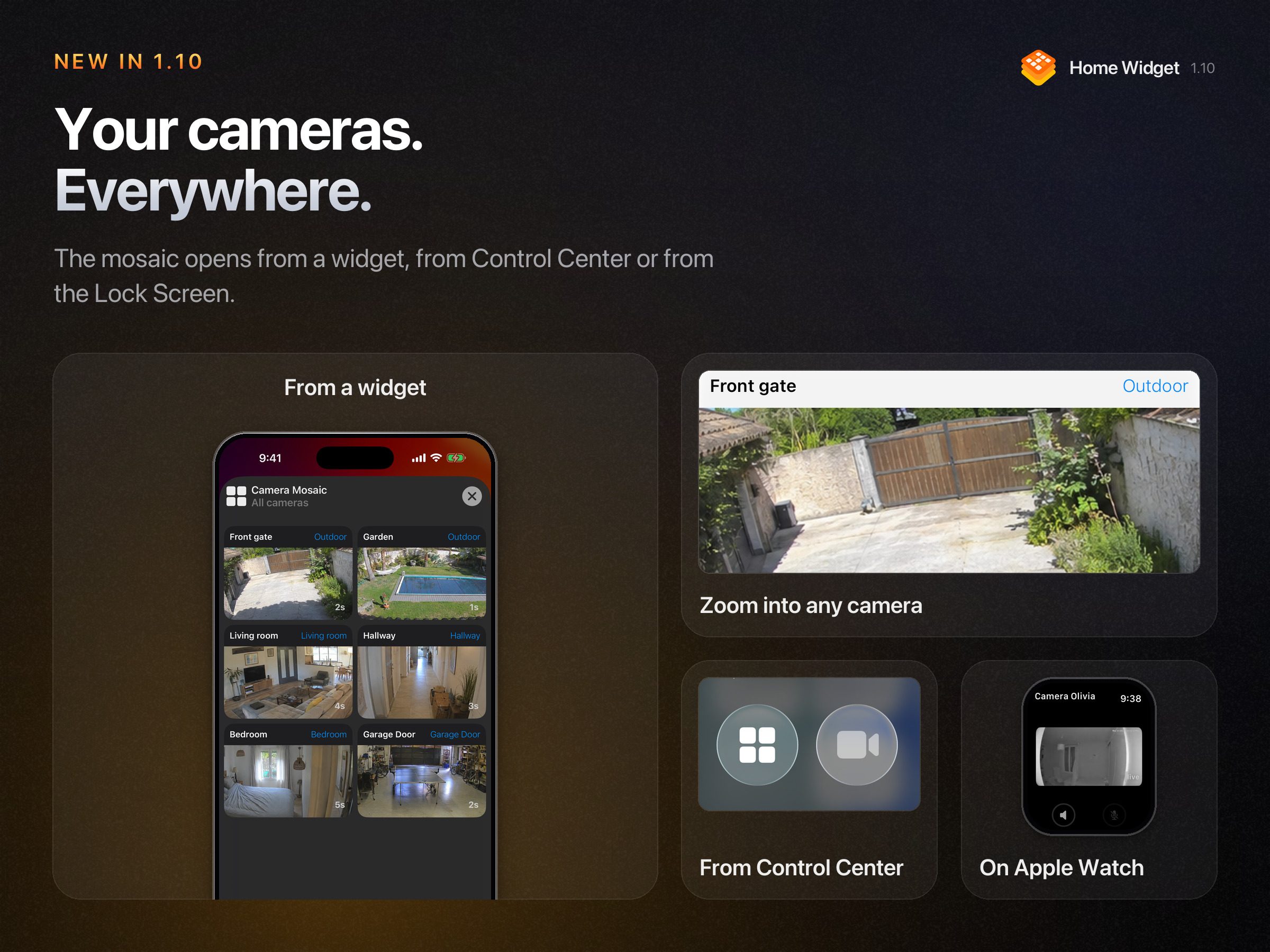
The camera mosaic is the major feature in 1.10. One tap on a Home Screen or Lock Screen widget, and every HomeKit camera appears in a single scrollable view. Tap any tile, and that camera fills the screen. You can also add a Control Center control that opens the mosaic or a specific camera directly. None of these actions involves launching the Home app.
Thermostat control and whole-room light actions are the two features that will matter most day-to-day for anyone with a larger HomeKit setup. You can now set your home temperature straight from a widget rather than opening the Home app or asking Siri. And rather than building a scene just to dim every light in a room, you can now toggle, dim, or change the color of an entire room from a single tile. Both of these closed real gaps between what a widget could do and what the native app could do.
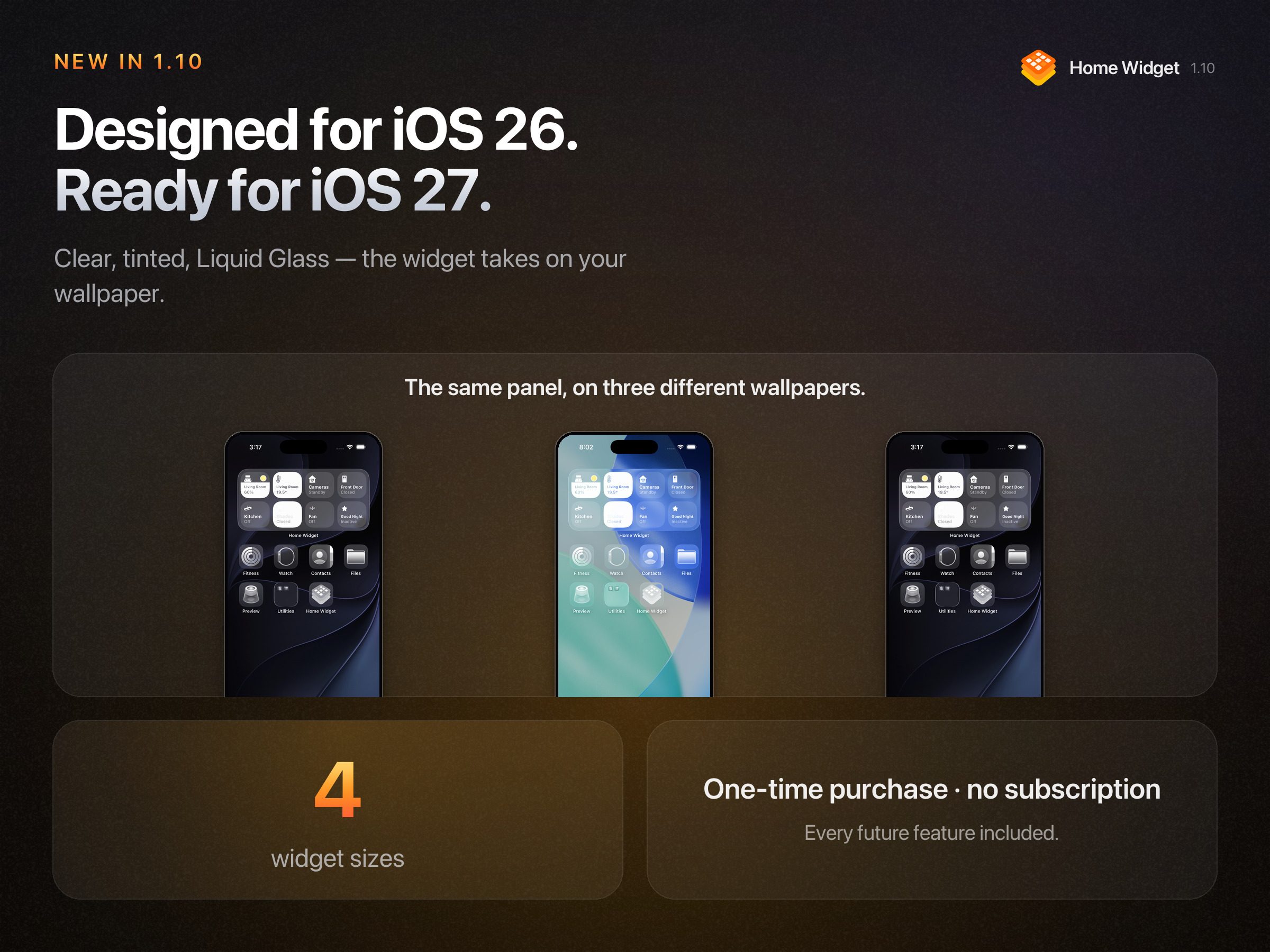
1.10 also brings native iOS 26/27 widget appearances, including Clear, Tinted, Light, Dark, and Liquid Glass rendering, so panels adopt the wallpaper rather than sitting on top of it. Multi-sensor Matter accessories now show all their readings, and the app added richer Apple Watch integration.
With 1.10.2, thermostat support now extends to heating systems exposed as HeaterCooler, which covers a broader range of hardware. Search also now works when adding accessories, sensors, scenes, or other actions.
Wrap up
Home Widget is a free download, and you get up to three panels of up to seven tiles, with the icons and names of your choosing, and ten widget actions a day. The premium unlock ($14.99 one-time fee) removes those limits and opens the full set of settings. Monthly ($0.99) and yearly ($6.99) subscriptions are available as an alternative if you prefer to spread the cost.
If you have a lot of Apple Home accessories and you’re still doing most of your daily interactions inside the Home app, this is worth trying. Multiple cameras alone make the mosaic a good reason to install it.
You can download Home Widget for HomeKit from the App Store for free.


FTC: We use income earning auto affiliate links. More.


Comments