
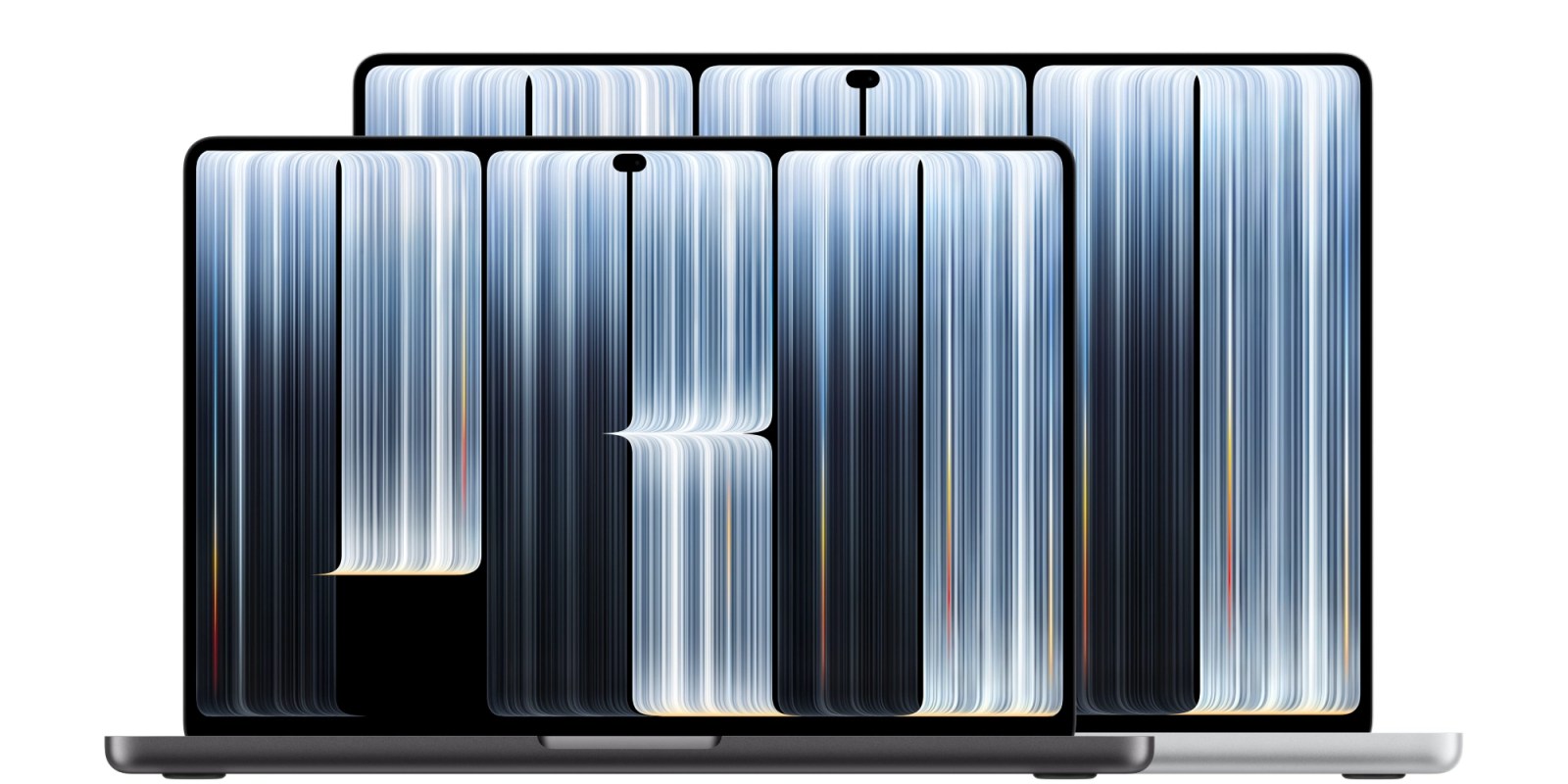
Apple has officially announced the all-new MacBook Pro with PROLED XDR display, its first touchscreen laptop.
The new machine was first hinted at by Apple on October 19 with the company’s “Pro and tell” experience teaser. Earlier today, new Apple CEO John Ternus shared a “spotlight” teaser for the laptop as well.
Read on for all the details about the new high-end laptop…
MacBook Pro details
The new machine features a light-up Apple logo, tandem OLED, and touch input on the display.
It runs on the M5 Pro and M5 Max chips, like the existing MacBook Pro models without OLED touch displays.
John Ternus, who is rocking a new profile picture with the new Mac, shared the first look at the new machine on X:
Apple previously used a glowing Apple logo on its notebook hardware for years until the 12-inch MacBook and 2016 MacBook Pro.
Pricing for the new laptop starts at $2899 for the 14-inch model. The 16-inch version starts at $3399.
Pre-orders are available starting today with deliveries starting November 6. You can find the product page for the new MacBook Pro here. The new machines are also available on Amazon.
Colors include silver or space black options with standard or nano-texture display configurations.
Beyond the new high-end laptop, Apple also announced the redesigned iPad mini, M6 iMac, and M6 14-inch MacBook Pro this week. Back in March, Apple upgraded the standard 14- and 16-inch MacBook Pro laptops to the current M5 Pro and M5 Max chips.
Apple calls the new design both thinner and lighter than the standard MacBook Pro models in the same size configuration.
First Mac with touch input
The new MacBook Pro is the first to use what Apple calls a PROLED XDR display, replacing Mini-LED as the MacBook Pro display technology.
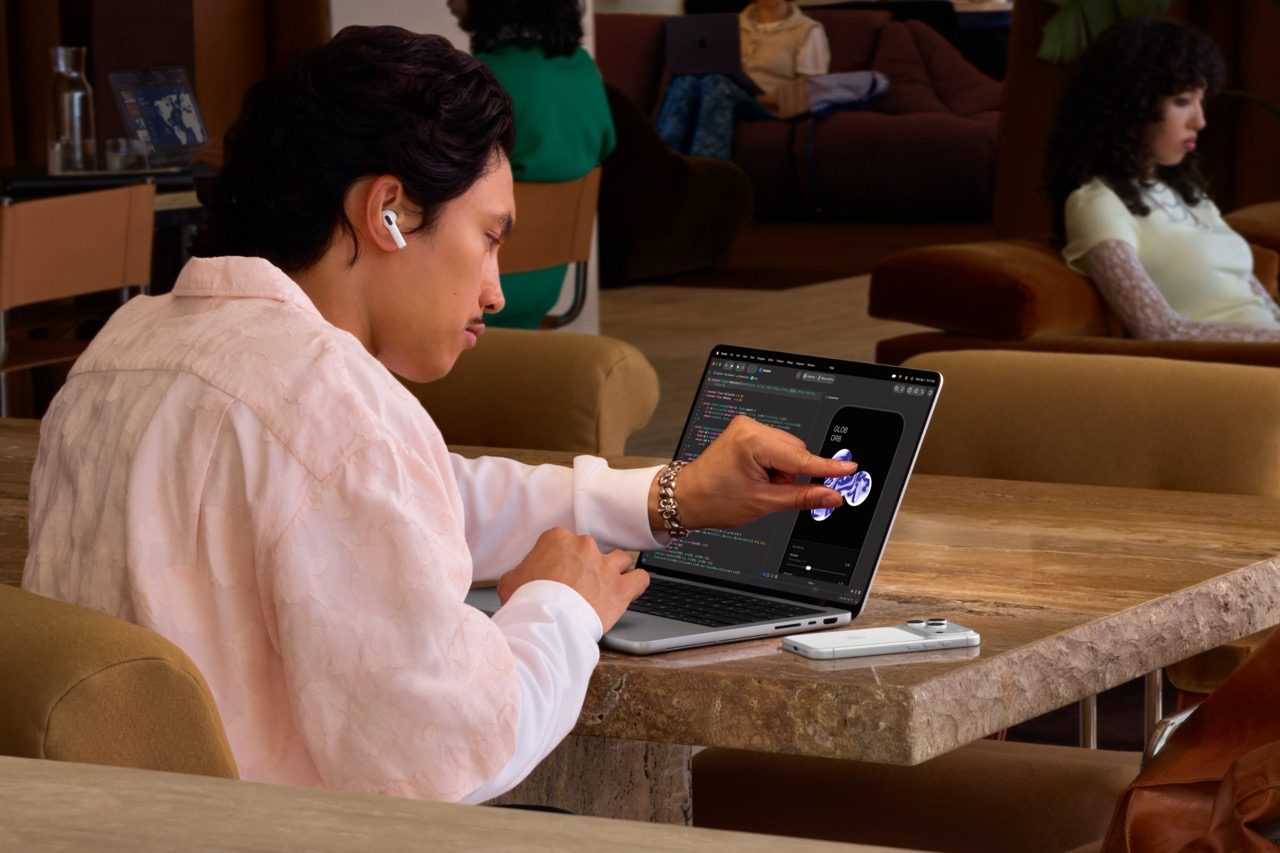
While Apple has innovated with multi-touch on the iPhone and iPad, the Mac has been resistant to touch input for years. The new MacBook Pro changes that with the first touchscreen Mac display. Here’s what Apple says about touch on the Mac.
MacBook Pro features Touch for the first time, bringing pros a whole new way to interact with their content. Crafted specifically for the Mac, every touch interaction feels incredibly responsive and refined. Everyday tasks are simple and intuitive, allowing users to scroll through a webpage with a natural swipe; pinch to zoom in on a photo; drag and drop slides from one presentation to another; and double-tap a window to fill the screen, or flick to tile it into place. And the touch sensor is built directly into the display panel — not layered on top of it — reducing latency so users feel like they’re touching the content itself.
Apple also touts the use of a new hinge technology in the MacBook Pro, in part to support touch input without compromising on stability:
Touch also introduces entirely new ways of working for pro users. Graphic designers can now use the entire display as their canvas, no longer constrained by the area of the trackpad when drawing; musicians can play software instruments right onscreen; and app developers can test how Touch performs in their iOS and iPadOS apps directly on the MacBook Pro display. And these new ways to interact with MacBook Pro work in tandem with the keyboard shortcuts and trackpad gestures pros know and love. In addition, a newly designed hinge provides greater stability while using Touch, and advanced video stabilization automatically smooths the camera feed in real time while using Touch on a video call.
In addition to touch as an additional input method, the new MacBook Pro also adopts the Dynamic Island in favor of the notch.
The Dynamic Island now comes to Mac, serving as the home for Spotlight, Live Activities, and Siri AI.
Not interested in touch? The existing MacBook Pro configurations from March stick around at the same prices. You just lose OLED, the glowing Apple logo, and the thinner and lighter design. Performance, however, is pretty much on par between versions as both offer M5 Pro and M5 Max chips.
The new laptops can be configured with up to 128GB of unified memory and 16TB of solid state drive storage.
Peak display brightness jumps from 1600 nits to 2000 nits for HDR content.
Top comment by GoldToast
I honestly think this is a downgrade. Remember when Apple introduced the Touch Bar? It was supposed to be a big deal, but eventually Apple removed it. Now they’re adding a touchscreen to the MacBook. What’s the actual point?
If it supported the Apple Pencil, I could understand the appeal, especially for designers. But without it, I honestly don’t see much use for it. Maybe I’m wrong, but I’ve used touchscreen Windows laptops before, and I never really found it useful.
I can’t help wondering whether Steve Jobs would have approved of this direction. Apple needs a better marketing team that understands what people actually want, rather than adding a touchscreen that, in my opinion, offers very little practical use.
The 14-inch model is half a pound lighter at just 3 pounds even compared to 3.5 pounds for the same version of the previous design. The overall footprint is reduced as well with 0.59 x 12.24 x 8.52 inch dimensions compared to 0.61 x 12.31 x 8.71 inch dimensions when comparing 14-inch models.
The 16-inch model is notably lighter as well. The new design weighs in at 4 pounds even compared to 4.7 pounds for the previous design. Dimensions change to 0.63 x 14 x 9.62 inches compared to 0.66 x 14.01 x 9.77 inches between designs.
The new machines still use Touch ID with no Face ID support. Apple also doesn’t offer built-in cellular models of the new MacBook Pro. We’ll have to keep waiting for Face ID and built-in cellular connectivity.
You can find Apple’s press release for the new machines here. All configurations are available to order from Amazon.
Do more with your Apple products
AirPods 5 | Apple’s newest wireless headphones
Apple AirTag 2 | Add Find My tracking to keys, bags, bikes, more
AirPods Pro 3 | Apple’s best wireless headphones


FTC: We use income earning auto affiliate links. More.


Comments