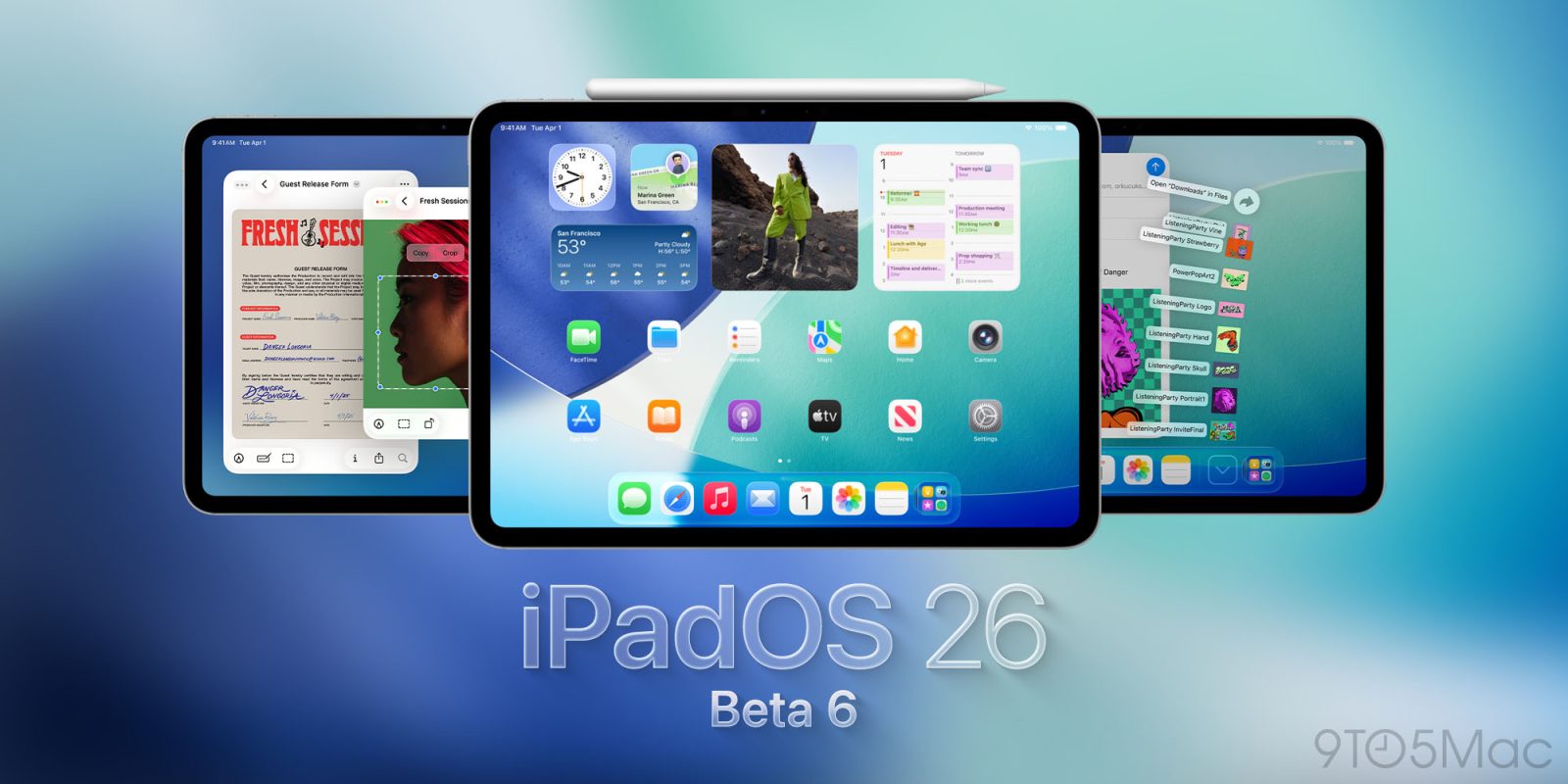
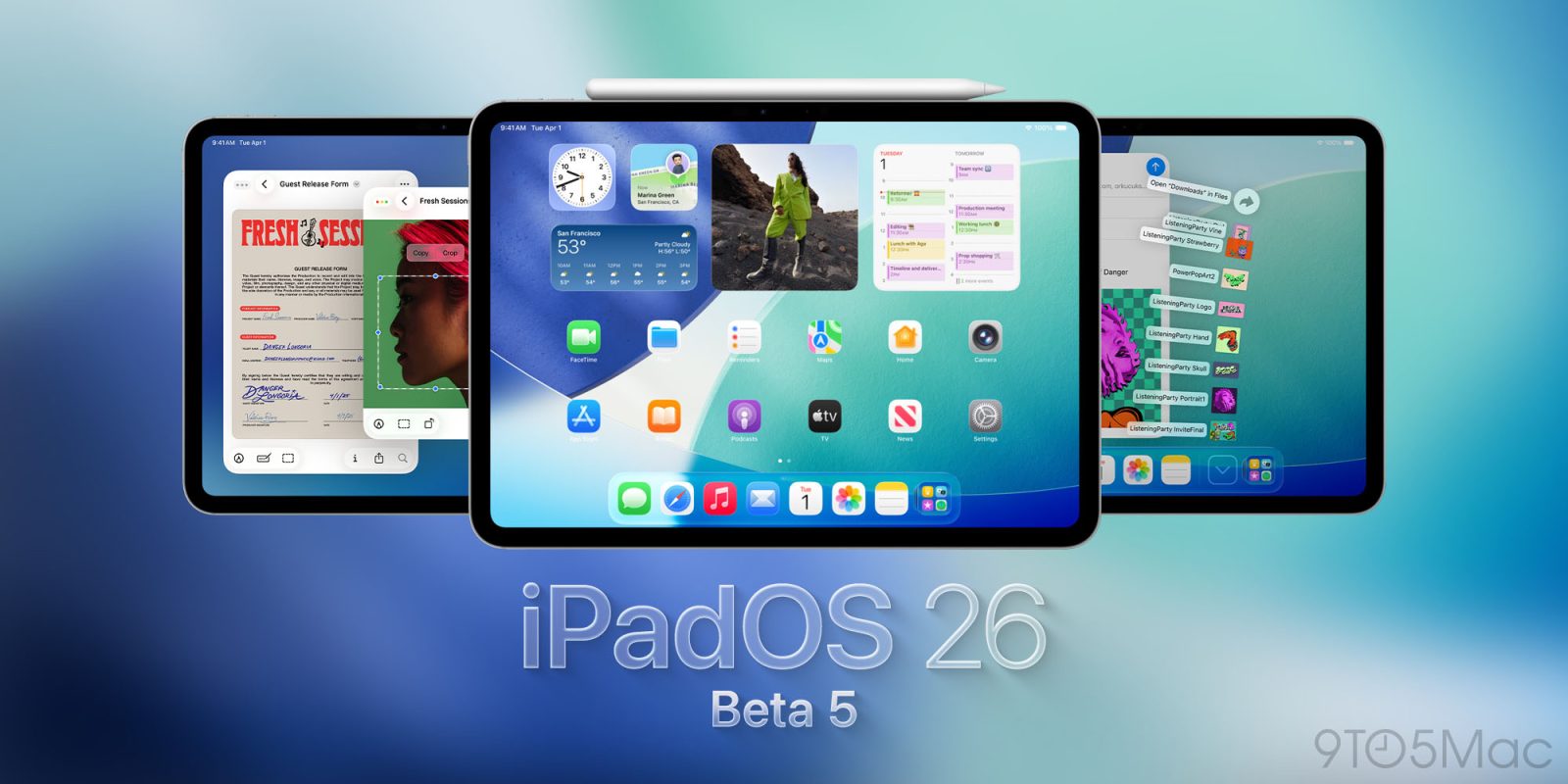
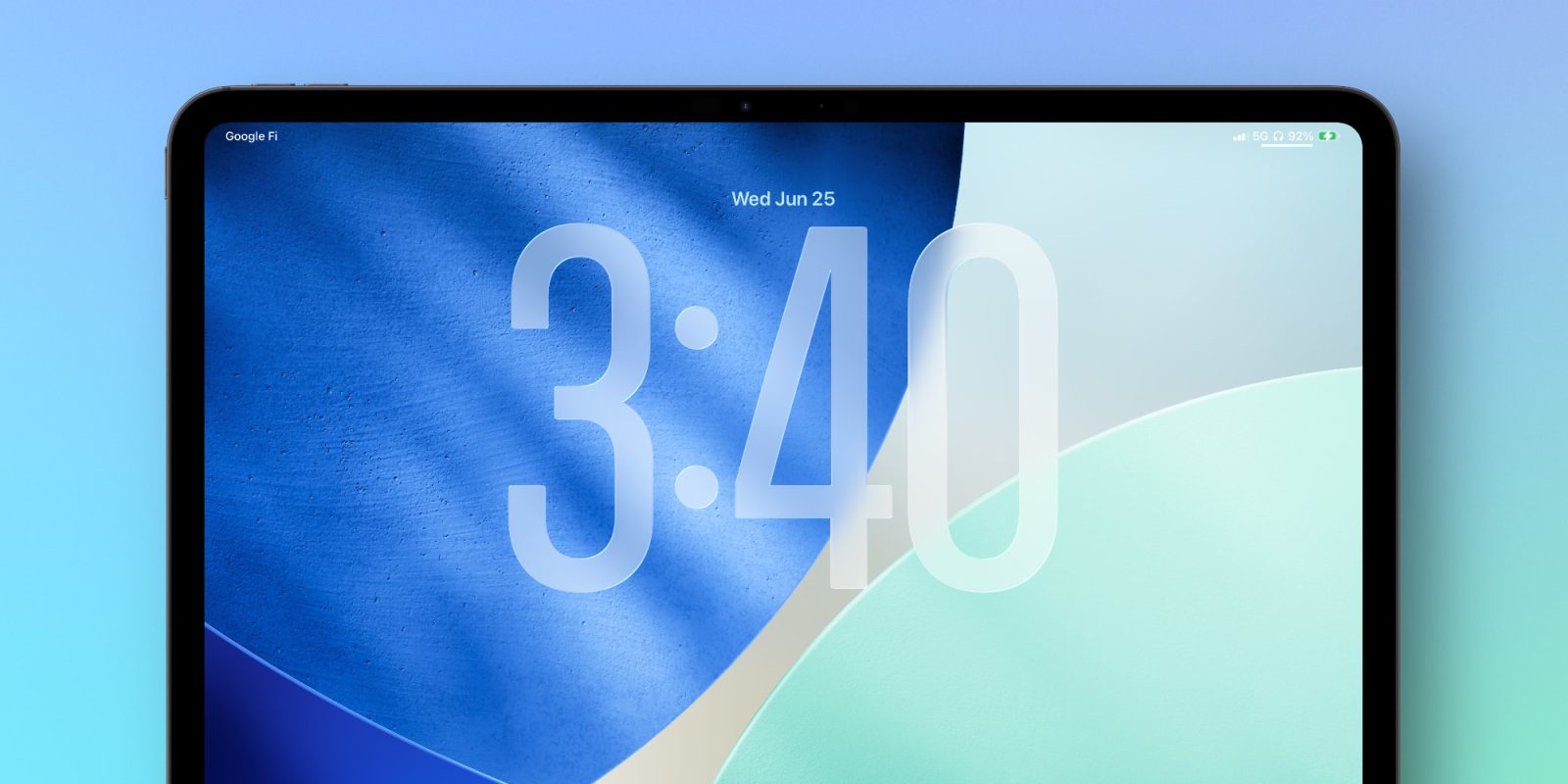
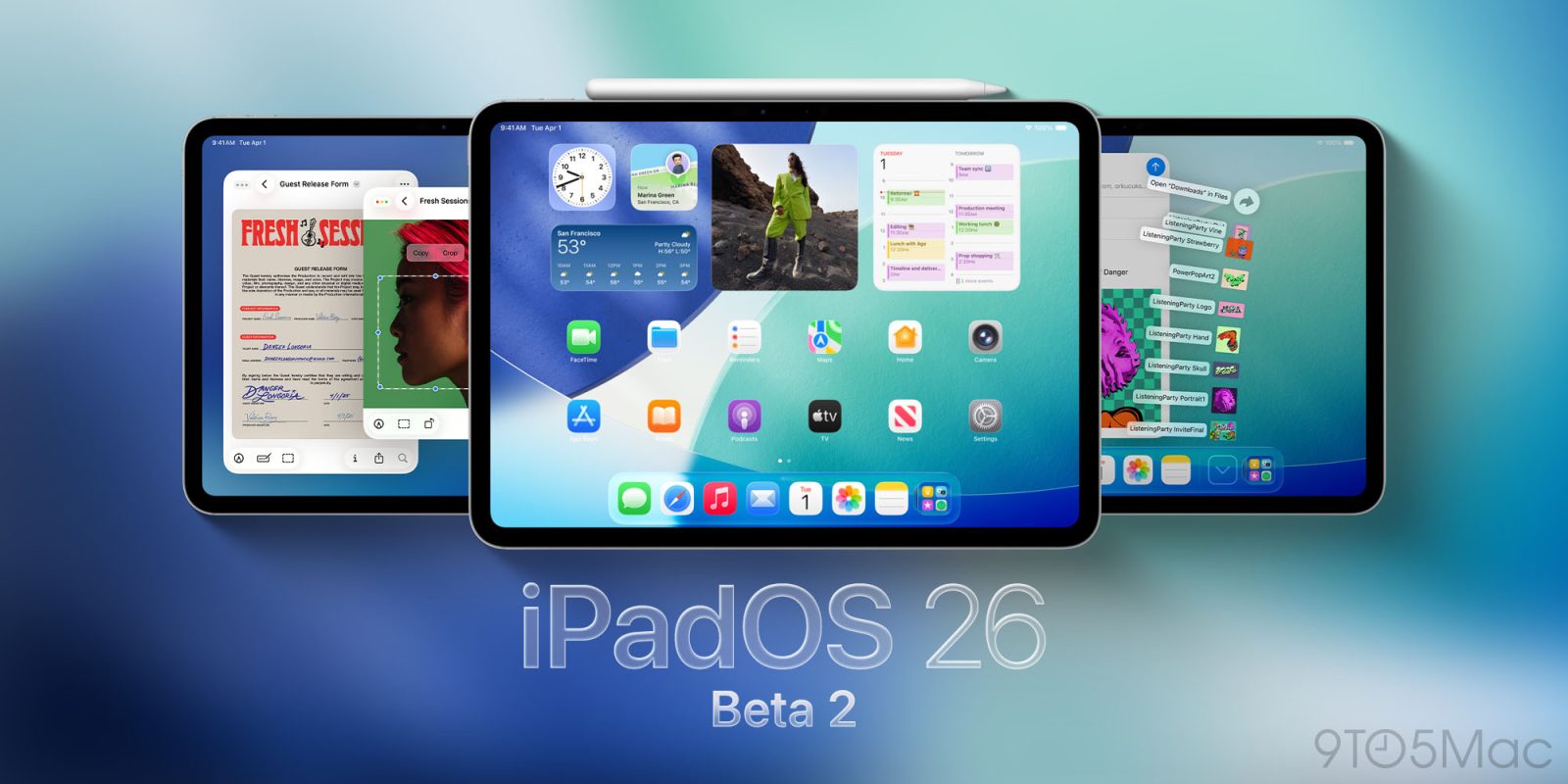
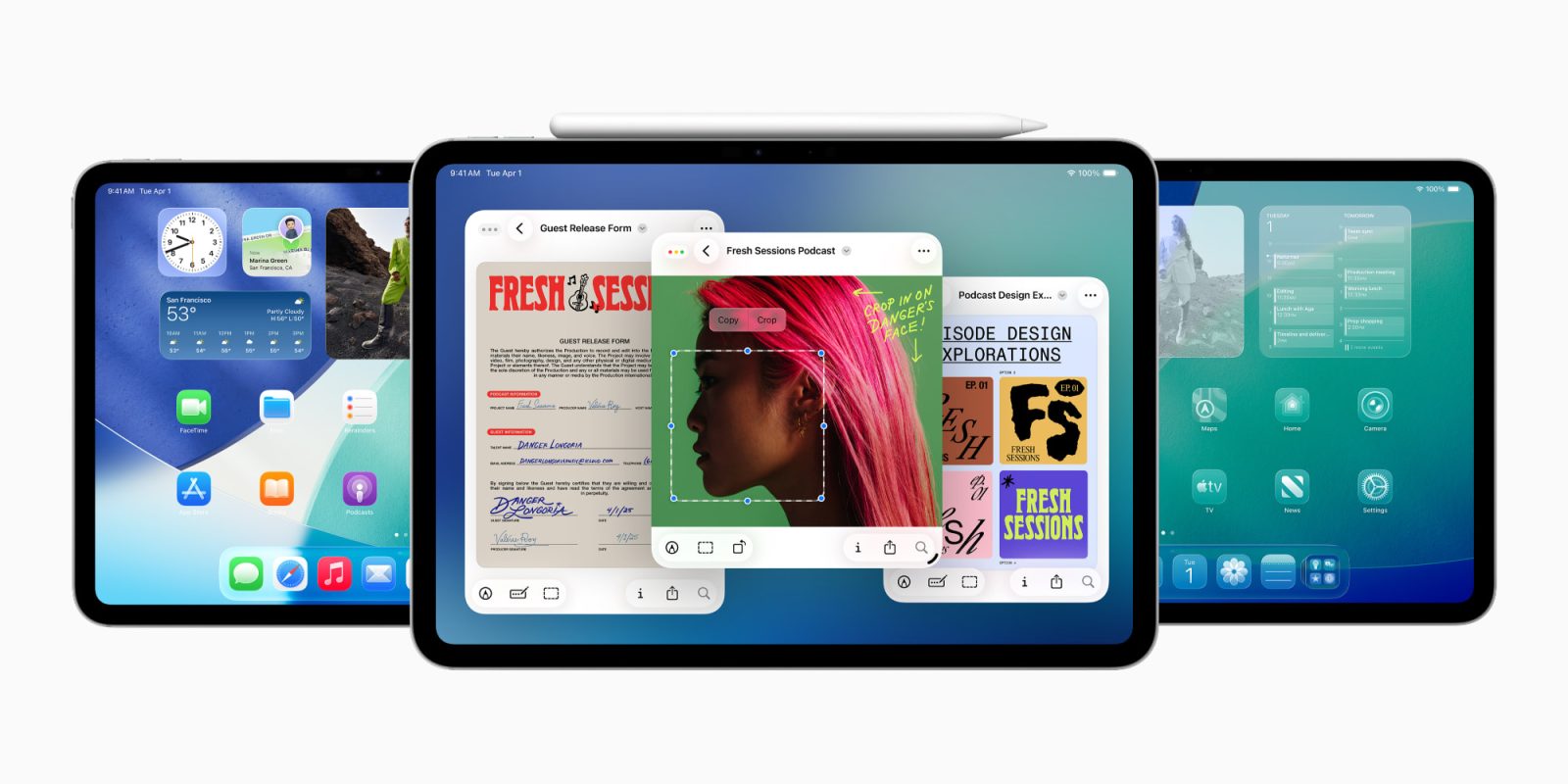
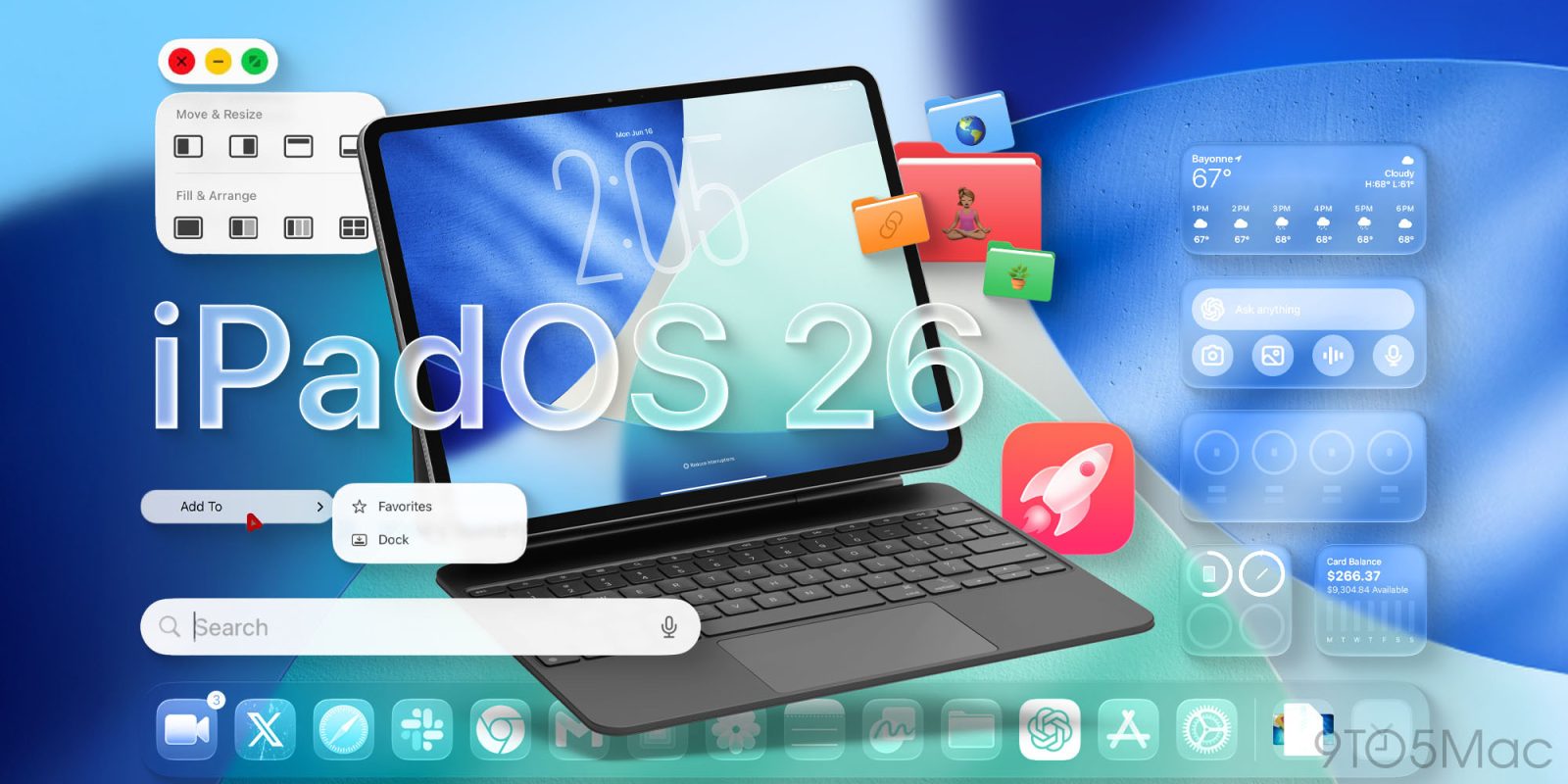
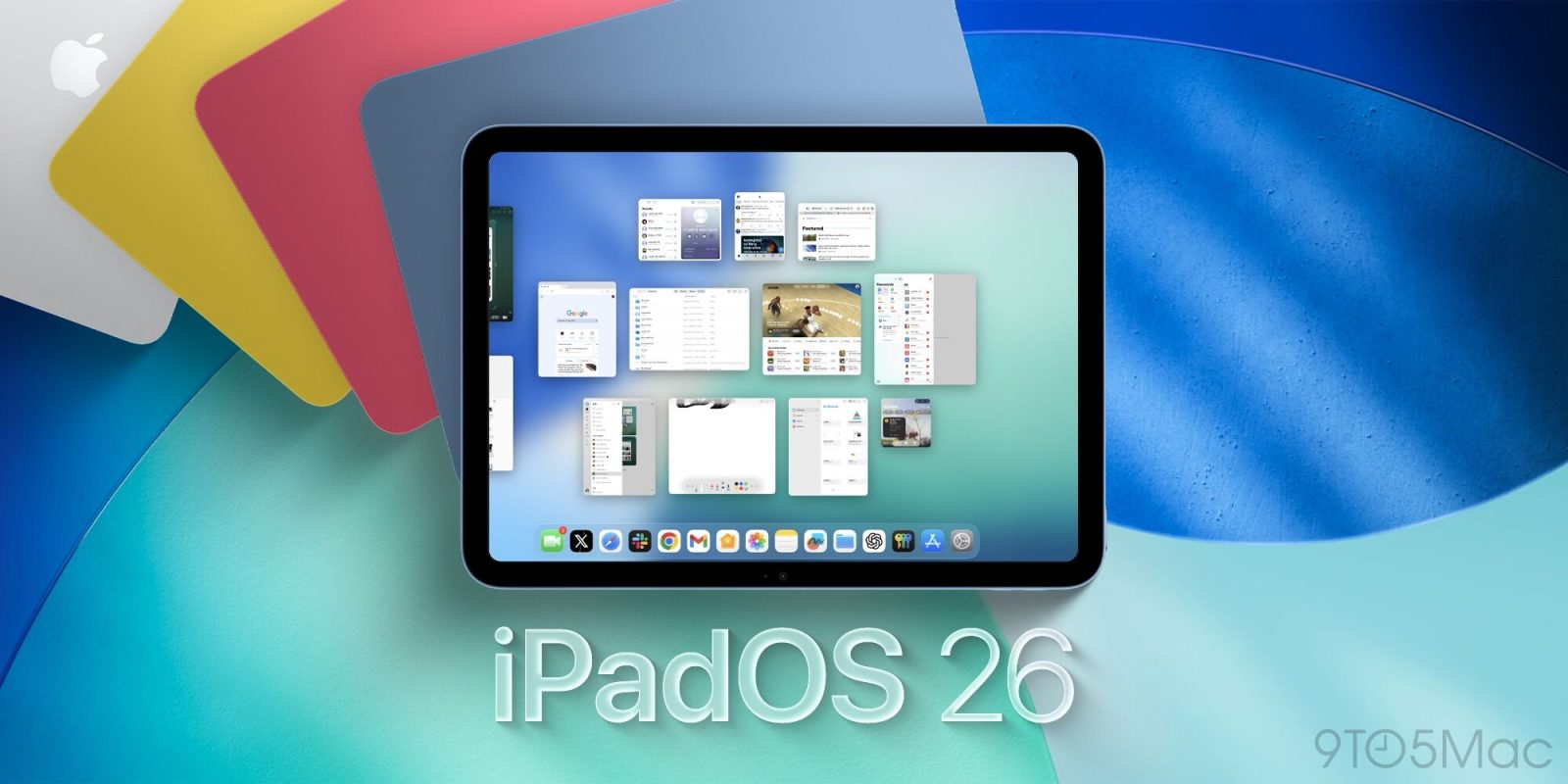
Apple is launching a brand new M5 iPad Pro this fall, alongside its biggest iPad software release ever in iPadOS 26. Here are the iPadOS 26 features that have me excited to get a new iPad.
The moment Apple announced iPadOS 26 at WWDC, I rushed to install the developer beta on my M4 iPad Pro. And for the first time in years, it felt like Apple was finally putting iPad users first. We got features we’ve been asking for since iPadOS split from iOS: a fresh new look, Mac-like windowing, a smarter Files app, and more.
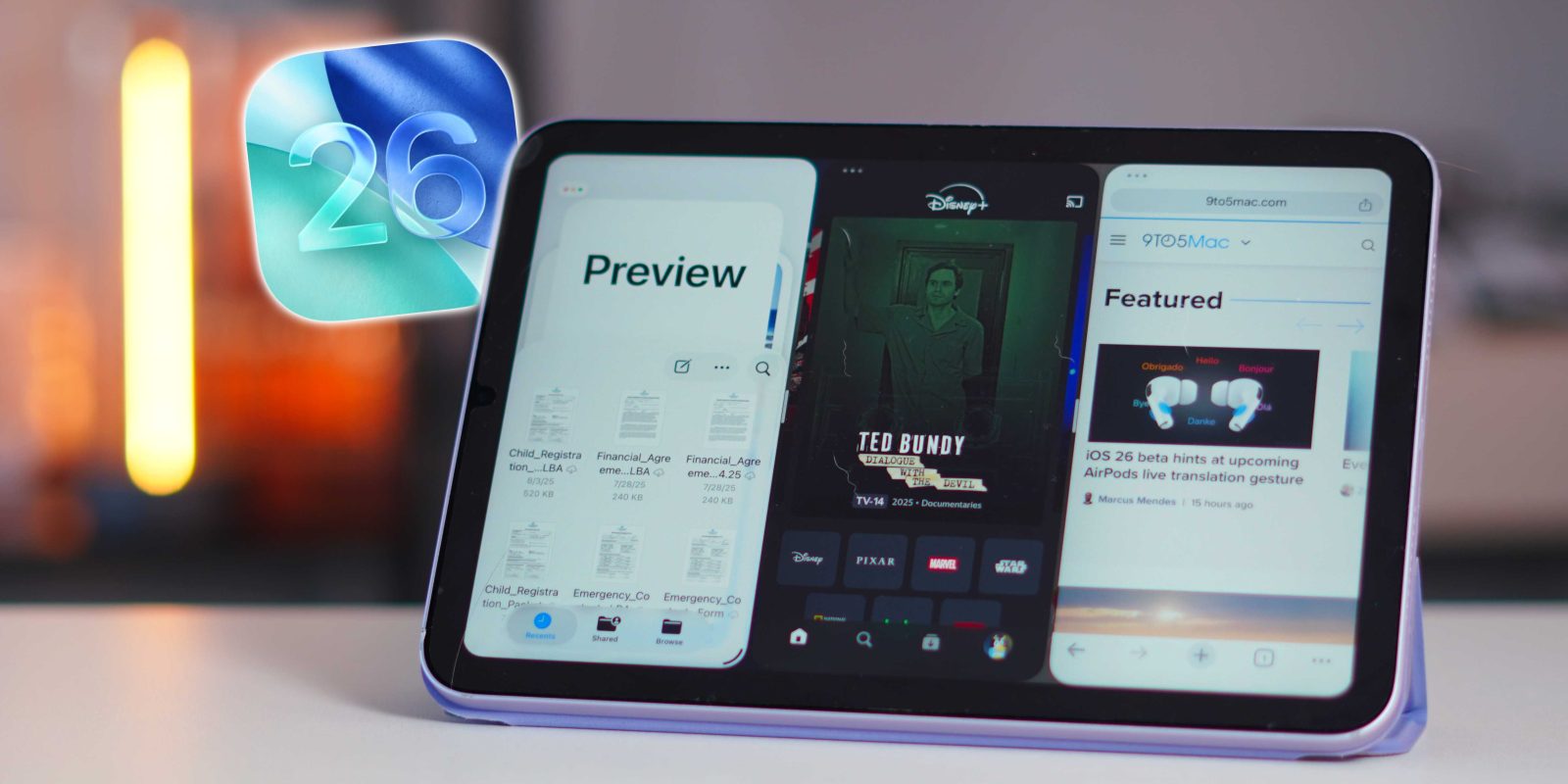
But what surprised me wasn’t the iPad Pro experience. It was just how many iPads supported all of these features, including the iPad mini. After installing iPadOS 26 on the mini, I was blown away by how well it worked. And that got me thinking: if the iPad mini can handle this, what does that mean for the future of the iPhone?
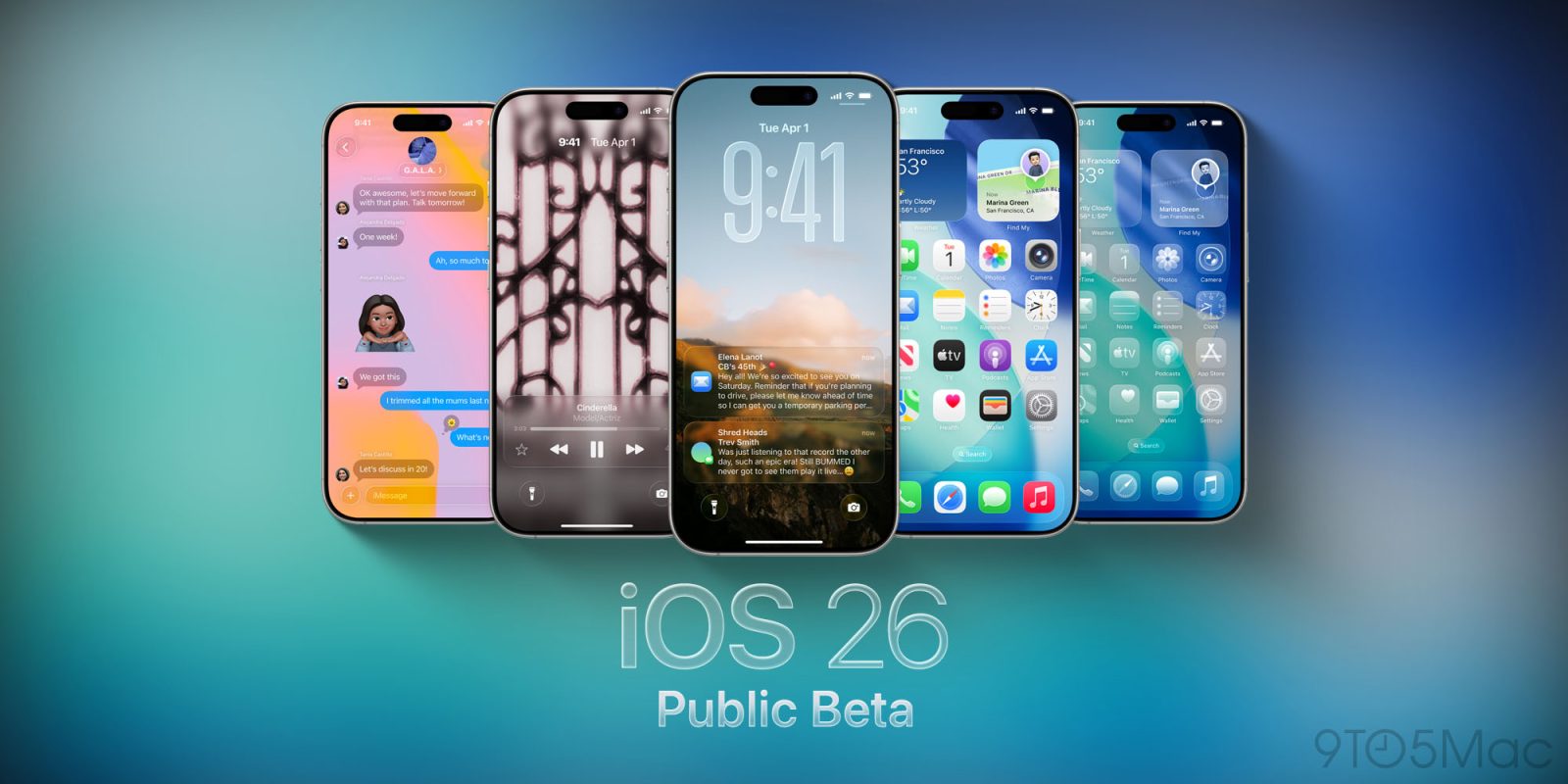
Apple kicked off the iOS 26 and iPadOS 26 public beta just in the nick of time last month. The company met its self-imposed July deadline after shipping four developer betas instead of the usual three. With Apple’s redesign direction back on track, we’re now seeing the second iOS 26 and iPadOS 26 public beta release become available.
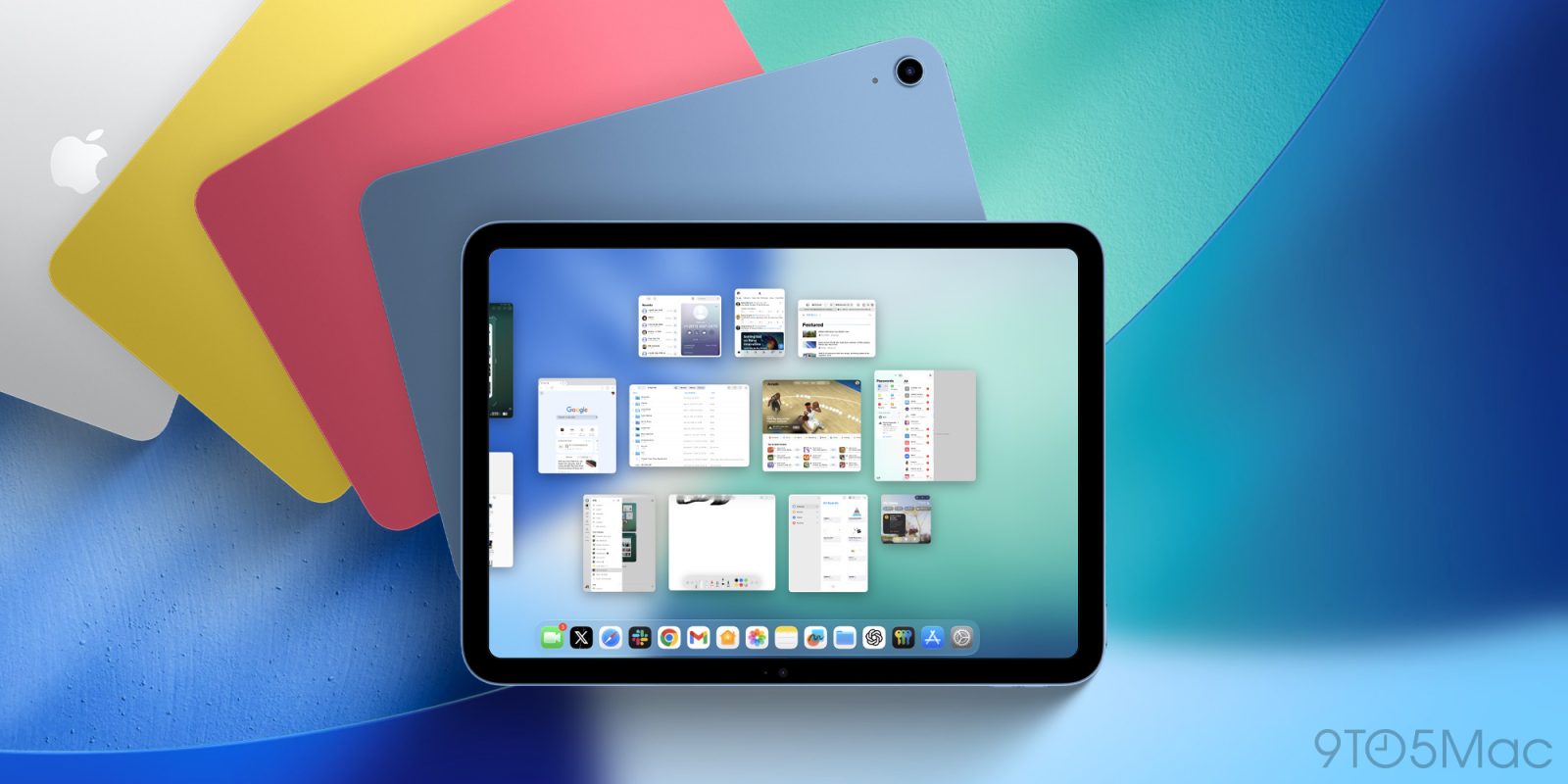
iPadOS 26 is packed full of productivity upgrades, including a new windowing system that lets you use far more apps at once than before. And that newfound ability has made an overlooked ‘More Space’ setting significantly more useful.
Did you regret installing the iOS 26 beta or the iPadOS 26 beta? Here’s the step-by-step to downgrade your iPhone or iPad to a previous, non-beta version.
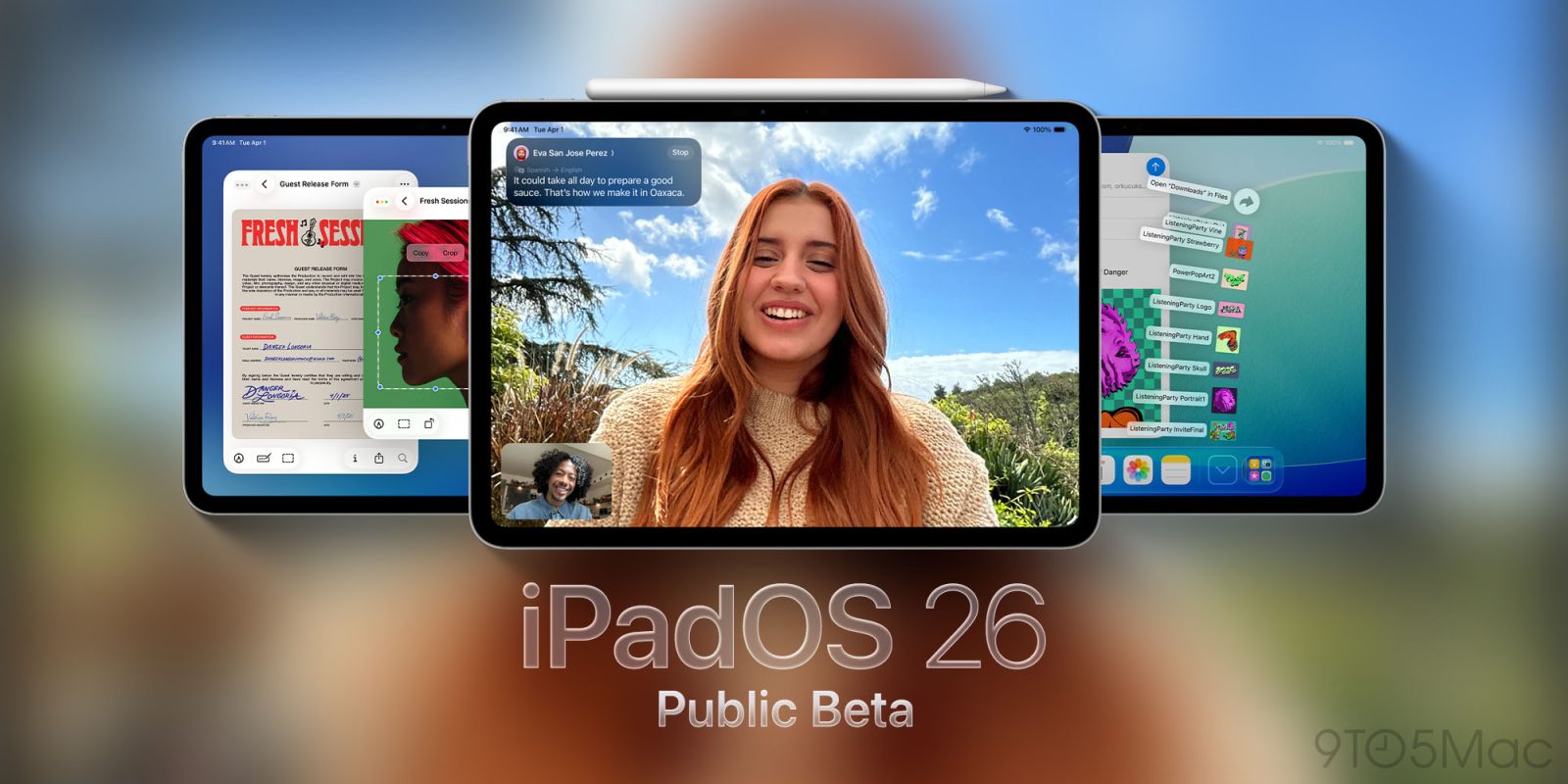
The iPadOS 26 public beta is rolling out now, bringing Apple’s packed new software update to any iPad user ready to take the plunge. Here’s everything new.
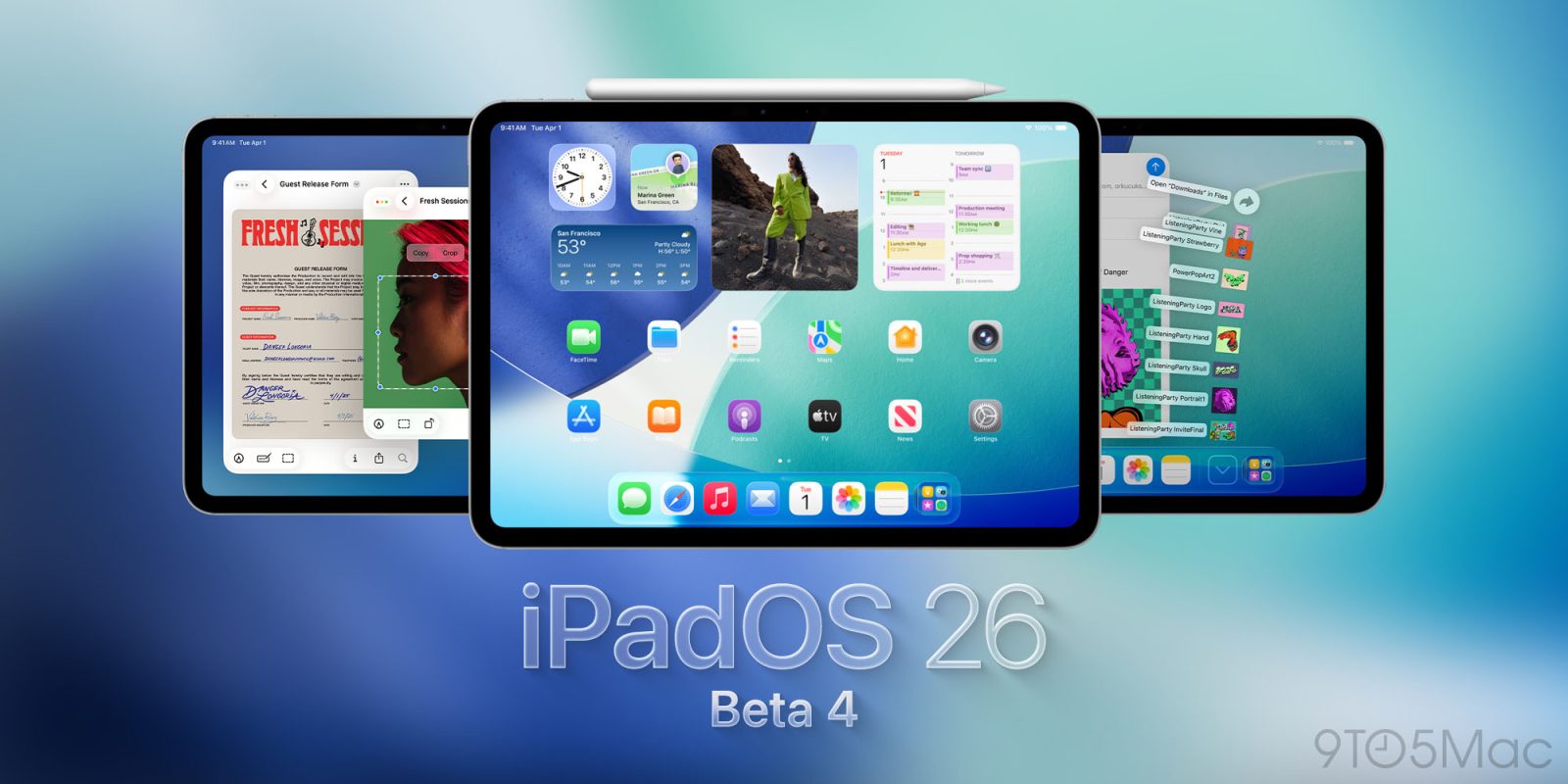
Apple has just released iPadOS 26 beta 4 to developers. Today’s release will likely also be the build that gets shipped as the public beta soon. Here’s what to expect.
It’s shaping up to be a big year for the iPad, with iPadOS 26 the biggest productivity update ever and a new iPad Pro coming this fall. Now, a curious rumor about that M5 iPad Pro’s cameras hints at yet another Mac-inspired feature coming to iPad soon.
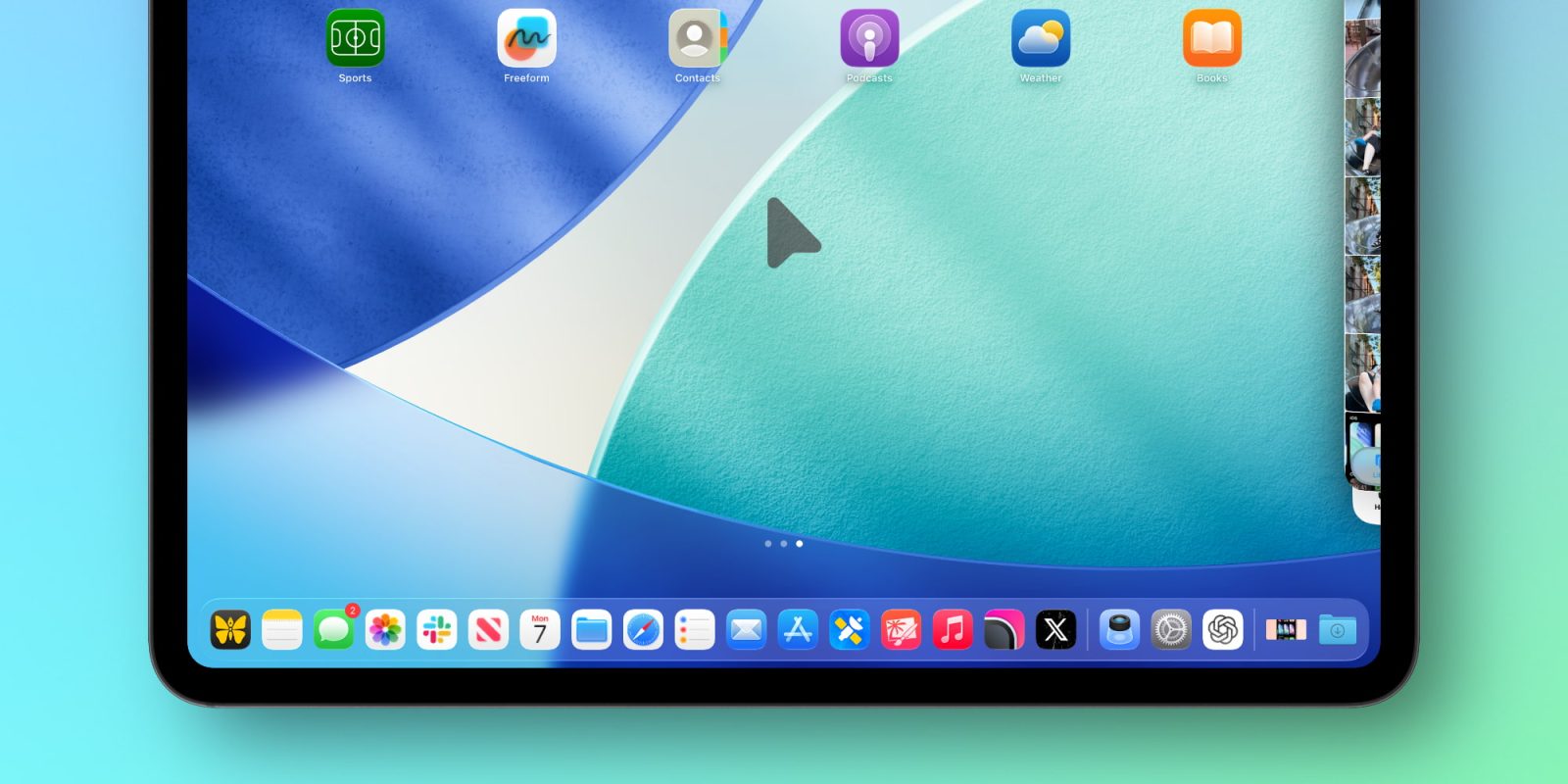
iPadOS 26 beta 3 was just released, and alongside some design updates and new wallpaper options, Apple has given the iPad’s cursor a fun feature inspired by the Mac.
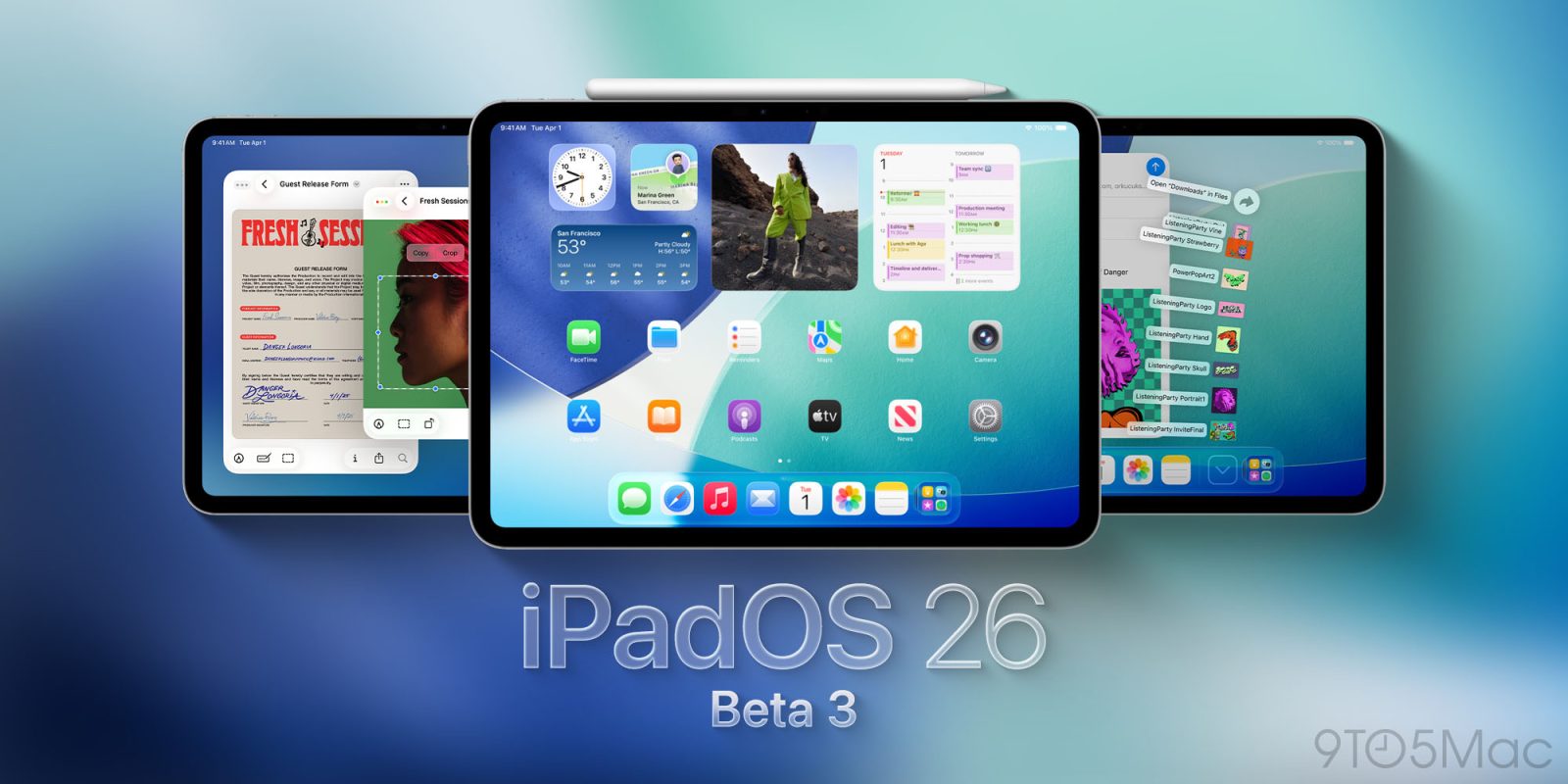
Apple has just released iPadOS 26 beta 3 for developers. Today’s release brings the latest changes to the iPad’s big new OS update ahead of the expected public beta soon.
I wrote a year ago that I hardly use an iPad any more. With one small exception, that remains the case – but iPadOS 26 did have me revisit the question.
That’s because this transforms the device so much that, for the first time, I considered it impossible to argue that the iPad isn’t now a (proper) computer …
Update 6/25/2025: Eight days later, version 36.10.1 on the App Store restores iOS 26 support.
Fortnite returned to the U.S. App Store last month after a five year hiatus over litigation between Epic Games and Apple. As of today, however, Fortnite is as good as gone on iPhones and iPads running the iOS 26 and iPadOS 26 beta.
iPad users have been asking for software that matches the device’s powerful hardware for years, and with iPadOS 26 this year, Apple may be set to truly deliver that. Here’s why iPadOS 26 feels like the major shift we’ve all been asking for.
Before we deep dive into this topic, I want to mention that I love iPadOS 26. Yes, it’s the first beta, so plenty of tweaking and optimization still needs to get done. But overall, it’s been what I have wanted on iPadOS for years. That being said, a few things still hold it back from being a true MacBook replacement for some people. So if you’re debating between an iPad Pro or a MacBook, here are five essential things iPadOS still can’t do.
iPadOS 26 is in many ways the major update that iPad power users have been asking for. And in a new interview at MacStories, software chief Craig Federighi explains why the iPad shouldn’t run macOS, how iPadOS 26 came to fruition, and more.
When Apple finished its iPadOS 26 section of WWDC, I was in awe. It felt as if my child was all grown up. They added nearly every feature I ever wanted to the iPad and iPadOS. They made the iPad feel brand new with a simple OS update and finally made it feel like a Mac! Here are some of the best features that truly make the iPad feel more like a Mac.
Apple’s Journal app is coming to the iPad and Mac as part of iPadOS 26 and macOS Tahoe, and several brand new features will be included too—even on iPhone.
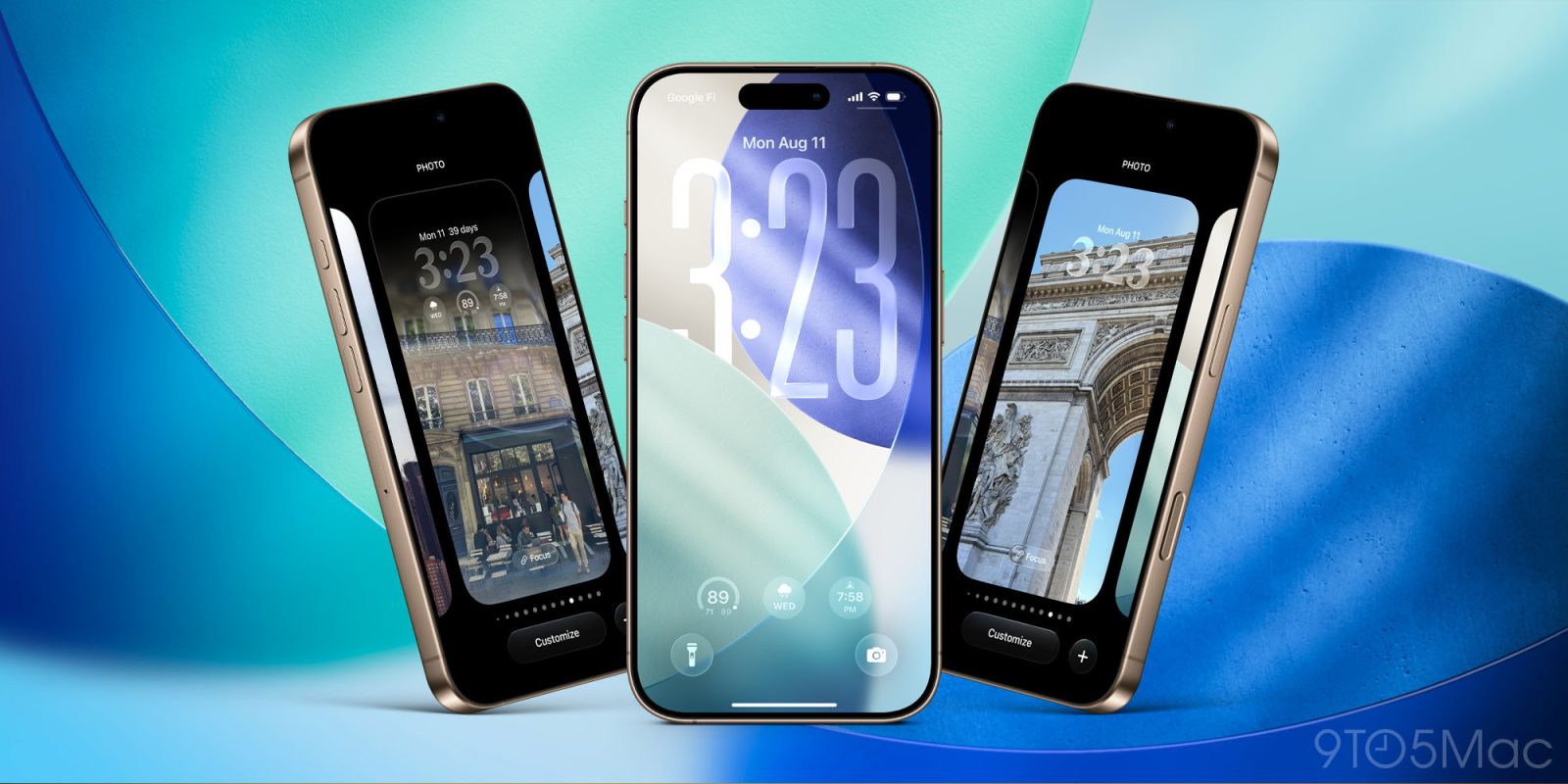
WWDC 2025 ends today, and we’ve seen all the new features on offer from Apple’s shiny glassy new iOS 26, iPadOS 26, macOS 26, watchOS 26, and visionOS 26.
The first developer betas are available now, and anyone can sign up to try them – but you probably shouldn’t. If you’re not a developer with sacrificial test devices, exactly how long should you wait in the beta cycle before risking them on your daily drivers … ?
The best part of Apple’s keynote yesterday, for me, was the introduction of iPadOS 26. Apple finally opened up the floodgates and gave iPad users everything they wanted. We have an actual multitasking window manager, new menu toolbars, better background tasks, and a revamped files app. All this has transformed how people will view iPads moving forward. But the fantastic thing is that this is not just reserved for the $1300+ iPad Pro; this now works on the $299 entry-level iPad. Apple just made the entry-level iPad the best value in computers. Let me explain.