

Panorama photograph taken with an iPhone running iOS 5
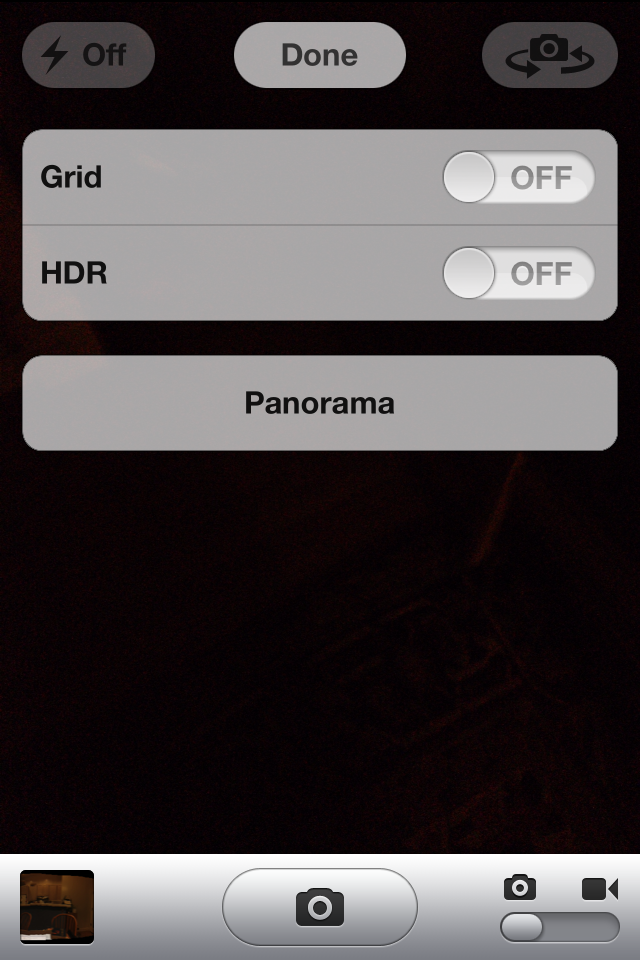
We previously reported that Apple was working on bringing a panorama camera mode to the iPhone, and now some jailbreakers have figured out how to enable it. The interface for the feature is not too fancy, but is certainly usable. The user simply turns on panorama mode by clicking the panorama button on the camera options popover, then moves their phone in their air as shown in the on-screen diagram. The final product will be what you see above, a sample taken with the iOS 5 panorama feature. Screenshots of the panorama interface are after the break! (Thanks Conrad, Chpwn)



FTC: We use income earning auto affiliate links. More.
You’re reading 9to5Mac — experts who break news about Apple and its surrounding ecosystem, day after day. Be sure to check out our homepage for all the latest news, and follow 9to5Mac on Twitter, Facebook, and LinkedIn to stay in the loop. Don’t know where to start? Check out our exclusive stories, reviews, how-tos, and subscribe to our YouTube channel



Comments