
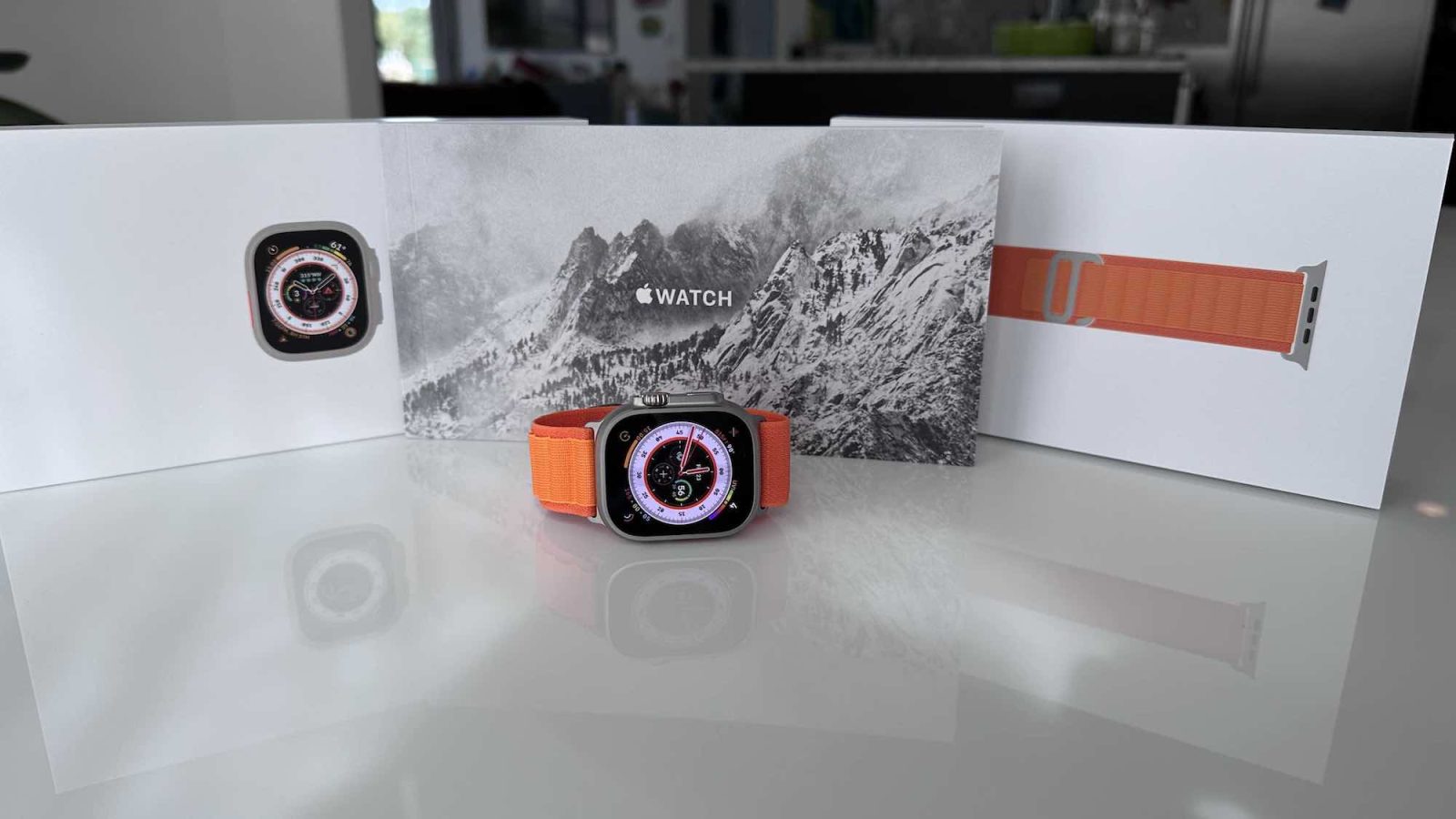
The Apple Watch Ultra features the largest display yet on an Apple Watch, but it uses the same display technology as on previous models. Now that the Apple Watch Ultra has been available for a few days, some users are noticing a so-called “jelly scrolling” effect on the display. Here’s why this is not actually surprising.
Apple Watch Ultra jelly scrolling
iPhoneSoft pointed out this “jelly scrolling” effect on the Apple Watch Ultra in a story on Wednesday. For those unfamiliar, “jelly scrolling” is when half the display is refreshing noticeably slower than the other, which results in a wobble effect when content is moving quickly. You might see this when quickly scrolling through a list or quickly scrolling down a webpage in Safari.
Pretty much exactly one year ago, “jelly scrolling” made headlines following the launch of the iPad mini 6. Despite user complaints, however, Apple issued a statement saying that this sort of scrolling effect is “normal behavior.” This includes the displays used in the iPad mini 6, iPad Air, and the Apple Watch.
On the Apple Watch Ultra, the “jelly scrolling” effect can be seen in similar situations as the iPad mini 6. iPhoneSoft, for example, shows the effect happening as they scroll through a list using the Digital Crown.
Top comment by Tim
There have also been some very scattered complaints of “jelly scrolling” on the Apple Watch Ultra surface on Reddit, but so far the complaints have been minimal — especially when compared to the iPad mini 6 last year.
But why is the “jelly scrolling” effect more noticeable on the Apple Watch Ultra than on other Apple Watch models? It likely comes down to two things: the Apple Watch Ultra has a larger display and a brighter display than other Apple Watch models. Both of these make “jelly scrolling” more pronounced than the standard Apple Watch models.
With all of that said, however, “jelly scrolling” on the Apple Watch Ultra has not been nearly as widespread as the iPad mini 6. Apple is unlikely to respond, but if it does, we expect the same “expected behavior” reasoning as we got last year. Although, it’s interesting because the Apple Watch Ultra uses an OLED screen, while the iPad mini 6 uses an LCD screen.
Have you noticed “jelly scrolling” on your Apple Watch Ultra? Let us know down in the comments.


FTC: We use income earning auto affiliate links. More.


Comments