

Apple has been in the process of discontinuing iTunes for almost five years. It’s a process that is still ongoing with Windows PCs today. Starting today, Apple Music and Apple TV apps on Windows are no longer in a preview state. iTunes, however, still has a role on the platform. Separately, Apple has redesigned the iCloud for Windows app experience.
iCloud for Windows
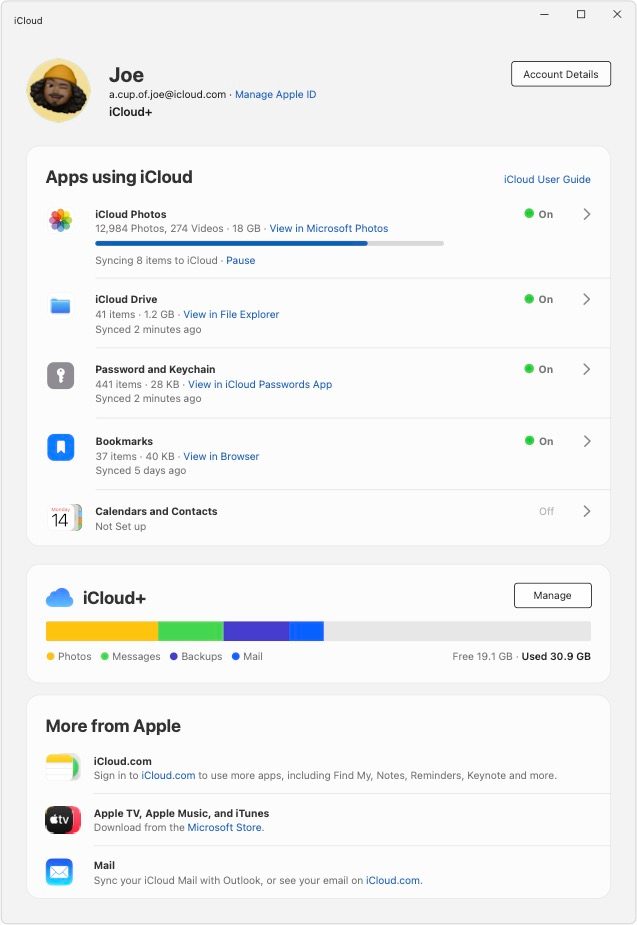
Let’s start with the newly designed iCloud for Windows. The new look is meant to make it more clear where to access it on a PC. It also focuses on making it clearer what content syncs with devices.
Top comment by Ike17055
Hopefully Apple will respect those of us, who have made a major commitment to iTunes over the years, purchasing tracks (still) and carefully assembling our libraries there. While the store interface remains clunky due to corporate neglect, iTunes for ripping / downloading, tagging, categorizing and customizing and of course, rewarding playback, remains a top choice and an everyday companion engendering loyalty.
Apple has also introduced a new onboarding process while including a progress indicator for syncing content with iCloud. Other key changes include improved sync performance with Microsoft Photos, physical security key support for Apple ID, and perhaps most importantly, fewer sign-in prompts.
iTunes shakeup
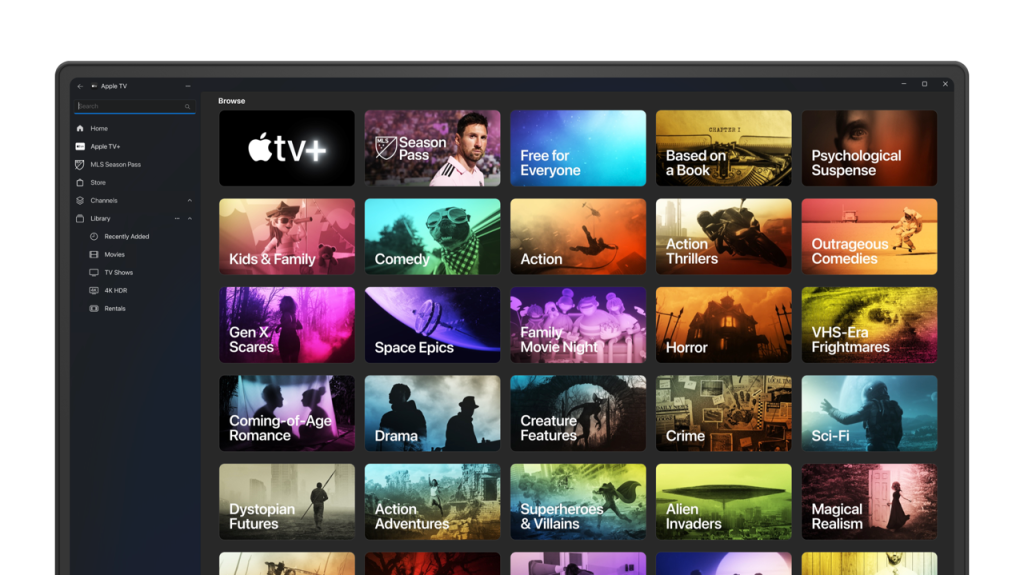
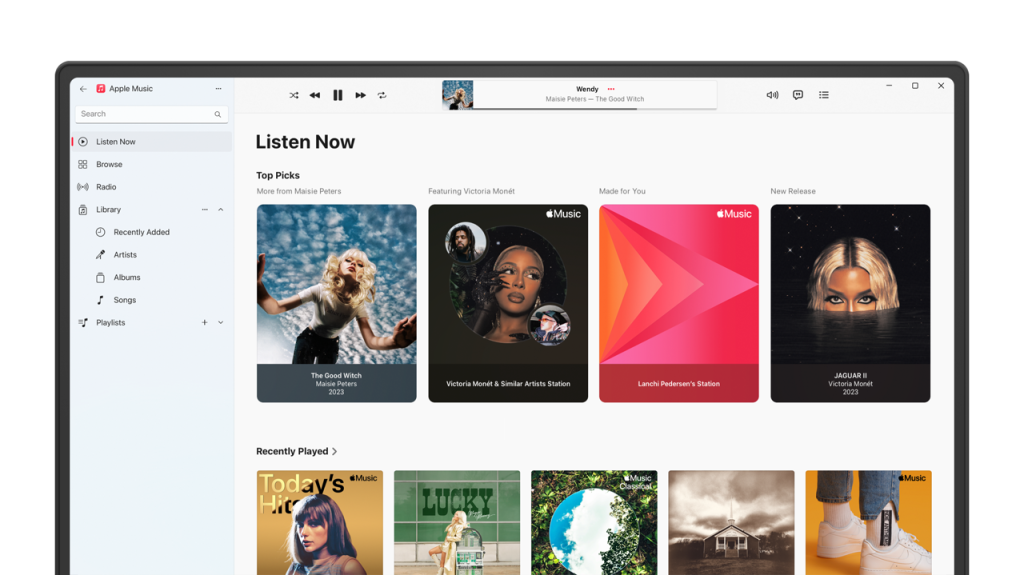
The other big step today is that Apple has taken Apple Music and Apple TV for Windows out of preview status. This continues the transition from the all-encompassing iTunes for Windows app to separate apps for each service (like the Mac already has).
While the Mac has Finder for device syncing, Windows has Apple’s Devices app. It’s officially joined by Apple Music and Apple TV as those apps exit preview status. Then there’s a fourth app… iTunes.
While much functionality is being removed from iTunes for Windows, the legacy app will still have a purpose on PCs. Namely, playing podcasts and audiobooks. No word on whether or not Apple plans proper Podcasts and Books apps for Windows.


FTC: We use income earning auto affiliate links. More.




Comments