
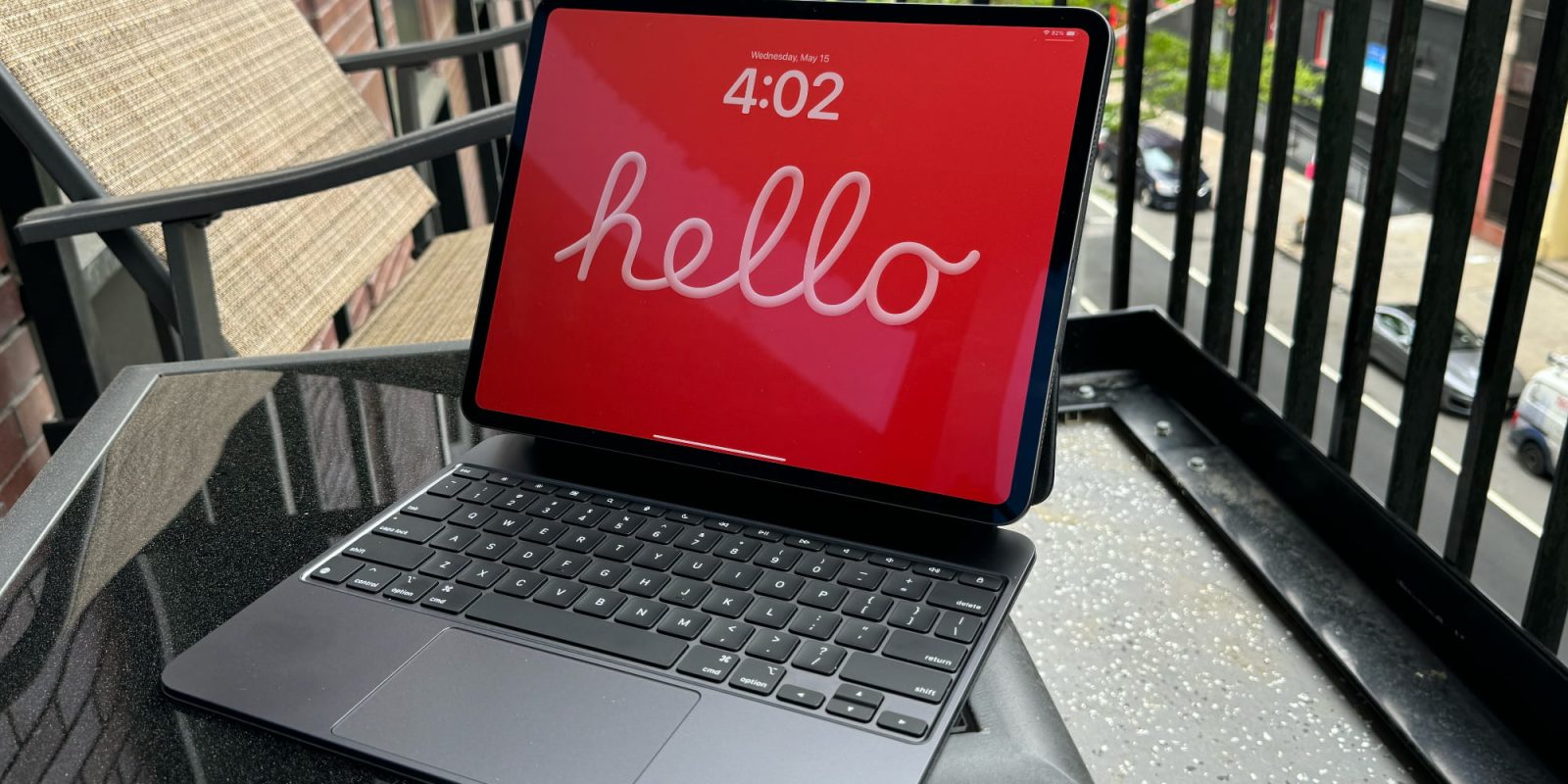
iPadOS 19 will be unveiled right about six weeks from now, not too far off at all. And one rumored addition, a Mac-style menu bar, is set to upgrade iPad productivity in several ways—including one that I’m especially excited about.
Menu bar could bring iPad several productivity upgrades
Yesterday leaker Majin Bu shared that iPadOS 19 will introduce a menu bar to the iPad for the first time.
Per his mockup, it looks like Apple plans to more or less replicate the menu bar’s functionality on the Mac.
I’m a long-time iPad Pro user, and have worked full-time from my iPad for nearly a decade.
As such, there are several aspects of an iPad menu bar that excite me.
Easily accessing app menus will be a nice new feature. And menu bar apps could be especially interesting.
But there’s one aspect of the menu bar that will solve a key productivity hindrance for me.
I work with my iPad connected to a Magic Keyboard all the time. And while support for keyboard shortcuts in iPadOS has improved over time, it’s definitely still lacking compared to the Mac.
One issue I regularly encounter involves multitasking.
iPadOS 19 menu bar solves keyboard shortcut issue
When I have two apps on-screen at once, there’s currently no clear way to know which is the ‘active’ app. Meaning, the app that keyboard shortcuts will apply to.
If you’re working with text, the flashing cursor can be a hint. But that’s not even always accurate.
I can’t tell you how many times I’ve performed a keyboard shortcut, discovered that it wasn’t doing anything, and gotten frustrated at iPadOS for feeling broken.
Only to then discover that the reason the shortcut wasn’t working is that, unbeknownst to me, a different app was the ‘active’ one at the time.
The whole process is not only frustrating, but it also discourages me from using keyboard shortcuts at all.
Fortunately, adding a menu bar to iPadOS should fix this limitation.
On the Mac, the menu bar always tells you which app is active. Its name is displayed in the top-left corner. So if the wrong name is listed, you can click into the app you want before entering the shortcut.
It’s a small change, and likely only a fraction of the value an iPadOS menu bar stands to offer.
But it’s also an important step toward making the iPad multitasking experience more seamless and enjoyable.
Are you excited for iPadOS 19 to add a menu bar? Why or why not? Let us know in the comments.
Best iPad accessories
- AirPods Pro 2 (now only $199, down from $249)
- 100W USB-C power adapter for fast charging
- tomtoc Tablet sleeve bag for protection and style
- Baseus 10ft USB-C cable for extended reach
- Anker Docking Station USB-C with Ethernet, HDMI, SD, more


FTC: We use income earning auto affiliate links. More.


Comments