

Apple Notes gets upgraded with new features every year, and iOS 26 is no exception. Among the handful of Notes changes in iOS 26, the app now works better than ever with Markdown thanks to import and export support for my go-to writing tool.
Markdown comes to Apple Notes in iOS 26 via import and export tools

Markdown is a text formatting tool created by John Gruber and commonly used by journalists, researchers, developers, content creators, and other online writers. I personally use it every day for all my 9to5Mac writing.
Gruber’s creation enables writing plain text that utilizes headings, links, bulleted and numbered lists, bold and italics formatting, and more. You can then take that plain text and turn it into a published format like HTML or rich text.
Despite Markdown’s increasing popularity over the years, Apple Notes has never supported it.
But in iOS 26, Notes lets users both import and export text using Markdown.
If you want to import Markdown into a note, this can be done in one of two ways:
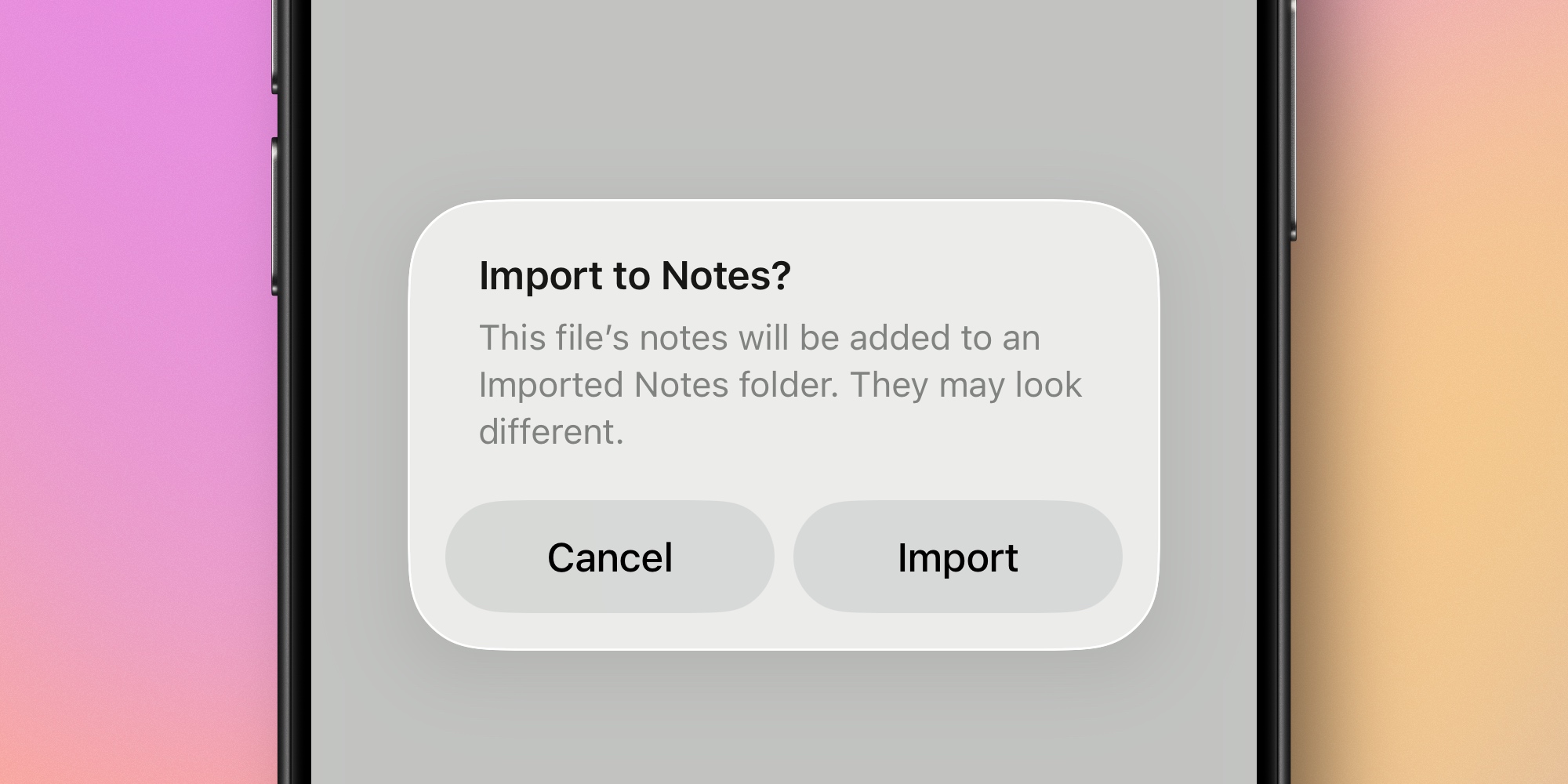
- You can share a Markdown file using the share sheet, and hit the Notes icon to import it
- Or in iPadOS 26, there’s an ‘Import to Notes…’ option in Notes’ new menu bar ‘File’ menu
Exporting is also done via the share sheet, but from inside the note you want to export.
Just hit the new ‘Export as Markdown’ option in the share sheet.
This new iOS 26 addition means that Notes can now be used to write in Markdown. However, you won’t see styling take effect inside the app, only after it’s exported.
And you can easily bring existing Markdown files into Notes and have them retain important formatting as part of the import process—including links, headings, and more.
Are you excited to see Markdown import and export come to Apple Notes in iOS 26? Let us know in the comments.
Best iPhone accessories
- AirPods Pro 2 (now only $199, down from $249)
- MagSafe Car Mount for iPhone
- HomeKit smart plug 4-pack
- 10-year AirTag battery case 2-pack
- 100W USB-C fast charging power adapter


FTC: We use income earning auto affiliate links. More.



Comments