Here’s everything new for Apple Notes in iOS 27
iOS 27 adds new features for CarPlay, the Messages app, and a lot more, including a handful of Apple Notes upgrades. Here’s what’s new for Apple Notes in iOS 27.
Expand Expanding Close
iOS 27 adds new features for CarPlay, the Messages app, and a lot more, including a handful of Apple Notes upgrades. Here’s what’s new for Apple Notes in iOS 27.
Expand Expanding Close
Apple Notes has long been one of my most-used apps, and iOS 27 is rumored to add a powerful new capability that I know will quickly become a go-to feature for me.
Expand Expanding Close

Apple Watch users got a brand new app in watchOS 26, with Apple Notes now available on your wrist. Here’s how I’ve been using the app.
Expand Expanding Close

Apple’s big Siri upgrades are expected to ship as part of iOS 26.4, and a new report indicates they might come with a very convenient new feature for Apple Notes users.
Expand Expanding Close
watchOS 26 is the latest major software version for Apple Watch, and among its host of new features, the popular Apple Notes app is now available on the wrist.
Expand Expanding Close
Apple Notes has become one of Apple’s most consistently updated apps, and iOS 26 brought several solid new additions. Here’s everything new for Apple Notes in iOS 26.
Expand Expanding Close
Apple Notes gets more powerful every year, and iOS 26 brought its own batch of new features. With new capabilities comes the threat of feature bloat, but Notes has a clever solution that makes its ever-growing set of tools more easily accessible in iOS 26.
Expand Expanding Close
iOS 26.1 is currently in beta testing, but as users have had more time with the update, more new features have been uncovered. The latest iOS 26.1 discovery is a new swipe gesture for accessing the Notes app’s text editing menu.
Expand Expanding Close
Apple Notes gets upgraded with new features every year, and iOS 26 is no exception. Among the handful of Notes changes in iOS 26, the app now works better than ever with Markdown thanks to import and export support for my go-to writing tool.
Expand Expanding Close
Apple Notes is easily one of the most powerful apps pre-installed on the iPhone, and recently, Notes added a key shortcut that unlocks two hidden powers in the app: instant conversions and equations.
Expand Expanding Close
Apple Notes used to be a fairly barebones tool, best known for being used by celebrities to apologize. But a few years back, Apple started investing heavily in making Notes a worthy competitor with third-party alternatives. And in iOS 18, Apple Notes gained a power user feature that’s especially hard to find elsewhere: collapsible sections.
Expand Expanding Close
Apple Notes has been on a tear over the last few years with big feature updates. While the app used to lag behind third-party alternatives, now it’s easily among the iPhone’s best notes options. Among the last couple years of updates, one powerful new feature that got overlooked by me is note links, but it’s recently made me rethink how I use Apple Notes.
Expand Expanding Close
Whether you’re a heavy user of Apple Notes or not, you may have missed that iOS 18 introduced a new feature designed to take lots of the work out of note-taking. Thanks to the addition of audio recordings, bolstered by transcripts and summaries, Apple Notes makes it easier than ever to capture notes on your iPhone, iPad, and more.
Expand Expanding Close
Apple Notes gained a variety of great features in iOS 18 last fall, like collapsible sections, color highlighting, audio recording with transcripts, and more. But I recently discovered one more change that answers one of my long-time feature requests, and could satisfy a lot of power users.
Expand Expanding Close
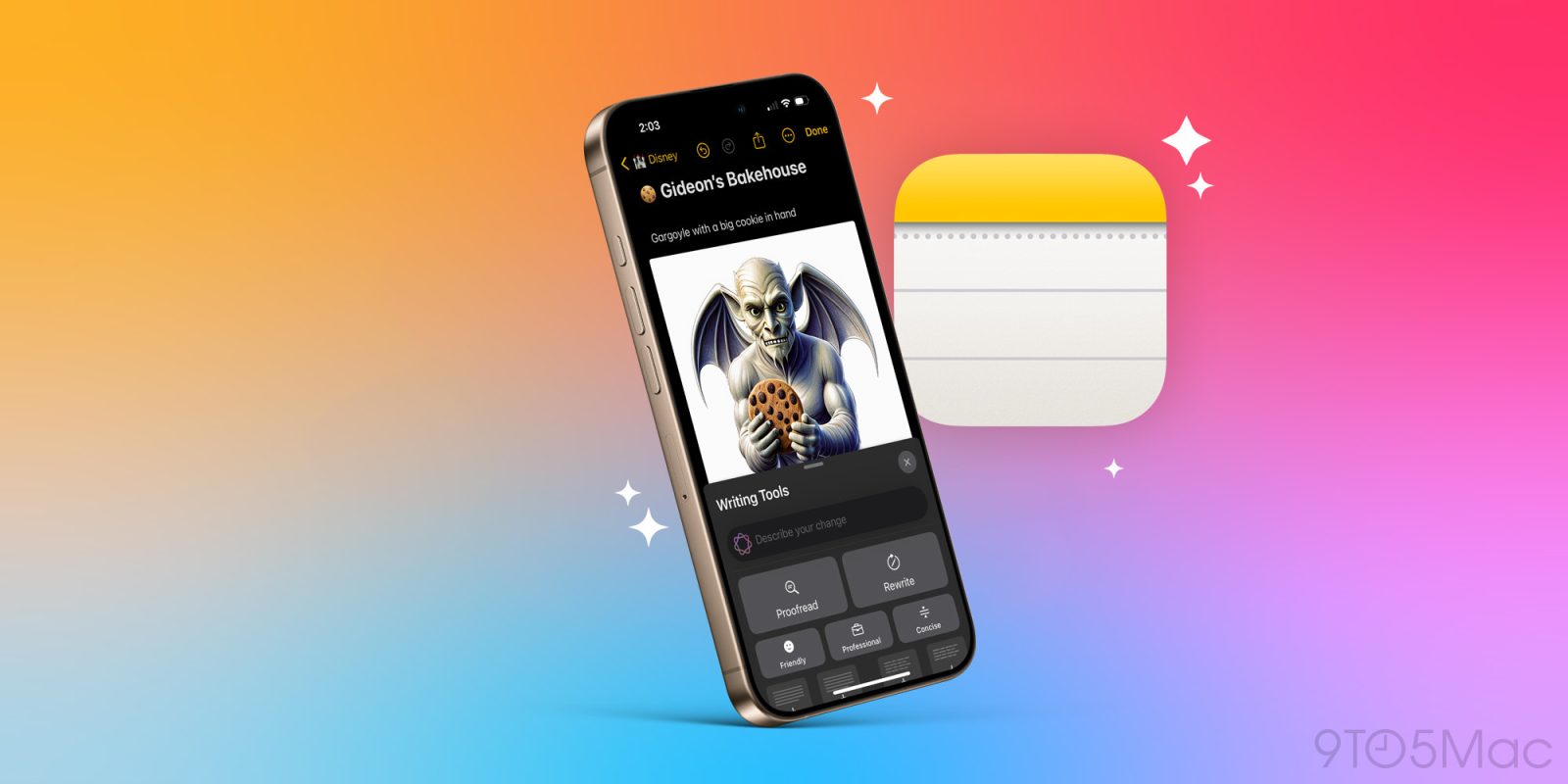
The second wave of Apple Intelligence features is imminent, and it’s a huge upgrade—including for Apple Notes users. iOS 18 already packed a strong Notes update, but iOS 18.2 adds to that three key AI improvements for Notes users. Here’s what’s new.
Expand Expanding Close
Earlier this month we reported on a scary bug impacting Apple Notes users and offered a simple fix. Now, Apple has officially acknowledged the issue and outlined the solution for users in its own support document.
Expand Expanding Close
iOS 18 is a big release for the iPhone apps, with the brand new Passwords app plus significant enhancements to apps like Messages, Photos, and Journal. One of my most-used apps, Notes, gets a variety of powerful new features in iOS 18 including live audio transcription, highlights, Smart Script, and more. Here’s everything new in Apple Notes.
Expand Expanding Close
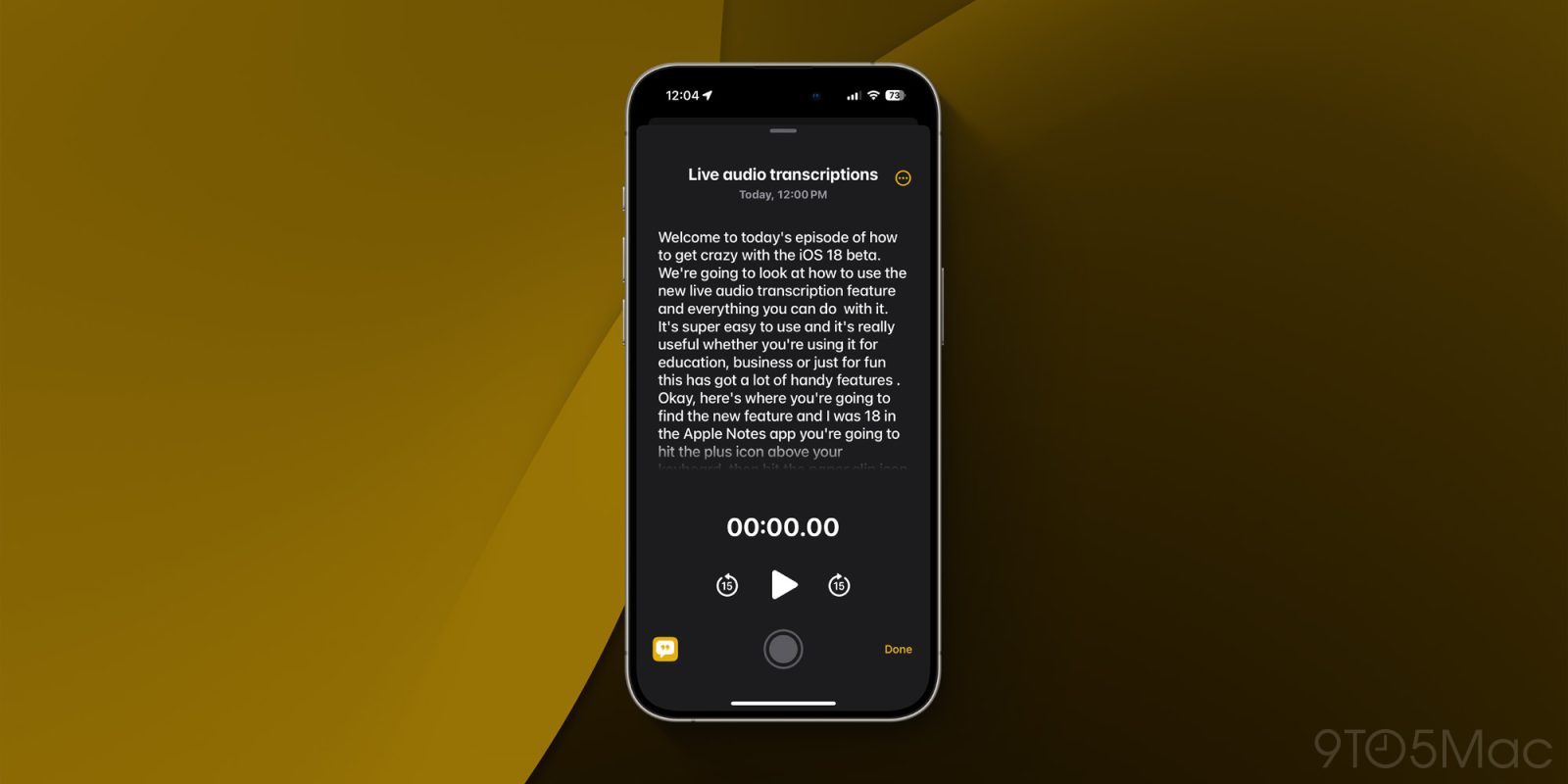
Apple’s Notes and Voice Memos apps gain the handy feature of live audio transcription in iOS 18 and macOS Sequoia. Join along for a look at how to use audio transcription in iOS 18 including search, export, and more.
9to5Mac is brought to you by the all-new iMazing 3. The world’s most trusted app for managing Apple devices from a Mac or PC is now even better. Try it now.
Expand Expanding Close
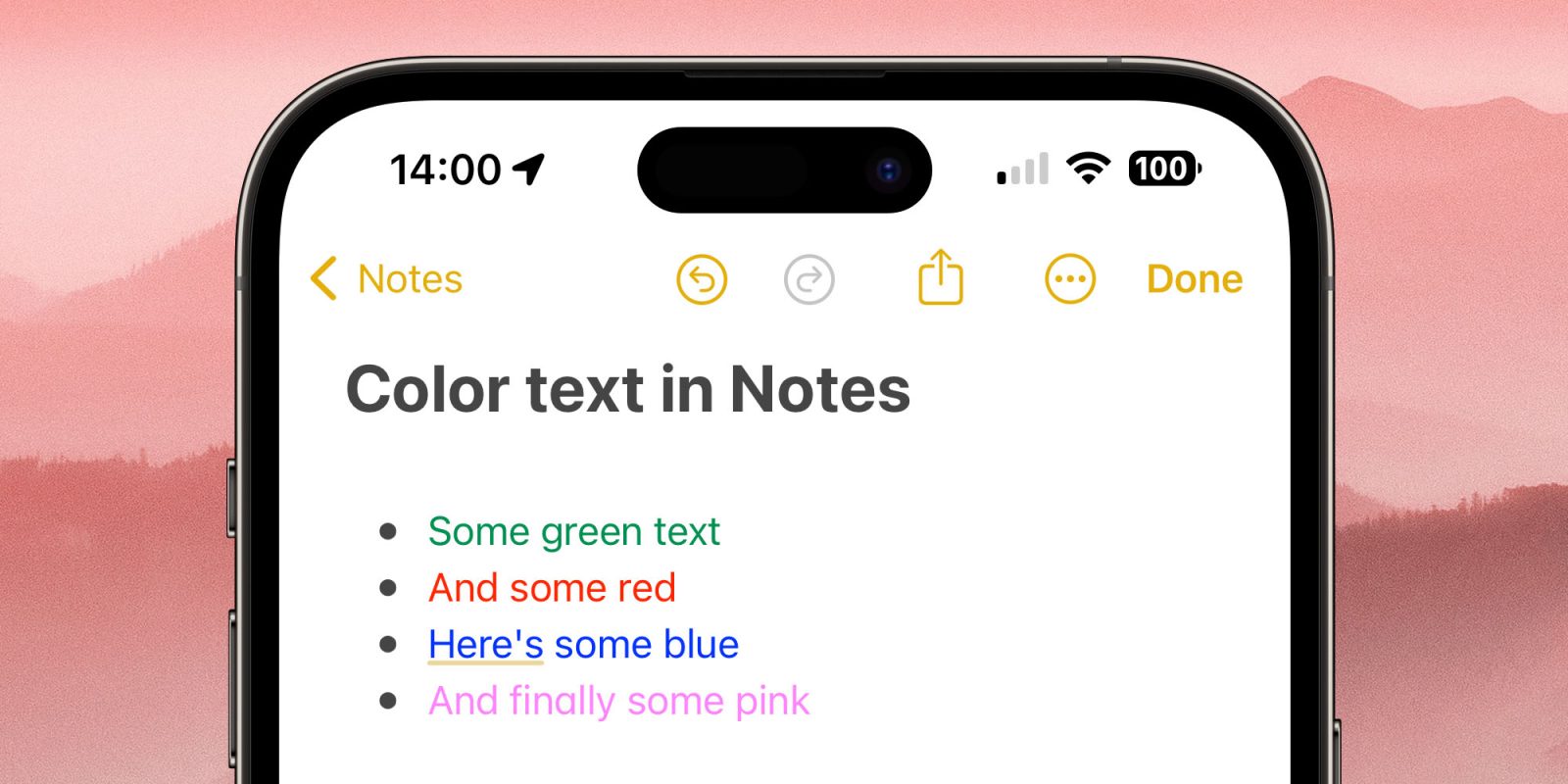
I recently had to Google how to get color text in the Apple Notes app, because the way to do this in iOS 17 is rather deeply hidden!
Especially if you want to do it in the iPhone or iPad app, you have to use one of three workarounds, because – strangely – the feature isn’t directly supported …
Update: Color text highlighting is now supported in iOS 18 beta 1, with some limitations. See the end of the piece for details.
Expand Expanding Close
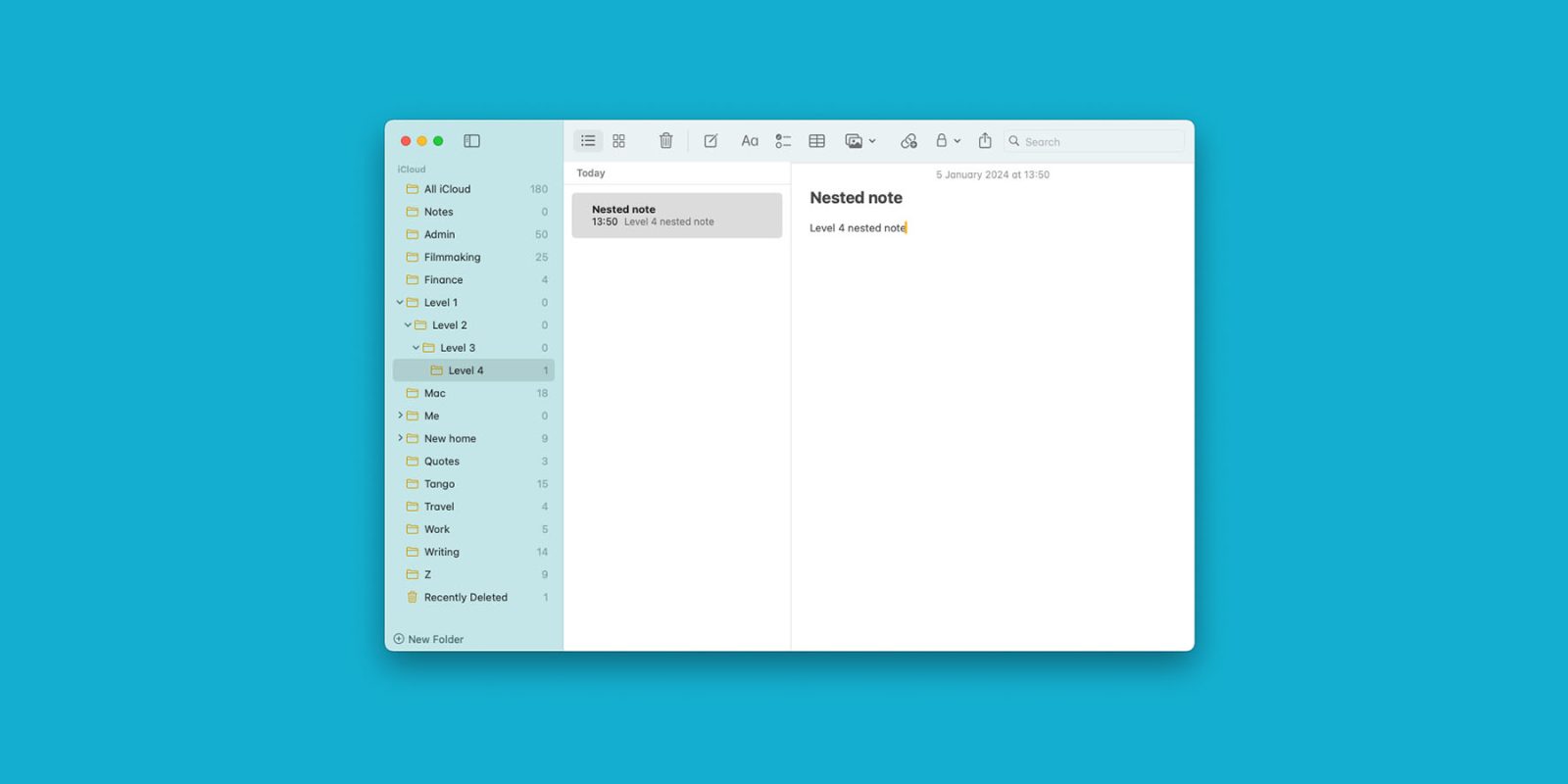
If you’ve ever tried to create nested folders in Apple Notes, you might have concluded that it’s not possible. Update: One method which failed before on iPhone now work – more below.
It’s easiest on a Mac – but even then it’s not exactly an intuitive process, so I’m guessing I’m not the only one who didn’t know how to do it …
Expand Expanding Close
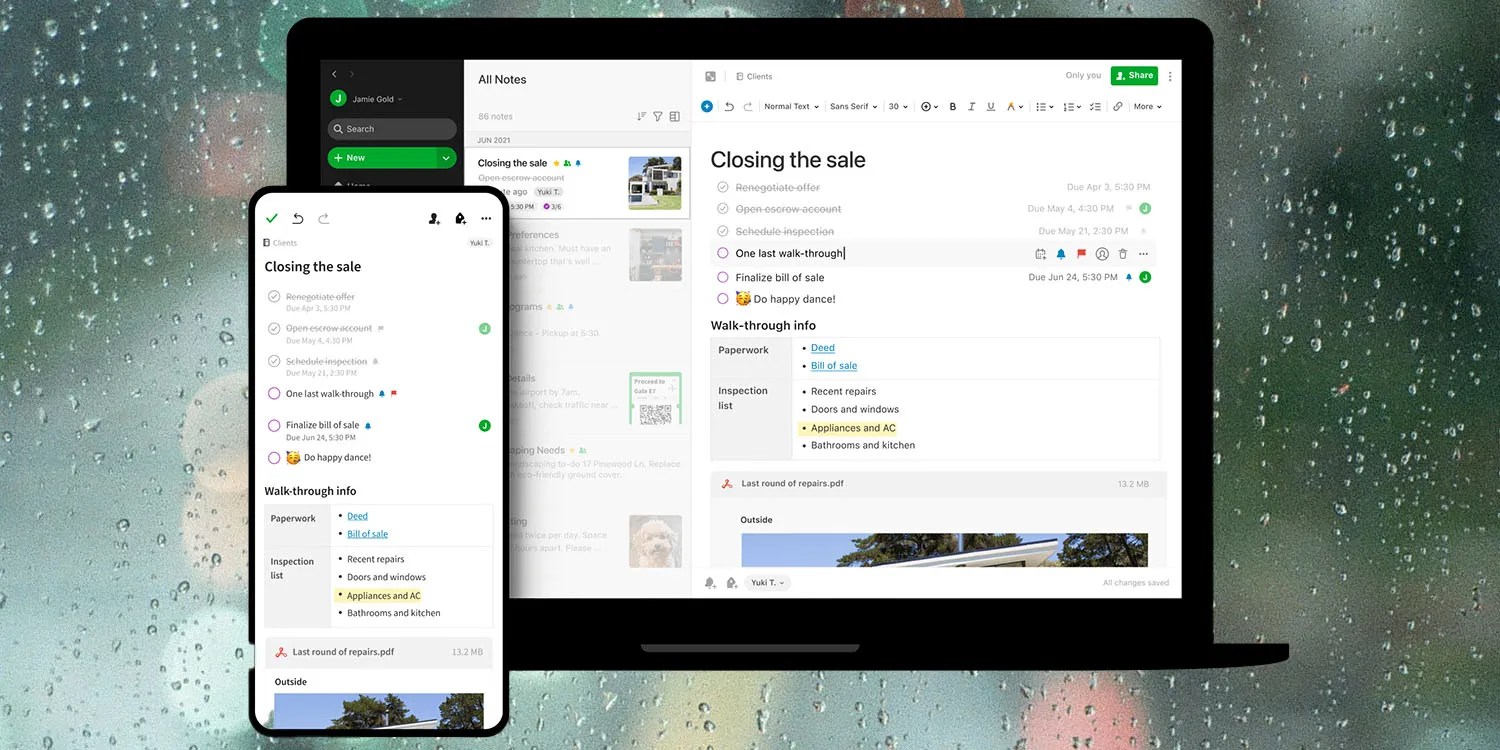
After an earlier test, all Evernote free users now have their accounts limited to a single notebook containing just 50 notes.
While the company claims that most free users won’t be affected, that is almost certainly counting anyone who briefly trialled it before abandoning it. Almost no active users will fall within the new limits, effectively ending the free tier. The change will likely drive many to switch to Apple’s Notes …
Expand Expanding Close
Among all the new features in iOS 15 and macOS Monterey, Apple has introduced some great changes to its Notes app. However, if you have already installed the latest versions of the operating systems on your devices, be aware that some of the notes will not show up on earlier versions of iOS or macOS.
Expand Expanding Close

Update: iOS 9.3 adds support for importing Evernote data into Notes by long-pressing on Evernote Export files.
Apple dramatically improved its Notes app with iOS 9 and OS X El Capitan last fall thanks to enhanced photo support, new formatting tools, URL snippets, a share extension, and an iCloud Drive backend to keep it all in sync. So much so that people have actually been moving from Evernote to Apple Notes and not looking back, but there hasn’t been a simple way to make the leap until now. Included in the OS X 10.11.4 software update is a new option in the Notes app that makes migrating content from Evernote to Apple Notes a very simple process. Here’s what you’ll need to get started: