
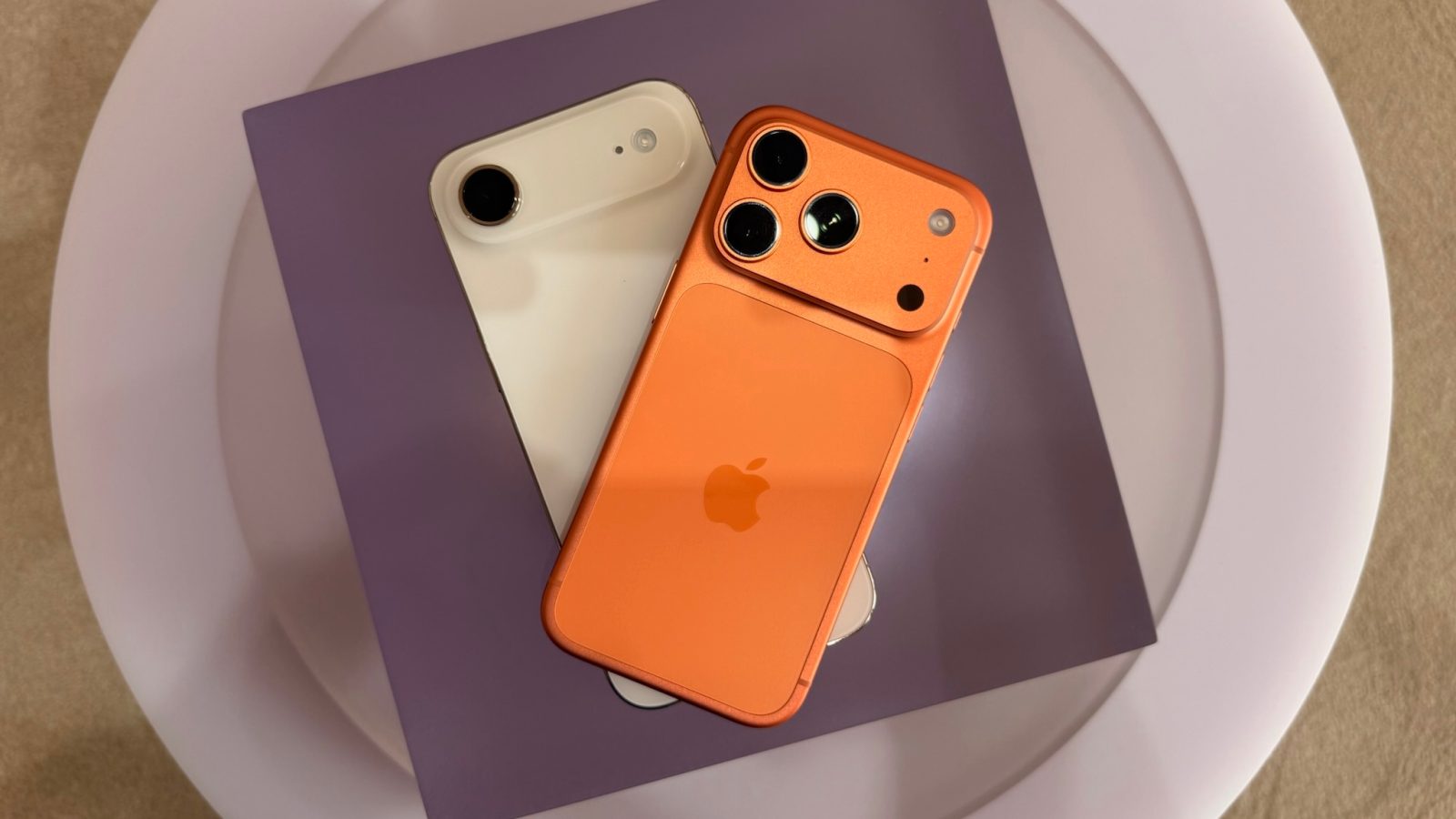
iOS 26 launched today for all users, packed with new features including battery-focused improvements. One addition is a new Adaptive Power battery mode that joins Low Power Mode, and is enabled by default on iPhone 17, iPhone 17 Pro and Pro Max, and iPhone Air.
Adaptive Power is on by default with iPhone 17 series and iPhone Air
Low Power Mode has become a lifesaver for many iPhone users when their battery is drained.
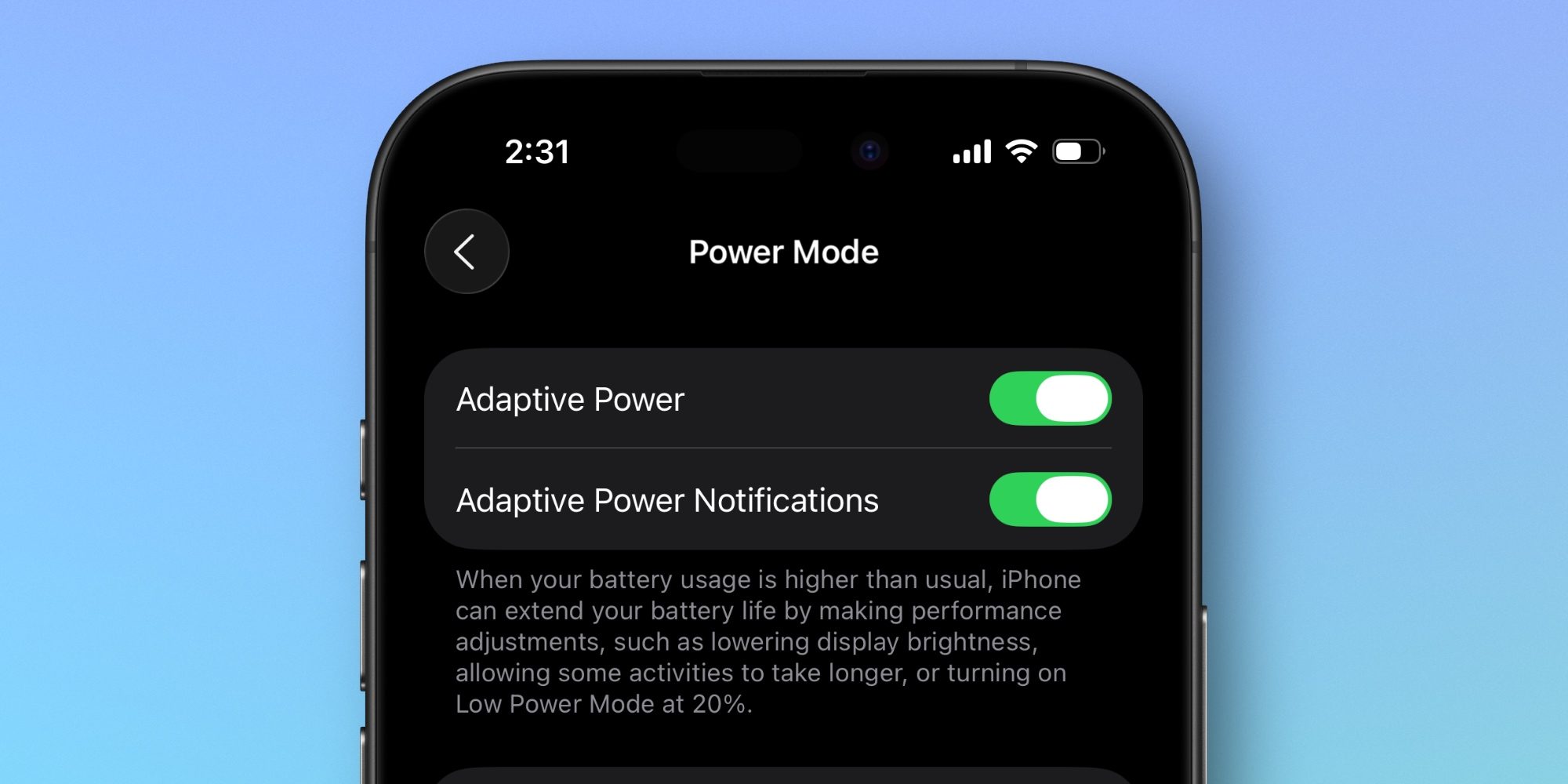
In iOS 26, Apple has added another battery mode that offers some overlap in benefits, but is designed to operate far more invisibly.
Adaptive Power Mode is an Apple Intelligence-powered feature designed to intelligently extend your battery life in small ways that you hopefully won’t notice.
Here’s how Apple describes it:
Adaptive Power helps extend your iPhone’s battery life when you use it more. It works automatically in the background, so you don’t have to manage it. Adaptive Power uses on-device intelligence to predict when you’ll need extra battery life based on your recent usage patterns and then adjusts as needed to help your battery last longer that day. Adaptive Power doesn’t manage performance while you use features that require maximum performance, such as when using camera or playing games with Game Mode on.
Apple says it takes around seven days of background processing before Adaptive Power can fully learn your usage habits. Thus, you won’t see it take effect before a full week passes.
Interestingly, while Adaptive Power is entirely optional, Apple enables it by default on its latest flagship iPhones.
iPhone 17, iPhone 17 Pro, iPhone 17 Pro Max, and iPhone Air all have Adaptive Power on by default to maximize battery performance. And I expect that will be the case for all new iPhone models moving forward.
When enabled, Adaptive Power Mode can do the following:
- Make performance adjustments
- Lower screen brightness by 3%
- Limit background activity
- Turn on Low Power Mode when your battery reaches 20%
You can always disable it from Settings ⇾ Battery ⇾ Power Mode—but if it works as intended, you probably won’t want to. Adaptive Power should only kick in when it’s actually needed and useful, and do nothing to throttle performance on a ‘normal’ battery usage day.
Do you plan to keep Adaptive Power Mode enabled on your iPhone? Let us know in the comments.
Best iPhone accessories
- AirPods Pro 3
- MagSafe Car Mount for iPhone
- HomeKit smart plug 4-pack
- 10-year AirTag battery case 2-pack
- 100W USB-C fast charging power adapter


FTC: We use income earning auto affiliate links. More.



Comments