
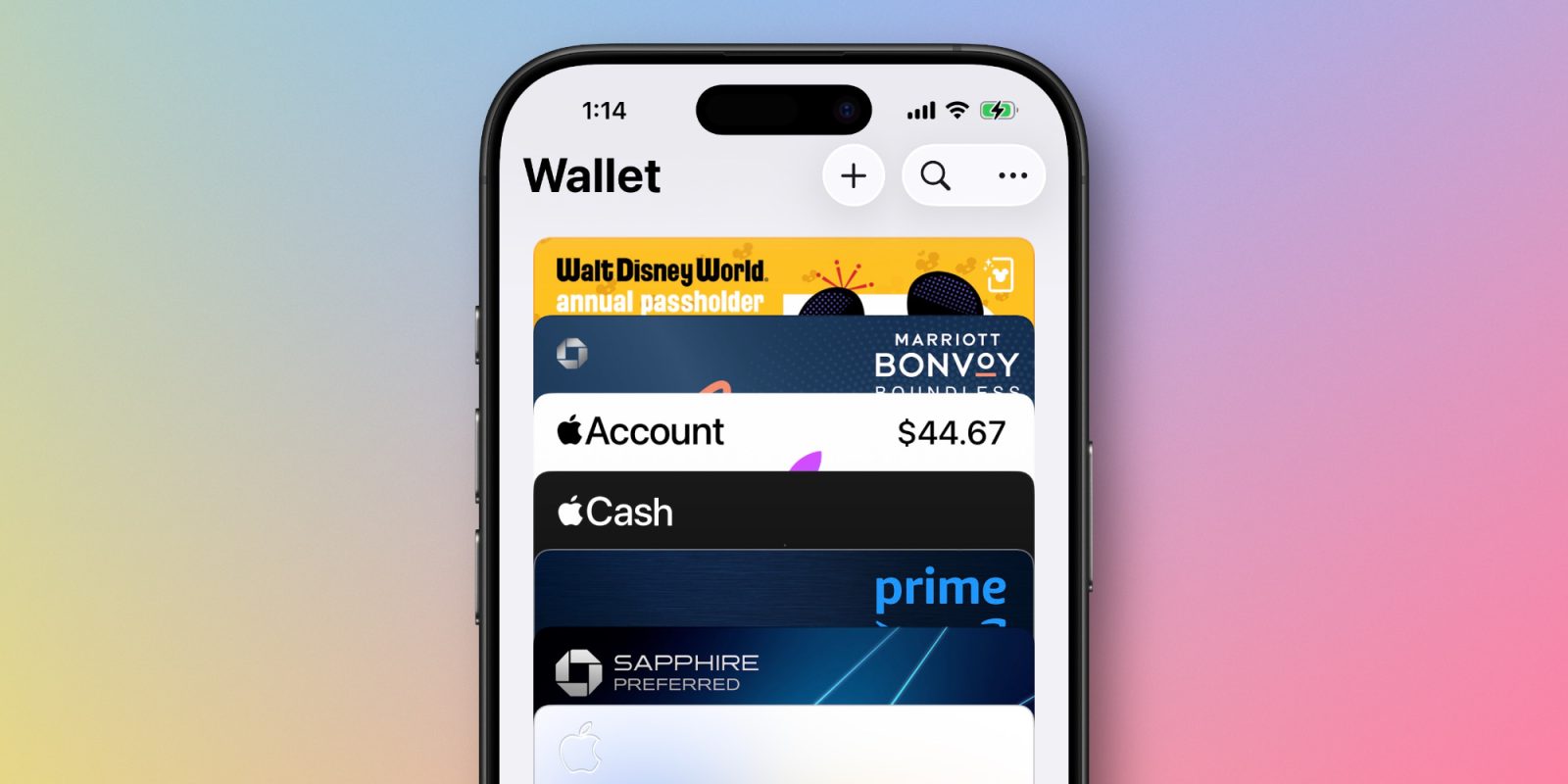
Apple’s Wallet app is getting one step closer to actually replacing your physical wallet, thanks to a new iOS 26 feature that’s available for all saved credit and debit cards.
Full credit card details can now be saved inside Wallet app in iOS 26
Last year in iOS 18, Apple launched a new Passwords app across its platforms. I use the app all the time, but there are some key missing features that still send me back to 1Password.
One such feature is support for storing full credit card information.
Here’s what I wrote earlier this year:
In theory, Apple’s Wallet app should be able to fill the gap left by Passwords not supporting credit cards. However, even Wallet falls short here.
Other than my Apple Card, none of my credit cards offer their full details inside the Wallet app. All I see is a card’s last four digits. Thus, whenever I need to access credit card info, I still need to open 1Password.
It seems Apple was listening, because iOS 26 has a remedy for this shortcoming.
Now included in the Wallet app, there’s a new option to save full information about your credit or debit card.
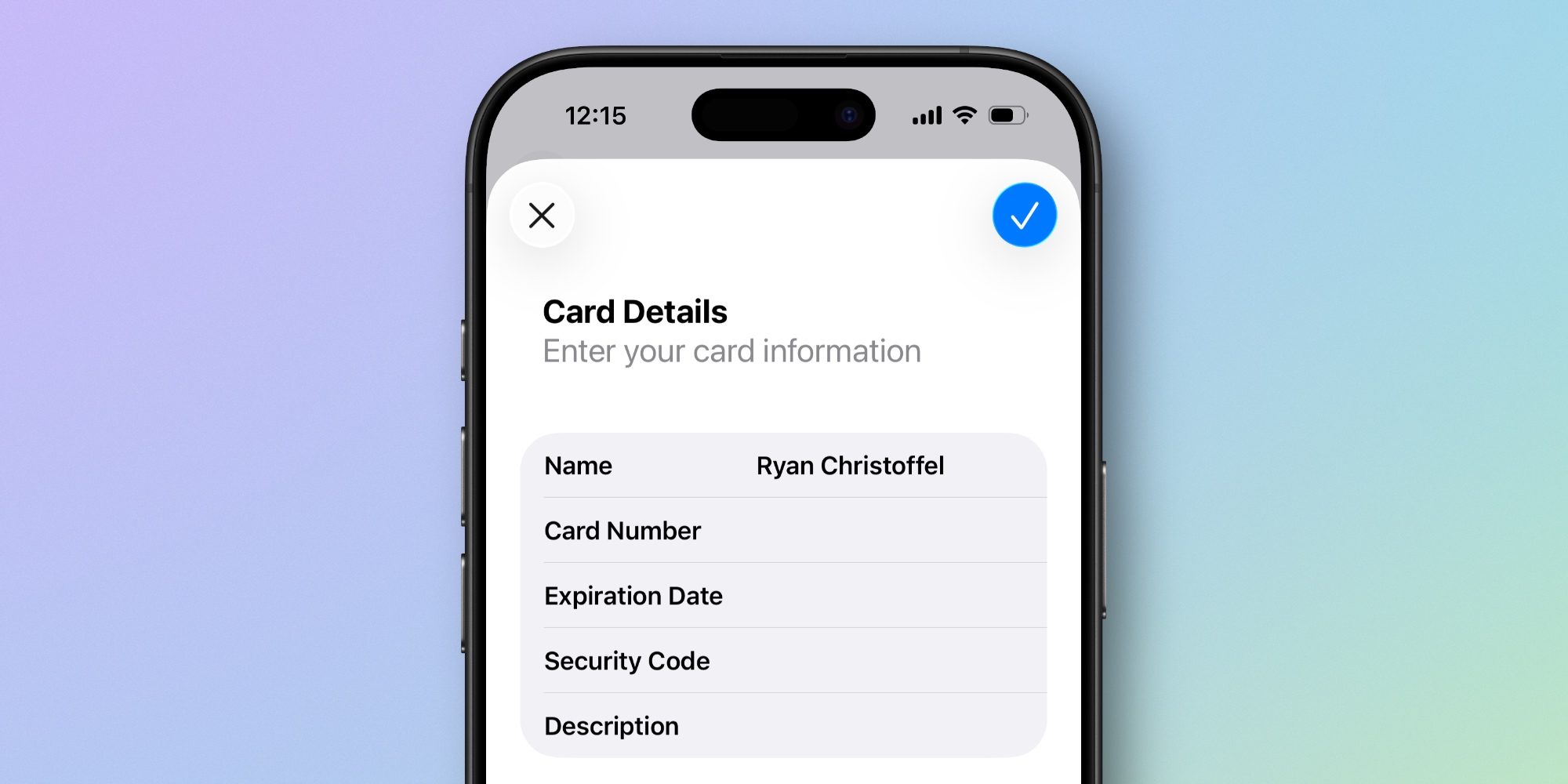
Here’s how to find it:
- Tap on a card saved inside Wallet
- Hit the three-dot icon in the top-right corner
- Select ‘Card Details’
- Then hit ‘Card Information’
- Here, you’ll find a new option: ‘Add Physical Card Information.’
This newly added parameter lets you store the full card number, expiration date, security code, name on the card, and an optional description.
Essentially, Apple has done exactly what I wanted out of the Passwords app, but in Wallet instead.
I fully agree with the decision to put these features inside Wallet rather than Passwords, and expect to quickly get used to finding my card details in Apple Wallet rather than 1Password.
For anyone concerned about privacy, storing your full card info is entirely optional. Plus, Apple says: “Your full card number, expiration date, and security code are encrypted and stored in your iCloud Keychain. They are visible only to you and are not used for Apple Pay transactions.”
If you’d rather not go through the work of manually adding card details, iOS 26 has a separate feature that similarly makes card info more accessible via AutoFill—you can read about that here.
Are you glad to see Wallet get full card info support in iOS 26? Let us know in the comments.
Best iPhone accessories
- AirPods Pro 3
- MagSafe Car Mount for iPhone
- HomeKit smart plug 4-pack
- 10-year AirTag battery case 2-pack
- 100W USB-C fast charging power adapter


FTC: We use income earning auto affiliate links. More.



Comments