
Apple Wallet, like every other iOS 26 app, has gotten some Liquid Glass UI changes this year. But iOS 26 is also an especially packed update for new features coming to Apple Wallet. Here’s what’s new.
Boarding pass upgrades
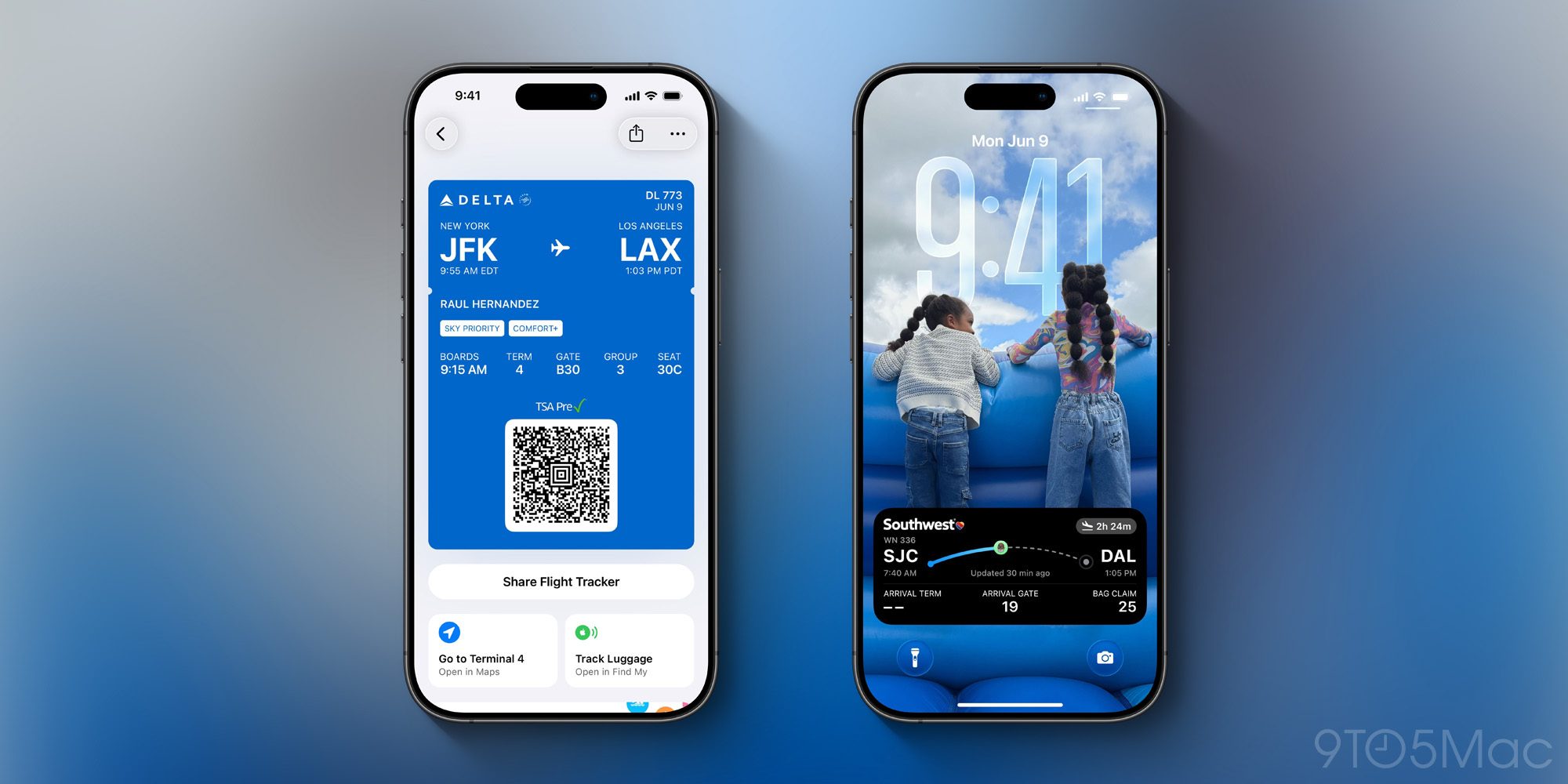
Digital boarding passes have become an especially common feature of the Wallet app over the years. And in iOS 26, they’re getting better than ever.
New boarding pass features include:
- Live Activities
- Airport maps
- Luggage tracking with Find My
One nice detail about the Live Activities support is that you’ll be able to easily share your Live Activity with a friend or family member.
Assuming Apple is able to get enough airlines on board, iOS 26’s boarding passes should prove a nice upgrade for your next travel occasion.
US passport support
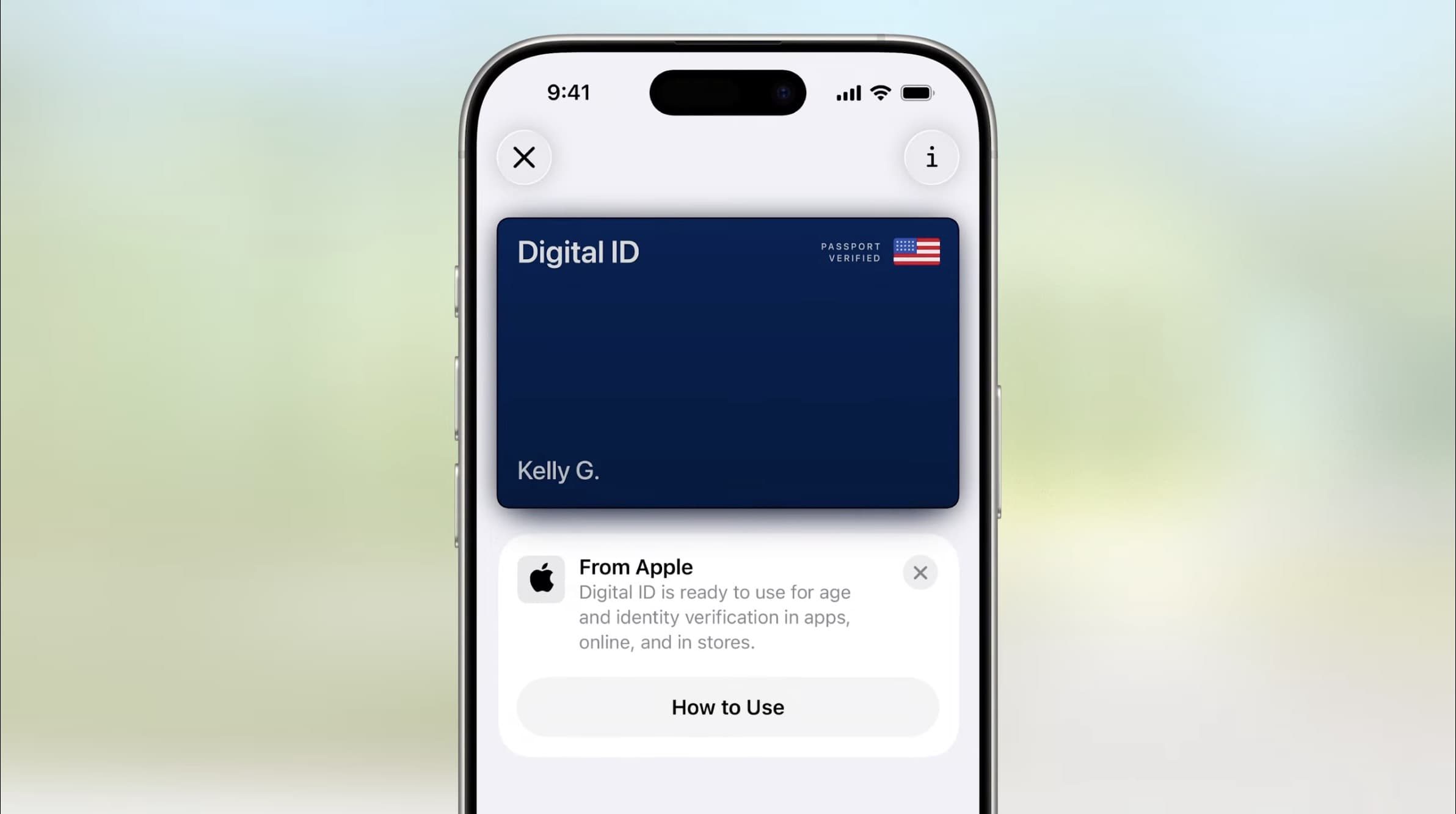
Digital IDs have been rolling out slowly in Apple Wallet over several years, with each US state needing to separately support the feature.
But in iOS 26, there’s one big boost to digital IDs coming: US passports will soon be supported. The feature isn’t available just yet, but should be shortly.
Apple says adding your US passport to Wallet will enable you to use it as an ID “at TSA checkpoints, in apps, and in person.” But always be sure to check specific airport policies before traveling with a digital ID only.
Order tracking powered by Apple Intelligence
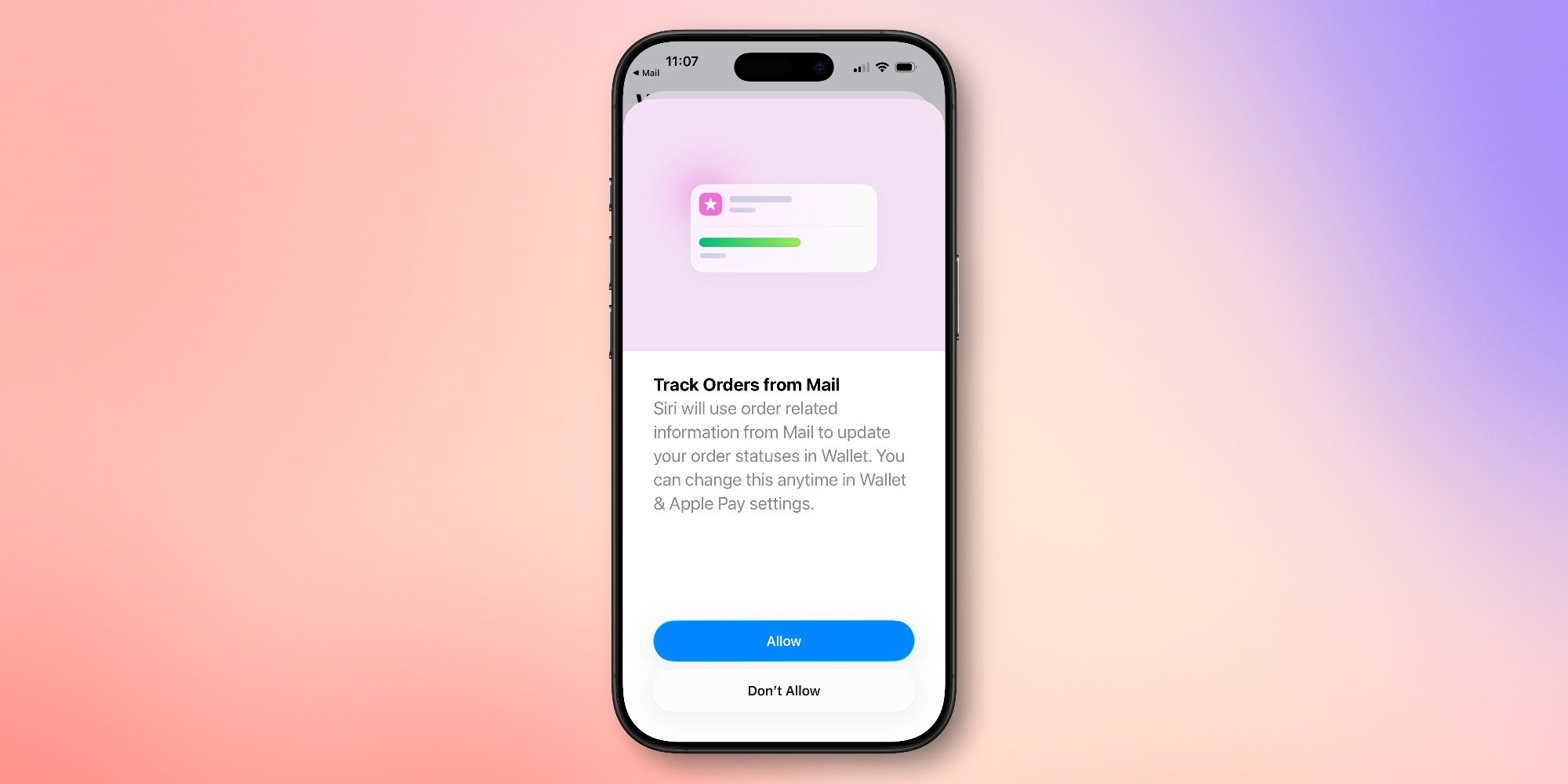
Years ago in iOS 16, Apple Wallet added a new order tracking feature that sounded compelling. It aimed to make Wallet a one-stop hub for tracking all your online orders.
Unfortunately, the feature required third-party vendor support to make it actually useful, and that’s been hard to come by. But in iOS 26, Apple finally has the fix thanks to Apple Intelligence.
Apple Wallet can now identify and summarize order tracking details from emails sent from merchants or delivery carriers. This works across all of a user’s orders, giving them the ability to see their full order details, progress notifications, and more, all in one place.
On supported iPhones, AI can now extract delivery tracking info directly from your inbox so that Wallet’s order tracking has more data to work with. All without requiring third-party buy-in.
Saved credit card details
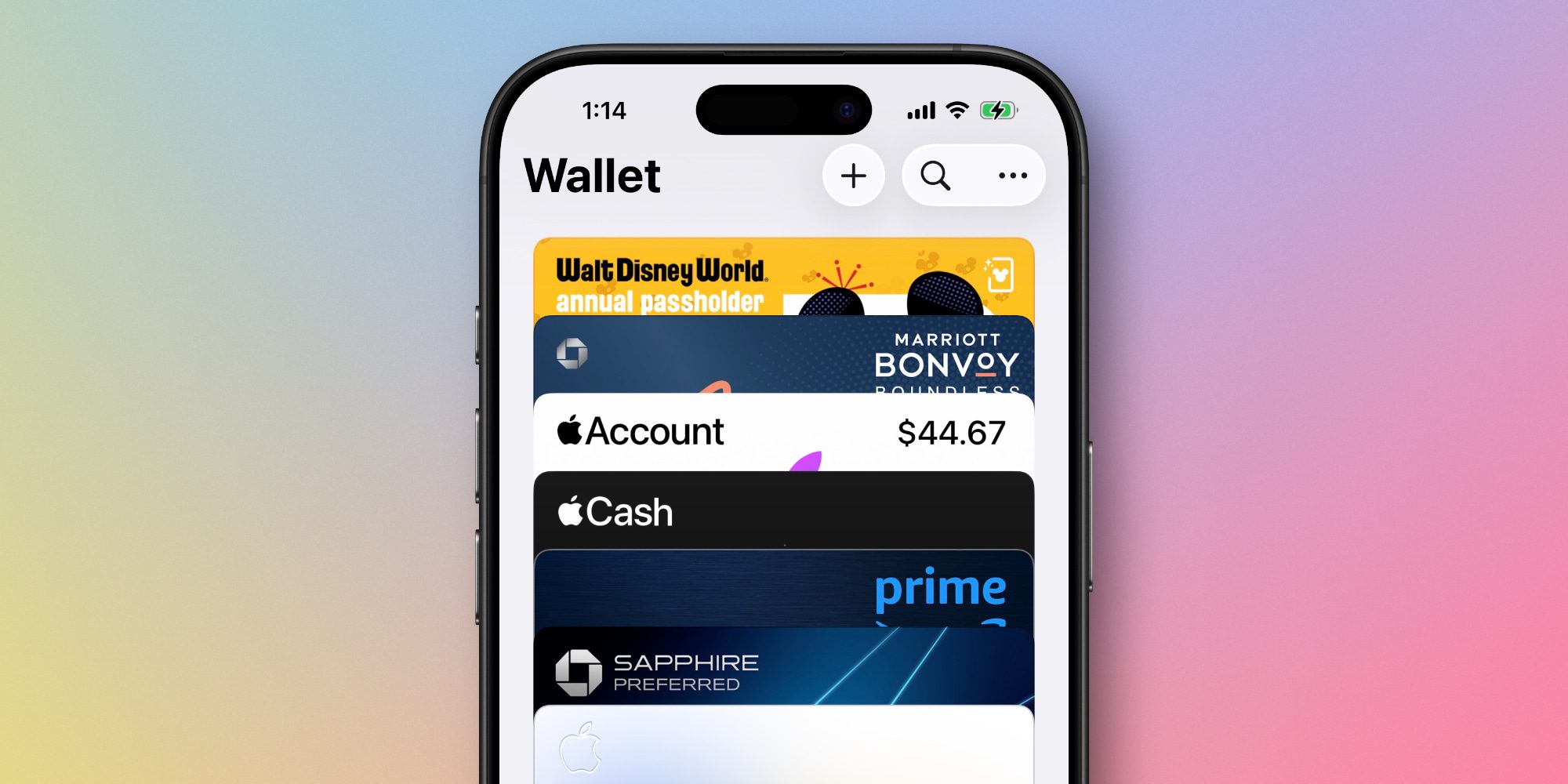
Third-party password managers like 1Password have long offered the ability to save credit card details securely. But when Apple launched its new Passwords app last year, no such feature was found.
In iOS 26 though, the Wallet app has gained support for saving your full credit card details. By default you’ll still only see the last four digits of the Apple Pay identifier, but you now have the option of adding the full card number, expiration date, and more.
Apple Pay installments and rewards in-store
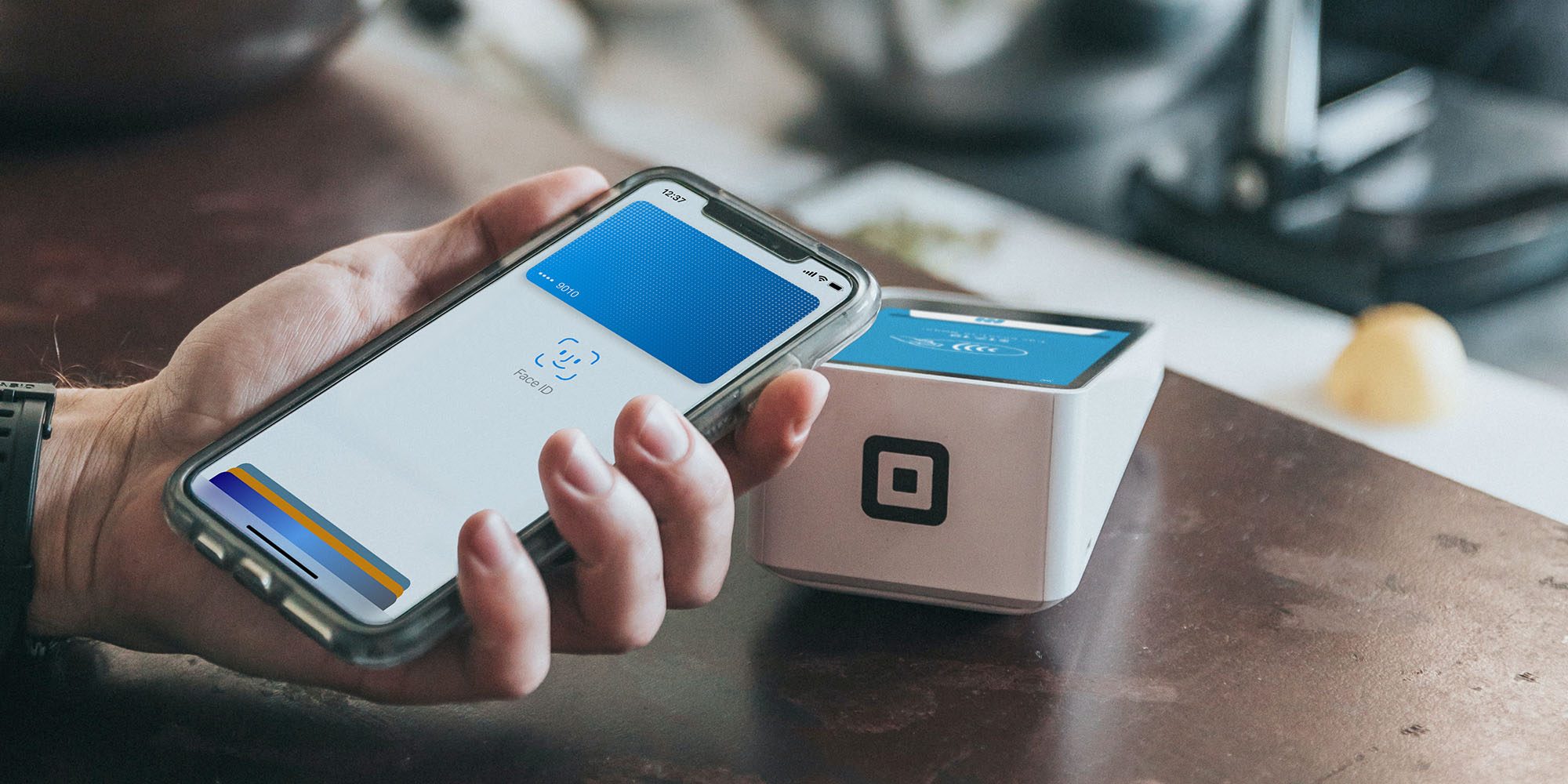
When using Apple Pay for in-store purchases, iOS 26 provides the option of paying with installments through one of Apple’s existing partners like Affirm.
You can also tap into rewards tied to your Apple Pay card of choice.
These options will appear as part of the updated payment process when triggering Apple Pay.
Option to disable promotional notifications
You won’t find this one on any of Apple’s published feature lists. But in light of the recent backlash over an F1 movie-related Wallet notification, it was discovered that iOS 26 adds support for disabling promotional notifications.
Inside the Wallet app’s notification settings, there’s a new ‘Offers & Promotions’ notification category that can be disabled or enabled to your liking.
Apple Wallet in iOS 26: wrap-up
The popularity of Apple Pay, combined with a growing set of new iOS features over the years, has made Apple Wallet more important to the iPhone than ever before. It’s great to see Apple recognize that by prioritizing so many new iOS 26 features for Wallet.
What Apple Wallet changes in iOS 26 are you most excited about? Let us know in the comments.
Best iPhone accessories
- AirPods Pro 3
- MagSafe Car Mount for iPhone
- HomeKit smart plug 4-pack
- 10-year AirTag battery case 2-pack
- 100W USB-C fast charging power adapter


FTC: We use income earning auto affiliate links. More.



Comments