
What happens when Apple sherlocks the idea of an app that you had a while ago? You build it anyway.
Pre-sherlocked
Just a few months ago, developer Gui Rambo had an idea: instead of opening an about:blank Safari page or relying on a physical ring light, what if the Mac’s display itself could create a ring-light effect for video calls?
That could prove tricky, since he might need to access areas, or even click on elements hidden beneath the ring light effect. So he thought it could be a good idea to slightly dim the ring light’s surrounding area when the cursor approached it.
Then he thought “Eh, I’m not sure anybody would really use it,” and shelved the project.
Skip to 2025, and lo and behold, Apple has just released macOS 26.2 with the Edge Effect feature, dimming areas and all. So he thought, “Alright, I guess the idea is validated,” and decided to take up his original project.
LightBuddy
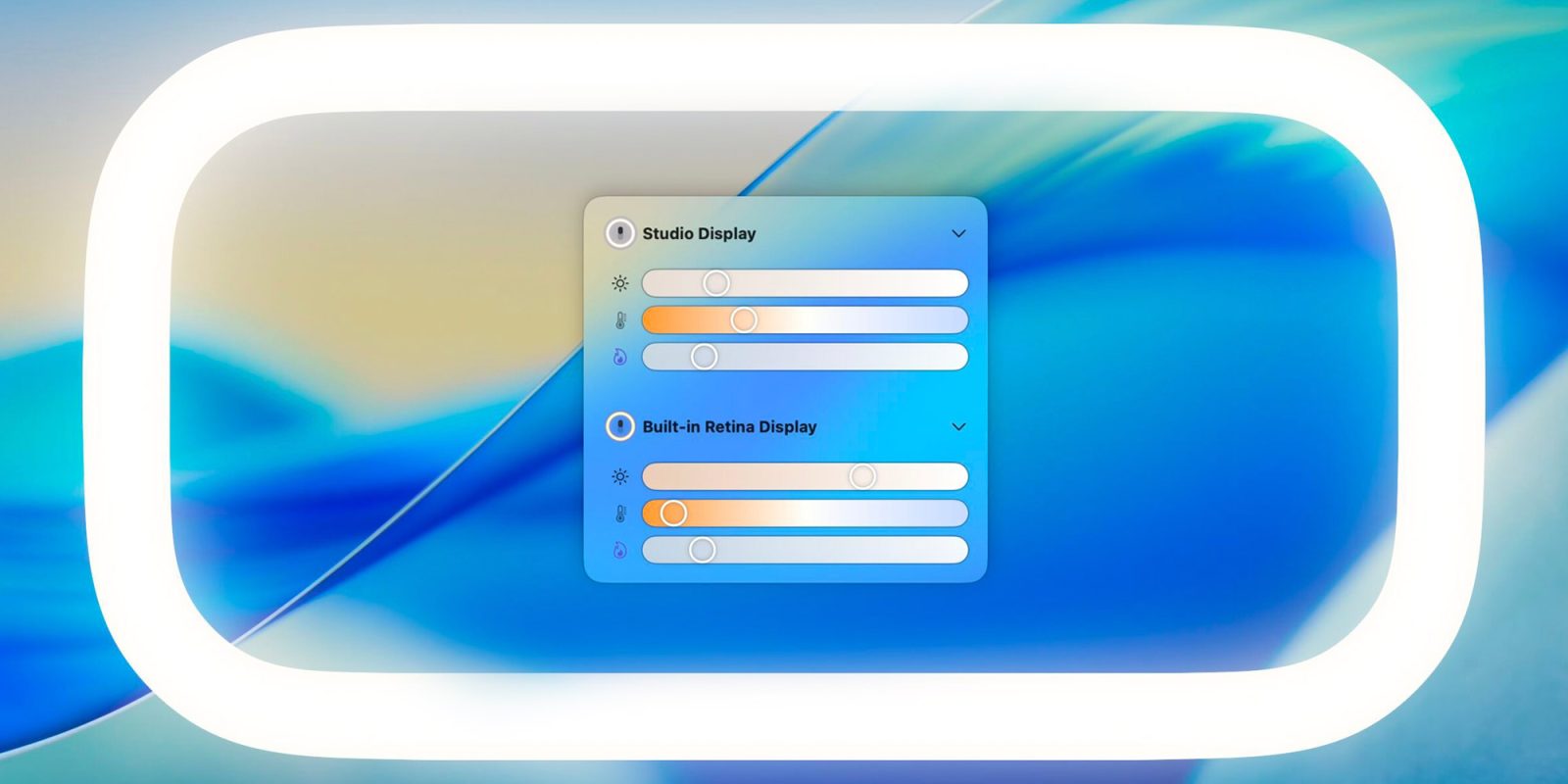
Today, Rambo is releasing LightBuddy, a new app that adds a ring-light effect directly to the Mac’s display.
When enabled, it applies both a subtle distortion and a dimming effect to the light, helping it stay out of the way as the cursor approaches the edge of the screen.
LightBuddy also includes several customization options, such as:
- HDR support: On HDR-capable displays, you can enable HDR lighting and adjust its intensity.
- Color: Beyond the standard blue/amber temperature controls, you can choose any color for the light.
- Multi-display support: If you use multiple displays, LightBuddy lets you configure independent settings for each one.
LightBuddy lives on the Mac’s menu bar, and takes cool animation cues from Apple’s Liquid Glass visual overhaul.
Alongside HDR support, full color control, and multi-display support, it also offers several fine-grained controls for dialing in exactly how it should behave:
Another cool advantage of LightBuddy over Apple’s native implementation is that while Apple’s Edge Effect requires an Apple Silicon Mac running macOS 26.2, LightBuddy runs on any Mac, including Intel Macs, as long as they’re running macOS 14 or later.
While LightBuddy is primarily designed for Apple displays, including modern MacBooks, Studio Display, and Pro Display XDR, it can also run on third-party monitors like LG’s UltraFine, though Rambo cautions that your mileage may vary.

Rambo also says that he’s not done adding customization to LightBuddy. He’s working on adding keyboard shortcuts and Shortcuts support, as well as Night Mode and True Tone support for color temperature compensation.
LightBuddy is available for $4.99 and can be purchased here. Rambo also shared some interesting tidbits about the development of LightBuddy on his blog.
Accessory deals on Amazon
- AirPods Pro 3
- Beats USB-C to USB-C Woven Short Cable
- Wireless CarPlay adapter
- Logitech MX Master 4
- Apple AirTag 4 Pack


FTC: We use income earning auto affiliate links. More.



Comments