

iPadOS 26 is a major update for productivity, but it also introduces several new iPad apps for users, my favorite of which is Apple’s Journal app.
Apple’s Journal app comes to iPad in iPadOS 26

One of the most exciting app debuts for me this past year was an easy pick: Apple’s Journal app.
Journal first debuted exclusively on iPhone all the way back in 2023. It got solid updates the following year in iOS 18, but remained iPhone-only.
I’ve been journaling for years, and there was a lot I initially loved about Apple’s app. But as much as I wanted to go all-in with it, being limited to iPhone made that hard to do. I prefer to journal with a physical keyboard, on a larger screen, and Apple’s app didn’t allow that.
But in iPadOS 26 and macOS Tahoe, Journal has expanded to the iPad and Mac.
My primary computer is an M5 iPad Pro, and I’ve loved using Journal on my iPad every day.
I’ve always been better at processing my thoughts through writing than talking. Journaling helps me to productively pause, reflect, and understand where my thoughts, emotions, and overall wellbeing stand at any given time.
Sometimes I’m just writing about my day, other times dreaming about the future, or jotting down prayers or a gratitude list. There’s no formula, but I often come away feeling more self-aware and centered.
New and unique features of Apple’s Journal app
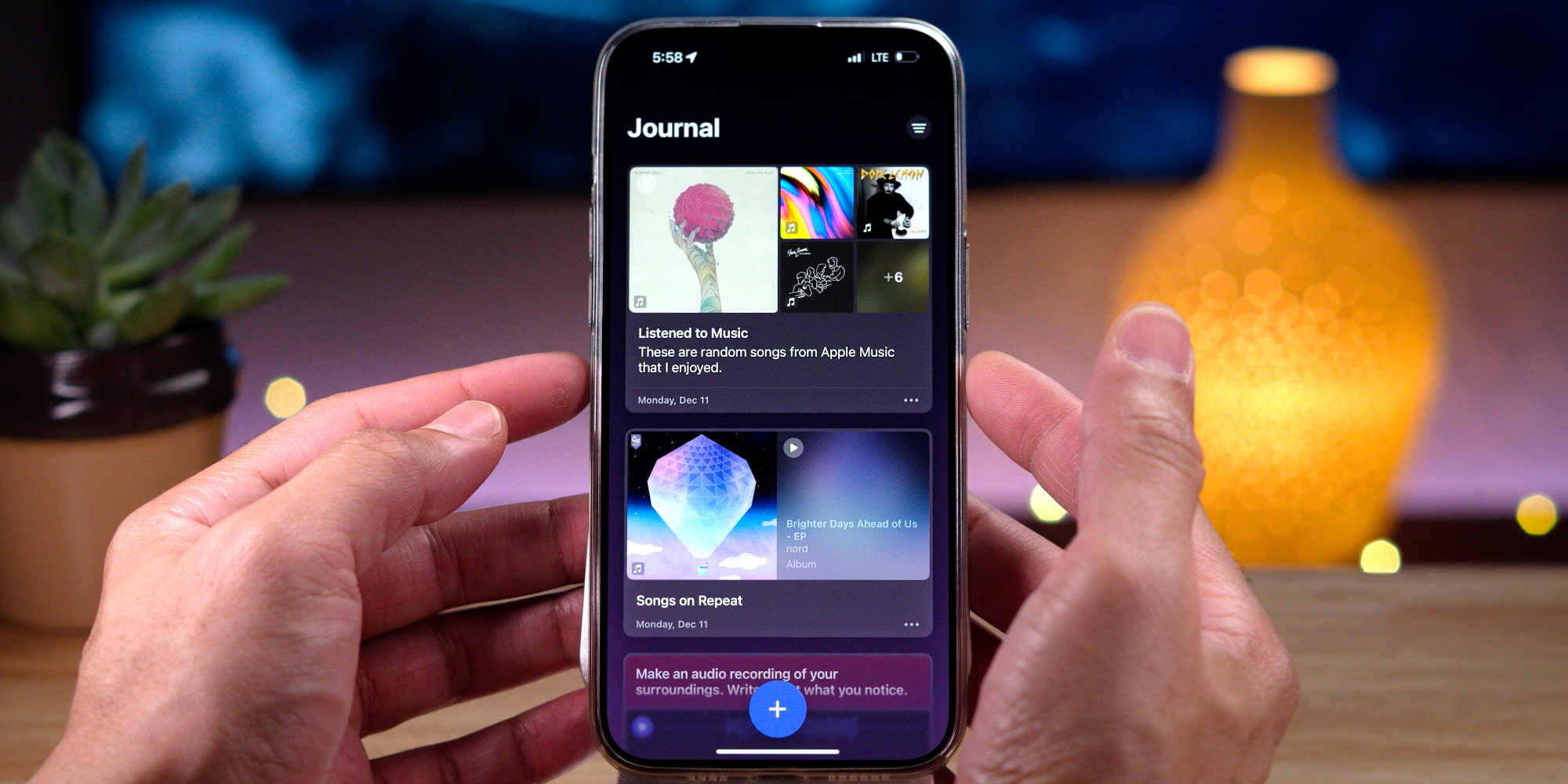
One of Journal’s strengths is its suggestions feature. It makes getting started easy by suggesting recent events, photos, or activities as foundations for new entries. Types of suggestions include:
- Activity: Your workouts and exercise
- Media: Podcasts, music, videos, and more
- Contacts: People you message and call
- Photos: Library, memories, and shared photos
- Significant Locations: Places where you spend time
- State of Mind: Moods and emotions you log
Journal for iPad also supports Apple Pencil, so handwriting, sketches, and illustrations can be part of your journaling.
Two of my favorite new features in iOS and iPadOS 26 are the Map View and support for multiple journals.
Map View lets you see all your previous journal entries on a map. I love getting to revisit past entries by exploring a map and seeing where I was during any given writing session.
Support for multiple journals is also helpful now that I’m using the app almost daily. It lets me easily organize entries into different journals that act as folders for unique seasons or topics.
There’s plenty more about Journal that makes it worth checking out. If you’re starting a new journaling habit this year, or simply interested in trying new apps, Apple Journal is a great option.
Are you using Apple’s Journal app on iPhone, iPad, or Mac? How do you like it? Let us know in the comments.
Best iPad accessories
- Apple Pencil Pro (now only $93, down from $129)
- 100W USB-C power adapter for fast charging
- AirPods Pro 3
- tomtoc Tablet sleeve bag for protection and style
- Baseus 10ft USB-C cable for extended reach


FTC: We use income earning auto affiliate links. More.



Comments