
It’s been half a year since iOS 26 debuted in beta, so I’ve had quite a bit of time to sit with it. In a release with such a massive redesign, it’s easy for some of the smaller additional features to fly under the radar – but after giving iOS 26 my fair shot, I’ve come to really like one underlying feature in particular, and it has to do with screenshots.
Screenshots as a whole in iOS 26 received a pretty big visual overhaul, with an all new interface to encompass three new Apple Intelligence features: creating calendar events with screenshots, image search to find web results, and the ability to ask ChatGPT about your screenshot.
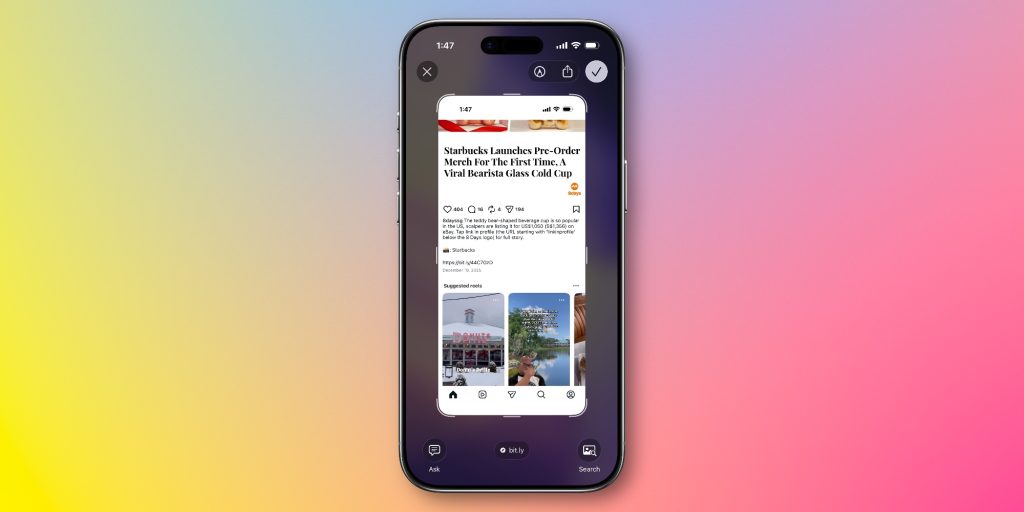
Visual Intelligence for Calendar events
One of the most useful features I’ve found in iOS 26 is the first one: the ability to create a calendar event with a screenshot.
I’ve never been much of a heavy calendar person. I do have my calendar widget on my home screen for when calendar invites are shared with me, but I’ve never really been much of a person to create calendar events for my own sake.
Generally, I preferred relying on Reminders, my to-do app (Todoist), and pure memory. iOS 26 changed that, though.
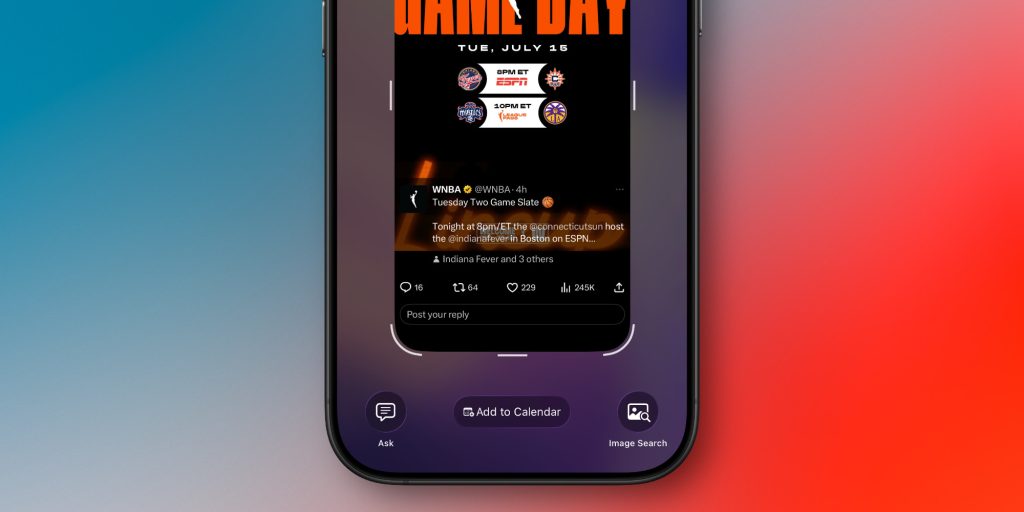
Now that adding something to calendar is as easy as taking a screenshot, I’ve been using calendar for far more. It particularly came in handy during CES, when I had many different events to bounce around.
I’ve also found that this feature works remarkably well. Whether you’re screenshotting an Instagram story, an email, or a website, I’m yet to see it fail to pull out the relevant details and turn it into a calendar event.
All you have to do is take a screenshot and tap the little add to calendar button at the bottom. You’ll read over the details, then you can just add it. It’s really that simple.
My favorite Apple accessory recommendations:
- Anker MagSafe/Qi2 Ultra-Slim Battery Pack
- AirPods Pro 3 (2x ANC vs AirPods Pro 2!)
- Anker Nano 45W Fast Charger with Smart Display
- Anker Nano 13-in-1 MacBook Docking Station
- Logitech MX Master 4 Mouse for Mac
- Belkin Qi2 3-in-1 MagSafe Charging Stand
Follow Michael: X/Twitter, Bluesky, Instagram


FTC: We use income earning auto affiliate links. More.




Comments