
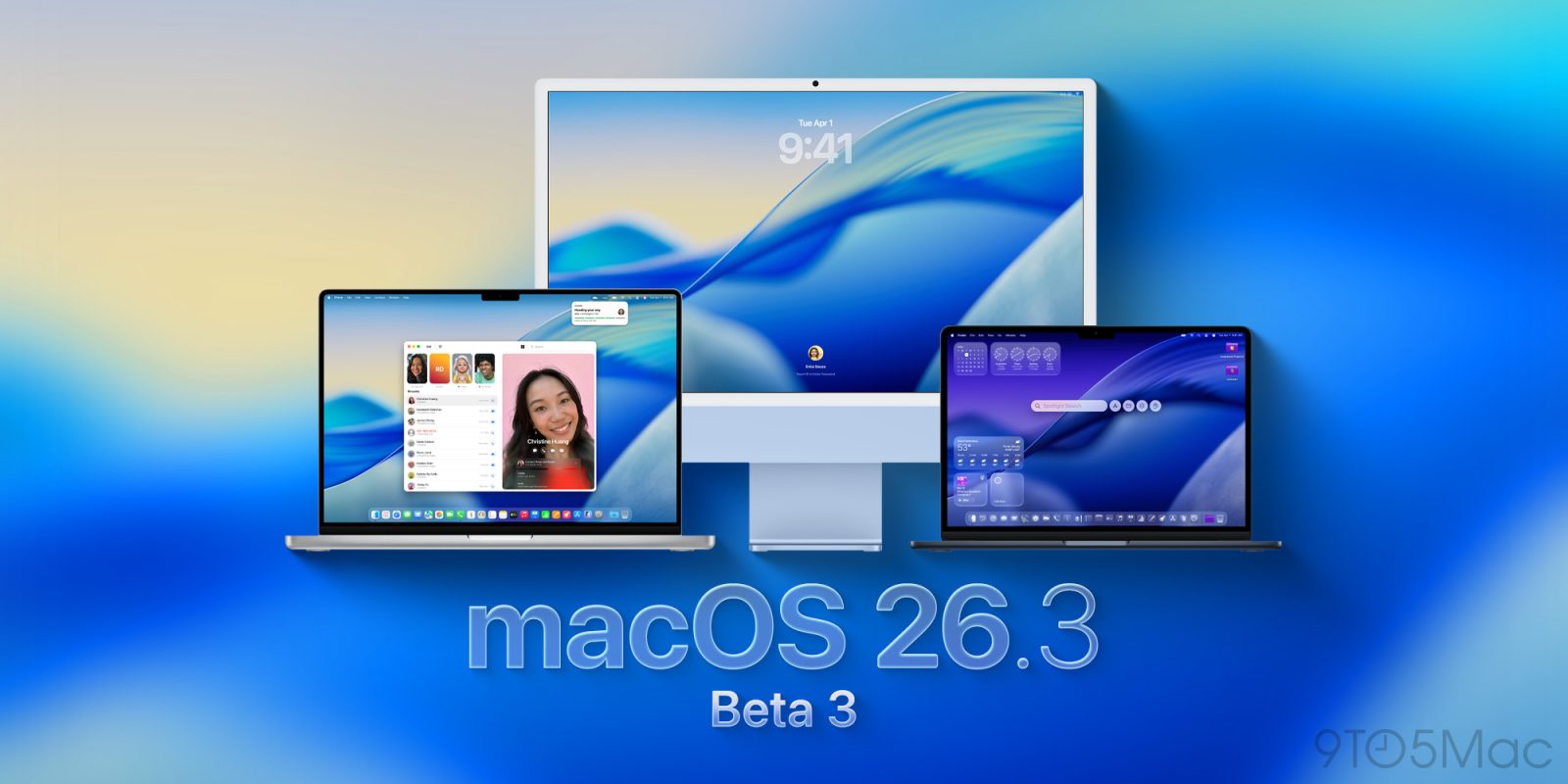
After releasing iOS 26.2.1 for iPhone earlier today, the company is now rolling out macOS 26.3 beta 3 for developers. Here’s what to expect.
A quiet release
While Apple has been implementing welcome features on iOS 26.3, including EU-mandated third-party notification forwarding, macOS 26.3 is shaping up to be a quieter release, consisting mostly of the famous bug fixes and performance improvements.
Still, we’re looking into the code and will report back if we find noteworthy tidbits. The release build for macOS Tahoe 26.3 beta 3 is 25D5112c.
How to install the new beta
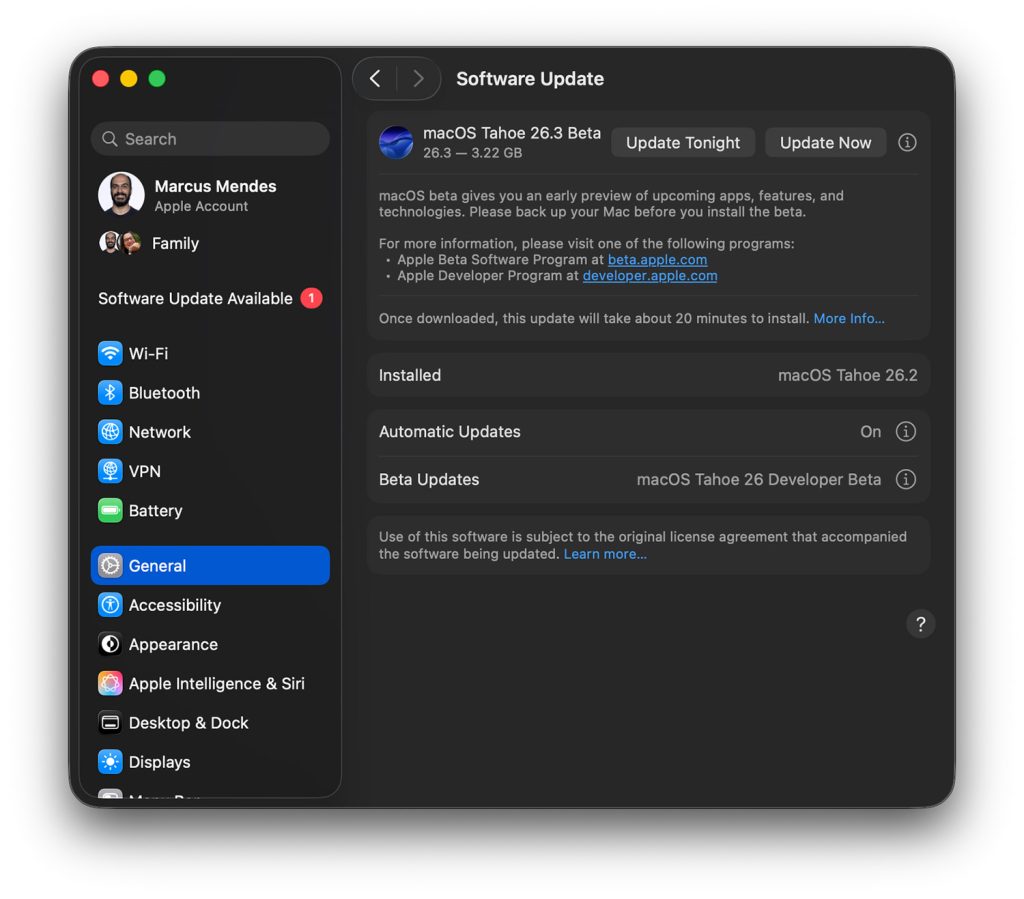
Here’s how to install macOS Tahoe 26.3 developer beta 3:
- Backup your Mac
- Open System Settings
- Go to General ⇾ Software Update
- Click the ‘i’ icon next to Beta Updates
- From the dropdown menu in the top-right, select the macOS Developer Tahoe Beta
- Hit ‘Done’
Did you spot any changes in today’s beta? Let us know in the comments.
Accessory deals on Amazon
- AirPods Pro 3
- Apple AirTag 4 Pack
- Beats USB-C to USB-C Woven Short Cable
- Wireless CarPlay adapter
- Logitech MX Master 4


FTC: We use income earning auto affiliate links. More.

You’re reading 9to5Mac — experts who break news about Apple and its surrounding ecosystem, day after day. Be sure to check out our homepage for all the latest news, and follow 9to5Mac on Twitter, Facebook, and LinkedIn to stay in the loop. Don’t know where to start? Check out our exclusive stories, reviews, how-tos, and subscribe to our YouTube channel


Comments