
Yesterday’s launch of Apple Creator Studio (ACS) created a certain amount of confusion for Mac users not planning to subscribe.
Some users of Apple’s productivity apps – Pages, Numbers, Keynote, and Freeform – were left wondering whether or not they should accept an invitation to update …
Apple prompts you to update
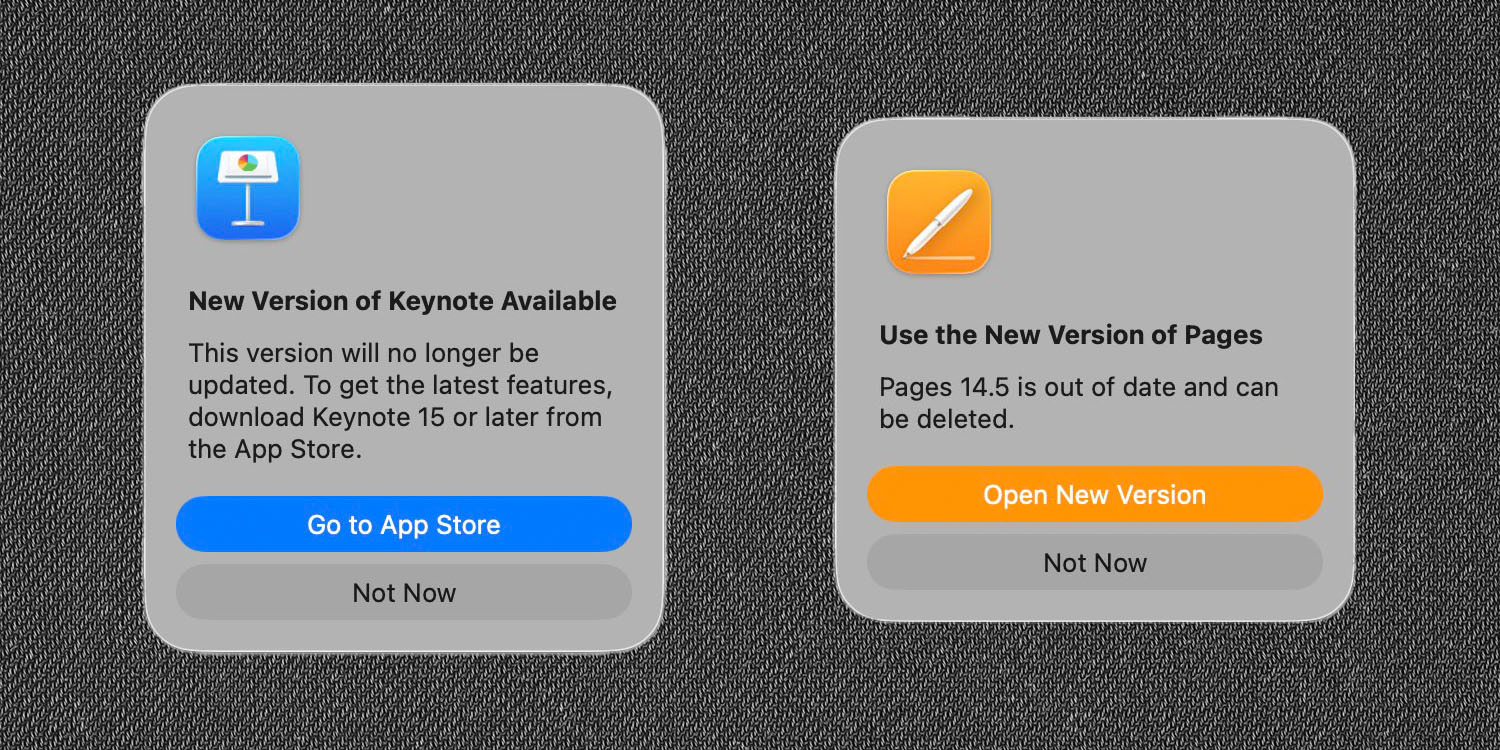
When you open one of Apple’s productivity apps on a Mac, you are prompted to update it to the freemium ACS version. The wording seems reasonably insistent that you should do so.
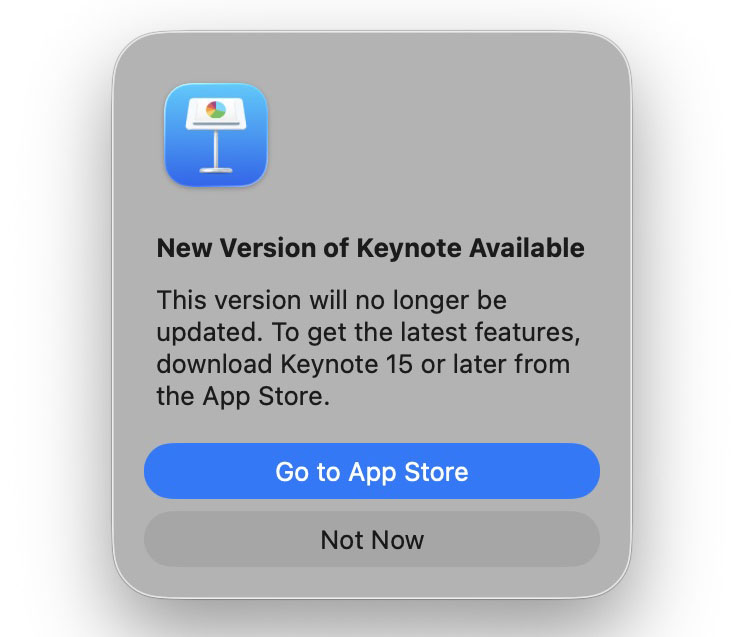
This version will no longer be updated. To get the latest features, download <Appname> 15 or later from the App Store.
This is what it looks like for Keynote, for example:
But some users are concerned
Some users have expressed concerns that this might put them at risk of later being forced to subscribe in order to keep using the apps. While Apple has said that core functionality will remain free forever, not everybody trusts this proclamation.
“They could say anything and change tune when they think the market penetration of MacOS is high enough.”
“IKR? These threads are full of people who say ‘Apple said this’ and ‘Apple said that’ as if they actually believe it. Companies say all kinds of stuff to get their way and who will hold them accountable when they (with historical precedent and evidence based on common place corporate business practices) unilaterally decide that they are going to do something else?”
These fears were heightened when installing the new versions prompts you to delete the originals:
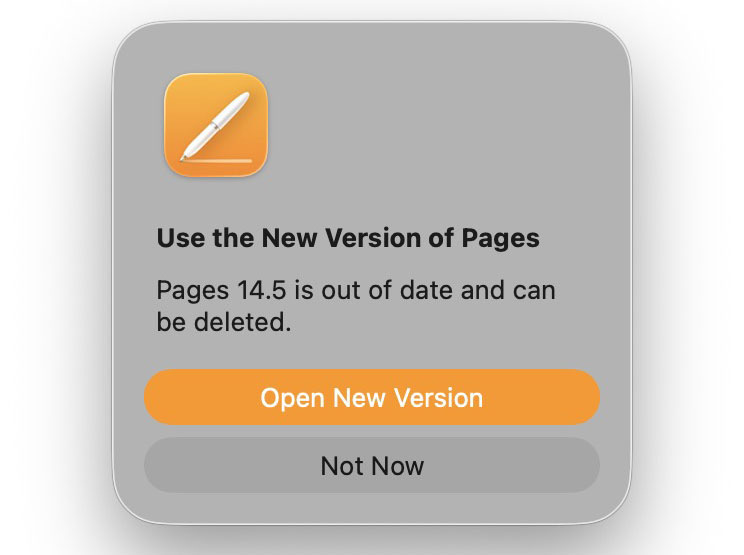
Additionally, the original versions appear to have disappeared from the App Store, so there would seem to be no way of changing your mind and reinstalling the originals if you do delete them.
However, it appears perfectly safe
Having tried it, however, I can confirm that the old versions are not removed from your Mac when you install the new ones, meaning that you can choose which one to use. This results in the strange-looking situation of two different versions of each app with the same names in your Applications folder.

As Sound Mac Guy notes, Apple achieves this trick of having two simultaneous versions by keeping the display names identical but having a new path.
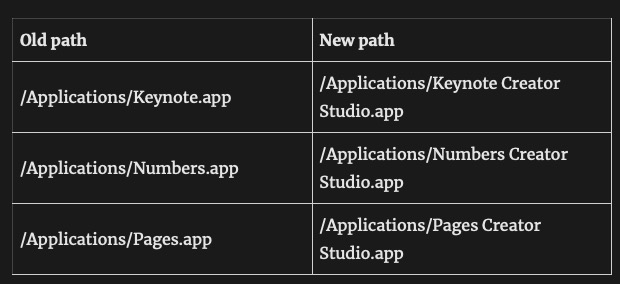
If for any reason you are unhappy with the ACS version, you can simply delete this and continue using the original.
Are you likely to want to revert?
I personally consider it unlikely that Apple would go back on its word on such a fundamental issue. However, I am playing safe by keeping the old versions installed.
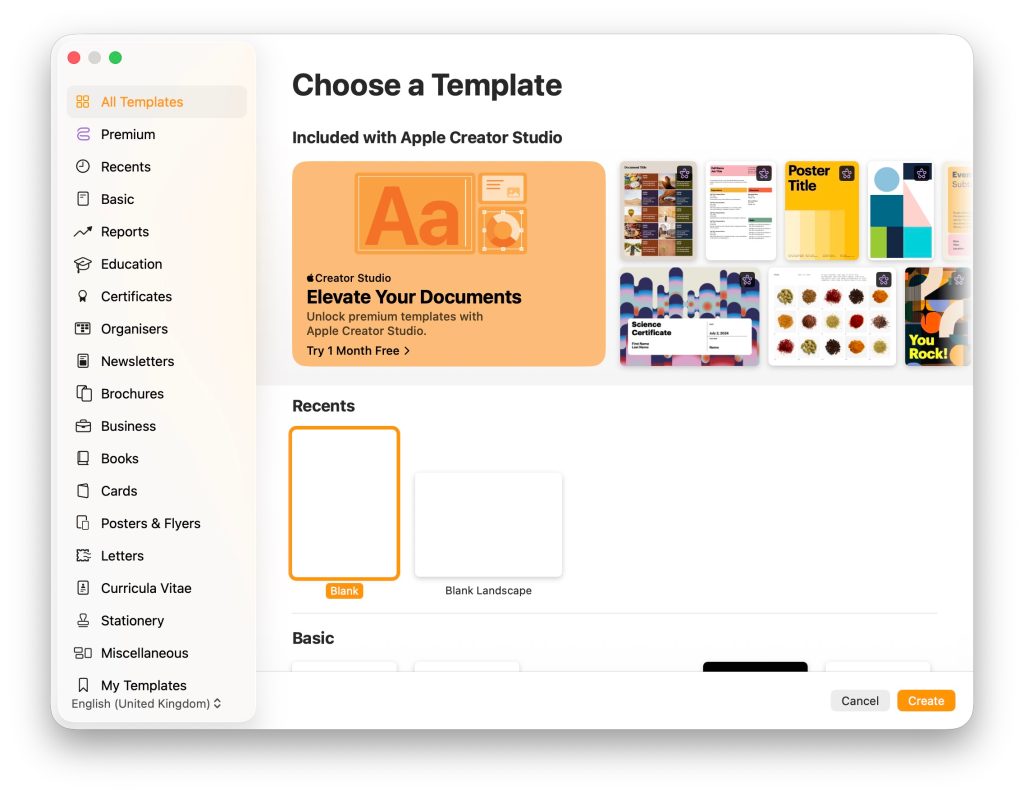
There are a couple of reasons why you might choose to continue using the originals rather than the ACS versions. The first is a somewhat intrusive invitation to subscribe. When you create a new Pages document, for example, you’ll see that as the most prominent option ahead of the built-in templates.
Top comment by AI_Bruh
The utter fear of new versions of software show how very real enshitification is. We used to clamor for new updates. Now we’re suspicious of them. The tech industry will never rebound from this.
Second, the user interface is different. Here, for example, is the toolbar for Pages 14.5:

While this is the one for Pages 15:

I’m not rushing to judgment on this. I’m going to stick with the new version for now, but it does give me some comfort that if I don’t get on with the UI, then I always have the option to revert.
My advice then is to accept the invitation to update, but hold on to the old versions.
- Official Apple Store on Amazon
- AirTag holders and accessories
- Mac Pro-style Mac mini casing
- Wireless CarPlay adapter
- NordVPN – privacy-first VPN with no logs and independent audits to verify
- Official iPhone cases: iPhone 17 | iPhone 17 Pro and Pro Max | iPhone Air


FTC: We use income earning auto affiliate links. More.





Comments